Introduction
A machinist grabs the wrong revision. A vendor's laptop still has network access from a service call that ended months ago. An operator emails himself a G-code file because the DNC server is "acting up" again.
None of these feel like security incidents until a part comes off the machine wrong, or a spindle crashes into a fixture it wasn't programmed for.
Zero Trust asks a blunt question before any CNC program moves: does this specific person, on this specific machine, for this specific job, have a verified reason to receive this specific file, right now? Under the NIST Zero Trust Architecture framework, access should always use the least privilege needed for the requested action — not implicit trust based on network location.
That question sits at the intersection of IT and OT: engineering file repositories, machinist identities, DNC servers, removable media, network zones, controller types, and live production jobs all factor into one access decision.
This article walks through applying least-privilege controls across the full CNC program lifecycle, from request to execution, without sacrificing uptime, safety, or quality.
Key Takeaways
- Split view, request, approve, release, modify, deliver, and execute rights; CNC programs are not one permission.
- Validate identity, work order, program version, target machine, and timing together—not network location alone.
- Enforce controls at DNC servers, gateways, and workstations when legacy CNCs lack modern authentication.
- Align program access with NIST Zero Trust, NIST OT security, and CMMC requirements.
- Cut manual file handling, outdated-file scrap, and shop-floor walking with controlled DNC workflows.
How to Apply Least-Privilege Controls to CNC Program Requests and Delivery
Step 1: Map the CNC Program Lifecycle and Identify Assets
Before restricting access, document where programs actually live and move. That means tracing every stage: creation, review, storage, request, approval, transfer, machine-side loading, execution, revision, and archiving.
For each stage, identify:
- The people and roles involved (programmers, engineers, supervisors, machinists, quality staff, IT/OT admins, vendors)
- The systems touched (program repositories, DNC servers, engineering workstations, removable media, CNC controllers)
- The network zones the file crosses
Then classify assets and programs by operational importance and consequence of unauthorized change. CISA's OT asset guidance recommends grouping assets by their criticality to operations and safety, and by function or exposure within the environment. A program controlling a five-axis aerospace part deserves tighter handling than a simple facing operation.
Step 2: Define Role-Based Permissions for Each Action
Viewing a program, requesting it, editing it, approving it, releasing it, and executing it are six different actions. Treating them as one permission ("has access to CNC files") is where most shops go wrong.
A basic permissions matrix might look like this:
| Role | View | Request | Edit | Approve/Release | Deliver | Execute |
|---|---|---|---|---|---|---|
| Machinist | Yes | Yes | No | No | No | Yes |
| Programmer | Yes | Yes | Yes | No | No | No |
| Engineering supervisor | Yes | No | No | Yes | Yes | No |
| IT/OT admin | Yes | No | No | No | Yes | No |
| Vendor (temporary) | Limited | Limited | No | No | No | Time-bound |
Separation of duties matters here. The person who edits or requests a program change shouldn't also be the one who approves and releases it — that removes the independent check that catches mistakes before they reach a spindle.
For contractors, vendors, and temporary staff, use individual accounts with time-bound or task-bound access instead of a shared login. Shared credentials make it nearly impossible to tell who actually sent a file, which becomes a real problem during an investigation.
Step 3: Validate the Request and the Program Before Release
Every request should carry context, not just a filename:
- Work order and part/revision number
- Target machine and tooling setup
- Requested execution window
- Business or production justification
Beyond the request itself, confirm the file is the current engineering-approved version. That means tracking version identifiers, approval records, and some form of integrity check (a hash comparison or equivalent file verification) so nobody can silently swap content into an approved filename.
Documented cases back this up. A manufacturing document-control case reported by Quality Magazine found that when floor workers were restricted to only the latest approved revision, it eliminated the risk of products being built to outdated specifications.
Before release, also confirm controller compatibility, correct post-processor output, and that safety or simulation checks are complete.
Step 4: Deliver Through a Controlled CNC/DNC Path and Verify Execution
The delivery mechanism matters as much as the approval itself. Sending files through ad hoc email, unmonitored network shares, or unapproved USB drives defeats every control built into the earlier steps.
A controlled DNC path should:
- Send the approved file only to the specifically authorized machine or machine group
- Prevent a user cleared for one machine from broadcasting to every machine on the floor
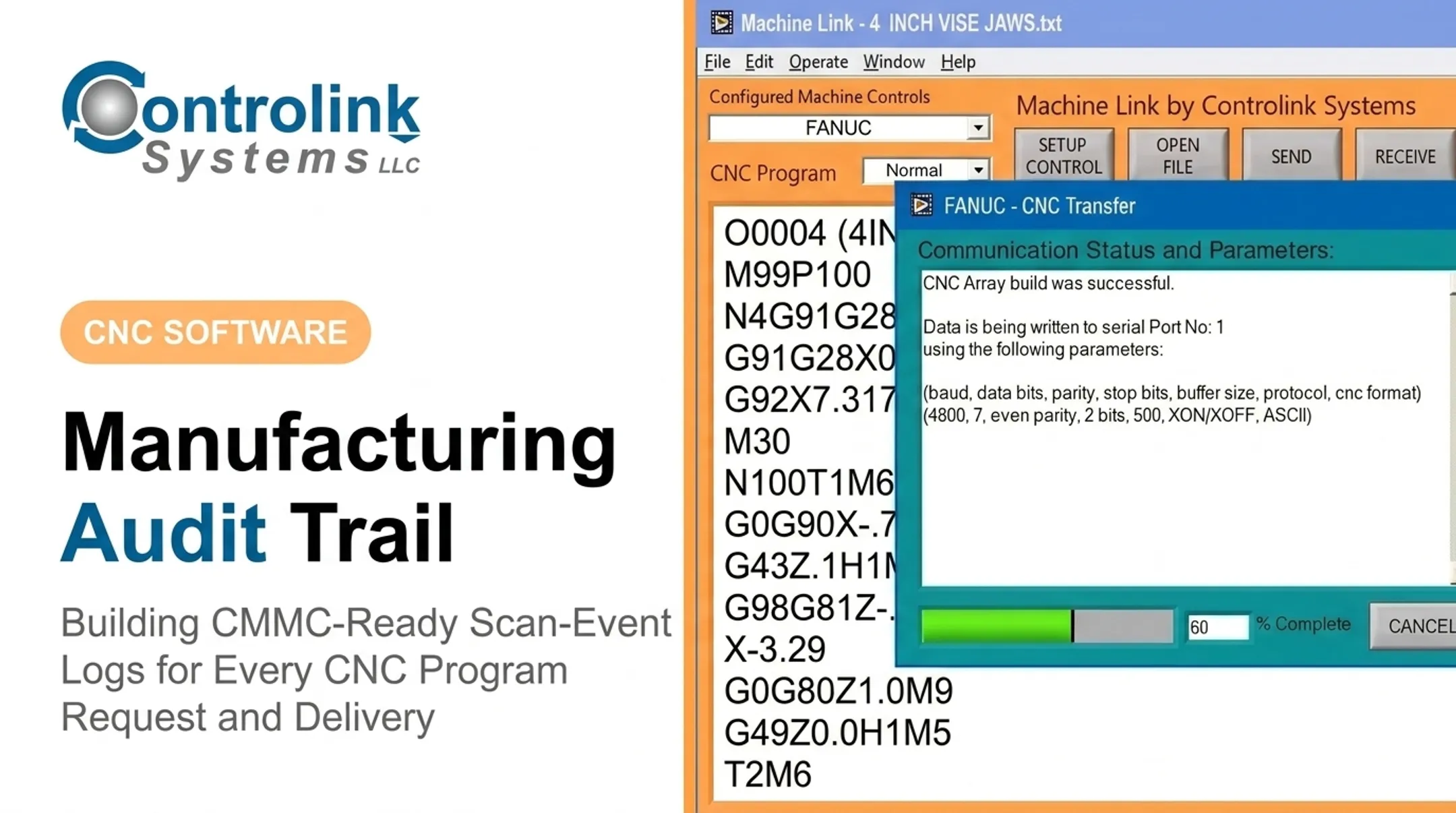
- Log the requester, approver, version, destination, timestamp, and delivery result
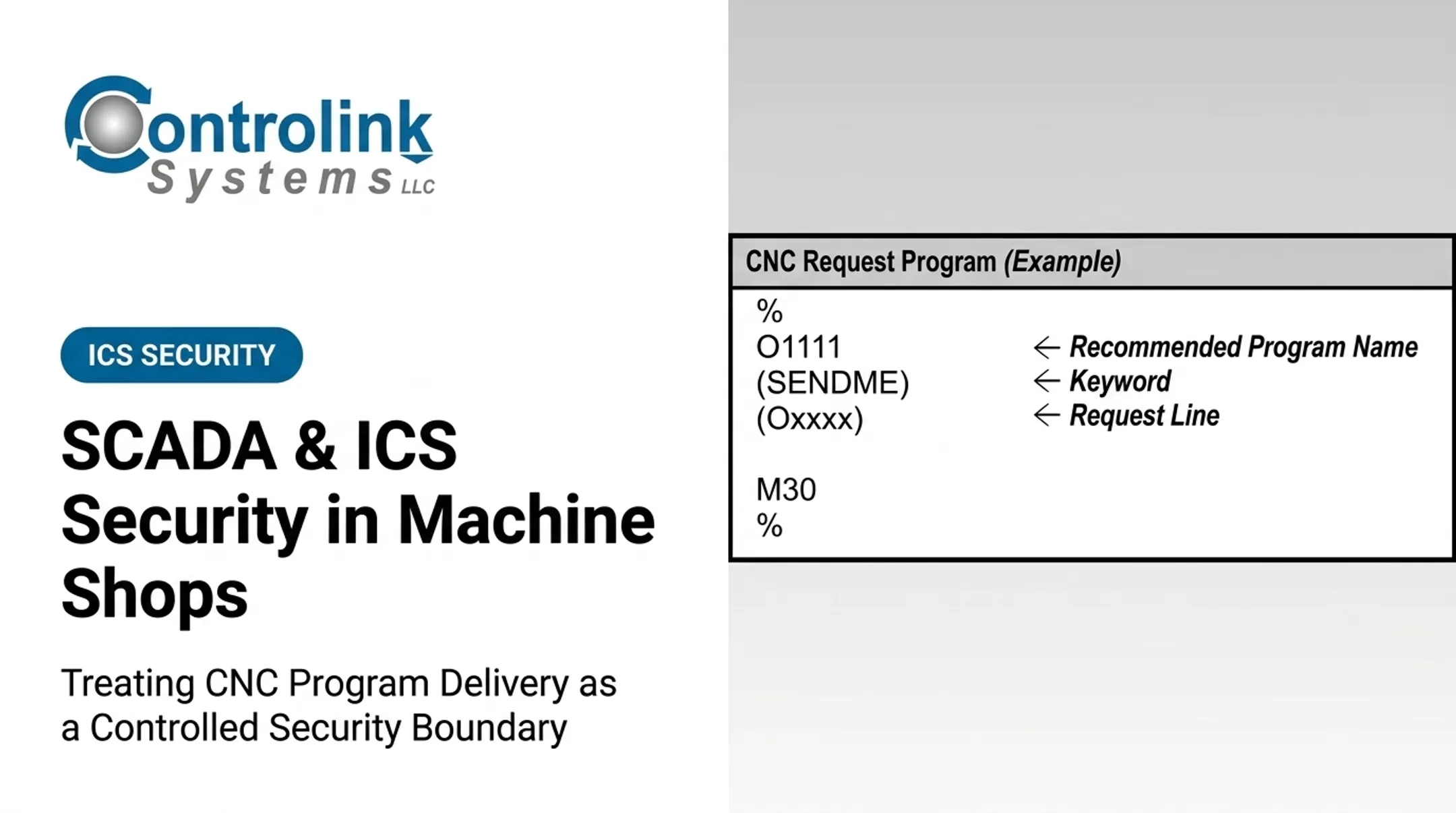
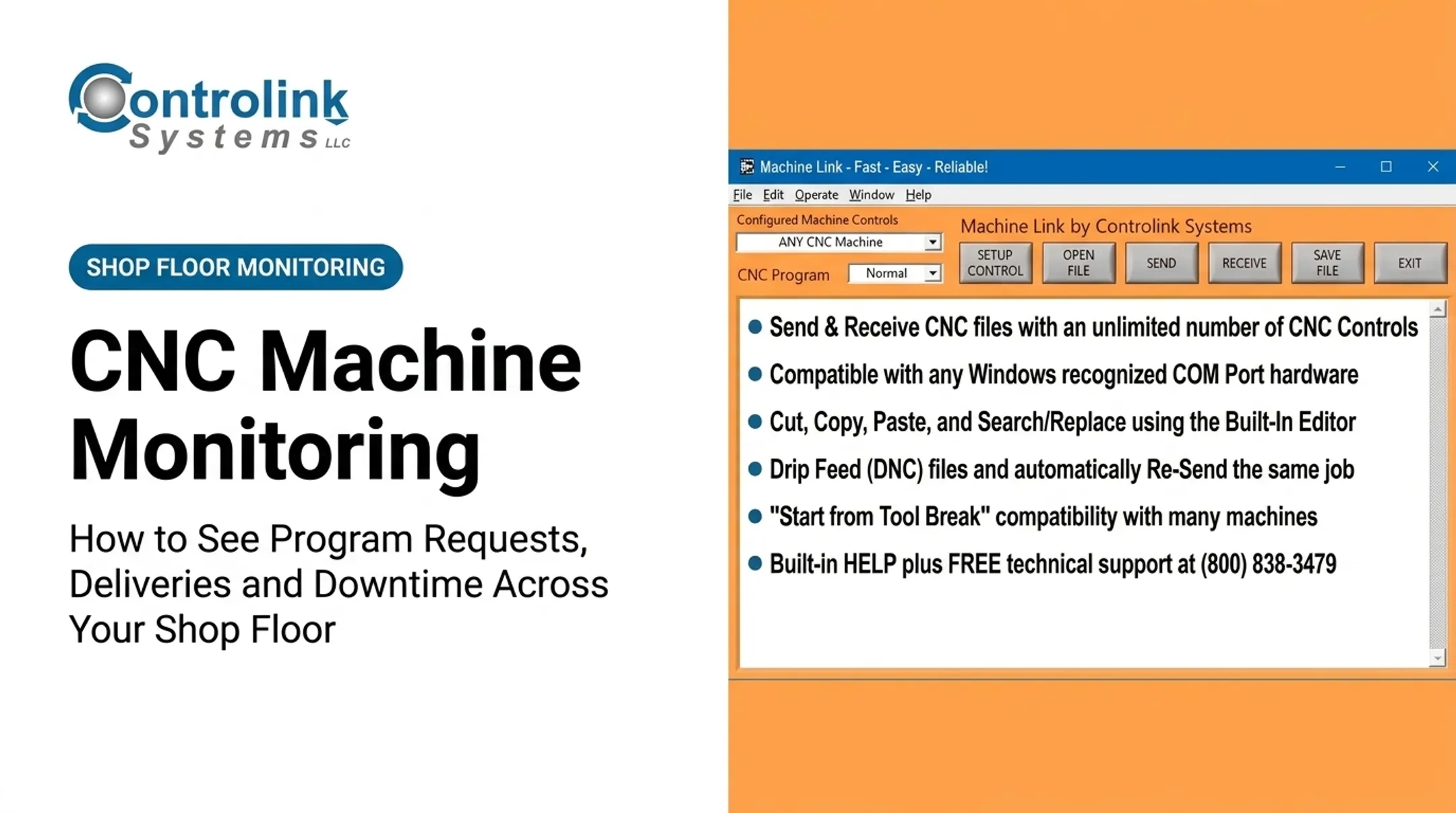
This is where request-driven CNC/DNC communication tools earn their keep. Controlink Systems LLC's Machine Link™ QUICK Serve, for example, lets operators initiate every file request directly from the machine tool control using an embedded request program. The software serves back only the latest engineering-approved file.
Scott Cooper at Snavely's Machine described managing 30-plus CNC machines across 10 different control types and 40 operators as an "ordeal" before that kind of controlled request-and-serve workflow was in place. That integration layer is worth considering: it connects approved files, databases, and machine controllers without ad hoc file handling.

When This Approach Fits and What You Need Beforehand
Request-level least privilege pays off fastest when your shop has several of these conditions:
- Shared machines across operators or cells
- Multiple shifts running the same equipment
- Engineering-to-production program handoffs
- Remote vendor support access
- A mix of modern and legacy controllers
If most of that list sounds familiar, the effort is worth it.
Equipment and System Requirements
At minimum, you need:
- A reliable program repository with version tracking
- A user or role directory
- An approval workflow
- A current machine and asset inventory
- A controlled DNC or file-transfer path (not open network shares)
- Audit logging and backup/rollback capability
Authoritative Data and Exception Handling
Decide upfront who owns part numbers, revisions, work orders, and machine assignments. Define in writing how emergency changes, offline machines, and temporary production exceptions get handled—before you're troubleshooting that scenario live on a Friday afternoon.
Cross-Team Agreement Before Go-Live
Engineering, production, IT/OT, and quality need to agree on approval responsibilities, safety boundaries, and evidence-retention requirements before you flip any switch on a live line. Skipping this step is the most common reason least-privilege rollouts stall halfway through.
Key Parameters That Affect CNC Program Security and Delivery
Zero Trust covers more than a single login screen. Every program release depends on several variables staying accurate at the same moment.
Identity and Role
Is the requester, approver, or operator individually identified, and does their role grant only what the current task requires? Individual, reviewable permissions improve accountability. Broad, shared access makes unauthorized edits harder to trace and investigations nearly impossible.
Program Version and Integrity
Treat revision status, approval state, and file integrity as access-control inputs, not just file-management housekeeping. Ametek, a Controlink customer, reported that a controlled request workflow eliminated repeated fixes that happened when corrected program copies weren't sent back and saved properly. That small process gap had been generating rework.
Machine, Controller, and Job Context
Confirm the destination machine, controller type, work order, and tooling setup match the request before release. An otherwise "approved" file used on the wrong machine or wrong job is still a production error waiting to happen.
Time, Location, and Session Conditions
Consider shift, approved maintenance windows, and remote-access status. CISA's OT remote-access guidance recommends disabling vendor accounts until they're needed and disabling them again immediately after the task, rather than leaving standing access open indefinitely.
Availability, Safety, and Audit Requirements
OT prioritizes safety and availability differently than a typical IT system. NIST notes that while conventional IT security generally ranks confidentiality first, OT environments use a different order:
- Safety
- Availability
- Integrity
- Confidentiality
That's why fragile legacy controllers often need monitoring and behavioral alerts rather than aggressive inline blocking, while servers and gateways can support stronger enforcement.

Common Mistakes, Troubleshooting, and Alternative Controls
Poorly designed controls create gaps or halt production, sometimes both. Pilot changes on a representative, non-critical workflow first.
Mistake: Treating the shop network or DNC server as trusted by default. This usually comes from relying on network location or shared operator logins instead of verifying each request. Fix it by requiring individual identity, machine-specific policies, and logging every transfer.
Mistake: Skipping separation of duties. Informal processes built for speed often let one person edit, approve, and execute the same change. Build an exception path for urgent work that includes documented authorization and a post-change review.
Problem: A legacy controller can't support MFA. Workaround: enforce identity and policy at the DNC server, gateway, or engineering workstation instead. Use allowlisted communication paths, monitoring, and controlled removable-media procedures where direct controls aren't possible.
Problem: A valid program gets rejected or sent to the wrong machine. Check for stale asset inventories, incorrect work-order metadata, or incompatible controller formats. Keep transfer acknowledgements and rollback procedures documented for every failure.

Two practical alternatives:
- Monitoring over blocking for fragile controllers that can't tolerate aggressive inline inspection. This trades speed of response for preserved uptime.
- Phased rollout starting with high-risk paths. Begin with sensitive designs, regulated production, or externally supported machines, and set clear success criteria before expanding further.
Conclusion
Applying Zero Trust to CNC program delivery means verifying the user, the request, the program, the machine, and the execution context — not trusting a network, a workstation, or a familiar face on the floor. The strongest workflows separate request, approval, release, delivery, and execution permissions, then adapt enforcement to what each piece of OT equipment can actually support.
Start by inventorying your own CNC/DNC workflow. Pick one high-value program path and pilot least-privilege controls there before rolling out further. When older equipment needs to join that workflow without stopping production, work with a shop-floor automation specialist such as Controlink Systems LLC—one that knows both the machines and the file logistics involved.
Frequently Asked Questions
What is the difference between IT cybersecurity and OT cybersecurity?
IT security primarily protects information and systems, prioritizing confidentiality first. OT security must also protect physical processes, safety, and availability. A compromised CNC controller or DNC system can halt production or create physical risk, not just leak data.
What are the five pillars of Zero Trust?
CISA's Zero Trust Maturity Model defines five pillars: Identity, Devices, Networks, Applications and Workloads, and Data. On a shop floor, Identity and Devices map directly to machinist authentication and machine/controller verification.
What is an example of Zero Trust in a CNC environment?
An individually identified machinist requests an approved program for one specific machine. An authorized reviewer approves it, the DNC system verifies the version and destination, and the transfer gets logged automatically. There is no shared login and no blind trust in the network.
Why is the DoD implementing Zero Trust?
The Department of Defense's Zero Trust Strategy states that adversaries already operate inside networks and that perimeter defenses can't protect an enterprise spanning external partners and remote users. It replaces broad network trust with least-privileged, continuously verified access.
How does least privilege apply to CNC program access?
Least privilege separates the rights to view, request, edit, approve, release, deliver, and execute a program. A machinist typically needs execution access on their assigned machine, but not the authority to edit or release program changes.
How can manufacturers secure legacy CNC machines that can't support modern authentication?
Push enforcement to the surrounding infrastructure (DNC servers, gateways, or engineering workstations) instead of the controller itself. Combine that with monitoring, allowlisted communication paths, controlled removable media, and documented exception procedures.