Then someone in quality or engineering notices the part was built to a drawing revision that went obsolete three weeks ago.
That's the wrong-revision run: a batch that's mechanically perfect and commercially worthless. Unlike a tool-wear defect or a fixture slip, nothing about the process looked wrong while it was happening. The machine did exactly what it was told, using instructions nobody should have been running.
Material, machine hours, labor, and inspection time are already spent by the time anyone catches it. Often, so is a chunk of the delivery schedule.
This article breaks down why these runs happen, what they actually cost, and how revision control, controlled file distribution, and first-piece verification close the gap before it opens.
Key Takeaways
- Wrong-revision runs stem from document and communication failures, not operator carelessness.
- True losses stack material, labor, machine time, inspection, replacement production, and schedule disruption.
- Local files, duplicate program names, and informal transfers are the most common failure paths.
- A controlled release-to-verification workflow stops most revision errors before they consume a batch.
- Tracking revision-related scrap separately shows leadership the real margin impact.
Common Causes of Wrong-Revision CNC Runs
A wrong-revision run happens when a shop produces parts from an obsolete or unapproved version of a CNC program, drawing, tool list, setup sheet, or engineering change. The part can be machined flawlessly and still be wrong, because it was built to a requirement that no longer applies.
This is a distinct problem from a machining defect. A defect means something went wrong during the cut. A wrong-revision run means the cut was executed correctly against outdated instructions. The visible symptom is the obsolete part. The actual failure sits upstream — in release control, communication, verification, or traceability.
ISO's guidance on documented information under ISO 9001:2015 requires that documentation supporting a process be controlled and retained as proof the process ran as planned. When that control breaks down on the shop floor, four patterns show up repeatedly.
Revision Cause 1: Uncontrolled CNC Program Storage and Transfer
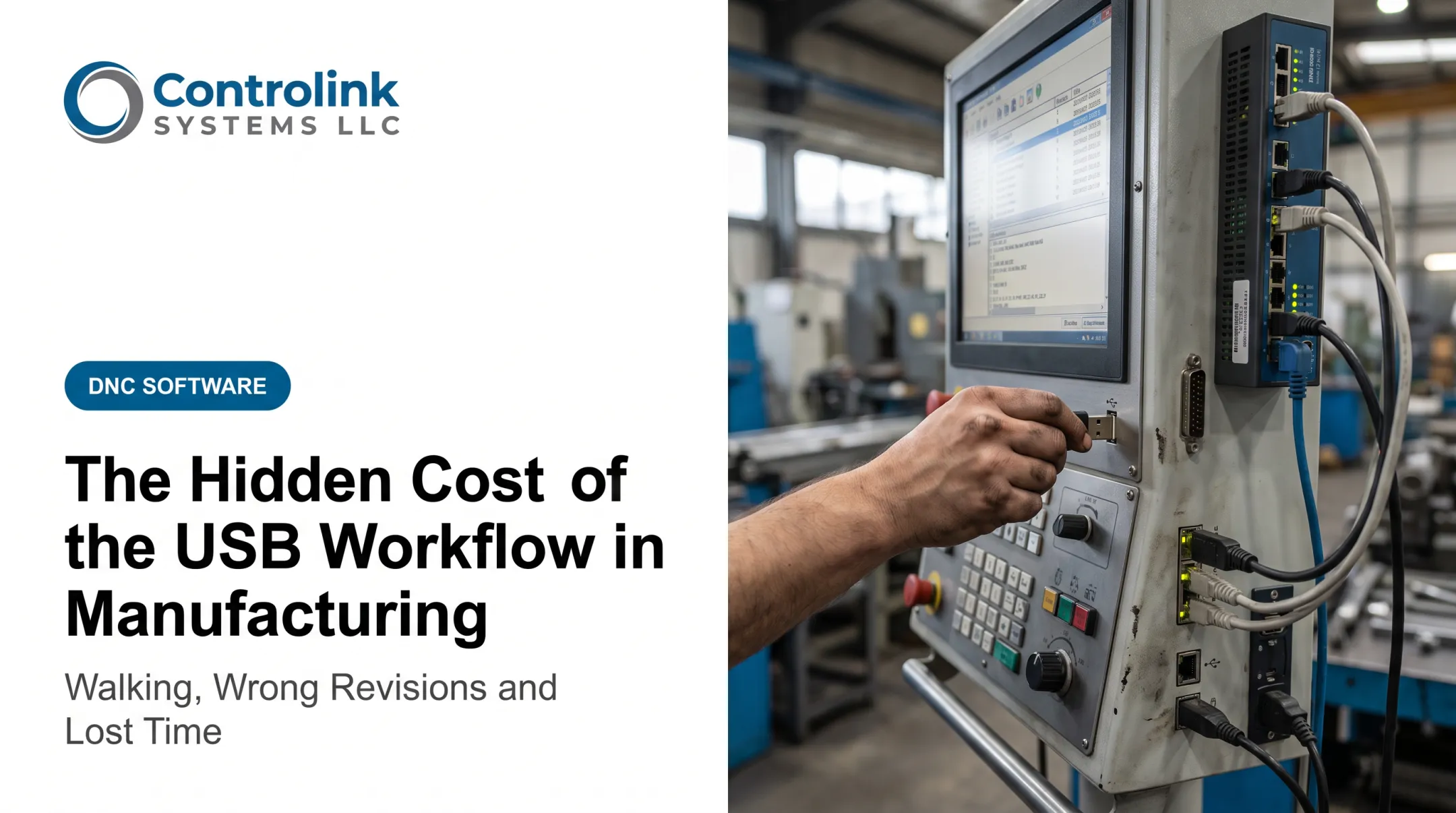
Programs stored on individual machine controls, USB drives, or unstructured shared folders create multiple "available" versions with no clear authority.
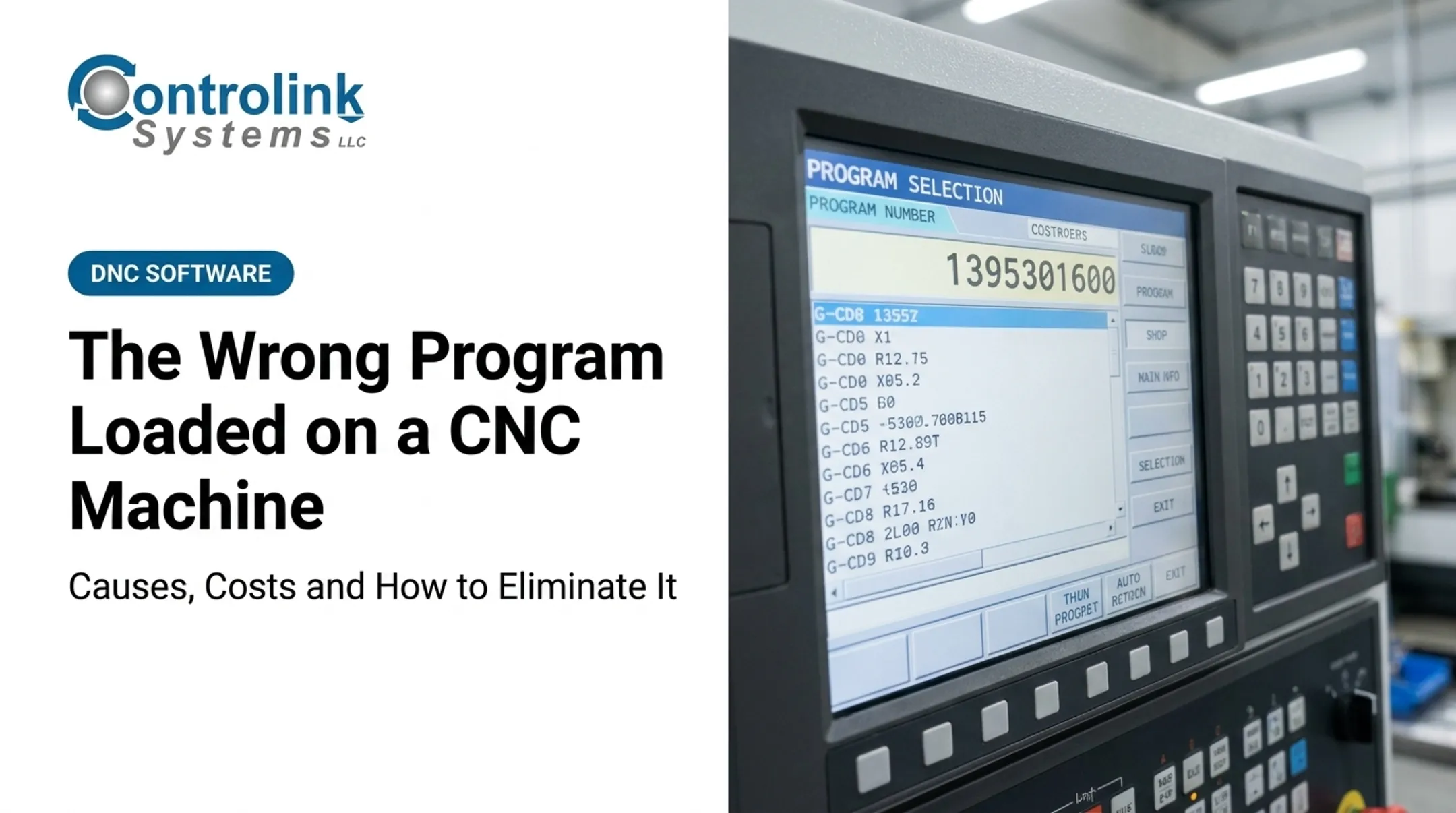
Combi Packaging Systems ran into this directly. Their Partner mill, on a Milltronic control, limited file names to four numerical digits. Operators frequently retrieved a job that wasn't the one they intended, simply because similar numbers pointed to different programs.
Timken had a related issue: an operator manually keying in a long identifier like O5014342.PTP had plenty of room to make a transcription error.
Revision Cause 2: Engineering Changes Not Reaching the Shop Floor
A tolerance update, material change, or tooling revision can clear engineering and never make it to the machine before the next run starts. The handoff points worth investigating:
- Engineering release to planning/ERP update
- Planning to programming
- Programming to quality sign-off
- Quality to setup documentation
- Setup documentation to the operator
Any one of these can drop the ball without anyone noticing until parts are already cut.
Revision Cause 3: Weak Machine-Side Identification and Verification
A correct file can still be run incorrectly if the control display, traveler, setup sheet, and drawing don't show matching part and revision data. Before cycle start, someone needs to confirm these all agree:
- Program number and revision
- Effective date
- Work order
- Material
- Operation
A file that merely exists and runs is not enough.
Revision Cause 4: Incomplete First-Piece and Changeover Approval
First-piece inspection is supposed to catch this. It fails when inspectors check against an old drawing, approval happens verbally, or production continues before disposition is formally recorded. A handwritten note on a traveler isn't a control — it's a gap waiting to be found later.
What Happens If Wrong-Revision Runs Are Ignored
The financial chain reaction is predictable once it starts. Material and machine time get consumed producing parts nobody can ship. Inspection and sorting capacity gets pulled to figure out what's usable. Replacement production displaces good jobs already on the schedule. Delivery commitments slip.

ASQ defines internal failure costs as expenses tied to defects caught before delivery, including scrap, rework, and failure analysis. A wrong-revision run typically touches all three categories at once, not just one.
A realistic loss ledger for a wrong-revision batch includes:
- Material consumed in the run, at full cost if scrapped
- Machine time already spent, including setup
- Labor for the run, plus sorting and disposition time
- Inspection capacity used to detect and document the mismatch
- Replacement production: another setup, another cycle, another slot on the schedule
- Expedited procurement, if material has to be reordered under time pressure
- Customer impact, if the delay reaches a delivery date
None of this shows up as a single line item. It's scattered across accounts, which is exactly why it's easy to underestimate.
The exposure is worse for high-value or tight-tolerance work. Mold components, aerospace parts, and medical devices carry expensive material and long cycle times. Regulatory documentation requirements multiply the cost of a redo.
Warning Signs You're About to Experience a Wrong-Revision Run
Revision failures usually announce themselves administratively before they become a quality incident.
- Mismatched paperwork: the machine program, traveler, setup sheet, drawing, and work order show different revision letters or dates.
- Personal file copies: operators or programmers keep their own versions, named "final" or "latest," with no clear authoritative source.
- Unmanaged changes in flight: an engineering change releases while work is already staged, with no documented hold or confirmation of which in-process parts it affects.
Any one of these is worth a stop-and-check before the next cycle starts.
How to Prevent Wrong-Revision Runs
Prevention works as a closed loop: release the correct file, distribute it through a controlled channel, verify it at the machine, approve the first piece, and keep a traceable record of the whole path.

1. Establish One Controlled Source
Define a single authoritative location for approved programs, drawings, tool lists, and setup sheets, each with a clear revision identifier and effective date. This removes the competing local copies that let obsolete files linger. Start with high-risk, repeat-run parts, then expand across machines and shifts.
2. Use Controlled File-Distribution Workflows
Delivering engineering-approved files through a managed process, instead of USB drives or ad hoc folders, cuts down on manual file selection and builds in traceability.
Controlink Systems built Machine Link™ QUICK Serve around this exact gap. It returns the latest engineering-approved CNC file directly to the machine control and can serve up to three machines simultaneously from one system. Program edits made at the machine route back to engineering for review before they're adopted into the library, rather than being adopted automatically.
Ametek ran into the failure mode this solves before they changed their process: corrected program copies were often never sent back and saved, so the same fix had to be redone whenever the file went back out.
Prioritize this on machines running high-value parts, frequent engineering changes, or several similar revisions in circulation.
3. Make Revision Verification Part of Setup
Require the operator and a quality representative to cross-check the program revision, drawing revision, work order, material, and critical characteristics before production quantity is released, not after. This catches mismatches before a full batch is committed and creates an auditable checkpoint. Apply it after every setup, engineering change, or machine transfer.
4. Remove or Quarantine Obsolete Files
Archive superseded programs, restrict editing permissions, and mark obsolete files clearly. A file that's technically runnable but commercially invalid should never be selectable by accident. Audit files on an initial pass, then repeat at a set interval and whenever the engineering release process changes.
5. Create an Engineering-Change Containment Process
Every time a change releases, identify:
- Open work orders tied to the old revision
- Staged material
- In-process parts
- Completed inventory
- Machines still holding the previous file
This keeps old and new revisions from mixing and clarifies whether affected parts need rework, concession, or scrap. Activate it for any change touching geometry, tolerance, material, or manufacturing method.
Tips for Long-Term Prevention and Control
Beyond the immediate fixes, a few habits keep the system working over time:
- Sample machine programs against the approved master on a regular cadence
- Review revision-related scrap, rework, and near misses by part, machine, and shift
- Train programmers, operators, and inspectors on revision identifiers, file-selection rules, and stop-work expectations
- Keep an electronic record of who released, modified, approved, and superseded each program
- Tie DNC, shop-floor monitoring, and quality records together so file identity and production status sit side by side
Snavely's Machine ran 30-plus CNC machines across 10 control types and 40 operators. Getting the right program to the right machine was a daily challenge, and that pressure pushed them to a managed file system.

Conclusion
Wrong-revision runs have identifiable causes:
- Uncontrolled files
- Weak engineering-to-production handoffs
- Incomplete first-piece verification
- Change containment that never got documented
Prevention does not need a shop-floor overhaul. Make the approved revision easy to find and the obsolete revision hard to run by accident.
Three controls cover most of the risk on their own:
- A controlled source of truth
- Verification at setup
- A documented containment process
Disciplined CNC/DNC communication and shop-floor verification stop the error while it's still one part, not an entire batch.
Frequently Asked Questions
How much does CNC manufacturing cost?
Cost depends on material, part complexity, tolerances, programming, setup, cycle time, tooling, inspection, and quantity. A wrong-revision run adds avoidable replacement production and schedule disruption on top of those baseline costs.
How do you calculate scrap cost in manufacturing?
APQC's benchmarking measure calculates scrap as the cost of material added to production but never included in a finished part, divided by sales. For a specific run, track the actual scrapped quantity and accumulated cost through the point of disposition rather than applying a generic multiplier.
How much does rework cost?
Rework cost includes additional labor, machine time, tooling, inspection, and handling required to bring a part back to spec. It's a recoverable expense, unlike scrap, where the part is a total loss with no value left to finish.
What is the difference between scrap and rework in CNC manufacturing?
Scrap can't be recovered for the original requirement; rework adds operations to make a part acceptable. Both consume shop capacity and should be tracked as separate line items, not lumped together.
How do you prevent machining the wrong revision?
Use one controlled source for approved files with clear revision IDs, quarantine obsolete versions, and avoid USB handoffs. Add machine-side verification, first-piece approval, and a documented process for engineering changes.