Introduction
Most conversations about CNC machine monitoring boil down to one question: is the spindle turning or not? That's only half the picture.
Real visibility means tracking a program from the moment engineering approves it, through a machinist's request, the file transfer, execution on the machine, and whatever downtime follows.
Here's the gap that trips up most shops: engineering releases a file, a machinist requests or transfers a program, and production leaders have no idea whether the correct revision reached the right machine, or why the job stopped an hour later.
Modern Machine Shop found that manufacturers who had already invested in ERP systems, machine connectivity, and data collection still dealt with wasted time, inconsistent processes, and limited floor visibility.
This article walks through monitoring across the full program lifecycle: what data and integrations you need, which parameters matter, and the mistakes that turn a promising rollout into another spreadsheet nobody trusts.
Key Takeaways
- Connect requests, deliveries, execution, and downtime in one view—not four separate logs
- Separate transfer and comms failures from setup, tooling waits, and machine faults
- Match each machine to what it can provide: controller link, DNC, PLC signal, or sensor
- Pilot first with approved files, consistent naming, and agreed downtime codes before scaling
How to Set Up CNC Monitoring for Program Requests, Deliveries, and Downtime
Step 1: Map the Program and Downtime Workflow
Before connecting a single machine, document how a program actually moves today. Trace it from engineering approval and storage, to a machinist's request and file transfer, through machine loading, execution, completion, and revision changes.
Identify who can create, approve, release, request, edit, transfer, and retire a program. That map becomes your permission structure later.
List every downtime category your shop needs to separate, such as:
- Setup and changeover
- Program wait or transfer failure
- Machine alarm
- Tooling
- Quality hold
- Material wait
- Maintenance
- Operator availability
Skipping this step is the most common reason monitoring projects stall. You can't code data you never agreed to define.
Step 2: Prepare Machines, Systems, and Data Connections
Take inventory of your CNC controllers, DNC ports, network connections, PLCs, file servers, and ERP or MES systems. Note which machines might need a retrofit signal or sensor.
Confirm what each machine can actually report:
- Program name and execution state
- Alarm state and cycle start/stop
- Part count, spindle data, or operator-entered reason codes
Older machines on RS-232 or USB may only support DNC-style file transfer. Newer machines might expose controller APIs, MTConnect, OPC UA, Modbus, or direct PLC signals. Don't assume every machine speaks the same language until you've tested the connection yourself.
Set cybersecurity ground rules early:
- Network access permissions
- File-transfer authentication
- Backup schedules
- Separation between production and business networks
Step 3: Configure the Program Request and Delivery Process
Define one source of truth for engineering-approved CNC files, with revision identifiers, approval status, machine compatibility, and retirement rules built in.
Configure the workflow so each request captures:
- Requester and machine
- Job or work order
- Requested program and revision
- Timestamp
- Delivery outcome
Add a verification step confirming the delivered file matches the approved revision. Some platforms support checksum or file-comparison checks; others rely on audit logs. Check what your chosen system actually offers before assuming it's covered.
Consistent naming, folder structures, and revision conventions matter more than they sound. Without them, dashboards can't reliably tie program activity back to jobs and machines.
Step 4: Build the Shop-Floor Monitoring View
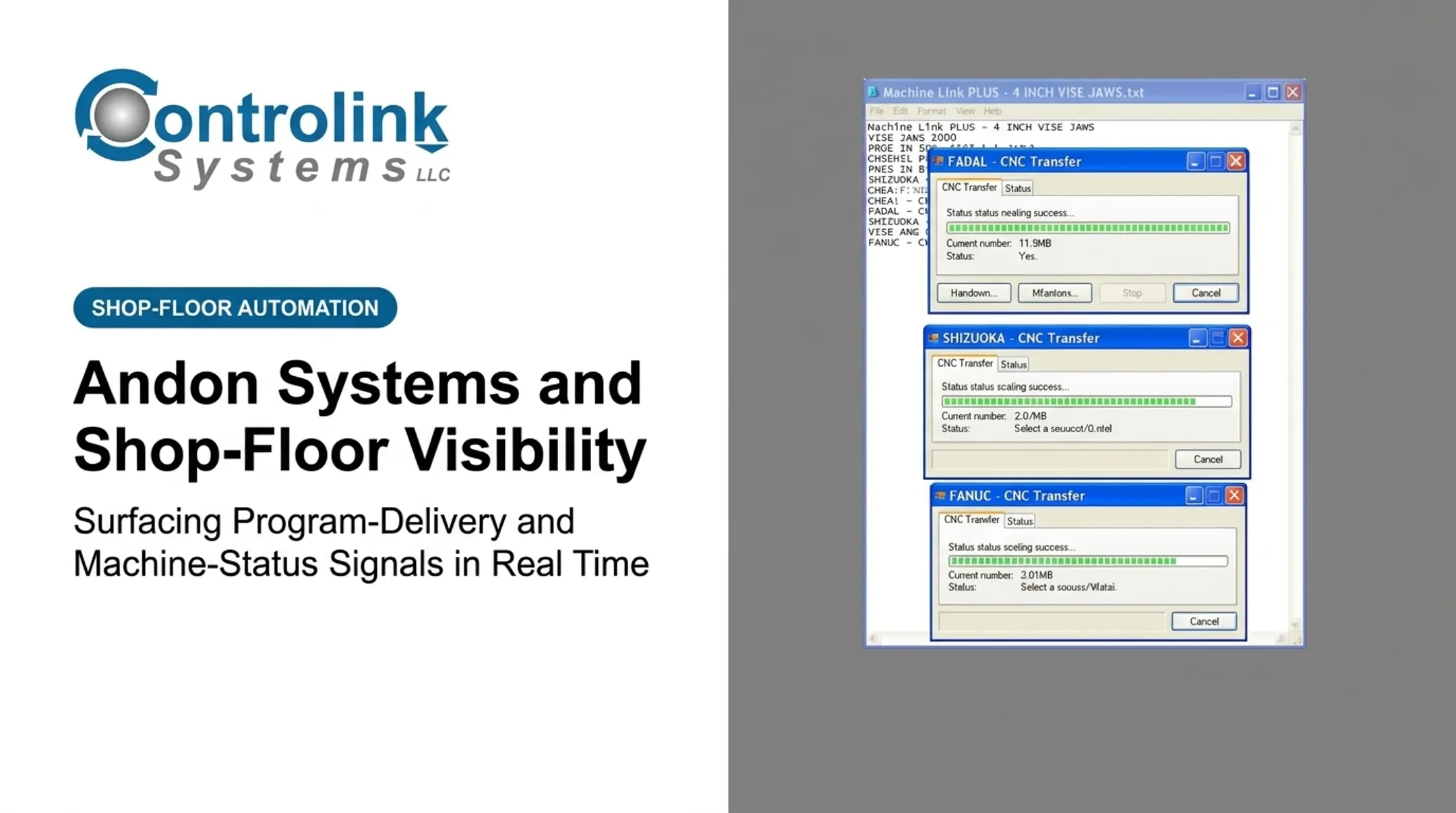
Build role-specific dashboards showing open requests, transfer status, running programs, failed deliveries, active alarms, and downtime by reason.
Configure alerts for things that need action now, not at end of shift:
- A machine stopping unexpectedly
- A delivery failing
- A cycle running longer than expected
- A machine attempting to load an obsolete file
Link program activity to job, part, operator, shift, and machine records so supervisors can investigate a delay from their desk instead of walking the floor.
Pilot this on a small group of representative machines first. Collect operator feedback, check the data against what actually happened on the floor, and refine your reason codes before rolling out shop-wide.

When Should You Use CNC Monitoring for Program Activity and Downtime?
CNC monitoring earns its keep fastest in shops with:
- Multiple CNC machines running different programs
- Frequent program or revision changes
- Distributed operators across shifts or buildings
- High-value or tightly controlled parts, such as aerospace or medical work
- Recurring delivery delays
- Supervisors who can't see every machine at once
Typical use cases include:
- Confirming engineering files reached the correct machine
- Comparing planned versus actual execution
- Spotting machines sitting idle while waiting on a file
- Finding recurring downtime by program, machine, shift, or job type
Ametek, Inc. ran into that same gap. Its earlier DNC process required multiple trips to send programs, and corrected copies often weren't returned or saved for engineering review. Request-and-delivery tracking closes that blind spot.
Small shops with a handful of machines and infrequent program changes may not need a full system yet. A simple log can work fine. Spreadsheets break down fast, though, as machine count, revision risk, and production complexity grow.
A national NIST survey of discrete manufacturers found that establishments in the top half for predictive-maintenance practices saw 15% less downtime than peers relying more heavily on reactive maintenance. That gap only widens as machines and programs multiply.
What You Need Before Implementation
Before you connect anything, get these in place:
- A defined owner for program governance
- A current machine and controller inventory
- Documented approval rules for releasing files
- Agreement on the minimum data needed for daily decisions
Prepare your team for why monitoring exists. Frame it as better file control and faster response, not a performance-tracking tool aimed at individual operators. That framing affects how honestly people log downtime reasons.
Set baseline numbers before flipping the switch:
- Transfer delays
- Unplanned downtime
- Repeated stops
- Cycle-time variance
- Incorrect program usage
Without a baseline, you can't prove the system helped.
Key Parameters That Affect CNC Monitoring Results
Monitoring quality depends on the accuracy, timing, context, and consistency of the data you capture, not the number of tiles on a dashboard.
Program Identity and Revision
A program name without a revision, job reference, or approval state proves nothing. Connect every identifier to its engineering approval, transfer history, machine compatibility, and completed production record. That link lets you investigate an outdated or unapproved file after the fact instead of guessing.
Request and Delivery Timestamps
Separate the moment a program was requested, released, transferred, accepted, and loaded from the moment machining actually began. These timestamps expose communication delays, approval bottlenecks, and network issues that would otherwise get lumped into generic "idle time." A machine waiting twenty minutes for a file transfer looks identical to an operator on break unless you're tracking each handoff point.

Machine Execution State
A controller might show a program selected while the machine is paused, in setup, waiting on an operator, or actively cutting. Define states consistently across the shop floor:
- Running
- Stopped
- Paused
- Setup
- Alarmed
- Complete
- Waiting for program MTConnect's published execution model lists READY, ACTIVE, INTERRUPTED, and STOPPED as base values. Mapping those to your shop's setup and alarm conditions still takes controller-specific work.
Downtime Reason Structure
Duration tells you how much time was lost. Standardized reason codes tell you why. Build a hierarchy that separates planned events from unplanned losses, and keep these causes as distinct categories—not one catch-all "down" bucket:
- Program transfer
- Programming
- Tooling
- Quality
- Maintenance
- Material
- Operator-related
Cycle, Part, and Job Context
A downtime event or a long cycle means more when it's tied to a specific part, work order, program revision, machine, shift, and operator note. That context lets you compare expected versus actual cycle time, spot programs associated with repeat stops, and connect machine events back to delivery performance.
Data Completeness and System Integration
Missing signals, mismatched clock settings, duplicate records, or a disconnected ERP/DNC feed will quietly wreck your reporting. Validate timestamps, machine states, and program records during your pilot. Document the source of each value:
- Automatic from the controller or monitoring system
- Operator-entered on the floor
- Imported from ERP, DNC, or another system
Common Mistakes and Troubleshooting CNC Monitoring Problems
The most frequent setup errors include:
- Connecting machines before agreeing on conventions: document naming, approval, revision, and downtime workflows first.
- Treating every stopped machine the same: use state logic that keeps setup, program waits, alarms, maintenance, and material delays distinct.
- Assuming a successful transfer means the correct program ran: add revision verification and an audit trail.
- Ignoring legacy-machine limits: test each connection and use PLC signals, DNC, or sensors where direct controller data isn't available.
- Overloading dashboards with raw alarms: prioritize actionable alerts and build separate views for operators, programmers, maintenance, and leadership.
Once the system is running, most problems trace back to one of four patterns:
| Symptom | Likely Cause | What to Check |
|---|---|---|
| Low-quality operator input | Reason codes too numerous or ambiguous | Simplify categories, allow short notes, review repeated entries weekly |
| Missing or delayed program records | Network interruptions, incompatible interfaces, permission mismatches | Test connectivity, confirm file paths, compare system clocks |
| Dashboard doesn't match the machine | Stale signals, incorrect state logic, manual overrides | Compare live events to floor observations, recalibrate state rules |
| Repeated downtime with no clear cause | Reason codes too broad, weak linkage to program/job/tool | Run a Pareto analysis by machine, program, and reason; validate with operators |
Alternatives to Full CNC Machine Monitoring
The right approach depends on your shop's scale, machine mix, and how much automated program control you actually need.
| Approach | Best For | Trade-off |
|---|---|---|
| Manual logs and spreadsheets | Very small shops, few machines, low program turnover | Low cost, but slow updates and weak revision traceability |
| Standalone DNC or file-transfer software | Shops needing centralized storage and controlled delivery | Strong file governance, but limited machine states or downtime detail |
| Integrated CNC monitoring and shop-floor automation | Multi-machine shops needing requests, delivery, execution, and downtime together | More setup effort, but full traceability and faster response |
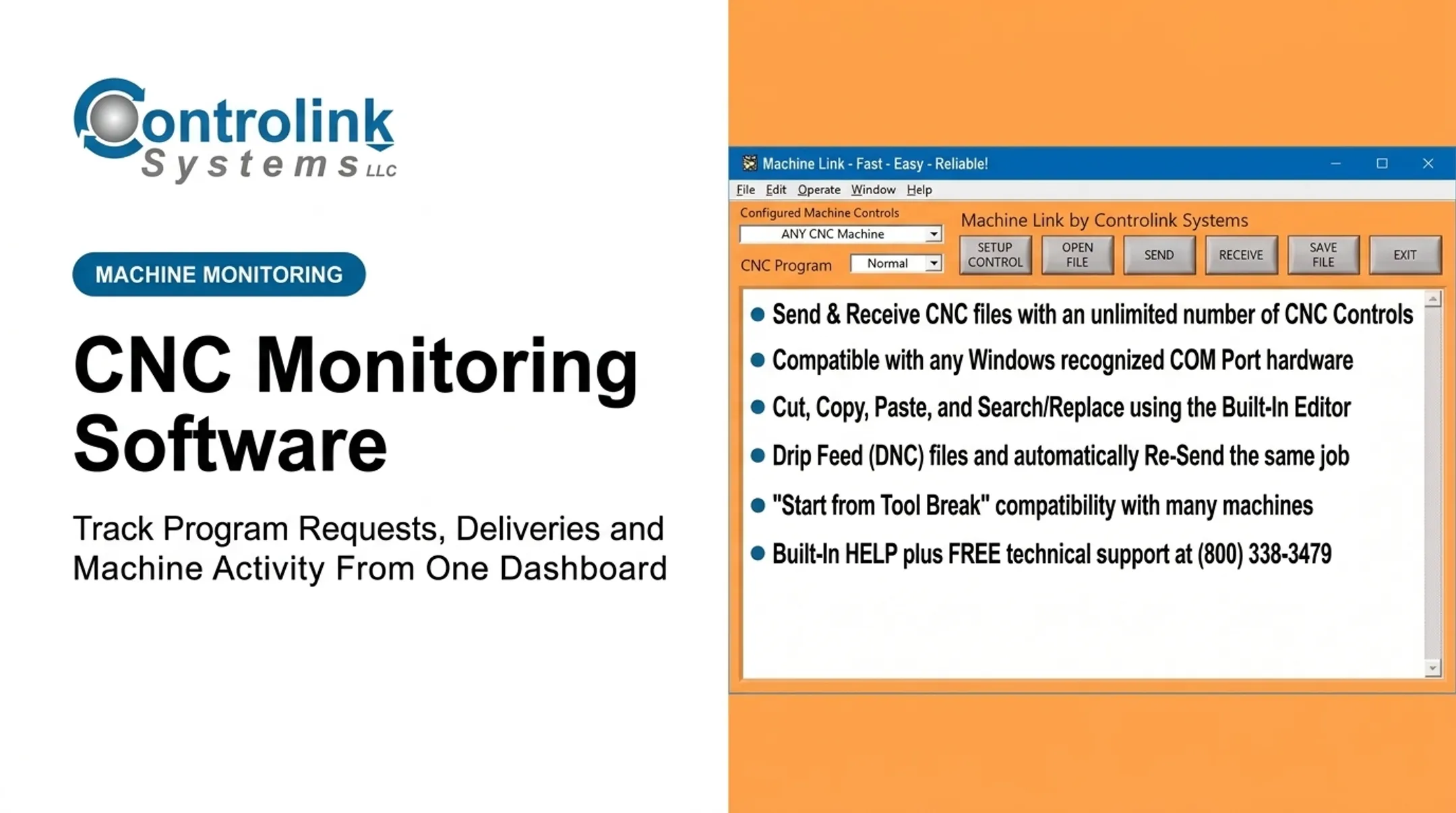
Controlink Systems LLC has pursued that integrated model since 1998, starting with Machine Link™ for standard RS-232 file transfer. Machine Link™ QUICK Serve expanded on that foundation: it continuously monitors machines for file requests and serves the approved CNC file straight back to the control. No walking the floor. No manual re-typing.
QUICK Serve tiers scale from 3 machines at $1,700 up to 64 machines through QUICK Serve PRO at $4,000, each with a 45-day free evaluation.
Pair that with iMonitor for real-time process monitoring, and program delivery, execution, and downtime visibility run from the same data. When you need CNC/DNC communication, process monitoring, and shop-floor systems working together, match the stack to your machines and workflow.

Conclusion
CNC monitoring earns its value when it follows the whole chain: an approved program request, delivery, machine execution, a completed cycle, and downtime classification. Skip any link and you're back to guessing whether the right file reached the right machine.
Reliable results rest on a few foundations:
- Clean revision control
- Connections matched to what each machine can actually provide
- State definitions everyone agrees on
- Reason codes operators will actually use
Dashboards alone don't fix any of that. Get those pieces right first, then start with a focused pilot. Validate the data against what's happening on the floor, then expand. When a project calls for CNC/DNC communication, process monitoring, and shop-floor systems working as one, Controlink Systems LLC has been building that connective layer since 1998.
Frequently Asked Questions
What is the best CNC machine monitoring software?
It depends on your controller compatibility, revision tracking needs, downtime classification, and integration depth with ERP or DNC systems. Compare candidates against your shop's actual workflow rather than a generic ranking.
What types of sensors are used in CNC machines?
Common options include vibration, temperature, current/power, proximity, acoustic, pressure, and position sensors. Many monitoring projects rely on controller, PLC, or DNC data instead of, or alongside, physical sensors.
How does CNC machine monitoring track program requests and deliveries?
With the right DNC, controller, or shop-floor integration, the system logs the requested program and revision, request and transfer events, destination machine, and delivery result. It also records the execution state that follows.
Can CNC monitoring work with older machines and different CNC controllers?
Yes, though compatibility depends on available signals. Older machines often connect through RS-232 serial or DNC communication, PLC signals, or retrofit sensors, while newer machines may support direct controller or industrial-protocol connections.
How can CNC monitoring help reduce downtime and prevent outdated programs from being used?
It flags waiting and transfer failures, ties stops to specific programs and revisions, and supports an approved-file workflow. Teams get evidence to fix recurring causes instead of waiting on end-of-shift reports.