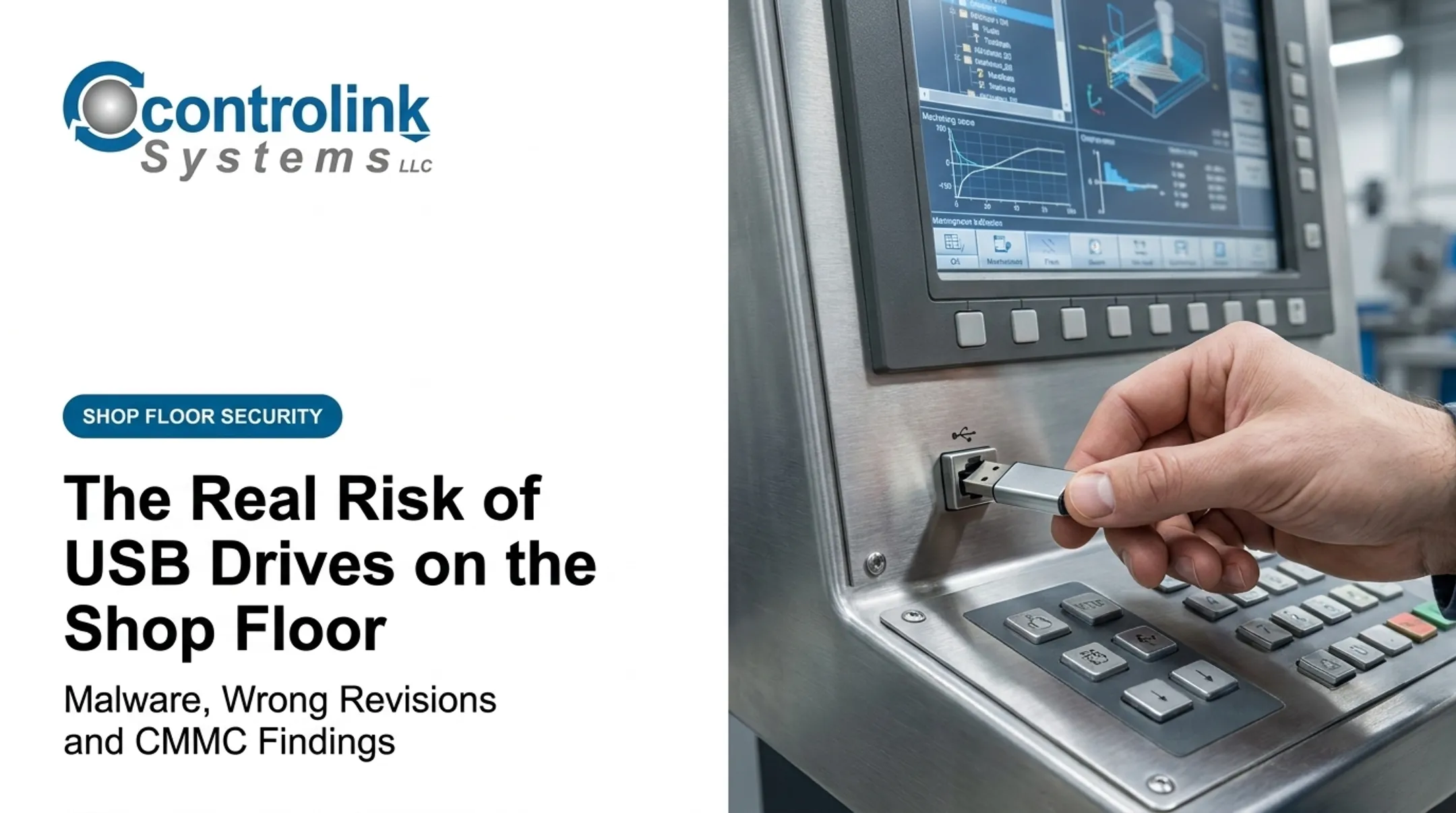
Every time that drive changes hands, nobody tracks which file version landed on the machine, who touched it last, or whether it picked up malware along the way. 51% of malware analyzed in a recent Honeywell industrial threat report was designed to spread via USB media, up from just 9% in 2019 — a nearly six-fold jump.
This article gives you a practical, U.S.-focused policy framework for protecting Controlled Unclassified Information (CUI) and other sensitive manufacturing data, aligned with NIST SP 800-171, without depending on routine USB transfers. It's guidance, not a certification or legal determination — validate your final approach with qualified compliance professionals.
Key Takeaways
- Cover more than USB sticks: external drives, SD cards, phones, service laptops, and portable CNC memory all count.
- Treat a USB ban as one control, not a full NIST SP 800-171 program; access control, logging, and training still matter.
- Document exceptions for legacy machines, emergencies, and vendor service so production keeps moving without breaking chain of custody.
- Replace sneakernet with a controlled CNC/DNC transfer process for traceable, engineering-approved file delivery.
What a NIST-Aligned CNC Removable Media Policy Must Cover
Removable media controls don't stand alone. They sit inside the broader NIST SP 800-171 Rev. 3 framework, which spans several control families that touch your shop floor directly:
- Access Control — who can connect devices and reach CUI-bearing systems
- Audit and Accountability — logging who transferred what, when, and where
- Configuration Management — locking down ports and approved software
- Incident Response — handling lost media or suspected malware
- Media Protection — the sanitization, storage, and handling rules themselves
Note: NIST's current publication is Rev. 3, but current CMMC regulation still maps Level 2 to Rev. 2. Verify which revision your specific contract requires before finalizing controls.
CNC-Specific Data That Needs Classification
Not every file on your network is equally sensitive, but plenty carry more risk than shops assume:
- CAD models and CAM files
- G-code and tool paths
- Setup sheets and inspection criteria
- Process parameters and production records
- Customer drawings
Classify these according to your contract obligations, not guesswork.
Where the Policy Applies
Scope the policy to every system that can touch CUI or sensitive production data:
- Engineering workstations and CAM computers
- CNC controllers and DNC servers
- Inspection systems and maintenance laptops
- Vendor and technician equipment that connects to any of the above
Default rule: personal, unknown, or unapproved removable media never connects to systems handling CUI or sensitive production data. This includes media found on the floor or left behind by a former employee.
Encrypted media isn't a complete answer. Encryption protects data at rest, but it does not tell you:
- Who used the device
- Whether the file was the approved revision
- Where the file went next
- Which machine received it
You still need attribution and logging on top of encryption.

Who Owns the Policy
Assign clear ownership so the policy stays current. That owner needs:
- Approval authority for exceptions and media types
- A defined review schedule
- A process to update the policy after incidents, equipment changes, or new contract requirements
- Employee acknowledgment on file
Removable Media Policy Template for a CNC Shop
Use the language below as a starting draft. Adapt it to your systems, contracts, and risk tolerance.
Policy Purpose and Scope
This policy protects Controlled Unclassified Information, proprietary manufacturing data, and production files from unauthorized access, alteration, loss, malware, or uncontrolled transfer across [Company Name]'s digital and physical environment.
It applies to employees, contractors, visitors, IT staff, engineers, programmers, machinists, and maintenance personnel, plus every CNC controller, CAM workstation, and DNC system they touch.
Definitions and Approved Media
Define removable media in terms your shop floor actually uses:
- USB flash drives and external hard drives
- SD cards and optical media
- Portable CNC memory devices
- Smartphones, tablets, and service laptops
Sort devices into three categories:
- Prohibited: personal or unknown media
- Approved: company-owned, uniquely identified, malware-screened, and encrypted where appropriate
- Conditionally approved: used only under documented exception
Permitted and Prohibited Activities
Prohibit unapproved copying, downloading, printing-to-media, and personal-device use involving CUI or controlled CNC files. Require:
- Transfer only the minimum data necessary
- Use approved file locations and confirm the destination before transfer
- Avoid storing unrelated files on approved devices
Exceptions and Authorization
Legacy controllers and isolated machines sometimes force a workaround. Build a narrow exception path instead of pretending it won't happen:
- Written justification and a named approver
- Specific media and machine identification
- File classification and an expiration date
- Post-use return or sanitization requirement
Verbal approval or "we're behind on production" doesn't waive documentation, inspection, or chain-of-custody steps.
Handling, Transfer, and Storage Requirements
Approved media must meet these controls:
- Scan before every connection
- Store securely when idle
- Never leave unattended at a controller
- Follow defined labeling, custody, and transport rules
Do not leave media sitting in a drawer indefinitely.
Incident Response, Enforcement, and Records
Employees report lost media, malware alerts, unauthorized connections, or unexpected file changes immediately. Responses may include disconnecting the device, preserving logs, and documenting corrective action.
Keep records of:
- Approvals and media inventories
- Transfer logs and scan results
- Training acknowledgments and sanitization certificates
Confirm retention periods against your specific contract. DFARS 252.204-7012, for instance, requires preserving certain incident-related system images for 90 days from report submission, but that period doesn't automatically apply to every record type.
How to Operate a CNC Shop Without Routine USB Transfers
Removing USB drives from daily use means replacing an unmanaged handoff with a managed one.
Establish the Approved File-Transfer Path
Start by mapping your current flow: where files are created in CAM software, where they're stored, and every USB-dependent handoff before they reach a controller. Identify each point where CUI might pass through unmonitored.
From there, define a controlled future-state path: a segmented shop-floor network, secure file server, or CNC/DNC communication system matched to your machines' capabilities.
This is where DNC communication tools do real work. Machine Link™, for example, communicates with CNC machines over standard RS-232 serial connections to upload and download program files directly, without a drive changing hands.
Its QUICK Serve feature scans machines for file requests over wired or wireless serial connections and delivers the latest engineering-approved file straight to the control. The operator never leaves the machine. That capability is one piece of a controlled transfer architecture, not a standalone NIST or CMMC solution.
For shops without existing network runs to older machines, wireless hardware such as MOXA units can bridge RS-232 and Ethernet on the shop floor.
Protect File Integrity and Revision Control
A controlled transfer path only helps if the file itself is trustworthy. Require:
- Engineering or production-control sign-off before a program reaches the floor
- A clear naming convention and revision identifier
- A defined process for withdrawing obsolete files
Where systems support it, use checksums, hashes, or digital signatures to confirm a transferred file matches the approved version. Machine Link™ documentation, for instance, recommends verifying a machine's COM port and cable setup by successfully receiving a file before attempting to send one. That simple check catches configuration problems before they corrupt a transfer.
If a machine goes offline or can't support your preferred method, fall back on your documented exception process, verify the file at the machine, and sanitize any temporary copies afterward.
Control Machine and Support-System Access
Inventory every CNC controller, programming workstation, DNC server, and vendor connection in your compliance boundary. Identify an owner and authorized users for each.
Apply least-privilege access, unique user accounts where feasible, and network segmentation matched to your risk level. Vendor and maintenance access should require advance authorization, time limits, and logging, plus a post-service review before that access is closed out again.
Retire Routine USB Use Without Creating Bottlenecks
A phased rollout beats a hard cutoff:
- Inventory current USB use across every machine
- Pilot the approved workflow on a handful of machines
- Test offline and emergency procedures before relying on them
- Train operators on the new process
- Restrict or disable unnecessary ports once validated

Busche Enterprises' Richard Recker backed up CNC programs from 46 different machine tools using this kind of centralized approach. Tracking that volume reliably with individual USB drives changing hands machine by machine would be nearly impossible.
Measure results as you go: fewer obsolete-program incidents, less walking between machines, and better transfer traceability.
Controlink Systems LLC has built CNC/DNC communication tools since 1998. QUICK Serve configurations scale from $1,700 for up to 3 machines to $4,000 for up to 64, which can help you judge whether your shop-floor architecture supports this transition.
Implement, Enforce, and Prepare for an Assessment
Assign clear ownership across leadership, IT/security, engineering, production control, machinists, and vendors. Give each group role-specific training on:
- Prohibited media
- Approved transfer paths
- Incident reporting
Build an evidence package you can hand to an assessor without scrambling:
- The policy itself and a data-flow diagram
- System and media inventories
- Exception approvals and transfer records
- Access logs and training acknowledgments
- Incident records and sanitization certificates
Test it before someone else does. Walk the floor, check controller USB ports, sample transfer logs, and interview a few operators about how they'd actually handle a file today.

Current CMMC regulation under 32 CFR Part 170 maps Level 2 to NIST SP 800-171 Rev. 2, not the newer Rev. 3. That distinction matters when you choose which control language to implement.
A USB ban alone satisfies none of this. Validate your full scope with a qualified compliance professional before you call it done.
Conclusion: Replace Uncontrolled Media With a Controlled CNC Workflow
The real goal is a repeatable, auditable path that gets the right file to the right machine every time—and that you can document.
Start this week:
- Inventory every removable-media transfer in your shop
- Compare each one against the template above
- Document only the exceptions you genuinely still need
Then put your CNC/DNC communication setup to work on the rest so controlled delivery replaces ad-hoc USB moves.
Frequently Asked Questions
What is a removable media policy for a CNC shop?
A removable media policy is the documented set of rules governing portable storage and transfer devices, approved users, exceptions, security controls, incident reporting, and the records that prove enforcement.
What are the risks associated with using removable media in a CNC shop?
Malware transmission, lost or stolen CUI, unauthorized copying, and outdated or altered G-code reaching a machine. Weak chain of custody also limits your ability to audit what happened after the fact.
What are some examples of removable media used in a CNC shop?
USB flash drives, external hard drives, SD cards, portable CNC memory devices, smartphones, and service laptops all qualify: any device that can store or move CNC data.
Can a CNC shop meet NIST SP 800-171 requirements without using USB drives?
You can design a USB-free workflow, but NIST alignment still requires addressing the full set of applicable controls: CUI protection, access control, logging, configuration management, and incident response.
What records should a CNC shop keep to prove removable media controls are enforced?
Keep the policy itself, media and asset inventories, exception approvals, transfer and access logs, training acknowledgments, incident reports, and sanitization certificates. Confirm retention periods against your specific contract requirements.