CNC program delivery software — often called DNC software — automates that trip. It moves approved files from a controlled location straight to the correct machine control, without requiring a full enterprise manufacturing platform.
This article covers why manual delivery creates risk, how automated delivery actually works, what features matter for a small shop, how to pilot it without disrupting production, and how to pick a solution sized for your budget instead of an enterprise line-item.
Key Takeaways
- DNC software delivers and controls machine-ready files — it doesn't create toolpaths like CAD/CAM.
- Prioritize solid machine links, simple operator screens, revision control, and clear permissions.
- Automation cuts outdated-file risk, shop-floor walking, and manual file hunts between engineering and machines.
- Pilot on one or two representative machines before expanding shop-wide.
Why Small Machine Shops Need Better CNC Program Delivery
The Hidden Cost of Manual File Handling
Manual program delivery seems harmless until you trace what it actually costs. USB drives get lost. Flash drives carry the wrong revision. A programmer emails an update, but the operator running the job never sees it.
Common failure points in shops still relying on manual delivery:
- Duplicate or outdated files sitting in shared folders with no clear "current" version
- Missing or unclear approval status on a program that's already running
- Wrong machine selected because file names don't match job numbers
- Time gaps between a programming change and when the floor actually gets it
Every one of these costs operator time spent searching and machine idle time waiting for the right file. In the worst case, a part runs against the wrong revision—and tracing which program produced it becomes a guessing exercise.
A Historical Benchmark, and Why It Still Matters
One of the earliest documented DNC conversions shows the scale of the problem. A Rockwell facility that had been rewriting programs, punching tape, and physically carrying it to machines spent about $35,000 on its first 14-machine DNC installation. Engineering time and materials savings paid that back in roughly three months, according to a Modern Machine Shop case report.
The case is decades old, so it is not a current price benchmark. The lesson still holds: manual handling carries a real, measurable cost, even in shops that never touched punched tape.
You Don't Need an ERP System to Fix This
None of this requires ripping out your current process for a full ERP or manufacturing execution system. A focused CNC/DNC layer sits on top of what you already run. It controls file delivery specifically, without forcing a rebuild of scheduling or shop-management workflows that already work.
How Automated CNC Program Delivery Works
CNC program delivery software, commonly called DNC (direct numerical control) software, is the network layer that gets an approved part program from storage to the machine control, reliably and without corrupting the file along the way.
It's easy to confuse with adjacent tools, so here's the distinction:
- CAD/CAM creates part geometry and toolpaths — DNC doesn't touch that step
- ERP manages business data like orders, inventory, and scheduling across departments
- Machine monitoring mostly pulls data off the machine; DNC pushes files to it
- MES and scheduling coordinate broader shop operations, not the file-transfer step specifically
The Typical Workflow
A program moves through a fairly consistent path in a well-run shop:
- A programmer creates or revises the file
- The file routes through an approval step before it's production-ready
- The approved version is stored in one controlled location (the single source of truth)
- The system identifies the intended machine or control
- The file transfers over the appropriate connection
- The operator confirms and runs it at the machine

That controlled location matters more than it sounds. Without documented rules for file naming, revision numbering, and archival, you'll eventually recreate the exact problem DNC is meant to solve.
Machine Communication Options
How a file reaches the machine depends on your equipment. Common methods include:
- Serial (RS-232) connections, still common on older controls
- Ethernet networking for newer machines
- Wireless serial device servers for hard-to-wire machines
- Drip-feeding, which sends a program one block at a time for machines with limited memory
Not every software supports every method, and not every control accepts every method. Confirm compatibility with both your specific software and your specific machine controls before assuming a connection will work.
Where Operator Judgment Still Matters
A good operator-facing screen makes it obvious which machine, job, and program revision are loaded, cutting down on trips across the floor to double-check.
The software should support the operator's confirmation, not replace it. Machine-specific safeguards and a human sign-off before cycle start still belong in the process.
Features to Look for in Software for Small Machine Shops
Start With an Equipment Inventory
Before comparing vendors, build a simple inventory: machine models, control types, current connection method, and the operating system on any connected PC. Legacy machines especially need this — a control from the 1990s may only support RS-232 at a fixed baud rate, and no feature list changes that.
File Management Essentials
File protection is the core job. Prioritize these capabilities:
| Capability | Why it matters |
|---|---|
| Central storage | One location, not scattered folders |
| Revision history | Know exactly what changed and when |
| Approval status | Locks a file as approved or not yet released |
| Permissions | Controls who can edit, approve, or send |
| Backup/restore | Recovers files after a bad transfer or overwrite |
Revision control isn't theoretical. At M-1 Tool Works, a roughly 50-machine, 40-employee shop, programs grew large enough that staff downloaded files to flash drives and hand-carried them between two buildings.
After moving to automated DNC, the company reported a noticeable drop in internal non-conformance. Machinists were working from the correct, current file rather than whatever sat on the drive that day, per CIMCO's published case study.
A Simple Operator Interface
The interface should make three things obvious at a glance: which machine, which job, and which program revision is about to run. If a new operator needs more than a few minutes to learn it, the tool is too complex for a small shop with limited training time.
Integration and Security
Once files and operators are covered, confirm what the software actually connects to. Ask about SQL databases, PLC hardware, and engineering repositories rather than assuming compatibility. Only count integrations the vendor confirms in writing.
On security, check for:
- User roles and access controls
- Transfer records and change history
- A documented recovery process for a failed or incorrect transfer
If a vendor can't explain how to recover from a bad transfer, that's worth flagging before you sign anything.
How to Implement CNC Program Delivery Without Disrupting Production
A phased rollout keeps production running while you prove the new delivery path. Start small, validate under real conditions, then expand.
Start With a Short Discovery Phase
Before touching any machine, document:
- Your current file-delivery process, step by step
- Machines, controls, and their existing communication method
- Where things break down most often
- Who approves files today, and who should approve them going forward
- Network conditions on the shop floor
- What "success" looks like for your team
Pilot on One or Two Machines First
Pick machines that represent your real compatibility concerns, including at least one older control if that's part of your fleet.
One documented rollout started on four machines, expanded to sixteen, and reached twenty-seven within six months, according to a Shop Floor Automations case study.
During the pilot:
- Test both approved and revised files to confirm the approval step locks and updates correctly
- Confirm communication holds up under real shop-floor conditions, not a quiet test bench
- Walk through operator steps yourself, then have an actual operator do it
- Document every exception
- Gather feedback from programmers, supervisors, and machinists
Keep the existing manual process available as a fallback during this phase.

Roll Out in Stages
Once validated, build a rollout plan covering:
- User permissions — who can approve, send, and edit
- Documented file naming conventions
- Operator training
- Backup procedures and support contacts
- Periodic review of file usage and delivery exceptions
That last step matters more than it seems. A DNC layer only stays reliable if someone's checking transfer logs, not just installing it and walking away.
How to Choose Affordable CNC Software Without Enterprise Complexity
Match the Software to Your Workflow, Not a Feature List
Skip the enterprise checklist. Define your actual situation instead:
- How many machines, and what controls?
- How many files move through per week?
- Who needs to approve, send, or edit?
- What's your floor's network environment?
- Will you add machines in the next year or two?
A shop running three older mills has different needs than one running twenty mixed-control machines across two shifts.
Look at Total Cost of Ownership, Not License Price
The sticker price rarely tells the whole story. Factor in:
- Implementation and configuration time
- Machine communication hardware (serial adapters, wireless device servers)
- Training time per operator
- Ongoing support and maintenance
- Backup infrastructure
- Time your team spends on workarounds
Those cost lines point to a bigger choice: how much platform you actually need.
Three Tiers of Software, and When Each Makes Sense
| Option | Best fit | Trade-off |
|---|---|---|
| Basic file-transfer utility | A handful of machines, one person managing transfers | Manual initiation still required |
| Dedicated DNC platform | Growing shop needing revision control and multiple connections | Higher upfront cost than a basic utility |
| Full manufacturing suite | Multi-department operations needing scheduling and DNC together | Significant cost and complexity for a small shop |
For most small machine shops, a dedicated DNC platform hits the sweet spot: enough control without the overhead of a suite you'll only partly use.
Vendor Evaluation Checklist
Before signing anything, confirm:
- Compatibility testing on your actual machines, not a generic support claim
- Deployment options that fit your network setup
- Support hours that match when your shop runs
- Documentation beyond a sales PDF
- Room to add machines later without replacing the system
- You retain ownership of your files and data
Remember the Rockwell case mentioned earlier: a $35,000 first-phase install paid for itself in about three months by cutting tape punching, rewriting, and transport time. It is one older example, yet it shows automated delivery can return cost quickly when manual handling is the real bottleneck.

If you're unsure which tier fits, Controlink Systems LLC can review your machines, controls, and workflow and map CNC/DNC communication options that match a small-shop footprint.
Why Controlink Systems LLC Is Relevant to Small-Shop CNC Automation
Controlink Systems LLC has developed CNC/DNC communications, shop-floor automation, and process monitoring software since 1998. That history means the company watched shops move from punched tape and floppy disks to networked file delivery firsthand.
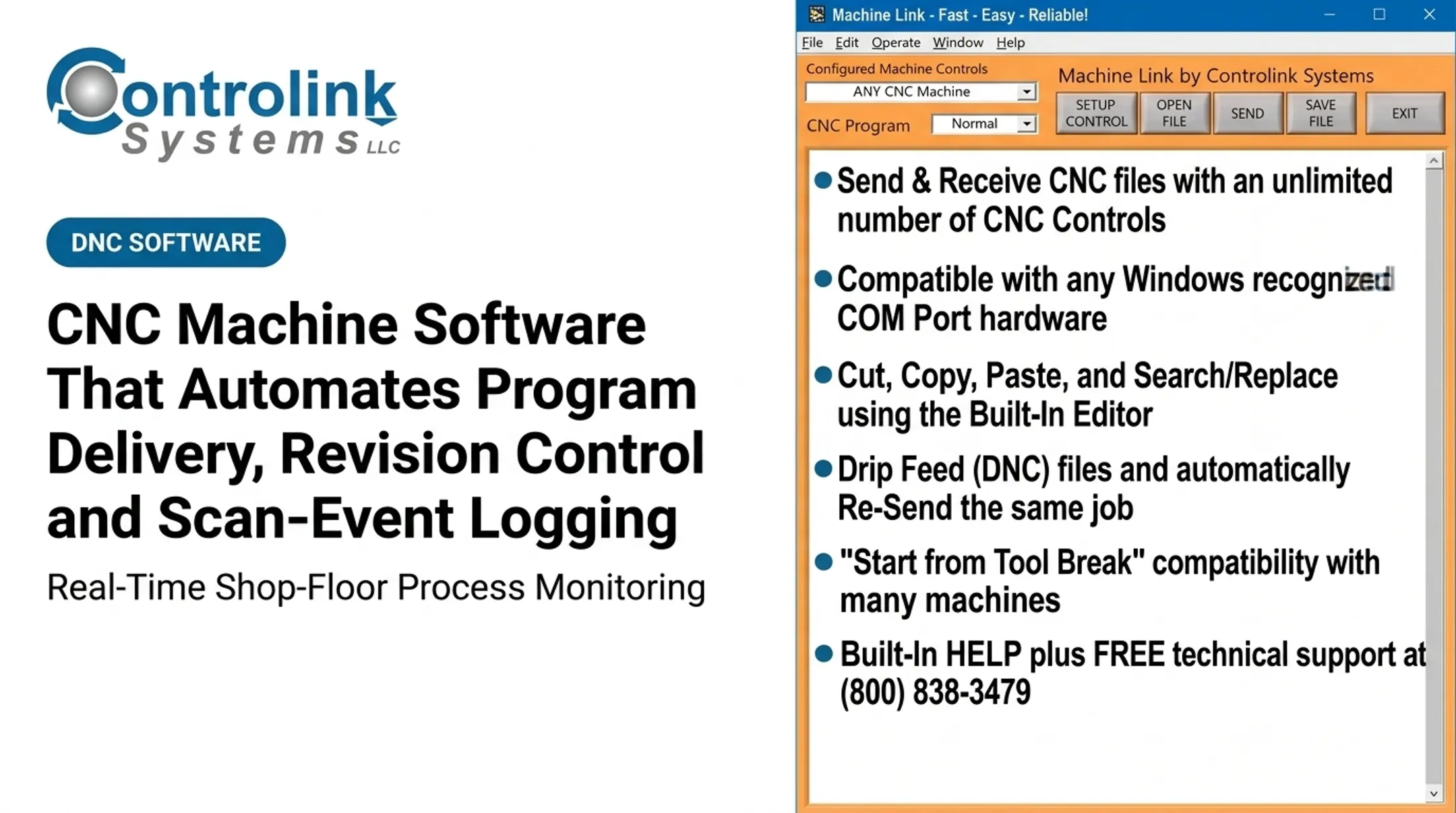
The company's Machine Link™ and Machine Link™ QUICK Serve products were built around one specific problem: getting the latest engineering-approved file to a machine without an operator walking across the floor to fetch it. QUICK Serve is built for shops that need practical automation without enterprise overhead:
- Operators request files directly from the machine control using configured keywords
- Works with both older and newer CNC controls
- Fits mixed-equipment floors where not every machine is the same generation
Controlink has been a member of the NI Partner Network since 2000 and routinely interfaces with SQL databases, PLC hardware, and motion controllers when a shop's integration needs go beyond standard file transfer. That background is only relevant if your shop actually needs it; plenty of shops just need reliable file delivery and nothing more.
Before choosing a solution, discuss your current machines, file-transfer process, legacy equipment, and desired automation level with Controlink. No compatibility or outcome can be promised without looking at your specific setup first, but that conversation costs nothing to start.
Frequently Asked Questions
What is the best software for machine shops?
It depends on your machines, controls, workflow, and budget — there's no universal answer. CNC/DNC delivery software handles getting approved files to machines, a different job than CAD/CAM, ERP, or scheduling systems.
What is the easiest CNC software for beginners?
Look for a simple operator screen that clearly shows the machine, job, and program revision, plus guided transfer steps and real vendor support. Training time and documentation quality matter more than any single feature.
What is CNC program delivery software?
It's a system that stores, controls, and transfers approved machine programs between engineering or programming systems and CNC equipment on the shop floor. It's often called DNC software.
How does DNC software help a small machine shop?
It reduces manual file handling, cuts the risk of running an outdated program, eliminates unnecessary walking, and improves visibility between the office and the floor. The result is fewer delays between programming and production.
Can CNC/DNC software work with older machines?
Often, yes — compatibility depends on the machine's control, communication method, and hardware. Run an equipment audit and have any vendor test compatibility with your specific machines before you commit.