This type of software isn't CAD/CAM. It doesn't design parts or generate toolpaths. Its job is narrower and, in many shops, more urgent: deliver the approved program to the right machine, control which revision is active, connect shop-floor systems together, and log what actually happened at the control.
This article covers what the software does, the three capabilities that matter most, how delivery works in practice, how to evaluate and budget for a solution, and where a CNC/DNC communications provider like Controlink Systems fits into that workflow.
Key Takeaways
- CAD/CAM designs parts, CNC control runs machine motion, and DNC/shop-floor software delivers programs between them.
- Revision control locks in the approved file, flags obsolete versions, and keeps a full change history.
- Scan-event logging binds operator, machine, program revision, and timestamp into one searchable record.
- Match the solution to your machine fleet, connectivity, and quality needs — not a feature checklist.
- Build every business case on your scrap, downtime, and rework numbers, backed by credible outside sources.
What CNC Machine Software Actually Does
Think of this software as the layer that sits between your programming team and the machine control. It doesn't create the toolpath. It makes sure the correct, approved version of that toolpath gets to the correct machine, at the correct time, with a record of what happened.
CAD/CAM, CNC Control, and DNC Aren't the Same Thing
Shops sometimes lump these together, but they solve different problems:
| Category | What it does | Where it lives |
|---|---|---|
| CAD/CAM | Designs the part and generates toolpaths | Engineering workstation |
| CNC control | Executes machine motion from G-code | The machine controller |
| DNC / program-management software | Manages delivery, revisions, and communication between systems and machines | Shop floor network |
Without a controlled delivery layer, shops typically fall back on informal habits:
- Local copies saved to a desktop
- USB stick transfers between machines
- Ambiguous or conflicting filenames
- Duplicate programs floating around the floor
- Outdated revisions nobody marked as retired
None of that gives you visibility into what was actually loaded or run at the machine.
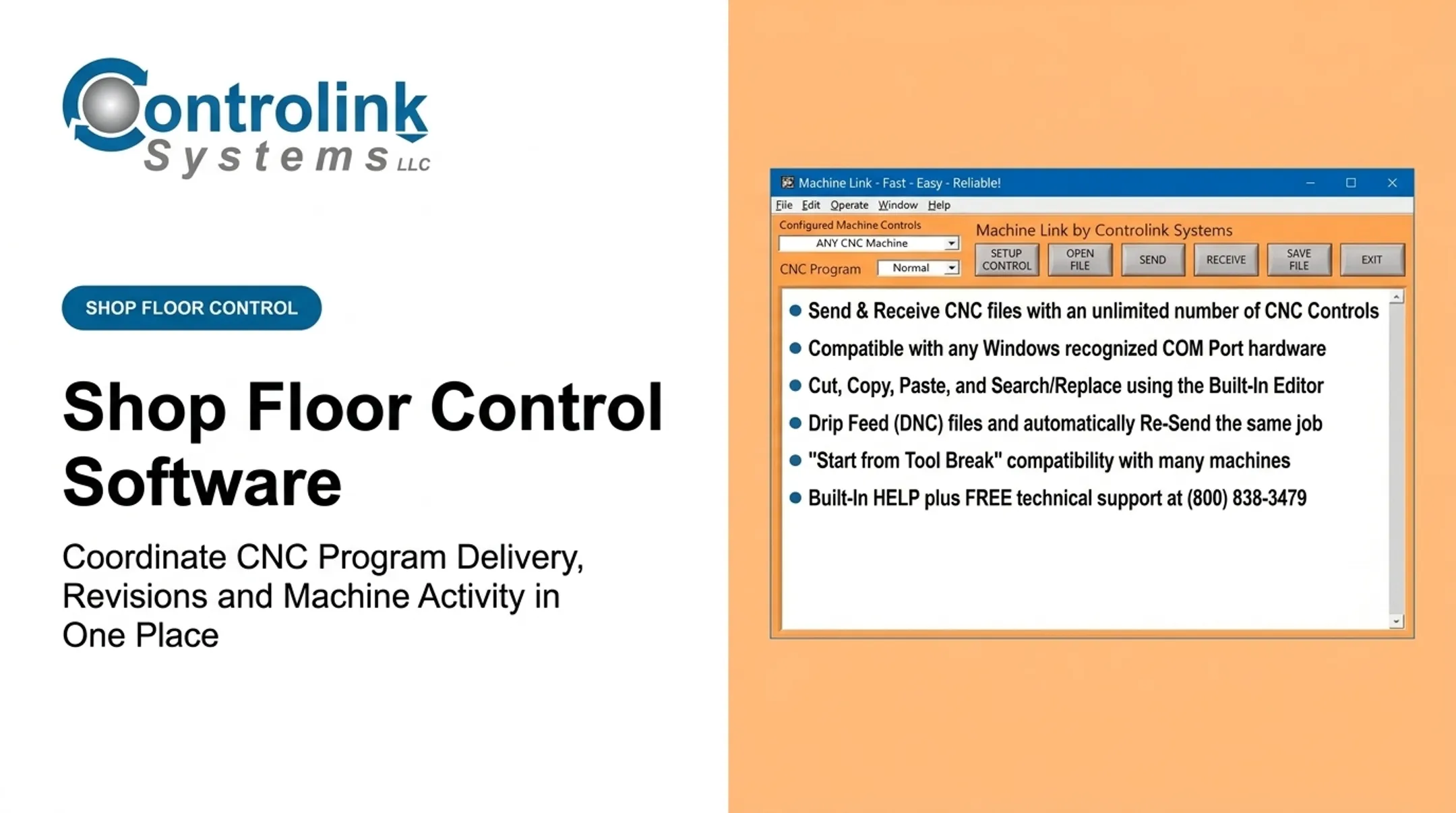
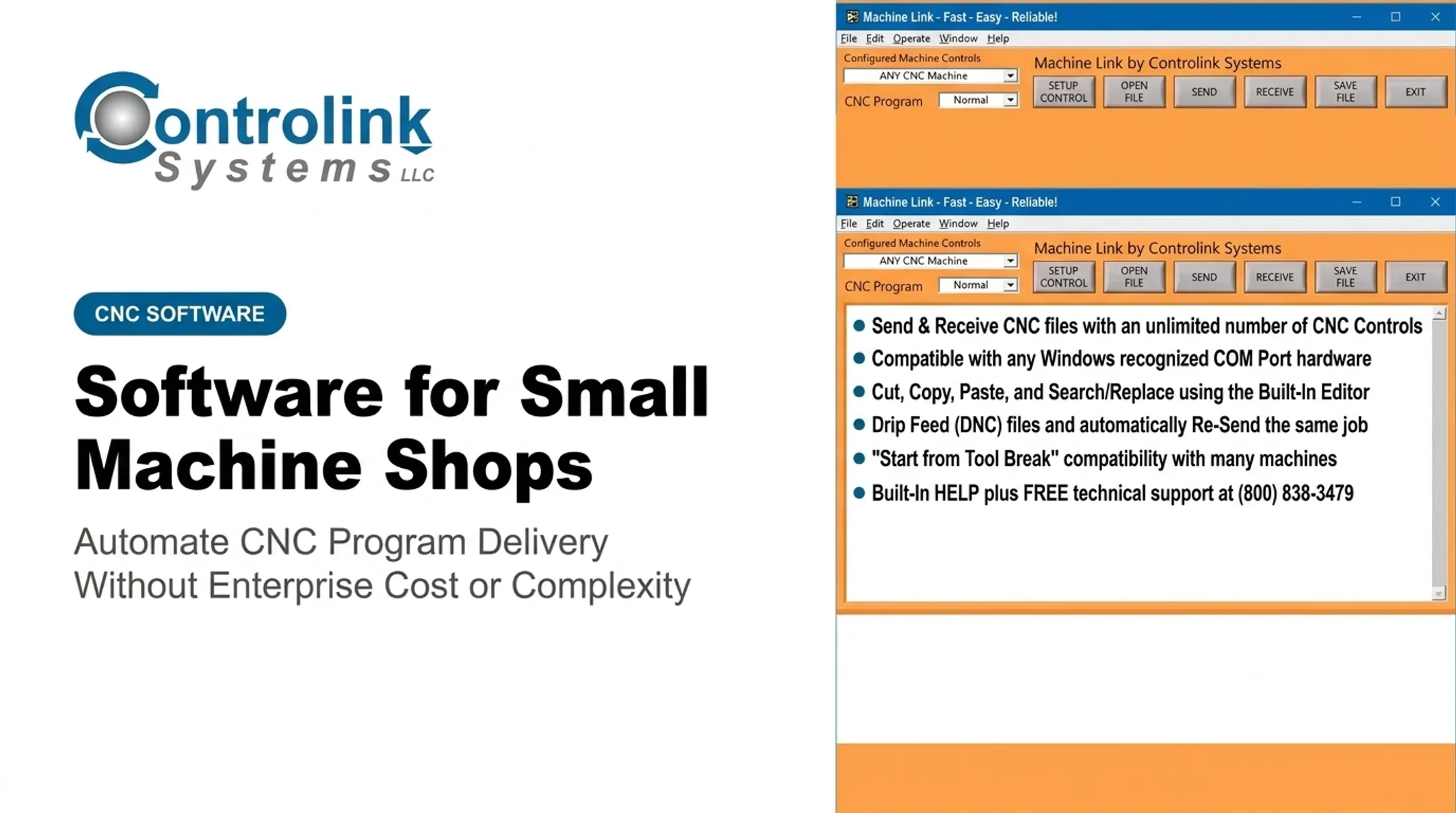
Centralized delivery changes that dynamic. Instead of walking across the shop to grab a file or track down an engineer, machinists pull engineering-approved programs directly at the control. Controlink Systems' Machine Link QUICK Serve, for example, was built specifically to eliminate that back-and-forth trip between machine and computer.
The stakeholders who benefit span the whole operation:
- Programmers and manufacturing engineers who approve and publish files
- Machinists who load the right program without hunting folders
- Supervisors and quality staff who need run traceability
- Maintenance, IT, and production managers accountable for uptime and reporting
The Three Capabilities That Matter Most
Three functions separate a controlled workflow from an informal one: automated delivery, revision control, and scan-event logging.

Automated Program Delivery
Delivery involves:
- Selecting or requesting a program — the operator initiates the request, or the system pushes it automatically
- Validating the target machine or control — confirming the file matches the intended controller
- Transferring the file — moving it over the right connection (serial, network, or wireless)
- Confirming delivery — so engineering and the operator both know the transfer succeeded
Machine Link QUICK Serve, for instance, continuously monitors machines for remote file requests. Keywords in the request file let an operator pull the program without touching a PC.
Revision Control Requirements
A functioning revision control setup needs:
- A unique identifier for every program
- Clear revision status (approved, draft, obsolete)
- An approval workflow before a file reaches the floor
- A recorded change history
- Defined permissions for who can edit, approve, or release
- A method tying each program to its part number or work order
Scan-Event Logging
Scan-event logging turns shop-floor activity into a structured, searchable record. Depending on the platform, that might mean scanning an operator badge, a job traveler, a machine ID, or a program barcode. Not every system supports every scan method — verify which ones your platform handles before assuming badge scans or barcode reads are included.
The 2017 Modern Machine Shop overview of DNC systems notes that collected data can include operator ID, job number, cycle time, part counts, and reject codes — all exportable to a database or spreadsheet for reporting.
Side by side, manual transfer and a controlled delivery-and-logging setup look like this:
| Factor | Manual file transfer | Controlled delivery & logging |
|---|---|---|
| Traceability | Little to none | Full record of who, what, when |
| Operator effort | Walking, searching folders | Request from the control |
| Error prevention | Relies on memory and habit | Validates before transfer |
| Audit readiness | Reconstructed after the fact | Available on demand |
| Scalability | Breaks down past a few machines | Handles growing fleets |
How Automated Program Delivery Works on the Shop Floor
A practical workflow looks like this:
- Engineering creates and approves a program revision.
- The approved file is published to the shop-floor system.
- The job is assigned to a machine or work order.
- The operator identifies the job at the control.
- The software delivers the file and confirms receipt.
- The event (operator, machine, program, timestamp) is logged.
Machine-Specific Validation
Every controller has its quirks. Validation should account for controller type, communication method (serial, Ethernet, wireless), file format, offsets, and naming conventions. One shop we know of previously limited filenames to four numerical digits on a Milltronic control — retrieving a file by number alone risked opening an entirely different job. That's exactly the kind of ambiguity controlled delivery is meant to remove.
Permissions and Exception Handling
Not everyone needs the same access. A clear structure separates:
- Who can create or edit a program
- Who can approve or release it
- Who can send or run it at a machine
- Who can retire an obsolete revision
Even in a well-designed system, exceptions happen: rejected files, failed transfers, dropped network connections, or an urgent shop-floor edit. Each of those events should get documented and reapproved before the file circulates again, not waved through informally.
That documentation habit is not new. Quality-management guidance from ISO's documentation requirements for ISO 9001:2015 states that organizations must retain records of production and process changes, including review and authorization, as evidence that the right version was used. The same principle applies directly to CNC program control.
Controlled delivery also shows up in real shop results. A Modern Machine Shop case study describes a shop that configured DNC to automatically retrieve the correct NC program with the latest tool offsets, restricting retrieval to approved subdirectories.
Setup time on a 50-tool job dropped from over 13 hours to about 8, and manual data-entry errors disappeared. The case is dated, not a current benchmark, but it illustrates the pattern well.

How to Evaluate and Budget for a Solution
Before comparing vendors, build a checklist specific to your shop:
- Machine and controller compatibility — old and new controls, various brands
- Communication protocols — serial, Modbus, PROFINET, EtherCAT, or others your machines actually use
- Machine count and connection type — wired, wireless, or mixed
- Database or ERP/MES connections — feed job status and program data into systems you already run
- User roles and permissions — who can release, edit, or only run programs
- Reporting, backups, and cybersecurity practices — audit trails, restore paths, and access controls
- Vendor support and response time — who answers when a transfer fails mid-shift
Deployment Options
Shops typically choose between on-premises, hosted, or hybrid setups. On-premises deployment keeps data and control fully in-house, which many machine shops prefer given network reliability concerns on the production floor.
Hosted or hybrid models shift some maintenance responsibility elsewhere but require dependable connectivity.

What Actually Drives Cost
Pricing varies by licensing model, machine count, and required integrations. As a real-world reference point, Controlink Systems' Machine Link QUICK Serve tiers run:
- QUICK Serve — 3 machines, $1,700
- QUICK Serve PLUS — 20 machines, $2,800
- QUICK Serve PRO — 64 simultaneous sessions, $4,000
Costs beyond the base license typically include implementation, training, and ongoing support. Confirm current pricing directly with the vendor; published figures can change.
Run a Staged Evaluation
Test the software against real conditions, not a demo script:
- Send one standard job through the full workflow
- Push a revised program and confirm the old version gets flagged obsolete
- Simulate a failed transfer and see how the system handles it
- Pull a traceability report and check whether it answers a real audit question
Calculate value using your own baseline — scrap rates, rework hours, walking time, and how long an investigation currently takes when something goes wrong. External benchmarks are useful context, but your shop's numbers are what justify the investment.
Where Controlink Systems Fits
Controlink Systems LLC has been building software for CNC/DNC communications and shop-floor automation since 1998, and has been a member of the NI Partner Network since 2000. In 2000, Timken Exchange featured the company's DNC software as "innovative software [that] enables machines to store and share information," an early recognition of the connectivity problem this article addresses.
The company's relevant strength is connecting pieces that don't naturally talk to each other: CNC machines, shop-floor software, SQL databases, PLC hardware, motion controllers, and protocols including Modbus, PROFINET, and EtherCAT.
- CNC machines and shop-floor software
- SQL databases and PLC hardware
- Motion controllers plus Modbus, PROFINET, and EtherCAT
That's the practical work behind automated delivery, revision tracking, and event logging: linking systems so information moves without someone carrying a USB drive across the floor.
If your shop is dealing with unclear file versions, informal transfers, or no real record of what ran where, bring your machine fleet, current file-transfer process, and revision-control or scan-logging goals. Reach Controlink Systems at (800) 838-3479 or support@controlinksystems.com.
Frequently Asked Questions
Which software is best for a CNC machine?
CAD/CAM handles design and toolpaths, CNC control software runs machine motion, and DNC or shop-floor software manages program delivery and revision control. Most shops need a combination matched to those jobs.
How much does CNC software cost?
Cost varies by category, machine count, users, integrations, and deployment model. Ask for a scope-based quote instead of relying on a generic price range.
What is CNC program delivery software?
It's software that controls the distribution of CNC programs between engineering systems and machine controls, focusing on access, compatibility, and confirmed delivery status.
How does revision control prevent outdated CNC programs from being used?
It identifies the approved version, records every change and approval, restricts access to obsolete files, and links the released revision directly to the job or machine workflow.
What should scan-event logging record in a machine shop?
At minimum: timestamp, operator, machine, job or work order, program revision, event type, and result — plus any required quality or exception notes.