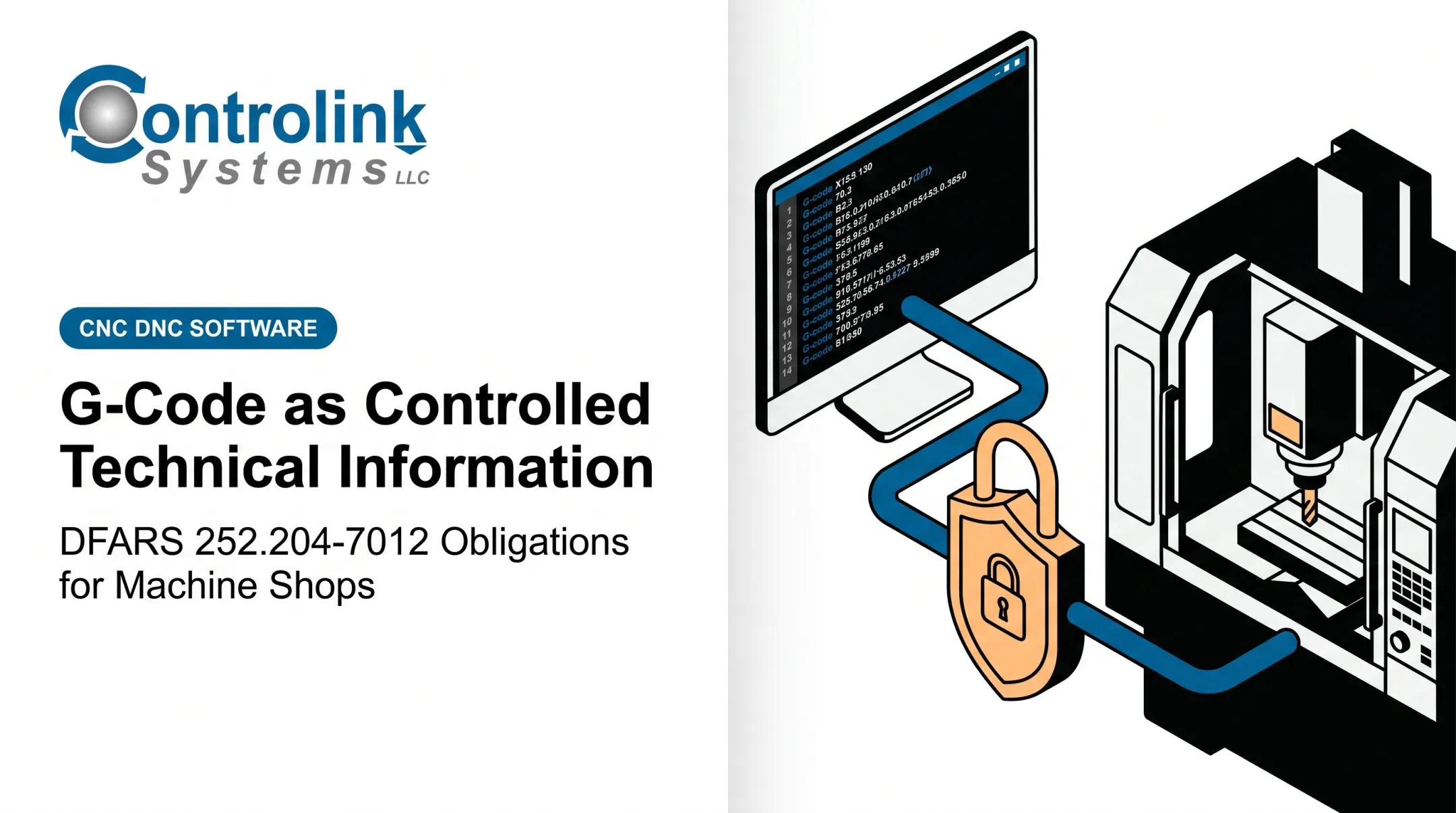
That assumption can be wrong. A CNC program can carry geometry, tolerances, tooling strategy, and process sequencing, exactly the kind of manufacturing know-how that export and defense regulations were written to protect.
This article walks through Controlled Technical Information (CTI), Controlled Unclassified Information (CUI), DFARS, CMMC, and ITAR, and where G-code fits into each. It's general education, not a legal opinion or a classification of any specific file.
Key takeaways:
- A G-code file's regulatory status depends on its content and contract, not its file extension.
- Individual commands like G94 or M03 never determine whether a whole program is controlled.
- Unmanaged USB drives, email, shared folders, and open machine access are common exposure points.
- Technical safeguards and administrative policy both have to be in place. Neither works alone.
What Is Controlled Technical Information?
Controlled Unclassified Information (CUI) is the umbrella category. The National Archives (NARA) defines it as information requiring safeguarding or dissemination controls under law, regulation, or government-wide policy, even though it isn't classified. NARA's CUI Registry manages the full list of categories that qualify.
Controlled Technical Information (CTI) is one specific category inside that Registry. NARA defines CTI as technical information with military or space application that is subject to controls on access, use, or distribution. On the CUI Registry's CTI category page, technical information means technical data or computer software as defined in DFARS 252.227-7013. That definition explicitly includes process sheets and executable or source code.
That last point matters for machine shops. A G-code file is source code under that definition. It is not excluded just because it runs on a mill instead of a server.
CTI, CUI, and CDI Aren't Interchangeable
These three terms get used loosely, but they mean different things:
- CUI is the government-wide handling concept.
- CTI is a specific Registry category under CUI.
- CDI (Covered Defense Information) is a DFARS contract term for CTI or other CUI that DoD marks or provides, or that a contractor collects and uses to perform the contract.
Unclassified does not mean unrestricted. A part drawing or its toolpath can reveal enough design, manufacturing, or maintenance detail to matter—even without a classification stamp.
Confirm status against the current DFARS clause language and the CUI Registry itself, not a general industry assumption.
Why G-Code May Fall Under Export or DFARS Rules
A modern CNC program is rarely just "move here, cut there." A single file can contain:
- Coordinate movements and toolpaths that reveal exact part geometry
- Workholding assumptions and fixture references
- Operation sequencing that reflects a specific process strategy
- Feeds, speeds, and probing routines tuned to a material or tolerance band
- Machine-specific offsets and post-processor instructions
Put together, that's often enough information to reproduce or modify the part without the original drawing. That's the practical reason a program tied to a defense article, controlled drawing, or restricted process may need controlled handling, even as a plain text file with no visible "controlled" label anywhere in it.
G94 and M03 Don't Decide Anything by Themselves
Separate individual commands from the file as a whole. On many controllers, G94 selects feed-per-minute mode, and M03 starts the spindle turning clockwise. Haas documentation confirms both as standard, generic machine functions.
Neither command reveals part geometry, tolerances, or end use on its own, and neither one determines the status of the surrounding program.
Context is what changes the risk profile. A snippet using G94 and M03 in a training example tells you almost nothing. The same commands inside a complete program tied to a specific defense part number, a controlled drawing revision, a named customer, and a documented tooling strategy are a different situation entirely.
A Short Classification Decision Path
When a program's status is unclear, work through it in order:
- Identify the customer and the governing contract.
- Review any markings on the source drawing, work order, or file metadata.
- Determine whether the program was derived from or supports controlled technical data.
- Check who has access to the file and where it could travel, including any foreign-person access.
- Escalate anything uncertain to the customer's export-control officer or qualified compliance counsel.

Not every standalone toolpath or generic command sequence is CTI, CUI, or export-controlled technology. But nothing in the file extension tells you that. The source documents, contract terms, and markings do.
How DFARS, CMMC, and ITAR Relate to G-Code
These three frameworks get lumped together constantly. They're not the same thing, and they don't trigger under the same conditions. DFARS clauses are contractual Federal acquisition requirements. DFARS 252.204-7012 requires adequate security for covered contractor information systems handling CDI, pointing to the applicable NIST SP 800-171 baseline and setting cyber incident reporting obligations. ITAR is an export-control regime under 22 CFR governing defense articles and related technical data listed on the U.S. Munitions List. Per 22 CFR Part 120, ITAR technical data explicitly covers manufacturing know-how and supporting software for numerically controlled machines when that data is required to produce an acceptable defense article. That language reaches directly into G-code territory. CMMC is an assessment and certification framework layered on top of DFARS. It verifies that a contractor's cybersecurity practices meet the level required to protect Federal Contract Information or CUI, per the contract's own terms.
Why These Three Don't Substitute for Each Other
| Framework | What it governs | Trigger |
|---|---|---|
| DFARS | Contractual cybersecurity and reporting obligations | Contract clause + CDI involved |
| ITAR | Export of defense articles and technical data | USML jurisdiction |
| CMMC | Certification of cybersecurity maturity | Contract requirement for FCI/CUI protection |
| A shop can carry CMMC obligations without every file on its floor being ITAR-controlled. Conversely, an ITAR-controlled program still needs export safeguards even where a specific CMMC requirement doesn't apply. | ||
| Export control focuses on who can access or receive information, including foreign persons. Cybersecurity frameworks focus on how information systems handle and protect that data. The same G-code workflow can require review under both lenses at once. | ||
| Don't assume a fixed CMMC level applies universally, and don't assume any particular deadline or clause version is current. DFARS assessment clauses, CMMC phase requirements, and NIST baselines have all changed within the last two years. Confirm obligations through your prime contractor, the actual contract clauses, flow-down terms, and current data markings, not last year's summary. | ||
| Assign ownership for each decision type: |
- Customer or prime contractor: data classification questions
- Your organization: internal policy and access rules
- IT/security staff: system-level safeguards
- Export counsel or an empowered export-control officer: jurisdiction and authorization calls

How to Control G-Code Through the Manufacturing Workflow
A G-code file touches many hands between CAD/CAM and the machine spindle. Controls need to follow the file at every stop, not just at creation.
Map the full path and apply controls at each stage:
- Creation and post-processing
- Engineering approval and revision control
- Transfer to the floor and storage on the machine
- Operator use, backups, and vendor or maintenance access
- Archival and eventual disposal
Access control basics:
- Use named users where the system supports it, not shared logins
- Apply least-privilege access so operators can run files without editing or deleting them
- Restrict machine and workstation access to authorized personnel
- Document how access is granted, changed, and removed over time
Transfer Methods Are Usually the Weak Point
Uncontrolled USB drives, personal email, consumer file-sharing tools, and open network shares are how controlled programs leave authorized channels. An unmanaged DNC path between the office and the shop floor is another common gap.
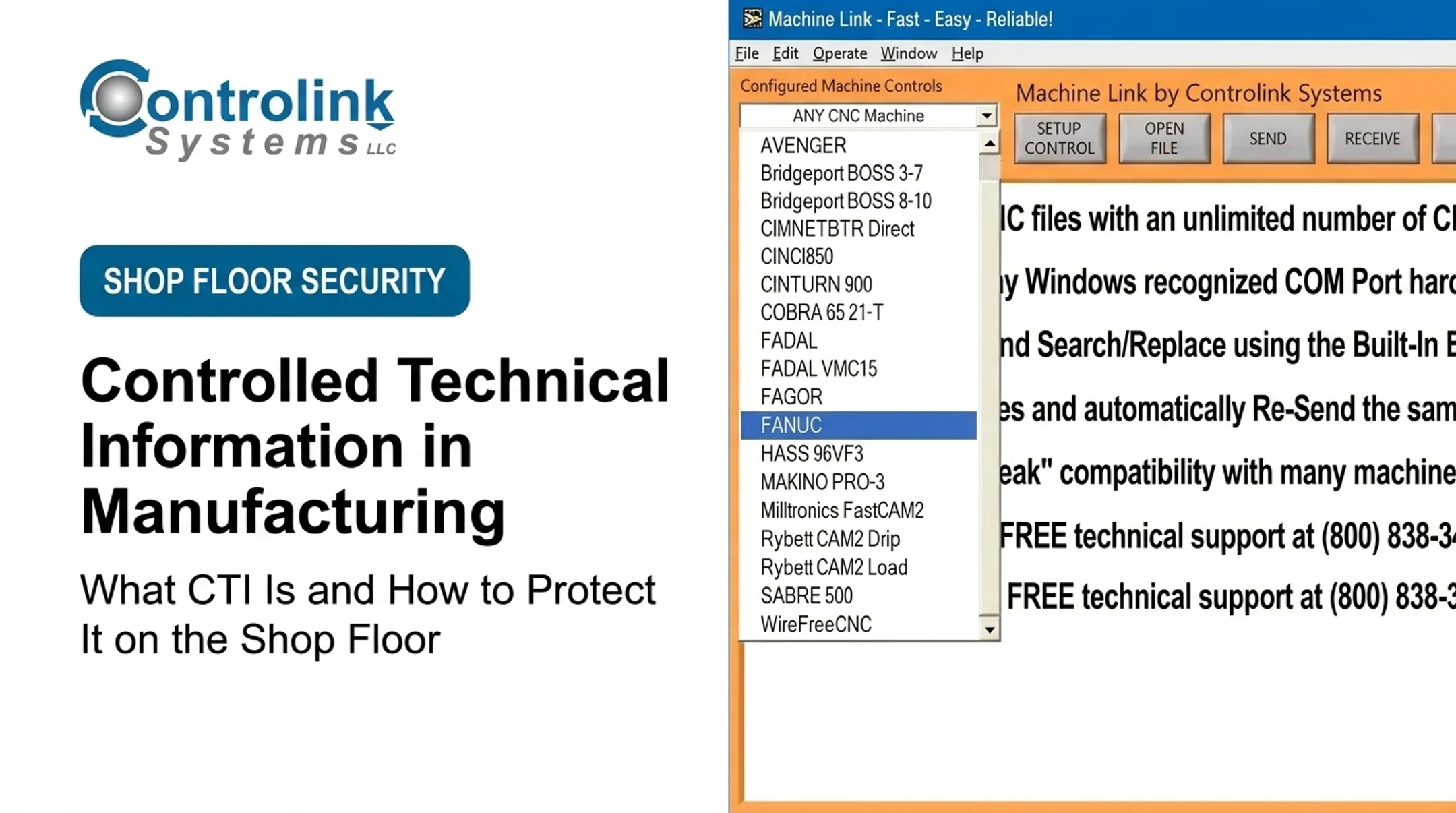
A managed transfer path closes that gap. Controlink Systems LLC has built CNC/DNC communication tools for this handoff since 1998. Machine Link™ moves programs directly between engineering systems and machine controls, replacing loose floppy disks and USB drives.
One packaging equipment customer eliminated floppy disks after connecting three CNC mills through Machine Link™, backing files up electronically instead of carrying media across the floor.
Managed transfer matters for traceability, not just convenience. Every approved channel should verify the destination machine and include a documented procedure for lost or misdirected media.
Traceability essentials:
- Records of who released, accessed, transferred, or modified a program
- Preserved revision history tied to engineering approvals
- Confirmation that the machine actually received the approved file version
- Regular reconciliation between shop-floor copies and the engineering master

Physical controls round this out:
- Secured CAM workstations and controlled network cabinets
- Locked-down removable-media ports
- Documented compensating controls for legacy machines that can't support modern authentication
- Shop-floor networks segmented from general office traffic where feasible
A DNC platform or shop-floor automation tool does not by itself establish ITAR, DFARS, CMMC, or export-control compliance. Any product used in a controlled workflow still needs its configuration, security settings, and system boundaries validated against your specific contract obligations.
A Practical G-Code Export-Control and DFARS Readiness Checklist
Use this as a starting inventory, not a finished compliance program.
Classification and scope:
- Inventory G-code, CAM outputs, drawings, travelers, inspection data, and setup sheets
- Map each item to its associated contract, customer, and markings
- Document any classification questions that remain unresolved
People and process:
- Designate responsible owners for controlled-data decisions
- Train programmers and operators on handling requirements
- Define approved transfer methods and explicitly prohibit informal sharing
- Build an escalation path for suspected misclassification or unauthorized access
Technology and evidence:
- Review authentication, encryption, logging, and backup practices
- Check network segmentation and removable-media controls
- Audit vendor and maintenance access to machines and files
- Retain evidence that these controls actually operate as documented
Before publishing internal policy based on any of this, verify current DFARS clause text, CMMC assessment guidance, NIST SP 800-171 requirements, NARA CUI guidance, and ITAR/EAR rules directly from their source pages.
Deadlines, clause numbers, and assessment levels have shifted more than once in the past few years.
Treat G-Code as Potentially Controlled Until Its Status Is Clear
A G-code file's regulatory status comes down to its content, origin, use, markings, and the contract behind it, never the .nc extension or the fact that it contains machine instructions.
Before assuming a program is safe to move casually, confirm your shop can document:
- Where each potentially controlled program came from
- Who approved it
- Where it has been transferred
- Who accessed it
- Which machine actually received it
If those answers aren't documented, that's the gap to close first.
This article is educational and doesn't classify any specific file, replace legal advice, or substitute for a CMMC assessment. It doesn't establish that any Controlink Systems LLC product satisfies a particular regulatory requirement.
Frequently Asked Questions
What is controlled technical information?
CTI is technical information with military or space application. It requires safeguarding or dissemination controls under applicable law, regulation, or government policy. Exact classification depends on the file's source and context—not a general assumption.
What is G-code G94?
G94 commonly selects feed-per-minute mode on many CNC controllers. Meanings can vary slightly by controller brand, and this single command never determines whether the complete program it appears in is controlled.
What does the G-code M03 do?
M03 commonly starts the spindle rotating clockwise, depending on the machine and controller. Like any individual command, it doesn't establish the export or CUI status of the file it's part of.
Is G-code considered CUI?
It depends on the file's content, source, markings, contract, and connection to a controlled defense item. Don't assume generic or unmarked code is automatically unrestricted just because it lacks a visible label.
Does DFARS apply to every G-code file used in manufacturing?
No. DFARS obligations come from the applicable contract and its flow-down clauses, not from using G-code itself. Review the actual contract terms, data markings, and customer direction before assuming any obligation applies.
How should a machine shop protect controlled G-code files?
Treat controlled G-code like other regulated technical data: limit who can get it, move it, and change it.
- Use approved transfer channels only
- Enforce least-privilege, named-user access
- Keep revision control, logging, and network/physical safeguards
- Train staff and escalate questions to qualified compliance personnel