Introduction
Your ERP dashboard shows the right work order, the right bill of materials, and the latest engineering revision. Meanwhile, the CNC machine on the floor might still be running yesterday's program. That gap between what the business system reports and what's actually loaded at the control is one of the most overlooked sources of scrap, rework, and downtime in machine shops.
This isn't a hypothetical concern. NIST's case study on integrating Boeing and Okuma CNC systems with enterprise software found that factory-floor machines have historically been "islands of automation," disconnected from the business systems meant to track them. That disconnect hasn't closed just because ERP platforms grew more sophisticated.
Here's why it matters: the software boundary between enterprise planning and machine-level execution directly affects quality, traceability, and machine utilization.
ERP and shop-floor software do different jobs. ERP coordinates the business and production record. Specialized CNC/DNC software controls how approved programs actually reach the machine. Knowing where one stops and the other starts is what keeps outdated files off your spindles.
Key Takeaways
- Manufacturing ERP manages work orders, BOMs, routings, inventory, costing, and scheduling — not machine-level file delivery
- Shop-floor CNC/DNC software handles getting the approved program onto the correct machine control, safely and on record
- An ERP engineering-change entry doesn't confirm the right NC file sits on a specific machine right now
- The strongest setups connect ERP, engineering, and shop-floor software with clear ownership at every handoff
Manufacturing ERP vs. Shop-Floor Software: Quick Comparison
Before deciding which system should own a given task, compare the two side by side.
| Aspect | Manufacturing ERP | Shop-floor CNC/DNC software |
|---|---|---|
| Primary purpose | Coordinates work orders, materials, costs, inventory, and business reporting | Executes production tasks at the machine: program delivery, operator access, machine communication |
| CNC program delivery | May store a reference, attachment, or link to a program depending on configuration | Sends or makes available the correct program to the correct CNC control |
| Revision control | Tracks item, BOM, routing, and engineering revisions enterprise-wide | Confirms the machine receives the approved revision and flags or blocks obsolete files |
| Machine connectivity | Usually connects through integrations, APIs, or middleware rather than talking to controllers directly | Manages controller communication, file transfer, and protocol differences |
| Data and accountability | Answers what should be produced, with which materials, at what cost | Answers which program was delivered, to whom, on which machine, and when |
Notice the pattern. ERP answers planning questions. Shop-floor software answers execution questions. A shop that only has answers to the left column is blind on the right—and that gap is exactly where wrong-revision scrap happens.
One caveat: audit depth for program delivery varies significantly by platform. Some shop-floor tools log every send, receive, and rejection. Others log almost nothing. Don't assume equal capability across products.
ERP and Shop-Floor Software: What Each System Does
Manufacturing ERP
Manufacturing ERP is the central system for coordinating enterprise and production-planning information. It typically covers:
- Work orders, BOMs, and routings
- Inventory and purchasing
- Costing and scheduling
- Quality records and financial reporting ERP supports CNC operations indirectly by identifying the job, part, operation, quantity, due date, required revision, and production status. That context is valuable, but it is not the same as controlling what's on the machine. Here's the distinction that trips up a lot of shops: an ERP showing a routing or engineering revision change is not proof that the corresponding CNC program has been linked, approved, distributed, or retired. Those are separate control layers. The organization still has to verify how the NC file itself moves from engineering to the spindle. Most ERP platforms aren't optimized to manage things at the controller level, including:
- Machine-specific communication protocols
- Controller syntax or memory behavior
- Operator-facing program retrieval at the machine
- Preventing use of a locally stored, outdated file — unless a dedicated module or integration handles it Before assuming your ERP has this covered, ask:
- Can it manage NC files natively, or only reference them?
- Does it maintain file-level revision history for the program itself, not just the routing?
- Can it enforce approval before a file is released to a machine?
- Does it integrate with DNC or MES software, and how? Verify documented native functionality—not vendor assumptions—before you treat ERP as your program-control layer.
Shop-floor CNC/DNC software
Shop-floor software is the operational layer that connects approved production information with CNC machines, operators, and machine-control workflows. Siemens' DNC documentation describes that role as managing, archiving, and version-controlling NC data, then transferring it between production planning and the CNC systems—a distinct function from ERP's job-planning role. Siemens SINUMERIK DNC Function Manual A typical delivery workflow looks like this:
- Identify the job and target machine
- Locate the approved program version
- Validate the revision and operator permissions
- Transmit or expose the file to the control
- Record the transaction or any exception Practical revision-control safeguards worth building into that workflow include:

- Controlled master files
- User permission levels
- Approval status flags
- Revision naming conventions
- Obsolete-file handling
- Machine-specific destinations
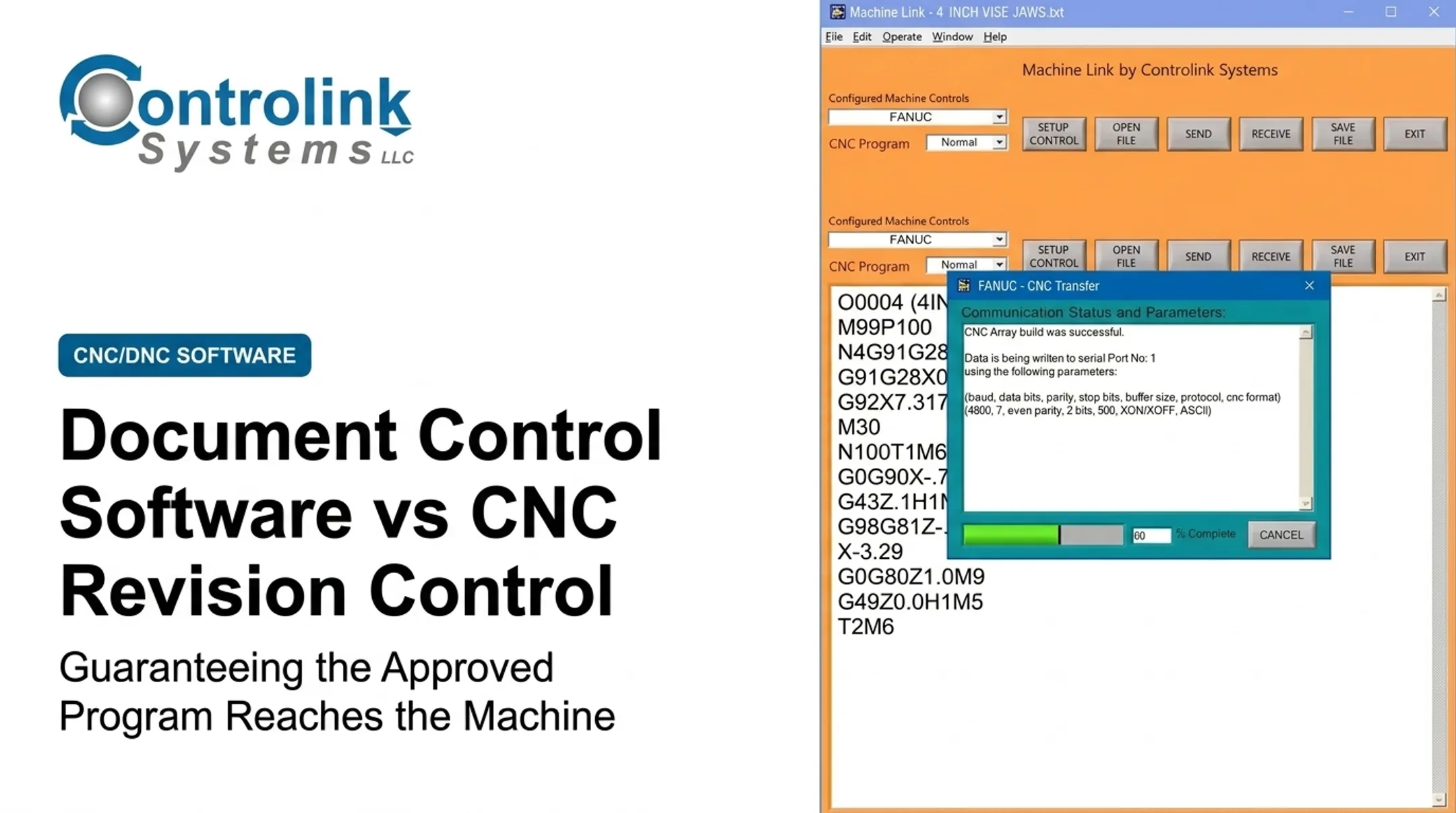
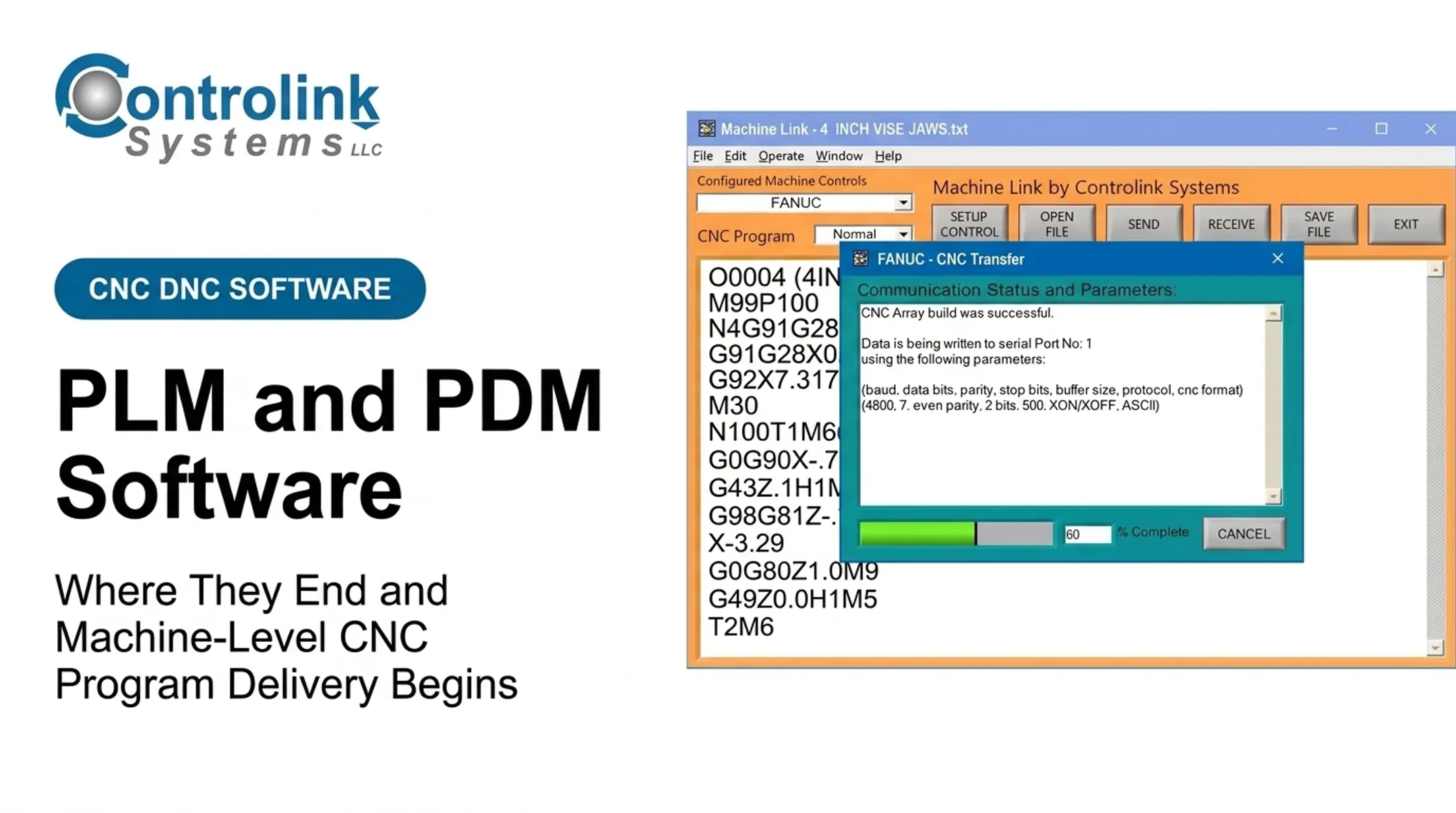
- Audit history Controller and communication differences matter more than they get credit for. A shop running 15-year-old lathes alongside new mills is dealing with legacy serial connections and modern network protocols in the same building. This is where a specialized integration layer earns its keep. Controlink Systems has worked in this space since 1998, building CNC/DNC communication and shop-floor automation tools. Machine Link™, for instance, communicates over standard RS-232 serial connections and can be configured for an unlimited number of machine controls, which is a practical answer to the mixed-fleet problem many shops face. Its QUICK Serve variant continuously monitors machines for file requests and returns the engineering-approved version straight to the control, without the operator walking across the floor.
Use Cases: Where ERP and Shop-Floor Software Fit in a CNC Process
Picture a typical CNC program workflow:
- Engineering approves a revised program
- ERP updates the job context
- Shop-floor software distributes the approved file
- The operator runs the job
- Production data flows back up
ERP is the primary system of record for:
- Quoting and material planning
- Work-order creation and scheduling
- Job costing and purchasing
- Inventory and enterprise-level compliance reporting
Shop-floor software is the primary operational tool for:
- Retrieving the correct CNC program for a specific machine
- Transferring files to the controller
- Managing operator access and permissions
- Tracking program delivery and use
The real test comes during exceptions. Run these scenarios during any evaluation:
- A last-minute engineering change hits mid-shift
- A machine goes offline mid-transfer
- Two files share a similar name
- An operator has an edited copy sitting in local controller memory
- Someone needs to roll back to a previously approved version
If your current setup can't answer these cleanly, document ownership for each step in a simple workflow matrix:
- Create
- Approve
- Revise
- Release
- Retire
- Audit
That matrix removes ambiguity before it becomes scrap.
What Is Better for CNC Program Delivery and Revision Control?
Wrong question first: don't ask whether ERP or shop-floor software is universally better. Ask which system is best suited to each control point in your CNC workflow.
Lean on ERP-led control when your main need is enterprise planning and traceability across jobs, materials, costs, engineering records, and purchasing. Just validate separately whether it can actually deliver CNC files. Many can't do that natively.
Lean on specialized shop-floor CNC/DNC software when your biggest risks are:
- Outdated programs reaching machines
- Manual, flash-drive-style file transfers
- Incompatible machine communications across a mixed fleet
- Uncontrolled local copies sitting in controller memory
- Weak or no operator access controls
Most shops need both, connected. If you're building an integrated approach, confirm how the systems exchange:
- Item IDs and work orders
- Part and program revision identifiers
- Approval status and status updates
- Audit records for both sides
Before signing off on any setup, run this checklist:
- Trace one real engineering change from approval to machine execution
- Confirm permissions matched at every step
- Verify the revision on the machine matches the approved revision
- Test what happens if the machine goes offline mid-transfer
- Validate that rollback to a prior approved version works
- Check that obsolete files can't be run accidentally
- Pull the audit trail and see if it actually answers "who ran what, when"

If any of those steps produce a shrug instead of an answer, that control point is still a gap.
Real-World Examples
M-1 Tool Works, a shop running roughly 50 machines across two buildings, previously delivered larger programs by copying them to flash drives and hand-carrying them to machines.
After centralizing on CIMCO's DNC-Max, the shop reported programs reaching machines faster and more reliably, plus a noticeable drop in internal non-conformance. No specific scrap or downtime percentage was published. CIMCO's M-1 Tool Works case study
Controlink Systems has seen a similar pattern with its own customers. At Ametek, operators made several trips between the CNC machine and computer just to send programs. Corrected programs often never made it back into the system, so the same fix had to be repeated later.
After implementing Machine Link™ QUICK Serve, operators retrieved programs and returned corrections without leaving the machine. Corrected files landed in an Engineering folder for review before entering the CNC program library.
Both cases point to the same shop-floor gaps ERP does not close:
- Reliable delivery of the right program version to the machine
- Capture of operator corrections before they disappear
- A review step before revised files re-enter the CNC library

If your shop still tracks program delivery by memory or sticky notes, Controlink Systems can review your program-delivery and revision-control workflow. We can walk through how CNC/DNC communication and shop-floor automation tools connect with the enterprise systems you already run.
Conclusion
Manufacturing ERP is the backbone for planning, resources, work orders, inventory, costing, and enterprise visibility. Don't treat it as the complete solution for getting the right CNC program onto the right machine. That job needs different tools.
The practical path is an integrated workflow: keep approved engineering and ERP data aligned with controlled shop-floor program access. Evaluate the handoff between systems, not just the module list on a spec sheet.
Frequently Asked Questions
What are ERP systems for manufacturing?
ERP systems integrate manufacturing business processes such as production planning, inventory, purchasing, work orders, costing, quality, scheduling, and finance. CNC program delivery to the machine control often requires additional software or integration.
What is the difference between ERP and shop-floor software?
ERP coordinates enterprise and production-planning information across the business. Shop-floor software supports real-time execution: machine connectivity, operator workflows, and CNC program delivery at the control itself.
Can an ERP manage CNC programs?
Capabilities vary widely by platform. Some ERPs can store, link, or version files. Confirm whether they also handle machine-level delivery, controller communication, permissions, and obsolete-file prevention.
What is DNC software used for?
DNC (Direct Numerical Control) software transfers CNC programs between a controlled software environment and machine tools, while managing version history and archiving. Supported protocols and features differ by platform.
How does CNC revision control prevent outdated programs from reaching machines?
CNC revision control uses approved master files, clear revision IDs, user permissions, and controlled distribution to specific machines. Obsolete files are blocked, and audit records confirm which version actually ran.
Can shop-floor CNC software integrate with an ERP?
Yes, often by exchanging work orders, part and revision identifiers, program approval status, and production feedback. Confirm the specific interfaces, data ownership, and error-handling process during evaluation.