That gap between how information is protected on paper and how it actually moves through a shop is where NIST SP 800-171 compliance gets hard for CNC operations. Many machine shops assume compliance is an IT department problem, something that lives in firewalls and email servers. It doesn't stop there.
NIST SP 800-171 also governs the CNC controllers, DNC servers, removable media, and printed setup sheets that carry Controlled Unclassified Information (CUI) across your shop floor. This article breaks down two specific control families, Media Protection and Audit and Accountability, and shows what they actually mean at the machine.
Key Takeaways
- Confirm which CNC files, drawings, and records qualify as CUI before building controls
- Control removable media, controller storage, and printouts across their full lifecycle
- Replace shared machine logins with identifiable users, timestamps, and reviewable transfer records
- Build evidence collection into daily DNC workflows instead of scrambling before assessments
What NIST 800-171 Means for CNC Shops
NIST SP 800-171 sets requirements for protecting the confidentiality of CUI on nonfederal systems. The current version is Revision 3, published in May 2024, which replaced Revision 2.
CMMC Level 2 under 32 CFR Part 170 still references Rev. 2 requirements, so shops working toward certification need to confirm which version their contract points to before locking in control numbers.
Not every file on your shop floor is CUI. A CNC program becomes relevant to 800-171 when it processes, stores, or transmits information your contract identifies as controlled, not simply because your customer happens to be a defense contractor.
When CUI Shows Up on the Shop Floor
CNC shops encounter CUI most often through:
- Defense and aerospace subcontracts carrying technical drawings or specifications
- Automotive supply chains handling proprietary part designs
- Research or national lab work involving export-controlled processes
- Prime contractor flow-down requirements under DFARS 252.204-7012
That last point matters more than most shops realize. DFARS 252.204-7012 requires the clause to flow down to subcontractors without alteration, except to identify the parties, whenever covered defense information or operationally critical support is involved. If your prime includes that clause in your purchase order, the obligation is yours regardless of your shop's size.
Before assigning control numbers to your policies, check your contract clauses, any flow-down terms, and your customer's specific instructions about what they consider CUI. A generic assumption that "we do defense work, so everything is CUI" leads to either over-engineering controls on files that don't need them or missing the ones that do.
Media Protection at the CNC Machine
Media protection covers every point where a CUI file gets copied, stored, printed, or moved, from the moment engineering approves it to the moment it's destroyed. On a shop floor, that path runs through more touchpoints than most IT-focused compliance plans account for.

Mapping the Media Lifecycle
Trace a typical file's journey through the shop:
- Approved in engineering
- Copied to a USB drive or pushed through a DNC server
- Stored on a machine-side PC or controller
- Printed as a setup sheet when needed
- Archived or deleted at end of life Each stop is a place where the file can be exposed, duplicated without authorization, or lost track of entirely. Digital media risks specific to CNC environments include:
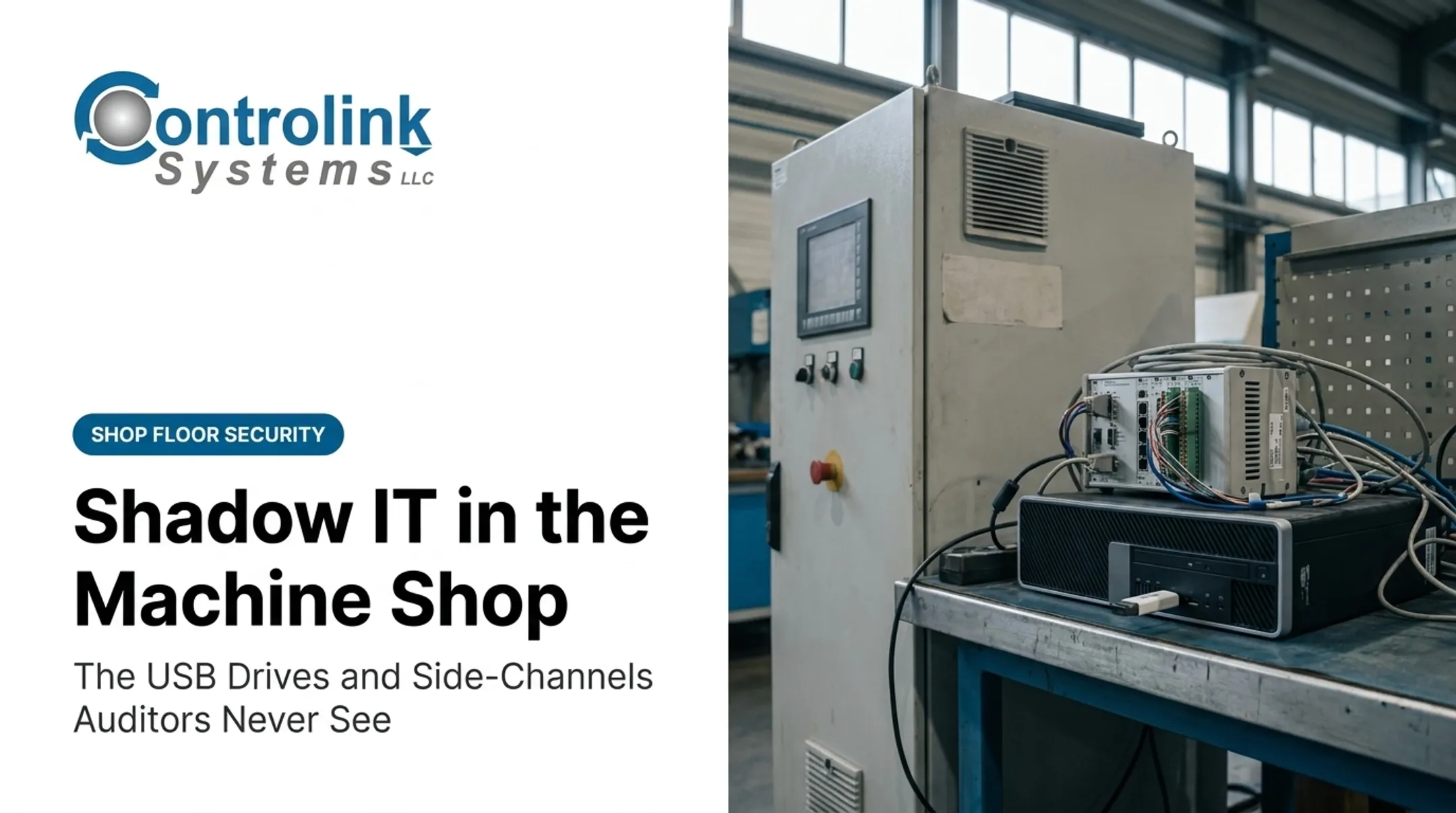
- USB drives and other removable storage moving between office and shop floor
- Controller memory holding old program revisions indefinitely
- Machine-side PCs and operator workstations with shared logins
- DNC servers and network shares with broad access permissions
- Portable laptops used for field service or remote programming Paper media is often the least controlled path in the building. Treat these the same as digital CUI:
- Printed drawings and setup sheets
- Travelers and inspection records
- Handwritten operator notes
Locking Down Removable Media
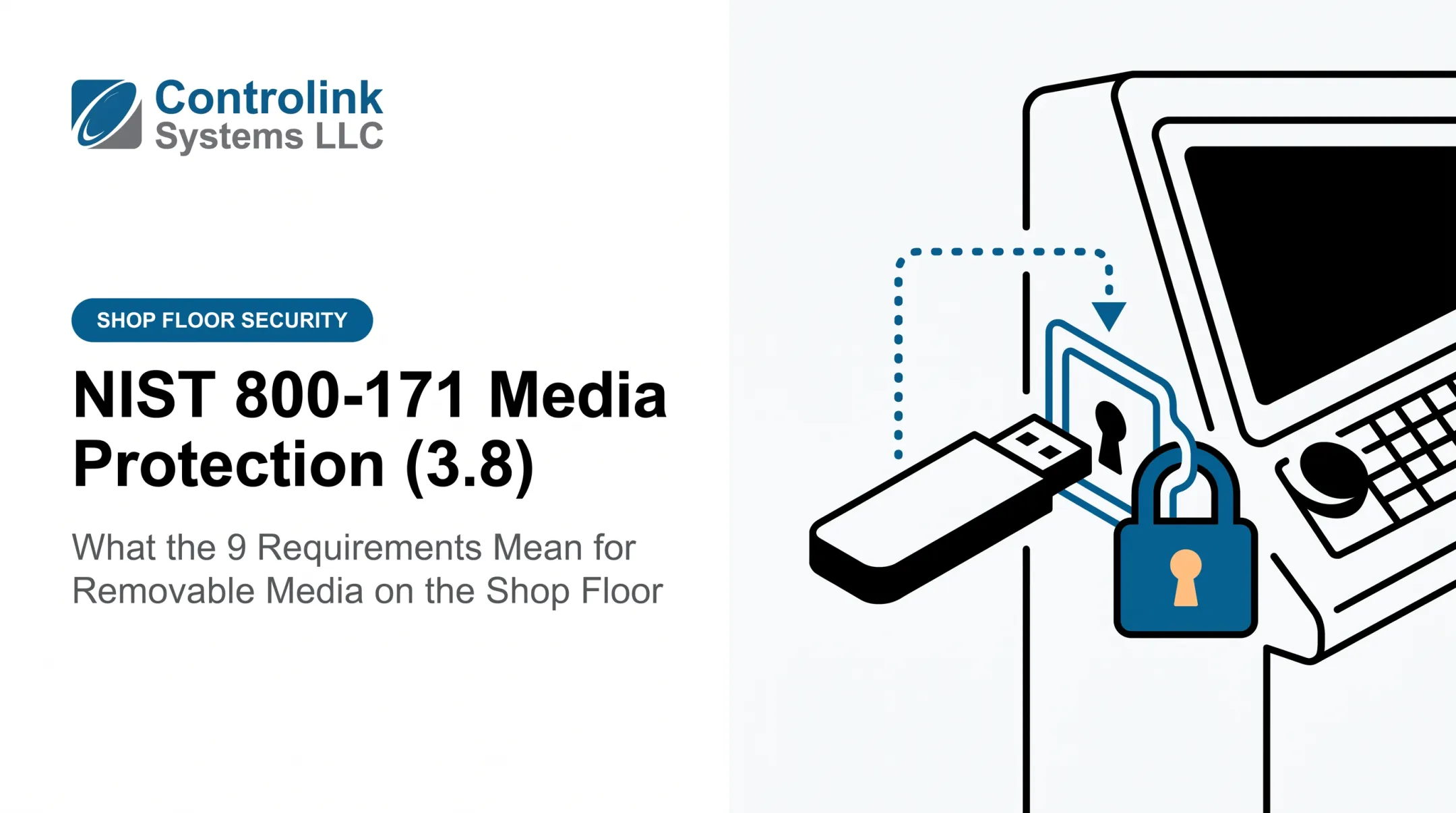
NIST SP 1334 specifically flags portable storage media as a common vector for moving data into and out of operational technology environments, a transfer pattern common on DNC-connected shop floors. The guidance recommends:
- Authorizing specific devices and prohibiting unknown or personally owned media
- Logging user identity, device serial number, and timestamp for every use
- Disabling unnecessary ports and autorun features
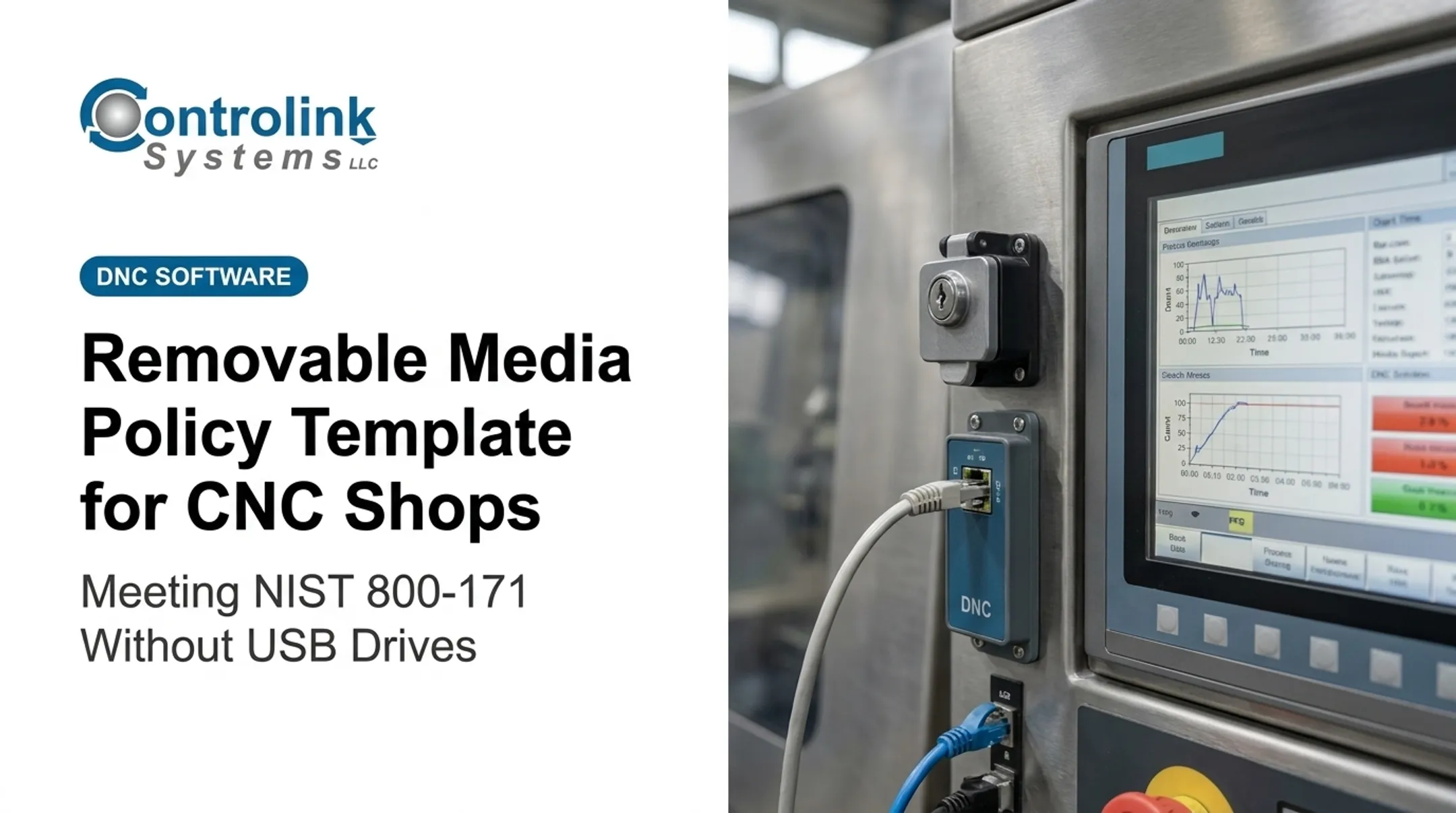
- Scanning devices before they touch a machine-side system A centralized DNC workflow closes that gap by removing ad-hoc USB copies from the path. Controlink's Machine Link software, for example, transfers programs over standard RS-232 and monitors each CNC for file requests so only the engineering-approved version reaches the control. Without that loop closed, corrected files can fail to route back for proper saving—as Ametek reported with an earlier DNC process that forced re-sends and re-corrections. That is how obsolete revisions end up running on a machine.
Sanitization and Revision Integrity
Retired controllers, old hard drives, and decommissioned USB devices need documented sanitization before reuse or disposal. NIST SP 800-88 Rev. 2 distinguishes clear, purge, and destroy methods by media type and sensitivity—confirm the required method with your IT or security lead before repurposing hardware. Before reuse or disposal, document at least:
- Asset ID and media type
- Sanitization method used
- Date, operator, and disposition (reuse, return, or destroy) Revision integrity matters just as much day to day. Machinists need the current engineering-approved file every time, not whatever was last loaded. If you can show which revision went to which machine and when, you have an auditable media-protection control—not just a good habit.
Audit and Accountability for CNC/DNC Activity
Media protection controls what moves. Audit and accountability controls prove who moved it. Without a reliable activity record, a shop has no way to investigate an incident, detect misuse, or show an assessor that its controls actually function day to day.
What to Log
NIST 800-171 Rev. 3's audit requirements call for capturing event type, time, location, source, outcome, and the individual associated with the activity. In a CNC/DNC environment, the events worth recording include:
- File creation, revision, and approval
- Upload or download between DNC server and machine control
- Transfer failures or interrupted sends
- File deletion or replacement on controller storage
- Parameter changes and user account changes
- Responses to security alerts
Why Shared Logins Break Accountability
A shared "operator" login on a shop-floor PC, or a USB drive labeled "backup" with no assigned owner, makes it impossible to answer a basic question: who did this? NIST 800-171 requires unique, attributable identities tied to every logged event. That means:
- Engineers, programmers, supervisors, and operators each need their own credentials
- Verbal handoffs ("just give it to Dave") don't create a record
- Generic device labels don't establish custody
Building the Evidence Chain
A defensible record connects a specific person to an approved file, its revision identifier, the destination machine, the transfer timestamp, and the resulting execution or change. Not every CNC controller can generate every one of these events natively. Treat that as a real gap—don't assume full logging exists where it doesn't.

Where native controller logging is thin, shops typically compensate with:
- DNC transfer records showing sender, file, machine, and time
- Workstation authentication logs
- Physical access records and operator sign-off sheets
- Change-control approvals for emergency edits
Document these compensating measures as intentional alternative processes. Do not treat them as equivalent to full native audit logging.
Protect the logs themselves:
- Synchronize timestamps across systems
- Restrict who can access or alter log records
- Retain records per your written policy
- Schedule periodic reviews instead of waiting for an incident
A Practical Implementation and Evidence Checklist
Turning these controls into something an assessor can verify starts with knowing what you actually have.
Start with an inventory covering:
- CUI repositories and engineering workstations
- DNC servers and every connected CNC controller
- Removable media, printers, and backup locations
- Vendor connections and machine-side network links
Assign roles and approvals for programming, file release, machine execution, revision changes, and emergency edits. Document explicitly who can authorize an exception, because undocumented exceptions are what assessors flag first.
Build shop-floor procedures covering:
- Approved media use
- File naming and revision control
- Controller storage limits
- Printed material handling
- Transfer verification
Richard Recker at Busche Enterprises, for instance, described backing up CNC programs across 46 different machine tools—a scale where informal tracking simply stops working.
Collect evidence continuously, including:
- Access lists and approved-device registers
- Transfer logs and change tickets
- Training records and sanitization certificates
- Backup inventories and log review records
Test the controls with realistic scenarios:
- An unrecognized USB device shows up
- An obsolete program is found on a controller
- A traveler goes missing
- An employee with machine access leaves the company
Run these as exercises, not hypotheticals.
Review on a schedule. Permissions, machine inventories, and approved-device lists all drift as staff and equipment change. A quarterly check keeps your documentation matching your actual floor.
Connecting Controls to CNC/DNC Operations
A centralized DNC workflow doesn't replace your compliance program, but it can carry a meaningful share of the evidence burden if it's built to. The goal is simple: cut uncontrolled copying and link every transfer to a person, a machine, and a timestamp.

Before adopting or evaluating any DNC platform, ask:
- Does it support individual user authentication, or just a shared login?
- Can it enforce role-based permissions for who releases files?
- Does it log transfer history with timestamps and revision identifiers?
- Can it generate exportable reports for review?
- Does it integrate with your existing network and file-approval process?
Those questions matter because media protection and accountability break down at the handoff between approved files and the machine control. Controlink Systems LLC has spent over 25 years building CNC/DNC communications and shop-floor automation software for that handoff, including Machine Link for standard file transfer and QUICK Serve for automated, revision-controlled delivery to machine controls.
Used well, that stack can reduce manual gaps where transfer evidence usually falls apart. Still, verify specific product features against your current requirements before you build any compliance claim around them.
None of this replaces the fundamentals. Automation can reduce uncontrolled copying and generate transfer records, but it doesn't write your policy, train your operators, review your access lists, or respond to an incident. Those remain management responsibilities, with or without a DNC system in place.
Frequently Asked Questions
What is NIST 800-171?
NIST SP 800-171 is a federal publication defining security requirements for protecting Controlled Unclassified Information on nonfederal systems. The current version is Revision 3, though CMMC regulations still reference Revision 2, so confirm which applies to your contract.
Who needs to comply with NIST 800-171?
Organizations that handle CUI under federal contracts, or through flow-down clauses from a prime contractor, may need to meet these requirements. Review your contract language and confirm your CUI scope directly with your customer.
How does NIST 800-171 apply to a CNC machine shop?
It applies wherever CUI touches your systems, including CNC programs, drawings, setup documentation, DNC servers, machine controllers, removable media, and printed shop-floor records.
What does media protection mean in a CNC environment?
It means controlling USB devices, controller storage, workstations, backups, and printed documents throughout their lifecycle, including secure transport, reuse restrictions, and documented destruction methods.
How can a CNC shop prove who accessed or transferred a file?
Unique user accounts, approval records, transfer logs with timestamps, and revision identifiers create a traceable chain. Where machine-level logging is limited, documented compensating procedures fill the gap.
What evidence should a CNC shop retain for a NIST 800-171 assessment?
Keep policies, CUI and asset inventories, access reviews, media registers, transfer logs, audit-log review records, training documentation, sanitization certificates, and results from incident test scenarios.