The best DNC software in 2026 has to do more than push a file from a PC to a control. It needs to manage revisions, confirm delivery, log who did what and when, and hold up under scrutiny from a customer audit or a cybersecurity assessment. This guide compares five DNC platforms US manufacturers are evaluating this year, breaks down what actually drives total cost, and explains where DNC software fits into a CMMC-conscious security program — and where it doesn't.
Key Takeaways
- DNC software centrally manages CNC program transfer, revisions, and permissions — it's not CAM or a full MES
- Compatibility, connectivity, and drip feeding matter more than a long feature checklist
- Price is a total-cost question: licenses, machines, hardware, implementation, and support
- CMMC readiness depends on your entire environment; software supports select controls only
- A real pilot with your machines and operators beats any spec sheet
Overview of DNC Software in the US CNC Market
Direct Numerical Control connects CNC machines to a central computer so programs move to and from the control without a physical media handoff.
When a program is too large for a control's onboard memory, distributed numerical control drip-feeds it in blocks, streaming code from the network instead of loading the whole file at once (DNC defined by eNET).
For US manufacturers, that shift away from manual handling pays off in a few concrete ways:
- Fewer walks across the shop floor chasing a USB drive or a printed program
- No more running last month's revision because someone forgot to delete the old file
- Better machine utilization, since operators wait less on a file transfer
- A record of exactly what program ran, on which machine, and when
The market splits roughly three ways:
- Lean standalone DNC utilities built to do one job well
- Secure networked platforms with permissions and logging for regulated production
- Broader shop-floor systems that bundle DNC with machine monitoring or document control
Where does CMMC fit in? As of mid-2026, the Department of War suspended Phase II CMMC requirements, meaning procurement documents can currently specify only Level 1 or Level 2 self-assessment, not third-party certification (CMMC program page).
Level 2 still aligns with NIST SP 800-171, and DFARS 252.204-7012 obligations remain active regardless of the pause. DNC software can contribute evidence toward practices like access control, audit logging, and secure transfer of Controlled Unclassified Information. It cannot make a manufacturer compliant on its own.

Treat the products below as a research shortlist, not a final answer. Verify every compatibility, pricing, security, and certification claim directly with the vendor before you sign anything.
Best DNC Software for CNC Machines in 2026
We ranked these platforms on ten factors:
- CNC-control compatibility and transfer reliability
- Revision control, user permissions, and auditability
- Security documentation and CMMC fit
- Integration potential, pricing transparency, and implementation support
None of these vendors publish a full side-by-side comparison, so the notes below reflect current public documentation. Confirm specs and pricing directly with each vendor.
Controlink Systems LLC CNC/DNC Communications Solutions
Controlink Systems LLC has built CNC/DNC and shop-floor automation software from its Indiana headquarters since 1998, and has been part of the NI Partner Network since 2000. Its DNC lineup includes:
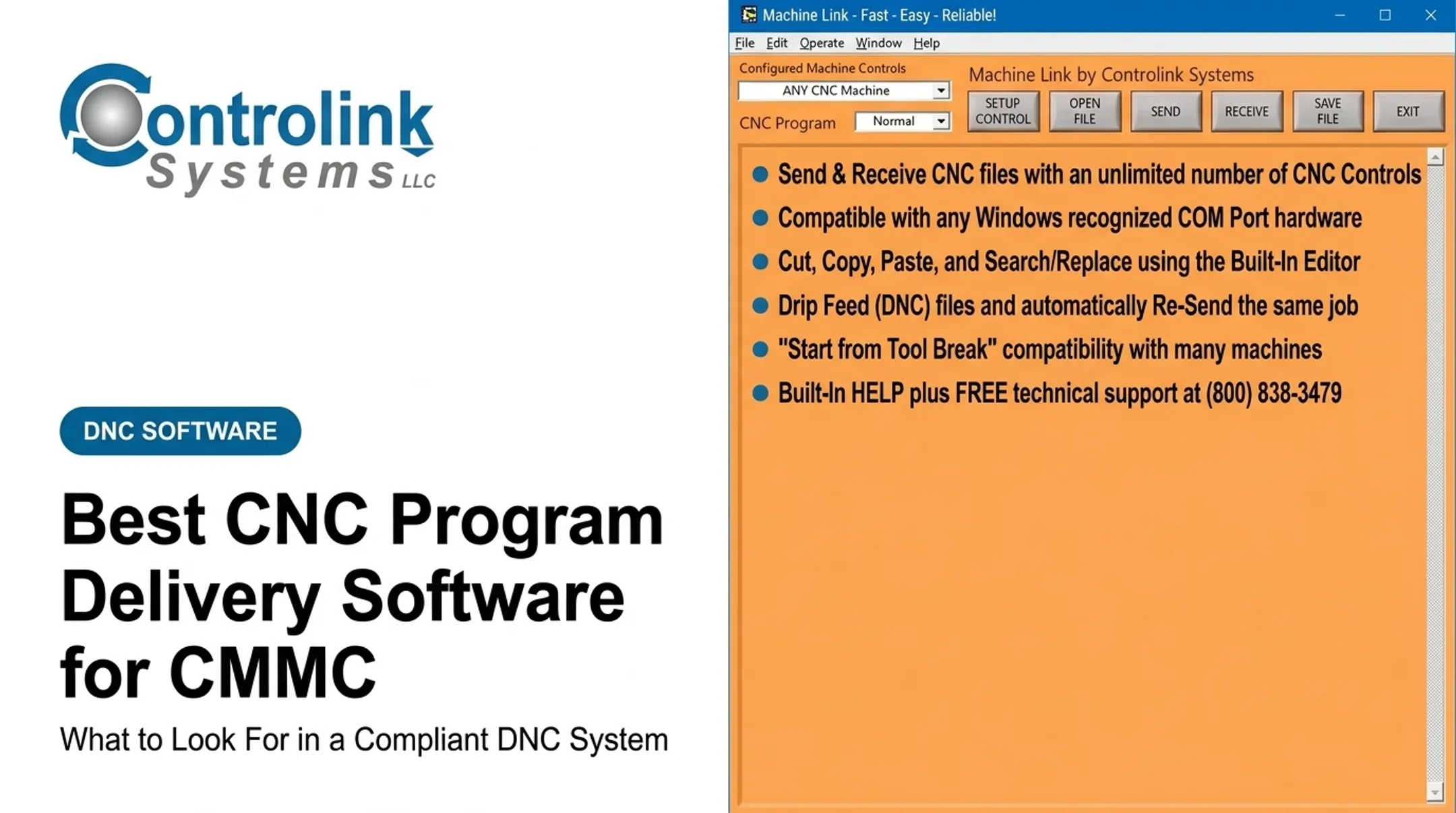
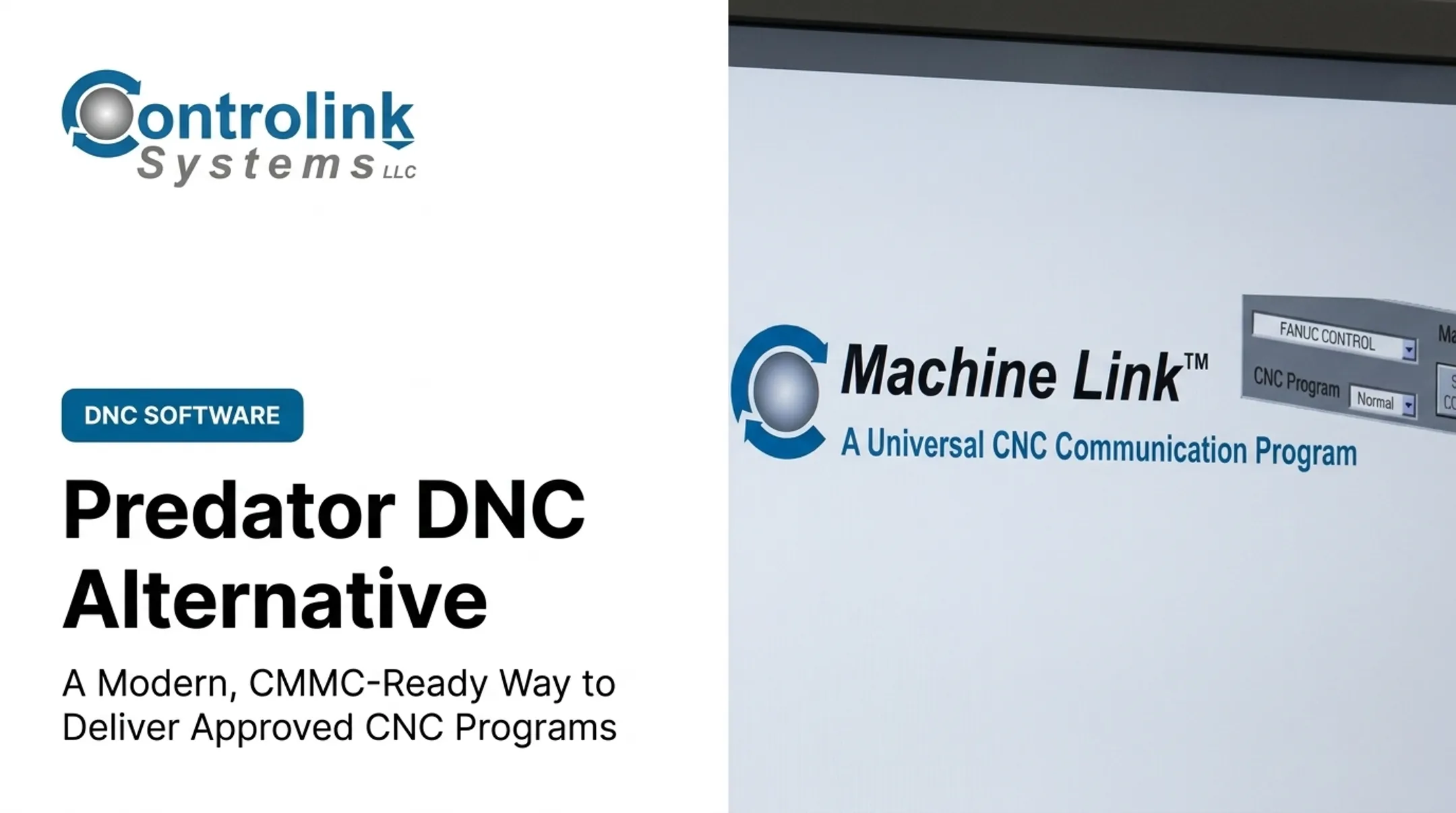
- Machine Link™ ($195) — RS-232 file transfer with a built-in editor and Send Loop that resends a program at every Cycle Start
- Machine Link™ PLUS ($395) — six simultaneous communication sessions, configurable for unlimited machine control types
- Machine Link™ BINARY ($295) — handles binary CNC file uploads and downloads
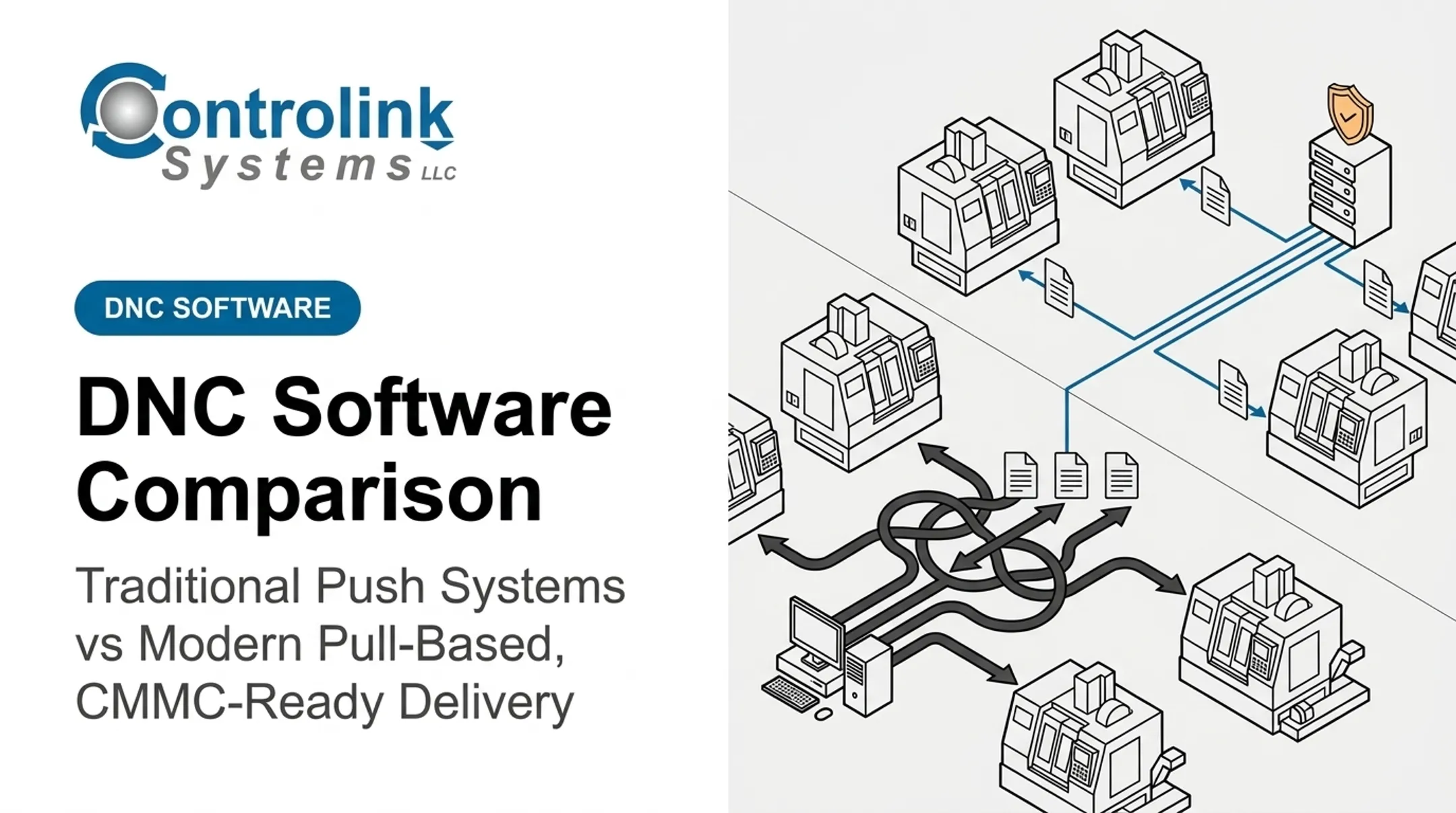
- Machine Link™ QUICK Serve ($1,700–$4,000 depending on machine count) — operators pull approved files at the control; corrected programs stay in engineering review before reaching the floor
- PDADNC™ ($395) — Pocket PC-based DNC for shops wanting a handheld option
Snavely's Machine in Wabash, Indiana runs the platform across more than 30 CNC machines, 10 different control types, and 40 operators. Controlink's engineering-services side also custom-builds integrations with SQL databases, PLCs, and motion controllers over Modbus, Profinet, and EtherCAT.
Best for: small to mid-size shops with mixed legacy fleets that want straightforward, per-PC licensed software without a subscription. Ask Controlink directly about revision-history depth and CMMC-relevant documentation for your scope.
Predator DNC
Predator Software's DNC product has been in the market for decades and remains actively developed, with version 12 shipping Windows 11 and Windows Server 2025 support in January 2026. It connects through more than 50 industrial protocols across RS-232, RS-422, Ethernet, and wireless Ethernet, including Fanuc-specific options like FOCAS and FTP.
Notable capabilities:
- Send, receive, and drip-feed programs, offsets, variables, and registers
- Remote Request lets an operator trigger a transfer from the machine control itself
- Detailed per-transfer logging, positioned by Predator as audit and CAPA support
- Optional Predator PDM module for formal revision control and file vaults
- Server Safe option keeps transfers running if the network server fails
Predator publishes a starting price: $805 for a perpetual Predator DNC/1 license, or $400 per year with Premier Support included. Costs scale with additional licenses, DNC ports, and optional modules.
CMMC relevance: Predator documents automatic authentication, compression, and encryption for its Secure DNC option, plus per-transfer logging — useful for access-control and audit evidence, though it doesn't substitute for a full organizational assessment.
CIMCO DNC-Max
CIMCO positions DNC-Max as a central, client/server platform scaling to roughly 4,000 simultaneous ports, so an entire large shop floor can pull programs at once. It connects through RS-232 serial hardware, Ethernet and wireless serial device servers, and legacy card-based hardware.
Key features:
- Unlimited-file-size drip feeding on controls that support it
- Real-time logging of system and machine activity
- User access levels restricting configuration to designated staff
- Version-raising and a quarantine area for modified programs
- A browser-based Web Client for desktop, tablet, mobile, or shop-floor displays
DNC-Max also connects to CIMCO's own NC-Base document management and MDC-Max monitoring tools. Pricing isn't published on CIMCO's official page — the company offers a free 30-day evaluation and a request-a-demo path instead.
CMMC relevance: access-level restrictions and activity logging can feed into access-control and audit evidence, but confirm data-retention and administration details before relying on them for an assessment.
Ascendant eXtremeDNC
eXtremeDNC is a 32-bit, client/server DNC built around what Ascendant calls SSA Server Smart Architecture, designed to keep transmitting NC files even if the file server itself fails or loses its network connection. Published specs describe support for up to 1,023 CNC controls from a single computer, with simultaneous drip-feed and bidirectional communication.
Here's the catch: the vendor's official product page is dated 2002, and no current release notes, operating-system support statement, or pricing appear in the material reviewed. That doesn't mean the product is dead, but you should verify current support and licensing directly with Ascendant before treating this as a ready-made 2026 option.
Best for: shops already running eXtremeDNC who want to confirm it still fits their environment — not a first-choice new purchase.
DNC Precision
DNC Precision, sold by AGG Software, is a serial-port DNC utility recently updated to version 3.0.2 (build 514, dated May 2026). It documents support from Windows 2000 through Windows 11, including Server, x86, and x64 builds.
Each CNC machine connects through its own serial port, with separate settings for port parameters, handshaking, file formats, and per-machine folder access.
Pricing is public and simple:
| Machines Licensed | Price |
|---|---|
| 1 | $230 |
| 2 | $414 |
| 3 | $585 |
| 5 | $860 |

One license covers one computer or server, not a network or site, so multi-location shops license each machine separately. The published material doesn't document Ethernet connectivity, formal revision control, audit logging, or scheduled backups, so ask directly rather than assume.
Best for: small shops with a handful of legacy RS-232 machines needing straightforward point-to-point transfer without enterprise overhead.
How We Chose the Best DNC Software
This shortlist rests on current product documentation, release notes, vendor pricing pages, and the field experience shops accumulate running 5 to 300+ CNC machines. We didn't rank by brand recognition. We looked at five factors that predict whether a platform survives contact with a real production floor.
Compatibility and machine connectivity
Compatibility is per-control. A vendor should confirm the exact control model, firmware version, port type, protocol, and maximum program size for every machine you own, not just claim "we support Fanuc." Any evaluation should include at least one legacy RS-232 machine and one modern Ethernet-connected one. During a pilot, test more than a clean transfer:
- Normal send/receive on your largest program
- Drip feeding, if any control needs it
- An interrupted transfer, then recovery
- What happens after a power blip or dropped network connection
Program governance and shop-floor usability
A DNC platform is only as good as the workflow around it. Compare approval steps, revision history, and role-based permissions, then ask a blunt question: can you prove which exact program ran on a completed job six months from now? Also check whether operators can pull the approved file without digging through a shared folder, and whether the platform can attach drawings or inspection instructions to the same job record. Controlink's QUICK Serve model, for example, routes corrected programs into an engineering review folder before they reach the machine. That is the kind of control a quality audit asks about.
Security and CMMC-readiness
Map whatever a vendor documents against the practices that actually matter for CMMC Level 2, which still tracks NIST SP 800-171 (NIST SP 800-171 Rev. 3):
- Identification and authentication
- Least privilege
- Audit-event generation
- Media protection
- Secure configuration
- Backup or recovery Ask each vendor:
- Can the software run entirely inside your CUI boundary?
- Does it integrate with your identity provider, or need a separate login?
- Where is transfer and log data stored, and for how long?
- How are security patches delivered and tested? No DNC product answers every question on a CMMC assessment. Certification status also depends on your policies, personnel, infrastructure, and managed service provider. Treat vendor security documentation as one input, not the finish line.

Pricing and total cost of ownership
Sticker price is the least useful number in a DNC quote. Build your comparison around the full cost stack:
- License or subscription fee
- Number of machines and users
- Server versus client components
- Device servers or serial adapters for legacy equipment
- Implementation, training, and support renewals
- Optional modules The most common mistake: comparing a $195 single-machine license against a six-figure enterprise quote that bundles implementation and integration, then acting surprised they're not comparable. Connecting a 20-year-old lathe with a proprietary port almost always costs more than the software license itself.
Implementation, scalability, and support
Ask how long deployment actually takes, who connects each machine, and what training covers. Then pin down real support ticket response times, not the ones in a sales deck. Then run a scored pilot on real work:
- Number of failed transfers over a set period
- Revision errors caught, or missed
- Operator time saved walking to and from machines
- Recovery time after a simulated failure
- Quality of the audit trail produced Collect these numbers from your own floor rather than a vendor's marketing page. A two-week pilot with real programs and real operators tells you more than any spec sheet.
Conclusion
The best DNC software matches your actual control fleet, keeps the wrong program off the machine, produces a traceable record when a customer or auditor asks for one, and fits inside your existing security processes.
Before you commit, verify these points directly with each vendor:
- Total cost
- Control compatibility
- Implementation effort
- Ongoing support
- CMMC-relevant evidence
Don't take a marketing page at face value.
If you run a mixed fleet of legacy and networked CNC machines, put Controlink Systems LLC's Machine Link™ and QUICK Serve against your requirements. The team has spent 25+ years connecting shop-floor equipment to SQL databases, PLCs, and motion controllers. Contact Controlink for current specs and pricing for your specific machine list.
Frequently Asked Questions
What is the most popular CNC software?
"CNC software" can mean CAM, control software, DNC, or full MES, so popularity depends on the category. For file transfer, US shops often evaluate Predator DNC, CIMCO DNC-Max, and Controlink's Machine Link™, but fit still depends on your fleet.
What does DNC software do for CNC machines?
DNC software centralizes CNC program storage and transfer, drip-feeds large files a control can't hold in memory, tracks revisions, and logs who sent what and when. CAM software, by contrast, creates the toolpaths and NC code in the first place.
How much does DNC software cost?
Pricing ranges from around $200 for a single-machine license to several thousand dollars for multi-machine platforms, plus connectivity hardware and support. Some vendors, like Predator and DNC Precision, publish tiers; others, like CIMCO, require a quote.
Can DNC software connect to older CNC machines?
Most platforms, including Machine Link™, Predator DNC, and DNC Precision, support legacy RS-232 controls alongside newer Ethernet-connected ones. Always confirm the exact port, protocol, and adapter requirement for each control during a pilot.
Does DNC software make a manufacturer CMMC compliant?
No single product does. DNC software can support practices like access control, audit logging, and secure transfer, but CMMC compliance depends on your full policy, personnel, and infrastructure environment plus a completed assessment.
What is the difference between DNC software and CAM software?
CAM software generates or post-processes the toolpaths that become NC code. DNC software stores, transfers, and tracks that finished program once it's approved, controlling how and when it reaches the machine control.