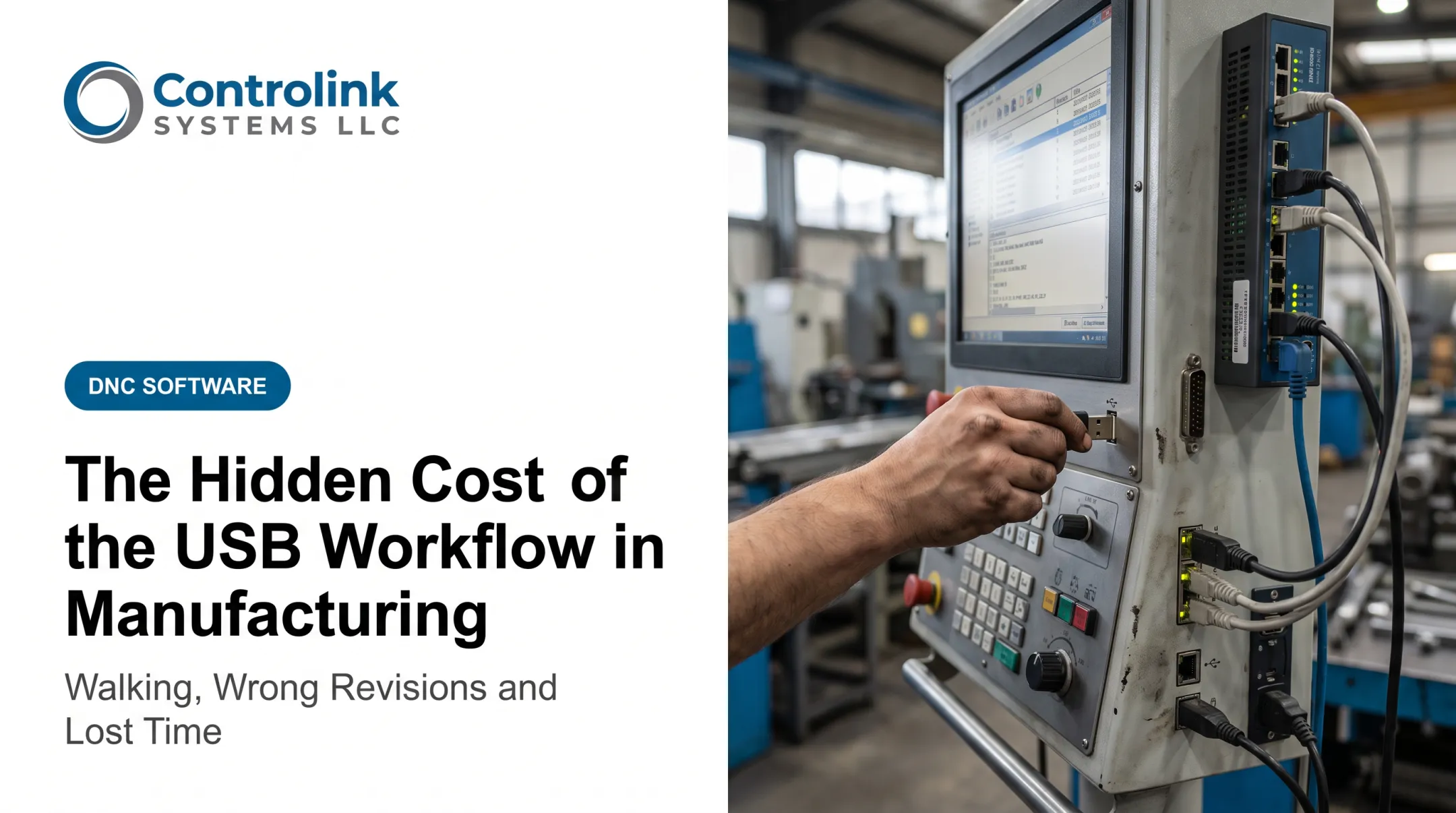
That walk is the visible cost. The bigger problem is everything underneath it: waiting for a supervisor to confirm a file, interrupting a programmer mid-task, and running a program without knowing for certain it's the right one. USB sticks aren't useless. They're a reasonable emergency backup. But as the primary method for getting CNC programs to machine tools, they're a weak link in a shop that depends on speed, accuracy, and traceability.
This article breaks down why that walk costs more than it looks like, where the real risk hides, and what a connected DNC workflow changes.
Key Takeaways
- USB-based program transfers create motion, waiting, and information waste that cuts into machine utilization.
- Outdated files, wrong-program selection, and undocumented edits create more risk than the walking itself.
- Networked DNC communication centralizes file control, cuts search time, and gives shops a real approval trail.
- A phased transition, starting with a pilot machine, beats a rip-and-replace approach for most shops.
Why USB-Based CNC Program Transfers Create Productivity Loss
Here's what a typical walking-program workflow looks like: a programmer finalizes a file, copies it to a USB stick, and someone carries it to the machine. If a revision comes back, the cycle repeats in reverse. Multiply that by dozens of jobs a week, and you've built a workflow that runs on foot traffic instead of network cables.
The Motion and Waiting Add Up
The National Institute of Standards and Technology classifies unnecessary movement and idle waiting as two distinct forms of operational waste—both drain resources without adding value to the finished part. NIST's flow-time research shows how these losses compound across a production system. A single walk to grab a file might take two or three minutes. That alone is not dramatic.
Scale it to a shop running three shifts across 15 machines, where each operator makes that walk two or three times per shift for setups, revisions, and confirmations. That's dozens of walks a day—each one pulling a machine out of production or an operator away from other work.

One handoff point becomes a bottleneck. When a single shared workstation, USB stick, or supervisor is the go-between for multiple machines, a queue forms. One machine waits while another gets serviced first. The Lean Enterprise Institute notes that almost all waiting time qualifies as waste, describing operators standing idle while needed items make their way to them—a pattern that fits CNC program transfer almost exactly.
It's Rarely One Big Loss
No shop loses a shift's worth of output to a single missing USB stick. The damage builds in small increments:
- Three-minute walk to the programming station
- Five-minute wait while the programmer finishes a call
- Ten-minute search after a mislabeled revision
Repeat that across shifts, machines, and weeks, and the hidden cost becomes real, even though no individual event looks serious enough to flag.
The Operational Risks Go Beyond Walking Time
Walking time is annoying. Wrong programs are expensive. USB-based transfer stops being an inconvenience here and becomes a quality problem.
Version Confusion Is Easy to Create
Picture two files sitting side by side: Part4471_RevC.nc and Part4471_RevC_final.nc. One is approved. One isn't. Nothing on the USB stick tells the operator which is which — no timestamp comparison, no approval flag, no link back to engineering's master copy. The operator makes a judgment call and hopes it's correct.
Wrong-Program Risk Is Real
Loading a program built for a similar part, applying the wrong tool offsets, or running an old revision on a machine it was never intended for are all common failure points in manual transfer environments. ISO's documented-information guidance for quality management systems calls out revision control and obsolete-document management as essential safeguards. Those are exactly the controls a USB workflow struggles to enforce (ISO's guidance on documented information).
Edits at the Machine Create Uncertainty
An operator tweaks a program to solve an immediate issue. Maybe it works. But now:
- Is the edit backed up anywhere besides that one USB stick?
- Does engineering know it happened?
- Will the next shift run the original file or the modified one, and do they even know a change was made?
Ametek, Inc. ran into exactly this problem before automating its DNC workflow — corrected programs sent back through the old process often failed to save properly, meaning the same fix had to be made twice.
Traceability Gaps and Physical Risk
A USB workflow typically can't answer who transferred a file, when, or which revision actually ran. When a bad part shows up in inspection, someone has to reconstruct that history manually, which eats hours that should've gone into production.
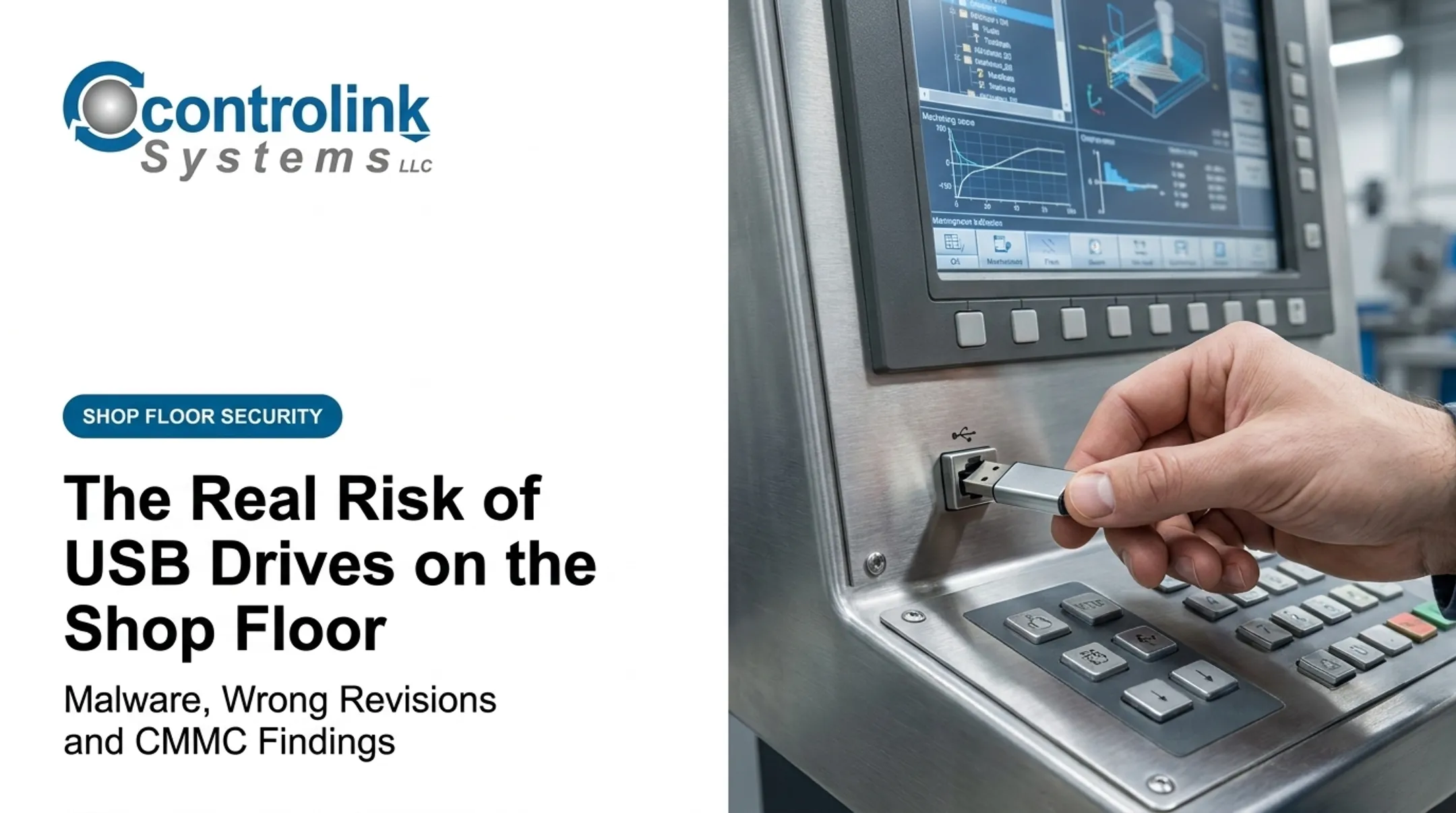
Reliability and security sit on top of that traceability gap. NIST's guidance on operational technology security recommends scanning any removable media before it connects to shop-floor systems and restricting use to approved devices, since uncontrolled USB drives can introduce malware or result in data loss.
A lost or damaged stick costs more than the device. It can take the only copy of the file with it.
What a Connected DNC Workflow Changes
DNC, or Direct Numerical Control, is a controlled connection that lets authorized users send, receive, and manage CNC programs directly between a central repository and the machine control. No stick, no walk, no guessing.
Modern Machine Shop describes the core function of DNC as getting the program to the machine tool without interruption or data loss — a basic requirement that manual USB transfer still fails in practice.
USB vs. DNC, Side by Side
| Factor | USB Stick Workflow | Networked DNC |
|---|---|---|
| File access | Manual search across drives and sticks | Direct request from machine control |
| Revision control | No built-in check | Latest approved file served automatically |
| Approval status | Unclear without manual verification | Tracked centrally |
| Traceability | Limited or nonexistent | Transfer history recorded |
| Machine connectivity | Physical device required | Serial, Ethernet, or gateway connection |
| Operator effort | Walking, searching, confirming | Request and load |
How Centralized Control Actually Works
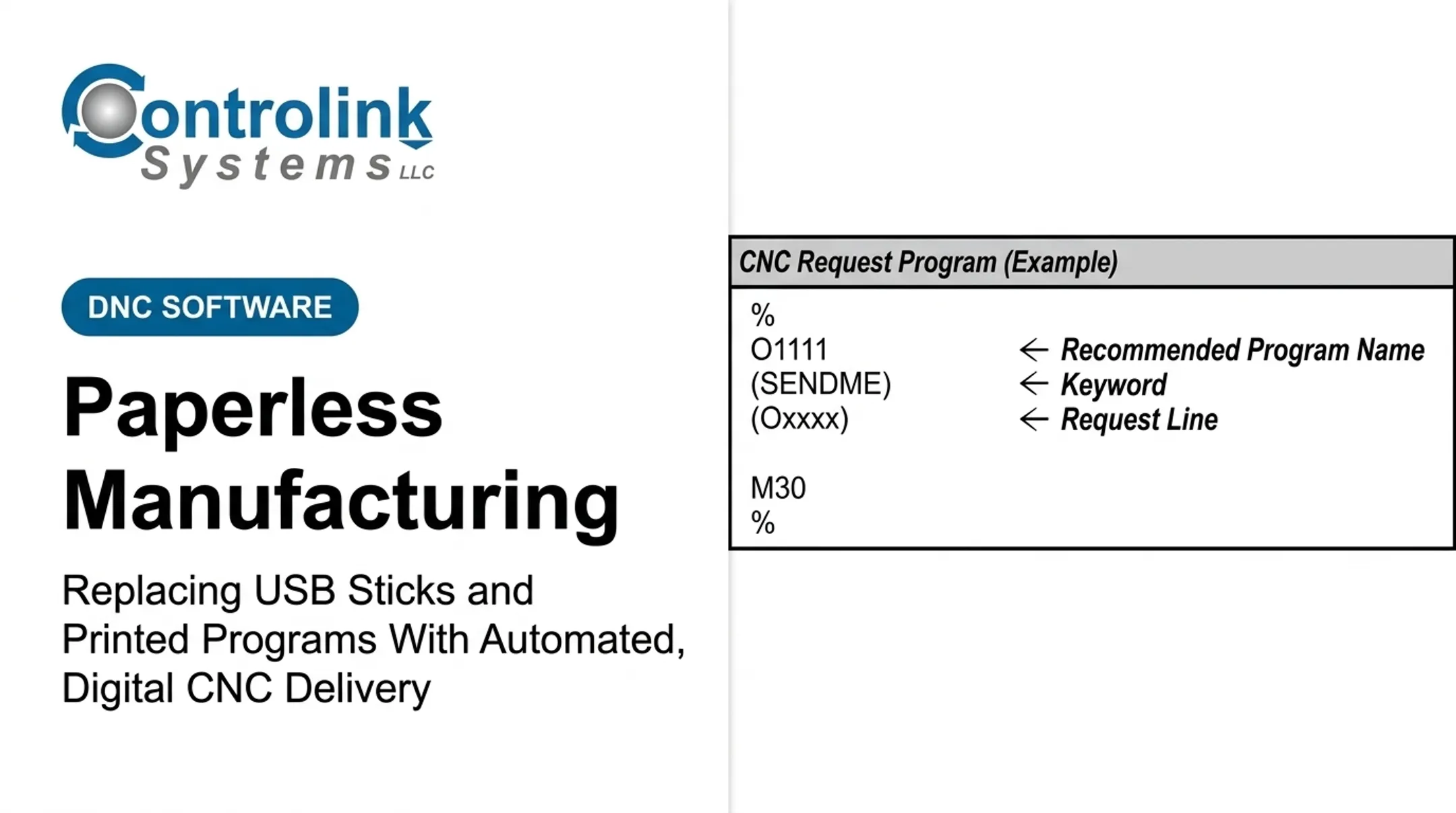
A connected system like Controlink Systems' Machine Link™ QUICK Serve continuously monitors machine requests and delivers the current engineering-approved file directly to the control — no drawer full of sticks required. When an operator makes a useful edit at the machine, that file routes back to engineering for review instead of living as an isolated, unverified copy on someone's desk.

Legacy Machines Aren't a Dead End
Older equipment doesn't have to sit outside this process. Machine Link™ supports standard RS-232 serial communications, meaning shops with a mix of old and new controls can connect nearly everything on the floor rather than replacing hardware to modernize file transfer.
Controlink Systems has built CNC/DNC communications and shop-floor automation software since 1998, working with everything from Mazak and Okuma to older serial-only controls. That same link-the-systems approach is what lets mixed fleets drop the USB walk without a rip-and-replace project.
How to Build the Business Case for Replacing USB Transfers
Leadership buys change when the numbers hold up. Measure what is happening on the floor today before you pitch anything.
What to Track
Over a representative two- to four-week period, log:
- Walking and file-search time per shift
- Machine idle time caused by missing or unverified files
- Instances of program rework or duplicate file creation
- Setup delays tied to program access
- Time spent investigating scrap linked to program errors
Map the Current Process
Draw out every step from engineering approval to machine loading, including every manual handoff. Ametek's operators, for example, had to make multiple trips between their machines and a shared computer just to send a single program under their old workflow — a pattern that shows up clearly once it's mapped out on paper.
A Simple KPI Checklist
- Program-transfer lead time
- Setup duration
- Machine waiting time due to missing files
- Revision-related incidents per month
- Scrap or rework tied to program errors
- Percentage of programs with a clear approval history
Establish a baseline before you make financial claims. A pilot on one machine or cell gives you real numbers instead of assumptions. Sharn Enterprises, Inc. cut a task that used to take about thirty minutes down to seconds after automating transfers — the kind of result a baseline makes credible instead of anecdotal.

Those figures also prep you for the pushback that shows up in every budget review.
Addressing the Objections
- USB sticks look cheap — the real cost is labor hours, scrap risk, and traceability gaps
- Operator familiarity with the old process does not stop version errors or undocumented edits
- Older machines rarely block the project; serial connections cover most legacy controls
A Practical Transition Plan for CNC Shops
Replacing a walking-program workflow doesn't require an overnight overhaul. It requires a sequence.
- Run a workflow audit. Involve operators, programmers, quality staff, and IT so the plan reflects what actually happens on the floor, not just what's documented.
- Define technical requirements. Confirm machine-controller compatibility, connectivity type (serial, Ethernet, or gateway), user permissions, backup procedures, and a fallback plan for network outages.
- Pilot on one machine or cell. Document old and new steps side by side, train operators directly, and treat the fallback procedure as a contingency, not a habit.
- Set governance rules. Designate who owns files, who approves revisions, and require that machine-side edits route back into the controlled system rather than staying local.
- Prioritize usability. Simple screens, clear file naming, and fast access to approved programs matter more than feature lists.
Mike Hamonds of M-Tech Machine Products put the outcome simply: "Now all of our CNC files are safely stored on the shop computer."
Controlink Systems has guided this transition for shops from single-machine cells to 30-plus tools across 10 control types, including Snavely's Machine. If you're weighing whether your machines and file-control process can connect into something more reliable, reach out to Controlink Systems to talk through the specifics.
Frequently Asked Questions
What is the shop-floor process?
It's the sequence that turns instructions, materials, labor, and machines into finished parts, including program transfer, machine setup, and quality checks. CNC program delivery is one link in that chain, right before a part actually gets cut.
What is SFC in manufacturing?
SFC usually means shop-floor control or shop-floor communication, the system that tracks and coordinates work orders, materials, and schedules. It's different from DNC, which focuses specifically on getting approved CNC programs to machine controls.
What is the shop floor in ERP?
In ERP terms, the shop floor covers the production data tied to work orders, labor, and scheduling. ERP coordinates that information, but it typically doesn't handle CNC program distribution — that's where a dedicated DNC system comes in.
Should a shop eliminate USB sticks completely?
Not necessarily. USB sticks still work fine as an emergency backup during network outages. The problem is relying on them as the everyday, primary method for getting programs to machines.