Introduction
A machinist requests a program. Someone approves it. A file gets sent to the machine. But did the right revision actually load? Did the cycle run clean, or did it alarm out twenty minutes later?
Most CNC shops can answer one or two of these questions on a good day. Few can answer all of them from a single screen. Instead, teams piece the story together from phone calls, sticky notes, shared folders, and whatever the operator remembers from three hours ago.
Modern CNC monitoring software closes that gap. It connects program requests, approved-file delivery, and live machine activity into one dashboard, so supervisors and engineers stop guessing and start tracing.
This article breaks down how that connection works, what to evaluate before buying, and how to roll it out without turning a monitoring project into an OEE-only checkbox exercise.
Key Takeaways
- Trace every program from request to approval, delivery, and the machine activity that followed.
- Block superseded revisions before they reach the spindle—not after inspection finds the scrap.
- See running, idle, alarm, and setup states, not a single uptime number.
- Verify controller, protocol, and gateway support machine by machine on mixed fleets.
- Design operator workflows so the system becomes the real record, not a bypassed sidebar.
What Is CNC Monitoring Software?
CNC monitoring software collects data from machine tools and production activity, then presents it through dashboards, alerts, timelines, and reports. That's different from software built only to calculate an OEE percentage or flash a green/red uptime light. A true monitoring platform tracks why a machine is down, not just that it is.
Three layers of information typically feed the dashboard:
- Program workflow data — requests, approvals, revisions, transfers, and delivery confirmations.
- Machine activity data — running, idle, alarm, setup, cycle, program identifier, and part-count information.
- Operational context — machine assignments, jobs, shifts, operators, downtime reasons, and scrap or quality events where available.
CNC Monitoring vs. DNC vs. MES
These terms get used interchangeably, but they're not the same thing. A Modern Machine Shop overview of DNC and machine monitoring notes that reliable, interruption-free program delivery is the foundation for machine monitoring and data collection. In short, DNC moves the file; monitoring watches what happens next.
- DNC software manages the transfer of CNC programs to and from machine controls.
- CNC program management governs revisions, approvals, and version control.
- CNC monitoring software tracks machine states, cycles, and production activity.
- MES/ERP systems sit above all three, handling scheduling, work orders, and business-level reporting.
Integrations can connect these layers, but buying "monitoring" software doesn't automatically buy you "DNC" or "MES" functionality. Check what's actually included.
Who uses the dashboard?
- Machinists requesting files
- Programmers approving revisions
- Supervisors watching multiple machines
- Engineers investigating a bad part
- Managers reviewing performance trends
Each group needs a different view of the same underlying data, which is exactly what the next section covers.
How One Dashboard Tracks Program Requests, Deliveries, and Machine Activity
Here's the workflow a well-built dashboard should support, from the moment a machinist needs a file to the moment engineering reviews what actually happened on the floor.
- Operator submits a request directly from the machine control: no walking to a shared PC, no calling programming.
- Engineering reviews and approves the correct revision for that job and machine.
- The system delivers the file to the target machine and confirms it landed.
- The machine loads the program, and the dashboard logs whether it started a cycle, paused, alarmed, or ran something unexpected.
- Everyone with access reviews the audit trail: who requested it, who approved it, and what the machine did afterward.

That full loop is what a production dashboard is built to run. Controlink's Machine Link™ QUICK Serve covers steps one through three with an Active Scan Table that lists every connected machine by name and port, alongside live Requests, Sending, and Sent OK counters. Operators trigger a request using simple keywords embedded in a program request file at the control itself. No manual PC interaction required.
What Should Accompany Every Request and Delivery
At minimum, each transaction needs:
- Request record: requester, machine, job or work order, program name, reason, timestamp, and status
- Approval and delivery: engineering sign-off, revision ID, destination, and confirmation the correct file transmitted
- Exceptions: rejected requests, failed transfers, missing acknowledgments, duplicate files, or dropped connections
Exceptions matter as much as successes. A dashboard that only shows "delivered" isn't enough. It needs to flag when a transfer stalls or a machine goes silent mid-job.
Role-Based Views
Not everyone needs the same screen:
- Operators need request status, approved-file availability, and machine state at a glance.
- Programmers and engineers need revision history, delivery confirmation, and exception detail.
- Supervisors need a multi-machine view covering requests, active jobs, downtime, and alarms.
- Managers need trend reports linking program control to utilization, scrap, and delivery reliability.
When every role sees the same request-to-activity chain, training stays consistent and audits take minutes instead of a floor walk.
Core Features to Evaluate in CNC Monitoring Software
Not all platforms marketed as "CNC monitoring" cover the same ground. Here's what actually matters when you're comparing options. Program request and approval management. Look for configurable workflows, required fields, and permissions that prevent informal file swaps from becoming the unofficial system of record. If someone can still email a program straight to an operator and bypass the dashboard, the audit trail is worthless. Revision control. The system should clearly distinguish current, obsolete, superseded, and machine-specific versions. Machine Link™ QUICK Serve, for example, always returns the latest engineering-approved file rather than whatever copy happens to be sitting on a machine's local memory. It also routes machine-side edits back to engineering for review before they can become the starting point for the next download. Delivery and communication reliability. Machine targeting, transfer status, acknowledgment, and retry handling all need to work without manual babysitting. Notifications should fire automatically when a delivery doesn't complete. Machine activity monitoring. Beyond a single OEE score, look for:

- Running, idle, stopped, setup, alarm, and disconnected states
- Program identifier in use, cycle status, cycle time, and part counts
- Job progress compared to planned output, plus shift-to-shift comparisons
Interoperability. Verify protocol and controller support per machine rather than accepting broad compatibility claims.
Controlink routinely interfaces with SQL databases, PLC hardware, and single- and multi-axis motion controllers using CAN, UDS, Modbus, Serial, PROFINET, and EtherCAT. Even so, every project still starts with confirming what a specific controller actually exposes.
Feature Area What to Verify Controller compatibility Legacy vs. modern controls, RS-232 support, COM port requirements Protocols Modbus, PROFINET, EtherCAT, or serial — confirm per machine Data retention How long request, delivery, and activity logs are kept Access control Role-based permissions and audit logging Remote access Mobile or off-floor visibility for supervisors and programmers Buyer checklist. Confirm the platform supports: - Legacy equipment and mixed-brand fleets
- Role-based access and audit logs
- Configurable alerts
- Cybersecurity controls If any answer is vague, ask for specifics before you sign.
Business Benefits and Manufacturing Use Cases
Connecting approved-file delivery with machine activity reduces the risk of scrap tied to outdated or incorrect programs. Machine Link™ QUICK Serve is built around that exact principle: it always serves the current engineering-approved file, so machinists run the approved version instead of whatever file happens to be on hand. In one documented case, a shop implementing SolidShop reported a 23% increase in spindle uptime, according to Modern Machine Shop. That figure comes from vendor-sourced material about a single, unnamed shop, so treat it as a directional data point, not a universal benchmark. Controlink has its own documented history here. In Timken Exchange (Volume 11, August 2000), Timken Company described how Controlink's DNC software automated CNC file transfers through a corporate database. That setup removed operator data entry and cut the manual entry errors that come with it. Where this matters most:

- CNC job shops juggling dozens of recurring programs across machines
- High-precision mold manufacturing, where a wrong revision ruins expensive stock
- Automotive, aerospace and defense, and medical device production with strict traceability needs
- Repair centers, stamping plants, and research laboratories running mixed equipment When a part fails inspection or a cycle runs long, program-to-machine traceability shows which revision ran, when it ran, and what the machine did. A guessing game becomes a five-minute lookup. That same record trail also supports:
- Faster response to stalled transfers
- Cleaner shift handoffs
- Utilization data based on what the machine actually did, not end-of-shift estimates
How to Choose and Implement the Right Dashboard
Start with a process audit, not a product demo. Document how requests get submitted today, who approves them, where files live, and how machine activity currently gets recorded — even if that's a clipboard.
Building the Pilot
Pick a representative slice of the floor:
- At least one modern controller and one legacy or hard-to-connect machine
- A real production workflow with recurring program requests, not a test cell
- Clear owners for collecting baseline measures before go-live Capture baselines the same way you'll measure them after go-live: request turnaround time, failed deliveries, outdated-program incidents, downtime, alarm response time, cycle-time variance, and scrap. If turnaround time is tracked by memory today, log it manually for two weeks before the pilot starts.
Implementation Sequence
- Connect selected machines and validate status, program, cycle, alarm, and part-count data.
- Configure users, permissions, approval paths, and alert rules.
- Test delivery, acknowledgment, and recovery from communication failures.
- Train operators, programmers, supervisors, and IT staff on their actual workflows — not a generic demo script.
- Review the pilot at an agreed interval and expand only once data quality and adoption hold up.

Lock Down Cybersecurity Before Go-Live
Connected CNC equipment needs the same discipline as any other networked asset. NIST's Guide to Operational Technology Security recommends segmenting IT and OT networks and allowing only explicitly authorized communication. Limit remote access to justified business need, and use multi-factor authentication. Maintenance and remote-access tools should authenticate personnel and log every session. Common implementation mistakes:
- Treating the rollout as an OEE-only project and ignoring program workflow entirely
- Skipping operator input, then wondering why adoption stalls
- Never defining who actually owns file approval
- Connecting machines without validating that the data coming back is accurate
- Building dashboards nobody is assigned to act on
CNC/DNC and Monitoring Expertise From Controlink Systems
Controlink Systems LLC has built software for CNC/DNC communications, process monitoring, and shop-floor automation since 1998. The company's approach, internally called "Controlinks," links CNC equipment, approved program workflows, databases, and shop-floor interfaces so information reaches the people who need it instead of sitting in someone's inbox.
That shows up in products like:
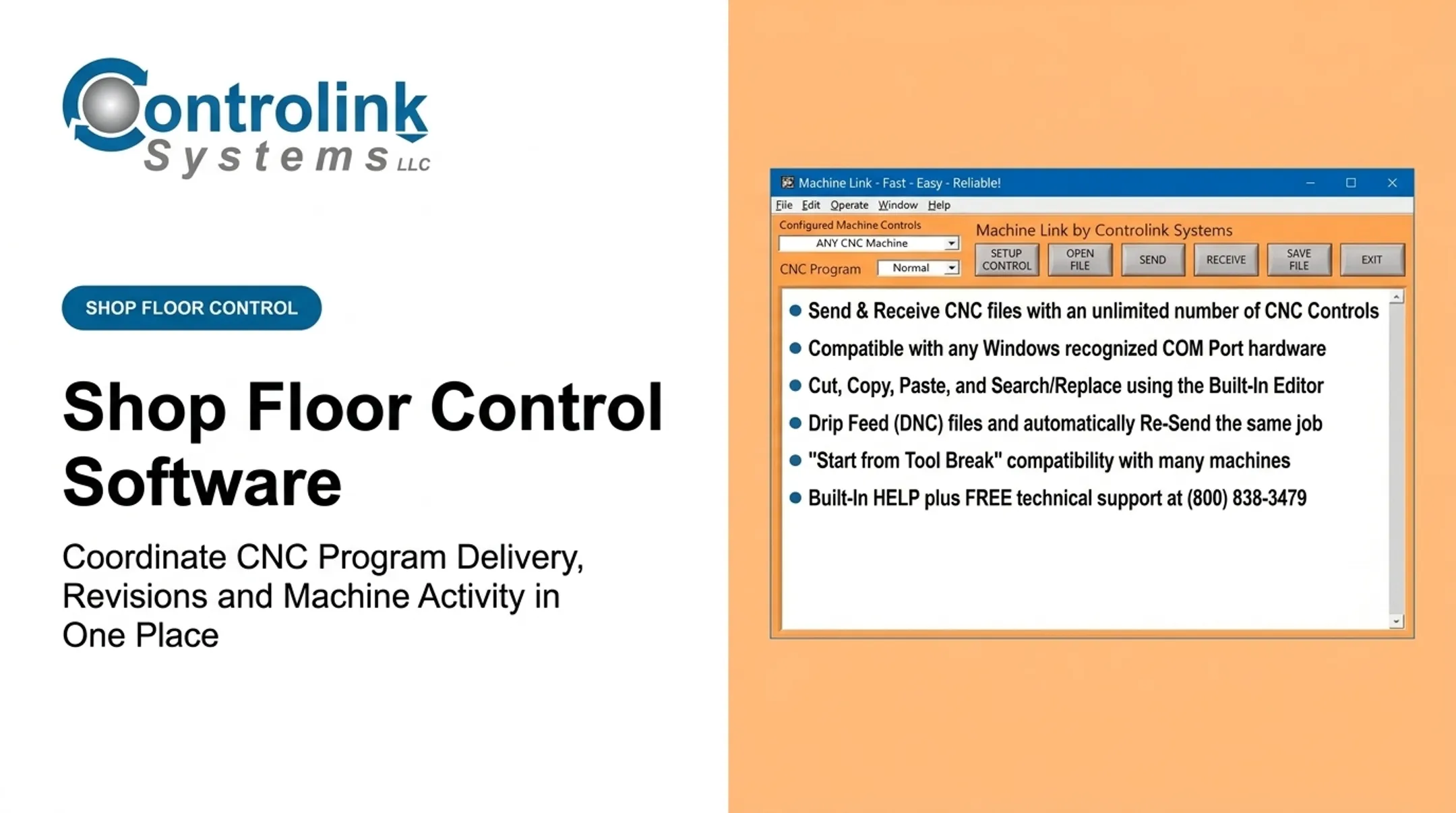
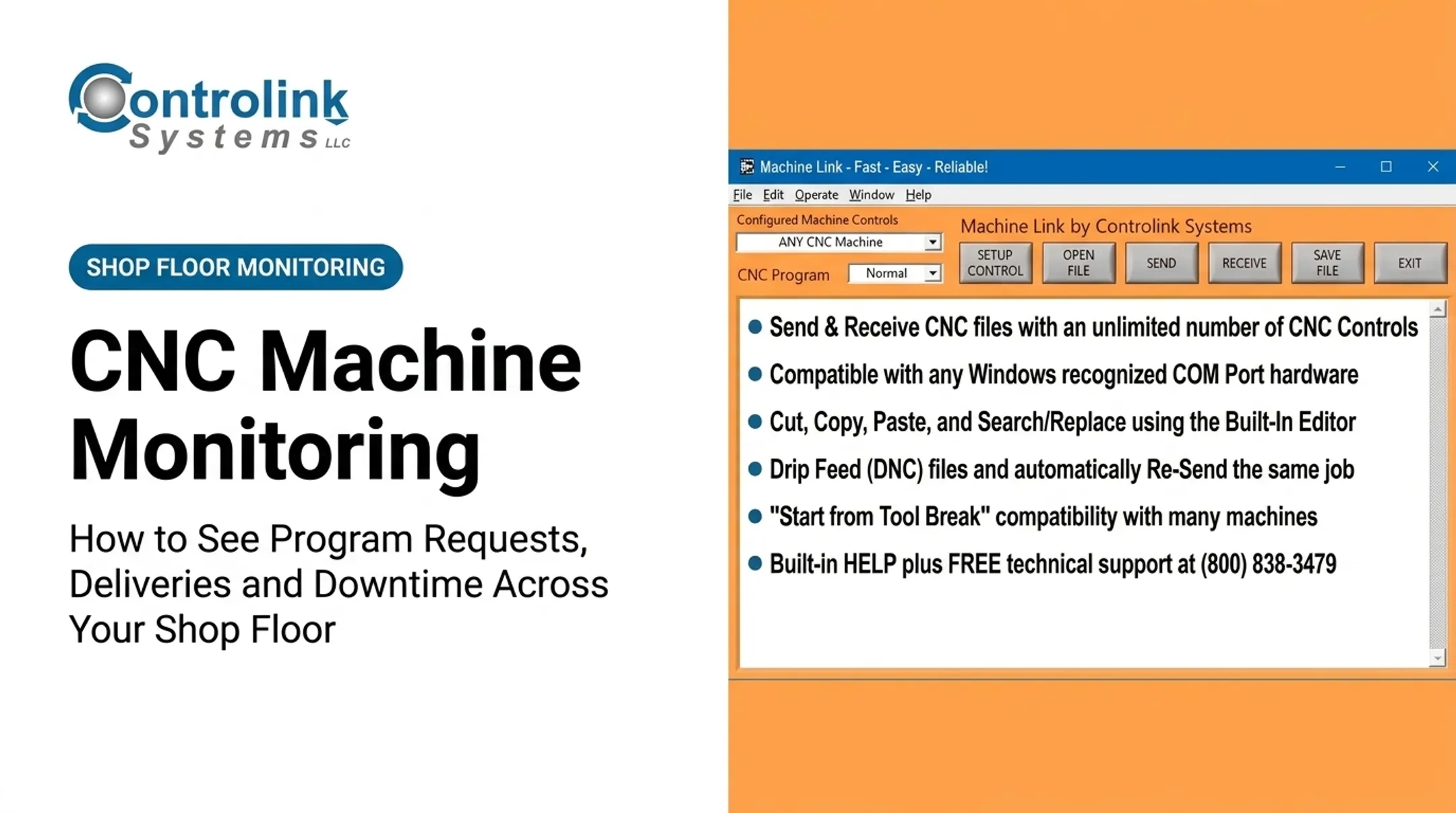
- Machine Link™: CNC/DNC file transfer software for machines using standard RS-232 serial communication
- Machine Link™ QUICK Serve: remote file-serving software that scans up to 64 machines (PRO version) for requests and always returns the latest engineering-approved file
- iMonitor: real-time process monitoring and control
Controlink routinely interfaces with SQL databases, PLC hardware, and motion controllers. Supported protocols include CAN, UDS, Modbus, Serial, PROFINET, and EtherCAT. Every project still needs exact protocol and controller support confirmed upfront rather than assuming universal compatibility.
The company's HMI approach favors interfaces machinists can use without extensive retraining. The payoff is practical: less floor walking, less manual file handling, and less risk someone runs an outdated file because the current one was hard to find.

If your shop is weighing how to connect program requests, deliveries, and machine activity, Controlink Systems is worth a conversation. Reach the team at (800) 838-3479 or support@controlinksystems.com to talk through your specific fleet and workflow.
Conclusion
The real value of CNC monitoring software is the full chain: what was requested, what was approved, what got delivered, and what the machine actually ran afterward. Break that chain anywhere, and you're back to phone calls and guesswork.
When evaluating a platform, prioritize:
- Reliable machine connectivity across modern and legacy equipment
- Controlled program revisions with delivery confirmation
- Activity data you can act on, plus role-specific dashboards
- Solid security and a realistic implementation plan
Start small. Pick one workflow, run a pilot with a mix of modern and legacy machines, and see whether your current setup can actually trace a program from request through production — or whether that trail still runs through someone's memory.
Frequently Asked Questions
What is CNC monitoring software?
CNC monitoring software collects machine and production data and presents it in dashboards and reports. Advanced platforms also track program requests, approvals, deliveries, and machine activity in one place.
Can CNC monitoring software track program requests and deliveries?
Yes—if the platform includes workflow features. You get request status, approval steps, revision IDs, delivery confirmations, exception alerts, and a searchable audit history.
What is the difference between CNC monitoring software and DNC software?
DNC software primarily manages CNC program communication and delivery to machine controls. Monitoring software focuses on machine activity and production visibility. Some platforms, such as Machine Link™ QUICK Serve, connect both functions.
Can monitoring software work with legacy and mixed-brand CNC machines?
It depends on the controller, available protocols, exposed signals, and any gateway or retrofit hardware required. Always verify support for your specific fleet before assuming compatibility.
How does CNC program tracking help reduce scrap?
Revision control, engineering approval, and delivery confirmation reduce the chance that a machinist runs an outdated or incorrect file. Program-to-part traceability also speeds up root-cause investigation when parts fail inspection.
What should manufacturers look for in a CNC monitoring dashboard?
Baseline needs include live machine status, program and job context, request and delivery queues, alarms, and downtime tracking. Stronger setups also add audit trails, role-based views, configurable alerts, verified integrations, and cybersecurity controls.