Introduction
Walk onto almost any machine shop floor and you'll find CNC controls that are 15, 20, even 30 years old, still cutting parts to tolerance every single day. Replacing them isn't always practical or affordable.
Leaving them disconnected from modern engineering and production workflows has a real cost: wrong revisions at the machine, idle spindles, and wasted labor.
Many shops still rely on someone walking a USB stick or floppy disk across the floor to load a program. That process invites obsolete revisions, corrupted transfers, and lost time.
The numbers back this up. NIST's 2019 machinery maintenance survey found that establishments with heavier reactive-maintenance loads saw 3.3 times more downtime and 16 times more defects than shops that invested in more structured processes.
This article breaks down three practical paths for connecting legacy CNC equipment: RS-232-based DNC, Ethernet connectivity, and air-gapped delivery. The right one depends on your controller, your data needs, and your security posture.
Key Takeaways
- Legacy CNC machines rarely need a full controller replacement to stay productive
- RS-232 handles controlled program transfer and drip-feeding for memory-limited controls
- Ethernet gateways transport serial data over a network but don't automatically add monitoring capability
- Air-gapped delivery reduces network exposure but demands strict media discipline
- Test the full workflow, from file storage to machine verification, before going live
What Legacy CNC Connectivity Means—and Why It Matters
Legacy CNC connectivity refers to how approved NC or G-code programs move to and from an older machine controller, and, where the hardware allows, how machine or process data comes back the other way.
That definition covers a wide range of capability, and it's a mistake to assume one connection method delivers all of it. Consider the levels involved:
- File transfer — sending a complete program to the control
- Drip-feeding — streaming large programs line-by-line to controls with limited memory
- Status monitoring — reading cycle state, alarms, or part counts
- Data collection — logging utilization, spindle load, or cycle times
- Remote diagnostics and control — troubleshooting or adjusting the machine from off-machine
A connection that handles file transfer well may offer nothing for monitoring. That gap often confuses shops evaluating "networked" CNC solutions.

Why Older Controllers Resist Connection
Legacy controls weren't designed with IT integration in mind. You'll often run into:
- RS-232 as the only communication interface
- Proprietary parameters or nonstandard pinouts
- Limited onboard memory that forces drip-feeding
- Undocumented signal or handshaking requirements
- No native network port at all
Without a structured workflow, shops take on real operational risk:
- Obsolete program revisions loaded by mistake
- Corrupted transfers that scrap a part mid-cycle
- Manual transcription errors
- No clear record of which file actually ran
Connectivity has to be evaluated as a full system—controller, cable or gateway, DNC software, network design, security controls, and operator procedures.
Options for Connecting Legacy CNC Machines
Think of RS-232, Ethernet, and air-gapped delivery as three different delivery models, not interchangeable technologies.
- RS-232 preserves the controller's native serial workflow
- Ethernet extends access through a native port or a gateway
- Air-gapped delivery intentionally skips a live network connection
Each fits a different combination of machine age, shop layout, and risk tolerance.
RS-232-Based DNC and Direct Serial Transfer
A direct RS-232 connection links the CNC controller to a nearby PC, DNC server, or serial device through a compatible cable, with matched communication parameters on both ends.
Serial communication depends on four core settings: baud rate, data bits, parity, and stop bits, plus a handshaking method, according to NI's serial port communication documentation. Get any of these wrong and you'll get a garbled file or no connection at all.
Controlink's Machine Link™ software, for example, records the COM port, baud rate, data bits, stop bits, and parity for every machine configured. One documented setup uses Port 1, 4800 baud, 2 data bits, even parity, and XON/XOFF flow control — a good illustration of how specific these settings can get per controller.
Where RS-232 fits best:
- Older controllers with a working serial port
- Shops focused mainly on program transfer, not data collection
- Machines needing drip-feed because of limited onboard memory
- A direct or centrally managed serial setup near the machine
Setup essentials to check first:
- Correct DB-9 or DB-25 interface for the control
- Null-modem or controller-specific cable (not a generic assumption)
- Proper signal grounding and flow-control method
- Serial port availability on the host PC or DNC server
- Manufacturer documentation confirming exact pinout requirements
A practical troubleshooting habit: try receiving a file before sending one. If it comes through clean, you've confirmed the machine's COM port, the PC's COM port, and the cable are all working. If the connection doesn't flash during receipt, a null-modem adapter often solves it; if the file arrives garbled, the communication parameters need adjustment.
Trade-offs to expect:
- Point-to-point setups tie up one port per machine in basic configurations
- Sensitive to distance and electrical noise
- Slower transfers than Ethernet
- Little status visibility unless the controller can output macro or DPRNT data
Upside: Compatible with nearly any older control, and keeps the CNC isolated from the broader network when paired with a dedicated DNC workstation.
Ethernet Connectivity Through a Native Port or Gateway
Ethernet connectivity for legacy CNC comes in two forms:
- A CNC with a native Ethernet interface — rare on true legacy controls
- A legacy CNC using an Ethernet-to-RS-232 gateway (a serial device server)
The second scenario is far more common. In a gateway setup, the CNC keeps talking serial the whole time. The gateway simply receives that serial data and carries it across TCP/IP to a DNC server, a virtual COM port, or compatible software. The gateway doesn't add capability to the controller itself — it just moves the same serial conversation over a different wire.
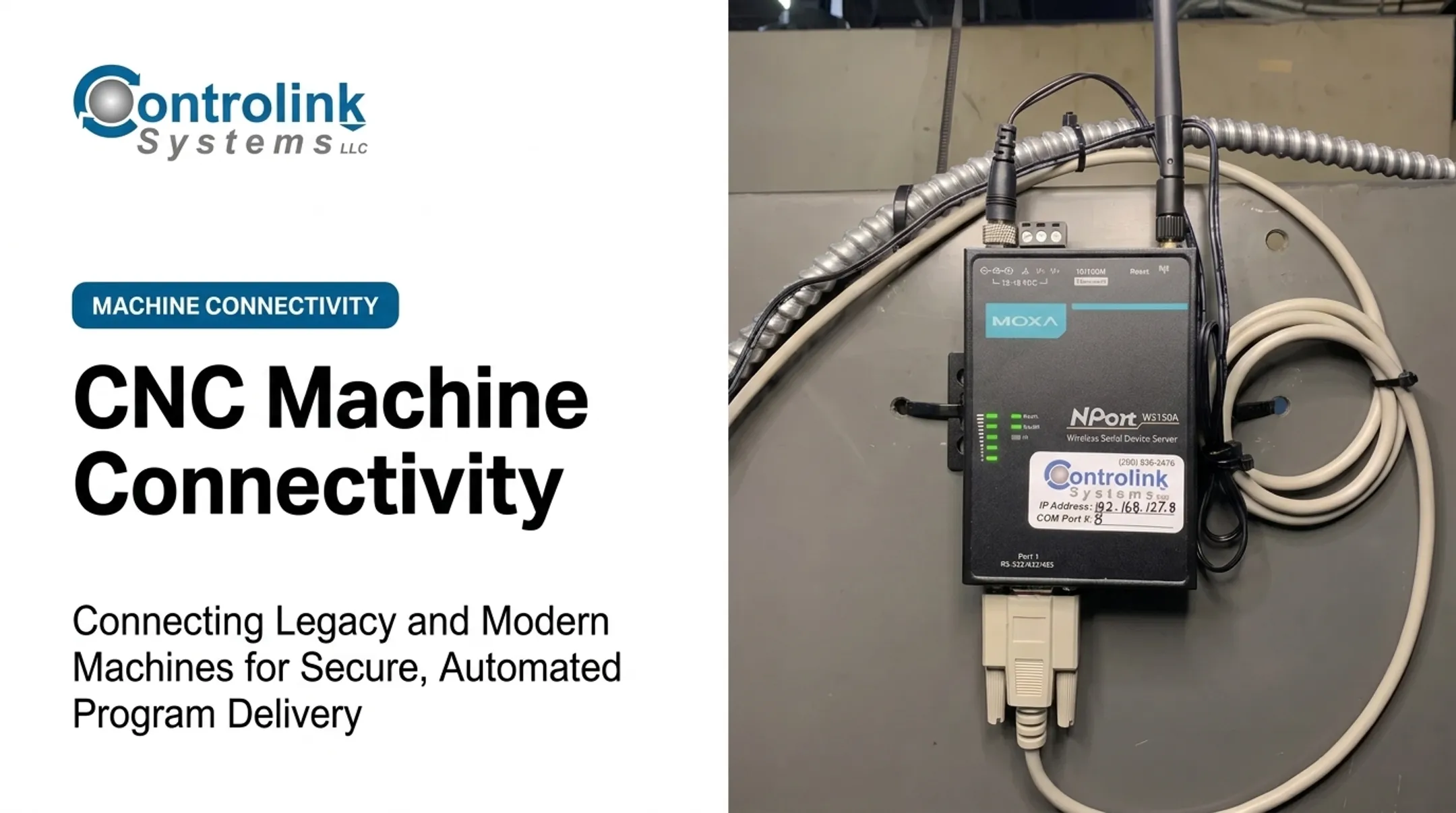
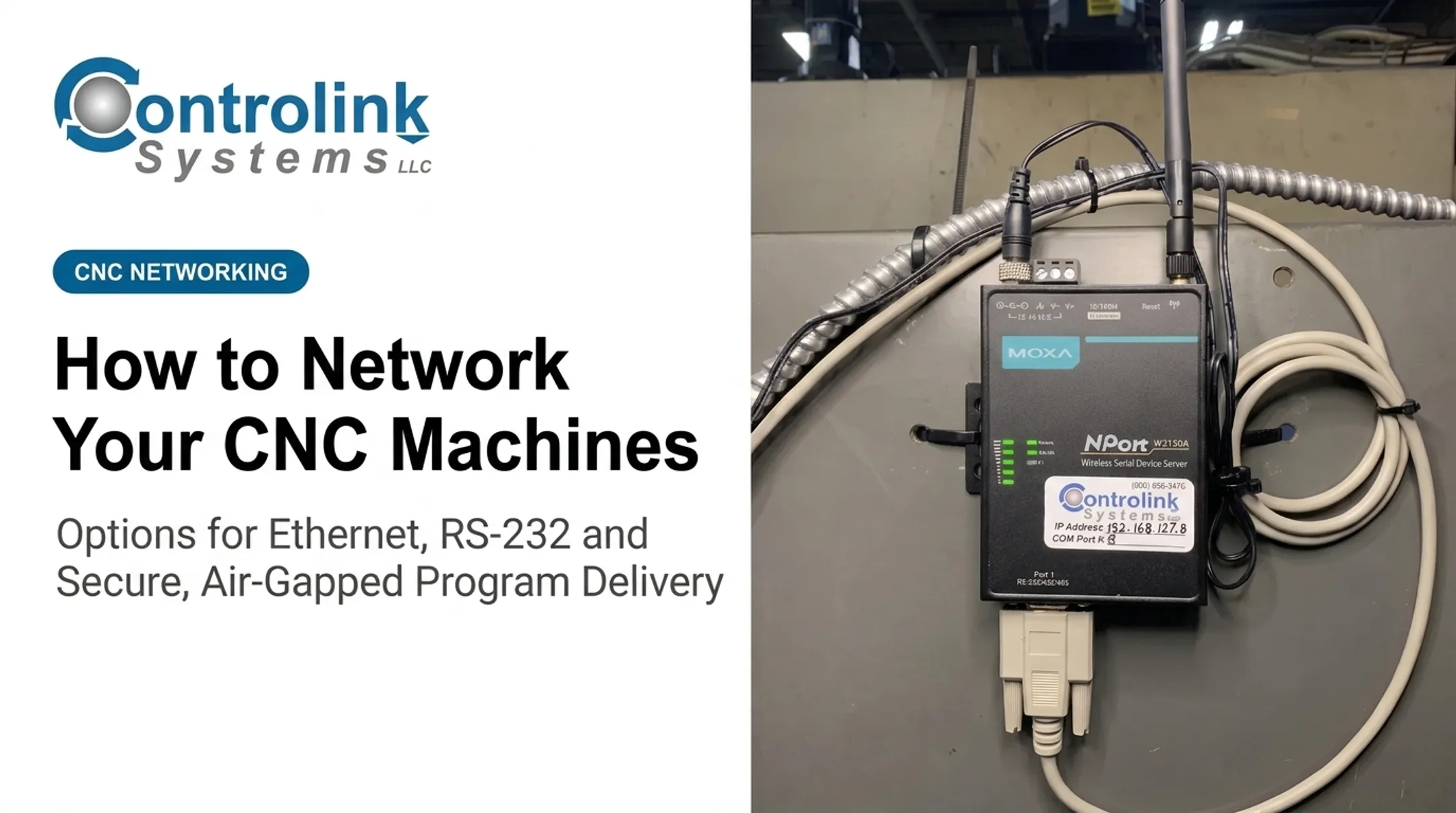
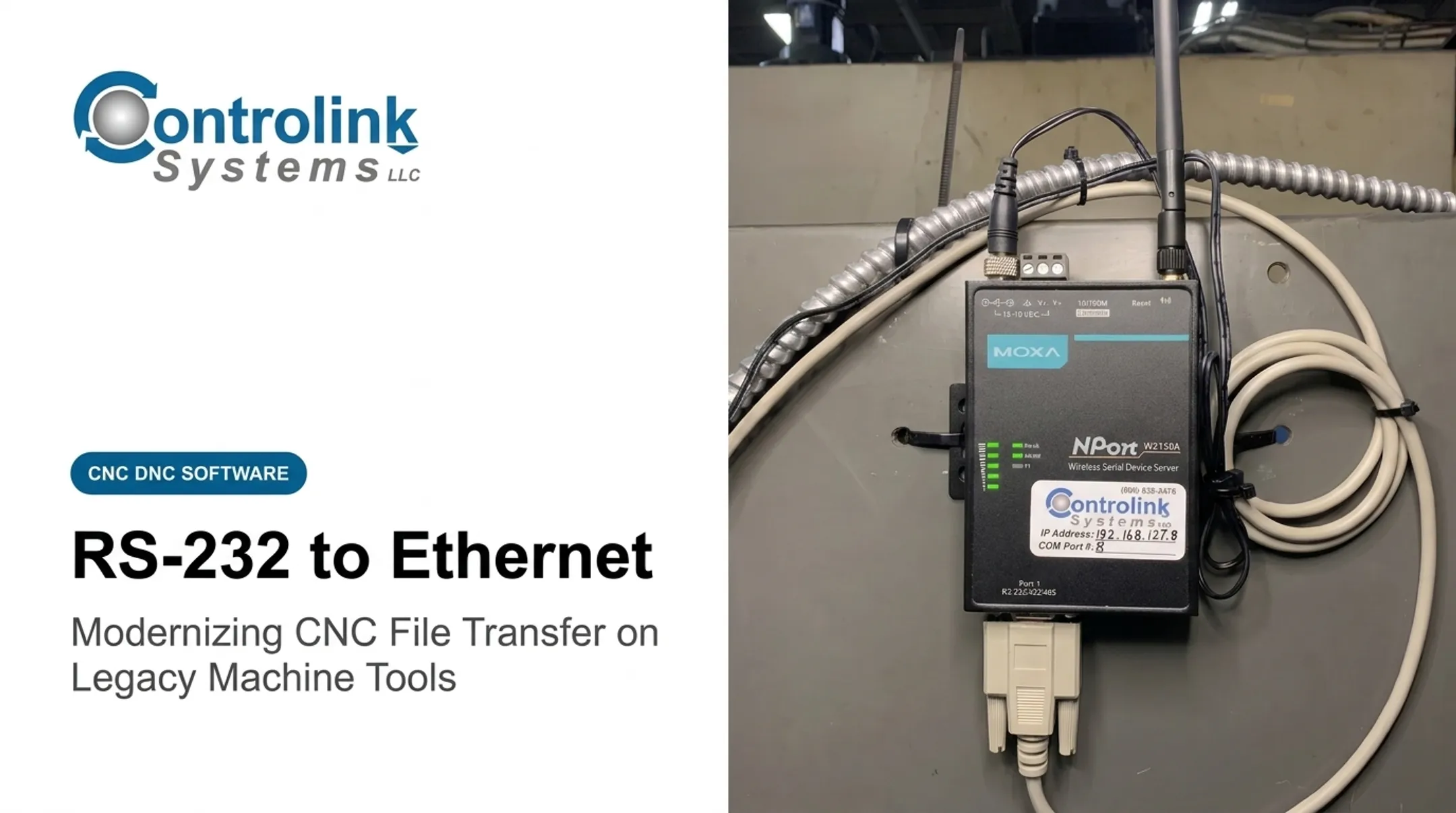
Controlink has used Moxa NPort wireless serial device servers for this purpose, linking a PC and CNC machines over a shop's wireless network with an assigned IP address and COM port number for each connection point.
Best-fit scenarios for Ethernet/gateway connectivity:
- Multiple machines spread across a larger facility
- Longer cable runs than RS-232 comfortably supports
- Centralized program management from one DNC server
- Engineering and production areas that need structured file access
Network Prerequisites and Trade-offs
Before rolling Ethernet out to the shop floor, plan for:
- Industrially rated cabling or wireless hardware
- Managed switches with static or reserved addressing for gateways
- Documented port assignments for every connected device
- A dedicated CNC VLAN or equivalent network segmentation
- Firewall rules that restrict unnecessary access
Ethernet cabling has real physical limits worth knowing. 100BaseTX supports a maximum segment length of 100 meters, extendable to 200 meters with one repeater, per Cisco's Ethernet cabling specifications. Plan cable runs and switch placement with that ceiling in mind.
The benefits are real: centralized access, easier expansion as machines get added, and integration with approved DNC or shop-floor software.
Ethernet also brings complications: gateway firmware quirks, virtual COM software compatibility with older DNC applications, cybersecurity exposure, and dependence on network uptime. An Ethernet connection alone doesn't guarantee monitoring or remote control unless the controller and software are specifically built to support it.
Air-Gapped Delivery and Controlled Offline Transfer
Air-gapped delivery means moving programs without any live connection between the CNC controller and the plant or corporate network. It typically happens through approved removable media, a dedicated offline workstation, or a physically isolated transfer station.
Where this approach makes sense:
- Defense or research environments with strict isolation mandates
- Machines handling sensitive intellectual property
- Facilities that prohibit direct shop-floor networking
- Temporary use during a network outage
- Older controls with no reliable network interface at all
Building a Controlled Offline Workflow
- Generate the program in the approved engineering system
- Verify the file name and revision before it leaves that system
- Scan or validate the transfer media using an approved security process
- Move the media through a documented, controlled handoff
- Load the program at the machine
- Record the transfer and confirm it against the source
Strengths:
- Less exposure to network-based threats
- Independence from network availability
- Compatibility with controllers that only accept local media loading
Risks:
- Slower handoffs and heavy dependence on operator discipline
- Lost or duplicated files, weak audit trails, and outdated versions slipping through
- "Air-gapped" systems become exposed the moment media gets reused across connected computers
CISA's guidance on removable media makes a direct point: never plug an unknown USB drive into a computer, and use encryption, disable autorun, and keep antivirus definitions current on any device that touches transfer media, according to CISA's USB drive safety guidance. Dedicated media, write protection where practical, and periodic audits round out a workable policy.

Comparing the Options by Required Capability
The decision shouldn't start with "which technology is newest." It should start with what outcome you actually need.
| Capability | RS-232 DNC | Ethernet/Gateway | Air-Gapped |
|---|---|---|---|
| Program transfer | Yes | Yes | Yes |
| Drip-feeding | Yes | Yes, via gateway | Not applicable |
| Machine monitoring | Limited, needs macro output | Possible, needs software agent | No |
| Network exposure | Minimal | Moderate, needs segmentation | Lowest, if media controlled |
| Scalability | Limited, port-per-machine | High | Low |
| Installation effort | Low to moderate | Moderate to high | Low, but procedural |
Monitoring capability doesn't come free with any of these three options. It usually requires separate controller access, macro or DPRNT output, digital I/O sensing, a machine-data adapter, or a dedicated software agent — regardless of whether the file transfer itself runs over serial, Ethernet, or offline media.
How to Choose and Implement the Right Option
Start with a simple principle: pick the simplest architecture that meets your production, quality, monitoring, and security requirements. Don't choose Ethernet just because it's newer.
Audit the Machine and Workflow Before Selecting Hardware
Document each machine's specifics before buying anything:
- Manufacturer, controller model, and age
- Available ports and memory limitations
- Current transfer method and typical program size
- Required transfer direction and drip-feed needs
- Monitoring or remote-access requirements
Review existing cables, pinouts, serial parameters, and controller manuals. Check for planned machine relocations, electrical noise sources, and who actually owns maintenance of the connection long-term.
Pilot the approach on one representative machine first, especially with mixed controllers or undocumented legacy setups. Verify transfer integrity, walk through the operator steps, and confirm recovery works if a transfer gets interrupted mid-stream.
Design for Program Integrity and Cybersecurity
Approved-file storage, revision control, clear naming conventions, and transfer logs keep the wrong program off the machine. Read-back verification—comparing what the machine received against the source file—confirms the transfer matched.
For networked solutions, NIST's OT security guidance recommends characterizing, segmenting, and isolating IT and OT devices, with a DMZ between the plant network and the enterprise network, according to NIST SP 800-82 Rev. 3. Firewall rules should follow a deny-all, permit-by-exception model rather than an open policy. Also budget for:
- Removing default credentials on gateways
- Scheduled firmware updates
- Backups of controller and gateway configurations
- Clear separation between corporate IT, shop-floor OT, and any remote-access path
For air-gapped setups, isolation alone is not protection. Removable media, maintenance laptops, and temporary network connections can bridge the gap unintentionally. A documented media policy—with a formal exception process for one-off connections—covers those paths.
Configure and Validate the Complete Transfer Path
Before production use, run through this sequence:
- Confirm the approved source file and its revision
- Check cable or gateway wiring against manufacturer documentation
- Match controller and software communication parameters exactly
- Transfer a nonproduction test file
- Read the file back where the controller supports it
- Compare the result against the source and document what happened
Also test interruption recovery, handshaking behavior, drip-feed performance on large files, and how the system responds to a network or power outage. Label cables and gateways, record IP addresses or COM-port assignments, and keep an as-built connectivity record so future troubleshooting starts from known wiring and settings.

Match the Solution to Long-Term Support Needs
The cheapest hardware upfront can become the most expensive to maintain if it depends on an obsolete PC, an undocumented cable, or one employee who happens to remember how it's wired.
Evaluate before committing:
- Spare hardware availability
- Vendor support and replacement parts
- Cybersecurity update cadence
- Training needs for new operators
- Future machine additions or moves
- Integration with existing DNC, MES, quality, or maintenance systems
Controlink Systems LLC has worked on CNC/DNC communications and shop-floor automation since 1998, connecting mixed fleets of older and newer controls for machine shops, mold manufacturers, and industrial equipment makers.
Shops running 30-plus machines across 10 different control types have used Controlink's Machine Link™ products to consolidate program delivery into one workflow. When you weigh RS-232, Ethernet, or air-gapped options across a mixed-vintage fleet, match the architecture to your controllers, support model, and security requirements—not to whatever is newest.
Common Selection Mistakes to Avoid
- Don't assume an Ethernet port means full monitoring—verify documented functions for that control before promising production features.
- Skip generic serial cables and pinouts; confirm the controller's exact electrical and handshaking requirements first.
- Never connect a legacy CNC directly to an unrestricted network—involve IT and OT on segmentation before you wire anything.
- Treat removable media as a controlled path: apply scanning, approval, and chain-of-custody on every offline transfer.
- Don't measure success by "did the file arrive"—confirm revision, integrity, operator usability, and long-term reliability.
Conclusion
Legacy CNC machines don't need a controller replacement to stay connected to modern workflows. RS-232 DNC, native or gateway-based Ethernet, and controlled air-gapped delivery each cover a different need—and each trades capability, complexity, and network exposure in its own way.
The best decision starts with your controller and your actual workflow, not with whichever interface sounds most current. If your shop runs a mixed fleet with varied vintages and connection needs, Controlink Systems LLC can help match CNC/DNC communications and shop-floor automation to the machines you already run.
Frequently Asked Questions
Can an old CNC machine be connected to Ethernet?
Often, yes, through an Ethernet-to-RS-232 gateway or serial device server, while the controller keeps communicating on its native serial settings. Verify compatibility, wiring, software, and security first.
What is the difference between RS-232 and Ethernet for CNC machines?
RS-232 is a direct, point-to-point serial connection, while Ethernet is a network-based method supporting centralized access and multi-machine networking. Ethernet doesn't automatically expand what data the CNC controller itself can provide.
Does a serial-to-Ethernet converter provide machine monitoring?
A converter just transports serial data across the network. Monitoring only works if the controller outputs usable status or macro data and compatible software collects it on the other end.
Is an air-gapped CNC machine network more secure?
Air-gapping reduces live network exposure but doesn't eliminate risk from removable media, maintenance devices, or temporary connections. Scanning, approved media, access control, and transfer records remain essential.
What is DNC in CNC communications?
DNC (Direct Numerical Control) is a centralized method for sending NC programs to CNC machines and, where supported, receiving files or data back. It can run over serial, Ethernet, or a gateway-based connection.
How do I choose the right connection method for a legacy CNC machine?
Evaluate the controller's interface, program size, transfer distance, monitoring requirements, cybersecurity rules, number of machines, and long-term support needs. That assessment points toward RS-232, Ethernet, or air-gapped delivery.