Introduction
Sixty-five percent of manufacturing and production organizations reported a ransomware attack in 2024, with an average recovery cost of $1.67 million, according to Sophos's 2024 State of Ransomware in Manufacturing report. That cost hits the shop floor, not just the IT ticket queue.
On a CNC shop floor, a cyber incident rarely shows up as a locked laptop screen. A corrupted G-code file scraps an expensive forging. A machine runs an unauthorized program because nobody caught the version mismatch. Or a USB drive slips malware onto a network nobody thought was connected to anything.
Manufacturing cybersecurity goes well beyond antivirus on office PCs. It means ongoing control over CNC files, removable media, machine networks, the people who touch them, and the vendors who service them. Here's how to build that control.
Key Takeaways
- Control CNC programs through engineering approval, version tracking, access permissions, and tested backups.
- Treat every USB drive and portable device as a controlled transfer tool, not a shop convenience.
- Segment machine networks from enterprise IT and route remote access through monitored jump hosts.
- Pair technical safeguards with operator training, written procedures, and a production-safe incident response plan.
Safety Guidelines for Manufacturing Cybersecurity
Effective manufacturing cybersecurity protects four things at once: confidentiality, integrity, availability, and safety. Miss that last one and you create new risks. A control that locks down a workstation but also interferes with an emergency stop isn't protecting anyone.
CNC environments face specific threats:
- Ransomware
- Malicious or accidental file edits
- Infected removable media
- Compromised vendor access
- Phishing and legacy-system vulnerabilities
- Lateral movement across flat networks A ransomware event that only touches office IT is the good outcome. Many now reach production and stop lines for days. This isn't a one-time installation. It's asset discovery, risk assessment, secure configuration, monitoring, maintenance, workforce behavior, and periodic testing, repeated on a cycle.
General Cybersecurity Precautions
Every control starts with knowing what you have. Build an inventory covering:
- CNC machines, controllers, and HMIs
- Engineering workstations and DNC servers
- File shares, PLCs, and network equipment
- Removable-media ports and remote-access tools
- Vendor connections Record ownership, operating system, firmware version, protocols in use, criticality, and support status for each item. CISA's OT asset inventory guidance treats this list as the foundation for vulnerability management and incident response. Access control matters just as much. Give programmers, machinists, supervisors, engineers, IT staff, and vendors only the access their role requires:
- Unique accounts, not shared logins
- Strong authentication, with MFA wherever technically feasible
- Immediate access removal when someone changes roles or leaves Finally, write down what happens when something looks wrong. Define who can isolate equipment, who reports suspicious files or unusual machine behavior, and who approves restoration before production resumes. A procedure that only lives in someone's head fails the day that person calls in sick.
Safety for CNC Programs and Engineering Files
CNC programs, tooling offsets, recipes, machine parameters, and CAD/CAM outputs aren't just production files. They're intellectual property, and an altered feed rate or dimension can turn a good part into scrap or a safety incident. Build an engineering-to-machine workflow:
- Identify the approved source file and its revision.
- Record the job information tied to that revision.
- Obtain required engineering approval before release.
- Distribute only the authorized version.
- Keep an audit trail of who released and transferred it. File permissions, version control, and integrity checks close the gap between "approved" and "what's actually running on the controller." NIST's manufacturing cybersecurity guidance points to hashing, checksums, and digital signatures as accepted ways to detect unauthorized file changes before they ever reach the machine (NIST SP 1800-10). Maintain tested backups of current and known-good programs, machine configurations, and recovery documentation. Store them somewhere separate from everyday user access, and confirm a backup restores correctly to the right controller. A backup nobody has restored is a guess, not a safety net.
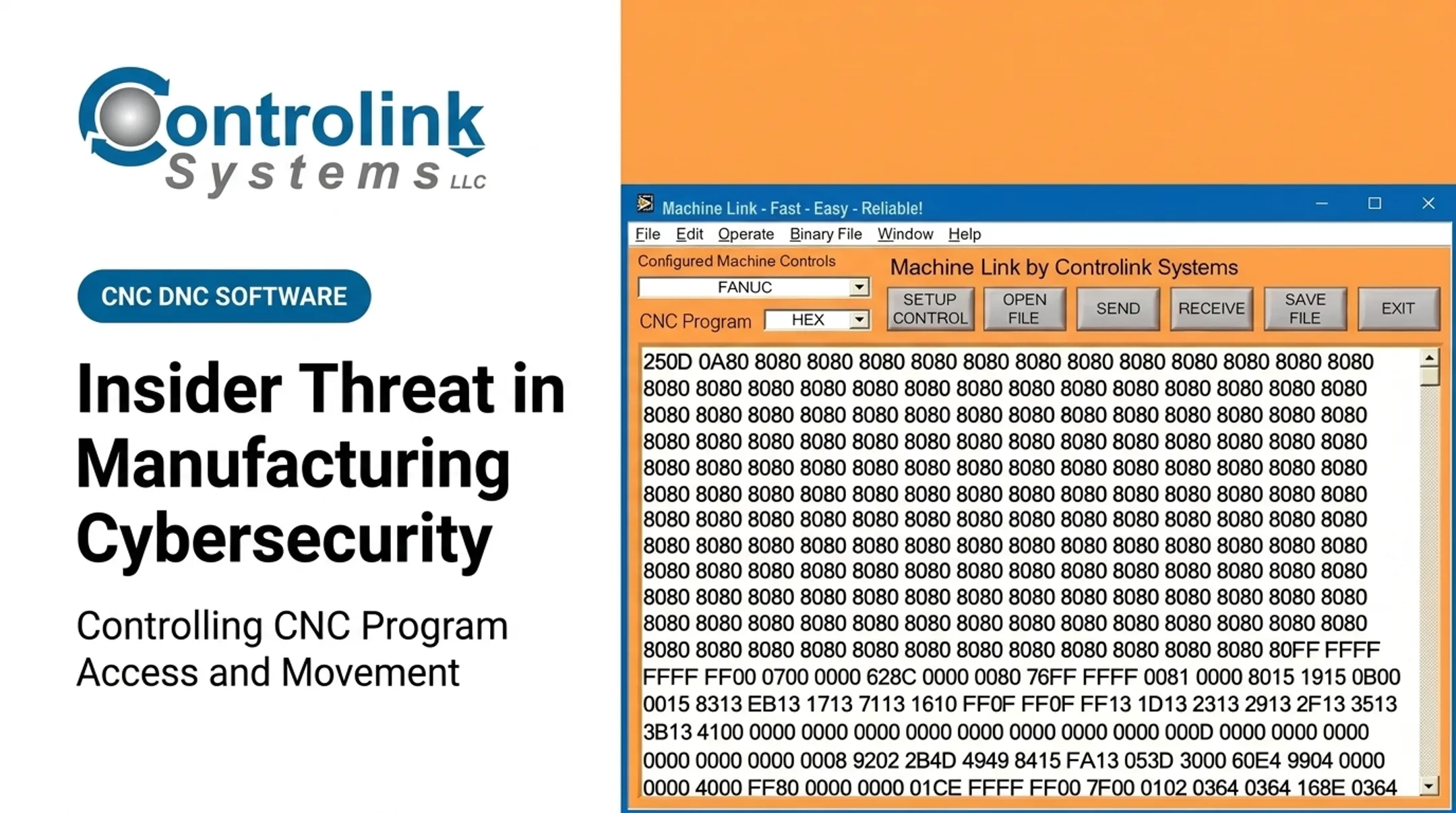
Controlled DNC/CNC communications replace the old habit of copying files onto whatever drive is handy. Controlink Systems LLC has built CNC/DNC communication software since 1998 that serves the latest engineering-approved file directly to the machine control, so operators aren't hunting for the right version by hand. Use that controlled path as one control inside a broader cybersecurity program.

If a program looks wrong:
- Stop or safely pause the process per plant procedure.
- Preserve evidence and isolate the workstation or transfer path.
- Verify the file against the approved revision.
- Bring in engineering and cybersecurity staff.
- Document everything before resuming production.
Removable Media and Portable Device Controls
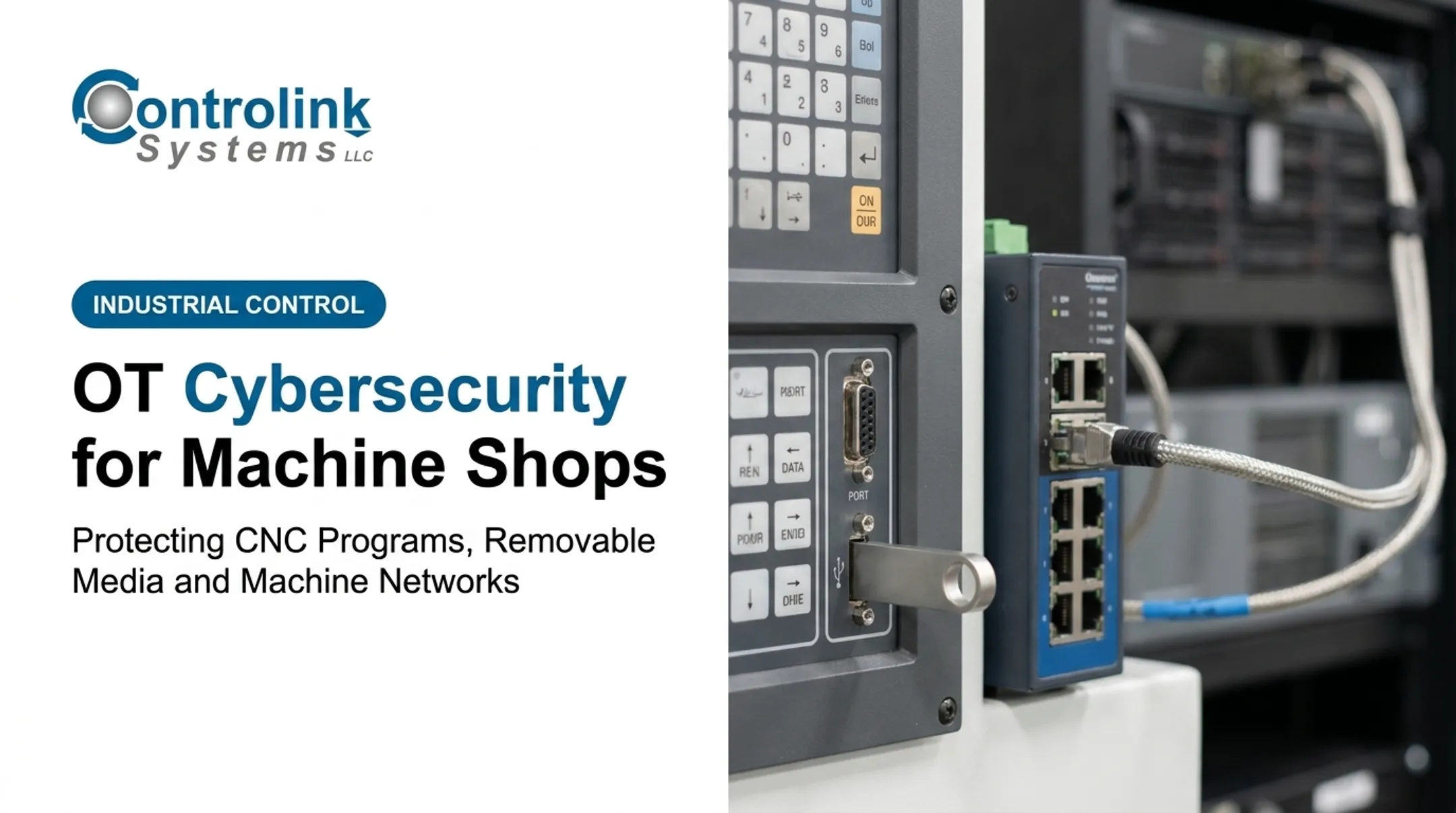
USB drives, external hard drives, memory cards, and portable laptops skip right past network protections. They can carry malware, unauthorized programs, outdated revisions, or someone's uncontrolled copy of a proprietary file straight to a machine control. The scale of this risk is well documented. Honeywell found that 52% of threats detected in industrial facilities used removable media as an entry point, up from just 19% in 2020, and 81% of those threats were capable of disrupting industrial control systems (Honeywell's 2022 Industrial USB Threat Report).

Build an approved-device process that covers:
- Labeling and ownership for every authorized drive
- Encryption where the data warrants it
- Malware scanning before each use
- Disabled autorun/auto-execution
- Secure storage when not in use
- Regular removal of unused or unknown media Scan media on a designated intermediary system before it ever touches a CNC controller or connected workstation. Prohibit personal or unapproved devices for production transfers, full stop, for employees and vendors alike. Log how media is transported, shared, sanitized, and retired. Media leaving the facility with sensitive programs needs a chain-of-custody record, the same way you'd track a signed shipping document.
A clean scan doesn't mean an approved file. Pair malware checks with file-version verification, engineering authorization, file-type restrictions, and a known-good recovery copy. Scanning tells you a drive isn't infected. It doesn't tell you the program on it is the right one.
Machine Network and Remote-Access Security
Separate corporate IT, engineering, production, machine-cell, and vendor/guest networks. Segmentation limits how far an attacker can move after breaching one system. NIST's OT security guidance recommends firewalls or unidirectional gateways, plus a demilitarized zone that keeps enterprise traffic from reaching OT devices directly. Map what actually needs to talk to what. CNC controllers, PLCs, HMIs, DNC servers, and monitoring databases don't all need open lines to each other. Permit only the required traffic, protocols, ports, and directions between zones, and block everything else by default. Remote maintenance deserves its own controlled path:

- Route it through a jump host or equivalent secure gateway
- Require MFA and named accounts, not shared vendor logins
- Time-limit authorization and require approval before access starts
- Log every session and revoke access immediately once the work is done Don't assume an "isolated" machine is actually isolated. Document every USB transfer, wireless interface, maintenance laptop, and temporary vendor link that could bridge an air-gapped cell to the wider network. Air gaps get bridged more often than plant managers expect, usually by accident.
Watch for signs of trouble:
- Unexpected outbound connections
- New devices appearing on the network
- Repeated failed logins
- Unusual file transfers
- Controller configuration changes
- Traffic between machine cells that normally never communicate
When integrating DNC systems, SQL databases, PLCs, and motion controllers, review each connection's authentication, permissions, protocol exposure, and logging individually. Controlink Systems LLC works daily with SQL databases, PLC hardware, and multi-axis motion controllers across protocols like Modbus, Profinet, and EtherCAT—experience that helps spot connection-level gaps before they become open paths.
Environmental and System Safety Considerations
Legacy controllers, unsupported operating systems, proprietary protocols, and narrow patch windows are the norm on most shop floors, not the exception. Some machines simply can't run a conventional endpoint-security agent without breaking. When patching or replacement isn't practical, document a compensating-control plan instead of leaving the gap unaddressed. Coordinate changes with everyone who has a stake in the machine running correctly:
- Schedule patches, firmware updates, and vulnerability scans with production, engineering, and equipment vendors
- Test changes in a sandbox or during an approved maintenance window before deploying live
- Confirm new security tools won't interfere with emergency stops, safety PLCs, deterministic communications, alarms, or required cycle timing Vendor and integrator relationships need the same scrutiny as internal access. OEMs, maintenance contractors, software providers, and integrators should meet clear expectations: secure remote access, timely vulnerability notification, proper credential handling, session logging, incident reporting, and return or deletion of production files once a job wraps up.
Frameworks like the NIST Cybersecurity Framework, NIST SP 800-82, and ISA/IEC 62443 give structure to all of this. None are plug-and-play. Adapt whichever framework you choose to your equipment, risk tolerance, regulatory obligations, and production needs. A framework built for a refinery doesn't map cleanly onto a five-machine job shop.
Common Cybersecurity Mistakes to Avoid
Calling a machine "offline" and moving on. A CNC machine without a direct internet connection isn't automatically safe. Common entry points still include:
- The engineering workstation that programs it
- The DNC server that feeds it
- The vendor laptop that services it
- The USB drive an operator brought from home
Letting convenience override control. Any USB drive, personal laptop, shared login, or copied file that skips scanning, authorization, and version validation is a gamble. Unmonitored access and untracked media remain top malware entry points on the shop floor.
Making IT changes without operations at the table. An untested patch, a blocked industrial protocol, or a mid-production controller change can stop a line. It can also create unsafe conditions or let a quality defect slip through unnoticed.
Trusting controls you haven't tested. An unrestored backup, an unassessed legacy system, a former vendor account still active, or default excess privileges can look secure on paper. In practice, each one leaves the door open.
Conclusion
Manufacturing cybersecurity depends on protecting the whole production path:
- Approved CNC program creation
- Controlled transfer and removable-media discipline
- Segmented machine networks and secure remote access
- Monitoring, backups, and trained people
Skip one link and the rest doesn't hold.
Start with an asset and data-flow assessment. Find out what's actually connected to what, then prioritize the CNC programs and machine cells where a compromise would cause the most damage—scrapped parts, missed deliveries, or a safety incident.
Improve controls in stages. Rushing a network change or a patch onto a live production line creates exactly the kind of disruption you're trying to prevent.
Frequently Asked Questions
What are the top cybersecurity best practices for manufacturing?
Start with an asset inventory, IT/OT segmentation, least-privilege access, and MFA for remote connections. Add controlled CNC program handling, removable-media limits, patching or compensating controls, monitoring, tested backups, and training.
What are the 5 C's of manufacturing cybersecurity?
A commonly cited FortifyData version lists change, compliance, cost, continuity, and coverage. It is a leadership heuristic, not a formal standard like NIST CSF or ISA/IEC 62443, but it maps well to CNC program control and shop-floor coverage.
How does the 80/20 rule apply to manufacturing cybersecurity?
As the Center for Internet Security frames the Pareto Principle, roughly 80% of risk often comes from 20% of assets, connections, or users. Prioritize critical machine cells and highest-risk access points first—this is a starting point, not a full risk assessment.