Many shops automate the physical side of production first: robots, pallet changers, bar feeders. But if the program running on that automated cell is outdated, mismatched, or hand-carried on a USB drive, none of that hardware investment matters.
A manual engineering-to-machine handoff creates real risk. Outdated revisions get loaded. Files get transferred without controls. Setup context gets lost between the CAM system and the shop floor. The result: avoidable downtime, scrap, and confusion over which program actually produced a given part.
This article looks at what it takes to build a controlled program-delivery workflow, one that connects engineering, CNC programming, shop-floor personnel, machine tools, and production records into a single accountable process.
Key Takeaways
- Program delivery is core CNC automation: it turns engineering intent into controlled machine action.
- Reliable workflows cover approval, revisions, routing, access, verification, execution, and traceability.
- Automate handoffs to cut search time and transfer errors while keeping machinist oversight.
- Use AI for monitoring and optimization—not as a substitute for controlled release or accountability.
What CNC Automation Means When the Starting Point Is Program Delivery
CNC automation is often defined narrowly as "machines running without an operator standing there." A better definition is broader: the coordinated use of software, communications, controls, and equipment to cut unnecessary human intervention while keeping the process under control.
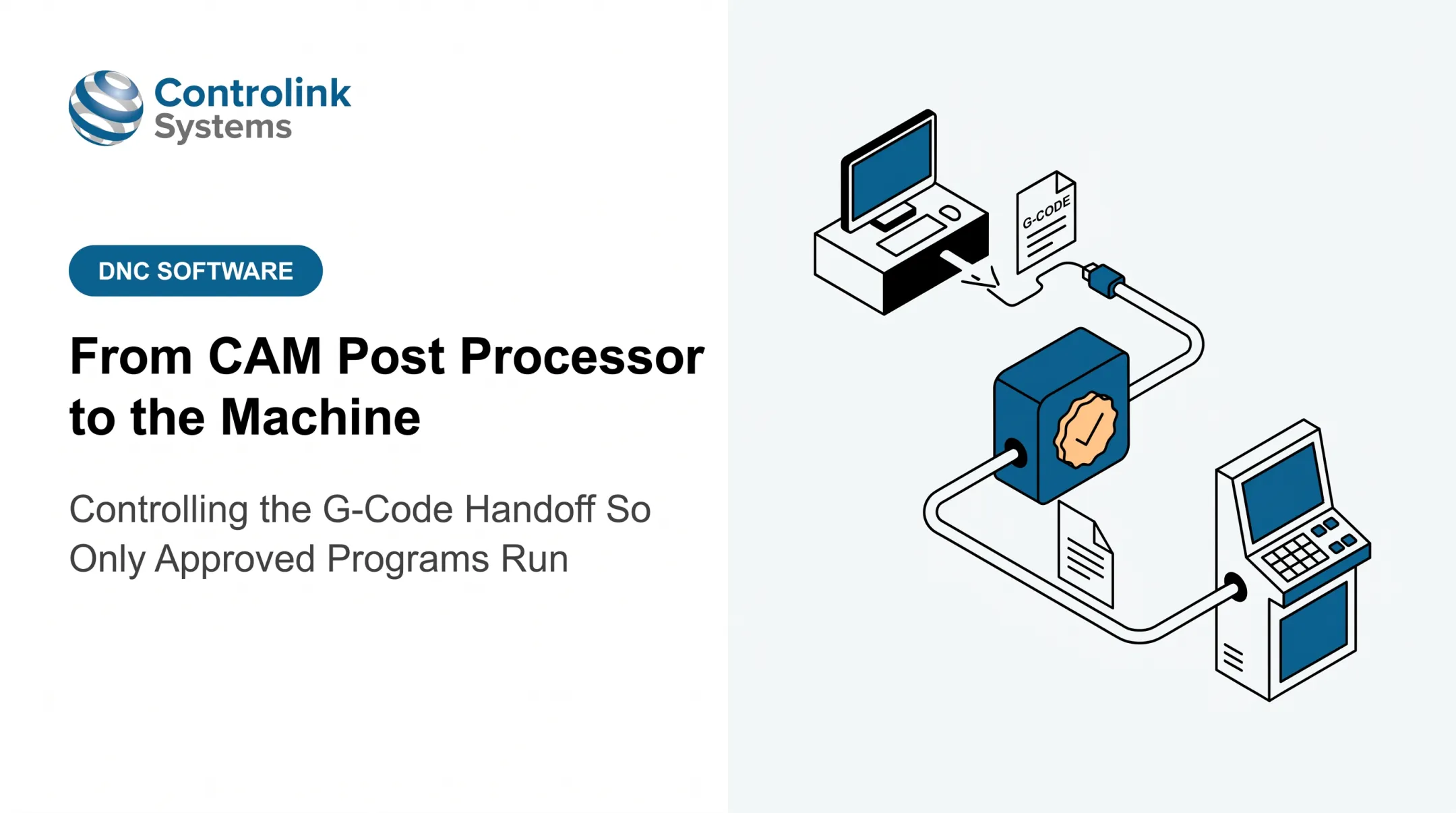
Program-delivery automation is one piece of that picture. It connects CAD/CAM or engineering systems with CNC machine tools through a controlled CNC/DNC communication process, rather than relying on someone physically carrying a file across the shop.
Program Delivery vs. Physical Automation
Robots, pallet systems, bar feeders, and machine-tending cells are what most people picture when they hear "CNC automation." That physical automation still depends entirely on accurate programs, correct offsets, current tooling information, and clear production instructions reaching the machine first.
A robot can load parts all day. If it's loading them into a machine running the wrong program revision, it's just automating scrap production faster.
The Digital Thread From Approval to Execution
Manufacturing.gov describes computer numerical control as the digital control of a physical machine, built on integrated actuators, sensors, and control elements. Under that framing, program delivery is a controlled digital input to machine execution—not casual file copying.
NIST's traceability guidance for manufacturing data recommends tracking explicit file states, plus metadata for source, destination, and authorized use:
- Review, verification, and validation
- Release, revision, and supersede
That chain is the digital thread: program files, revisions, setup information, machine destinations, operator actions, and production feedback, all connected.
The real goal is controlled delivery: the right version reaches the right machine with the right authorization, and an auditable record exists when someone asks what actually ran on the job.
Why the Engineering-to-Machine Handoff Is a Critical Automation Bottleneck
Picture the typical manual handoff. An engineer or programmer exports a file. It gets copied to a shared folder, saved to a USB drive, or manually loaded onto a machine control. At some point, an operator searches for the right program at the machine itself.
Every one of those steps introduces a chance for error.
Revision ambiguity builds up fast when local copies, renamed files, email attachments, machine-resident programs, and shared folders aren't synchronized. Nobody set out to create three versions of "Part_4521_OP20.nc." It just happens over months of edits and re-sends.
What Goes Wrong When Handoffs Fail
Incomplete or incorrect program delivery has concrete consequences on the floor:
- Setup delays while operators hunt for the correct file or wait on confirmation
- Repeated prove-out cycles when the wrong revision gets loaded
- Scrap and rework from running superseded programs
- Machine downtime during the search-and-verify process
- Difficulty reconstructing what actually happened after a quality escape
Modern Machine Shop notes that CNC programs should open with a clear header containing basic, easily interpreted information. Without it, operators waste time just figuring out what they're looking at, let alone whether it's current.
High-mix, low-volume shops feel this hardest. So do regulated jobs and any part with frequent engineering changes.
When Scott Cooper described the environment at Snavely's Machine, he was managing 30+ CNC machine tools, 10 different control types, and 40 operators—some with little computer experience. Getting the right program to the right machine wasn't a minor annoyance. It was a daily operational challenge.
There's also a hidden cost when only the NC file gets transferred. Setup notes, tooling requirements, workholding details, inspection instructions, offsets, and approval history often live somewhere else entirely—if they're documented at all.
Automating delivery removes the walking and searching. It gives engineering, production, quality, and management a shared, current view of what's actually running.
The Controlled Workflow From Engineering Approval to Machine Execution
A controlled program-delivery process follows a repeatable sequence. It doesn't need to be complicated, but it does need every step to happen in order, every time.
- Create or revise the program in engineering or CNC programming
- Simulate and validate the program before it goes anywhere near a machine
- Approve it through a defined sign-off step
- Release the approved version, replacing any prior status
- Route it to the correct machine, control type, and operation
- Retrieve the file at the machine, initiated by the operator
- Verify part, revision, tooling, and setup before cutting
- Run the job
- Record feedback, including any edits, issues, or lessons learned
Linking the Program to the Job
When engineering or CNC programming creates a controlled master program, it should be linked to the part number, operation, machine or control family, tooling requirements, and a clear revision identifier. That link is what makes routing possible later. Without it, someone still has to guess.
The Approval Gate
Not everyone should be able to push a program to the floor. An approval gate defines who signs off, what checks happen before release, and how unapproved drafts get kept away from production machines entirely. This is where a lot of shops lose the thread: a draft gets sent "just for now" and quietly becomes the version everyone uses.
Delivering the Right File, Automatically
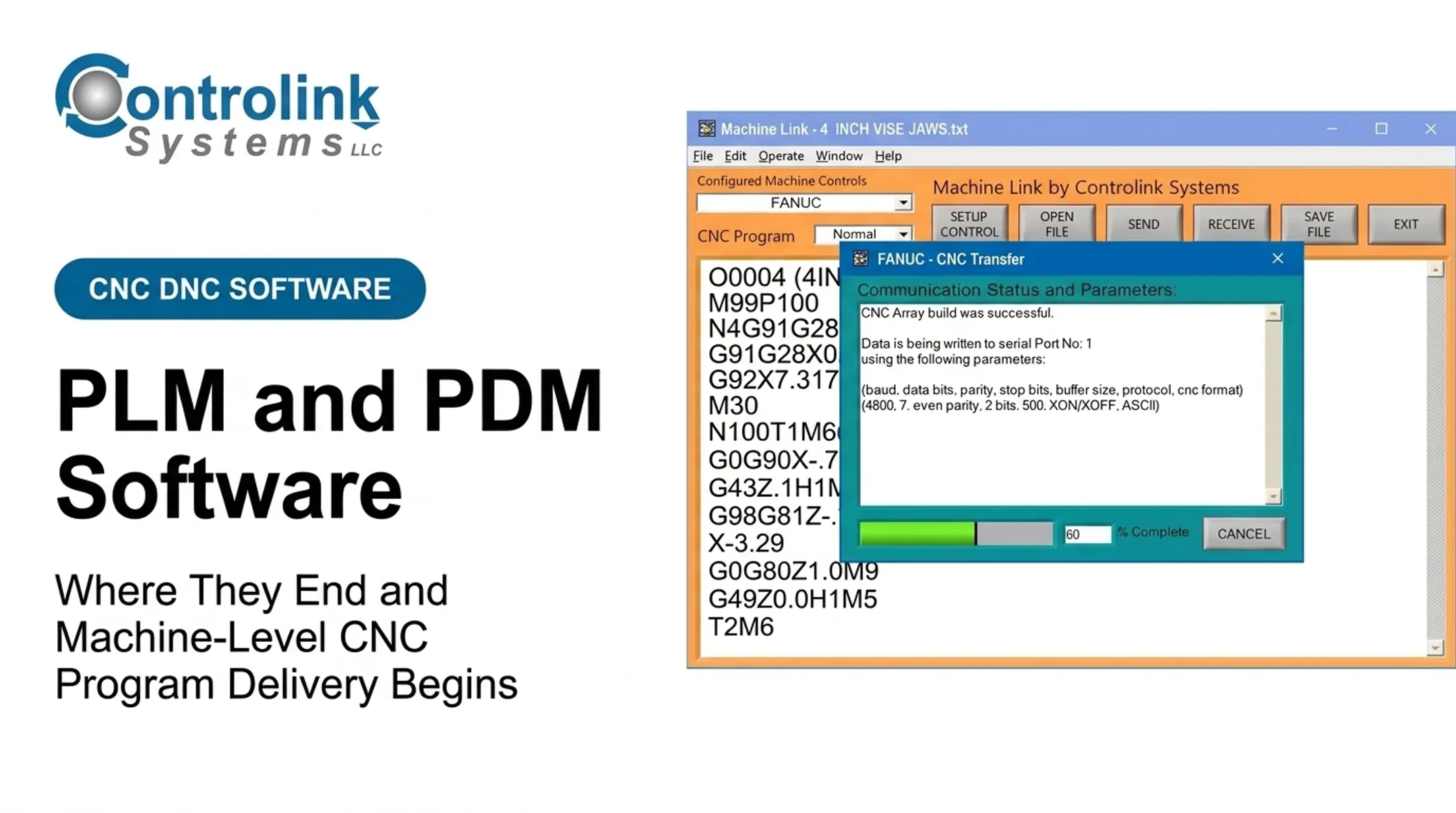
Machine Link™ QUICK Serve handles delivery at this step. Instead of an operator carrying a file to a machine, the request originates from the control itself.
The operator enters a simple keyword-based request, and software that continuously scans that connection serves the current engineering-approved file directly to the machine. Obsolete files simply aren't part of what gets served.
Verification still matters. Before material gets cut, the operator confirms part, operation, revision, tooling, workholding, and setup conditions. Automation delivers the right file. It doesn't replace the check.

Closing the Loop
Execution records should capture the program revision, machine, operator, timestamp, and any change history tied to that run.
When operators at Ametek made corrections at the machine, those edits went into a temporary Engineering folder for CNC engineer review before entering the official program library. That kept the feedback loop controlled instead of informal.
A brief example: an engineer updates a fixture offset on an operation, resubmits the program for approval, and once released, the new revision automatically becomes the only version retrievable at that machine. The prior revision is retired from active use, not just "still sitting in a folder somewhere."
Controls That Make Automated Program Delivery Safe and Traceable
Automating delivery without controls just automates the wrong file getting there faster. A few structural pieces make the difference.
- Role-based access — Engineering, programmers, operators, supervisors, and quality each get permissions matched to the job: create, approve, release, use, or modify
- Naming and metadata standards — Part number, operation, machine, revision, material, and status live in structured fields, not the filename alone
- Filename discipline — Ad-hoc renames "just to be safe" break everything downstream; the system record stays the source of truth
Version Control and Rollback
Keep prior approved versions, record why each change happened, and identify the approver. That history is what lets a shop roll back quickly when a new release causes trouble on the floor.
Handling Exceptions Without Going Informal
Machine communication failures happen. Equipment goes down. Urgent engineering changes come through mid-shift. When they do, exceptions must stay visible and documented—not a quiet informal copy nobody logs.
Cybersecurity Basics for CNC/DNC Data
NIST's guide to operational technology security recommends segmenting IT and OT networks, applying least-privilege access with separate OT credentials, and documenting an approved baseline before any change reaches the OT environment. It also treats tested backups as critical to recovery, not optional.
Practically, that means:
- Managing accounts and access separately from general IT systems
- Segmenting networks where CNC/DNC traffic runs
- Keeping current backups of programs, revisions, and configuration data
- Testing recovery procedures before you need them, not after
Logs and audit trails tie the controls together. When quality, a customer, or a compliance review asks "what changed, and who approved it?", the shop can answer from records—not guesswork.

How Program Delivery Fits With CNC, Robotic, and AI Automation
CNC automation and robotic automation solve different problems:
- CNC automation — control of machining information and machine-tool processes: getting the right program, offsets, and instructions to the control
- Robotic automation — physical movement: loading, unloading, palletizing, and tending
They are complementary, not competing. A robot can keep a machine fed with parts around the clock. Program-delivery controls make sure that machine is actually producing the intended part, with the intended revision, while it runs unattended.
Where People Still Matter
Machinists and operators remain essential. Automating file delivery frees them from walking the floor for a program; it does not remove them from the process. People still own:
- Setup decisions and process knowledge
- First-piece validation
- Tooling and fixture judgment calls
- Troubleshooting and exception management
Where AI Fits, and Where It Doesn't
AI can help with:
- Detecting anomalies
- Flagging likely scheduling conflicts
- Surfacing patterns in production data
What it should not do is skip the approval gate. Any AI-generated or AI-modified program still needs validation and formal release before it reaches a machine—the same as any human-authored revision. AI augments decisions; it is not a shortcut around accountability.

CNC machines and skilled machinists are staying. Automating tasks is not the same as removing human responsibility, and mixing the two leads to weak implementations—especially when unattended or robotic cells depend on the right program reaching the control.
A Practical Roadmap for Automating Program Delivery
Getting started doesn't require replacing every system at once. A phased approach reduces risk and builds internal confidence.
- Audit the current state. Map where programs are created, stored, approved, transferred, changed, and retrieved—and note where delays and errors actually occur.
- Pick a contained pilot. Start with one machine group, part family, or production cell. Define success upfront: fewer manual transfers, fewer wrong-revision risks, faster retrieval, and clearer traceability.
- Map the systems involved. Note which CAD/CAM, ERP, file repositories, CNC/DNC links, controls, quality systems, and operator interfaces must connect.
- Bring in the right people early. Get engineering, programming, operators, maintenance, quality, IT, and cybersecurity aligned before implementation—not after something breaks.
- Standardize before scaling. Lock approval states, revision rules, permissions, machine mappings, exceptions, training, and backups before you expand past the pilot.
Once that pilot is running, results often show up quickly. Jay Tool Manufacturing and Design reported sending and saving programs within five minutes of installing Machine Link™, a sign that a controlled workflow doesn't have to mean a long, disruptive rollout.
Controlink Systems LLC has worked on CNC/DNC communications, shop-floor automation, and process monitoring since 1998, linking software, databases, controls, and manufacturing systems for shops facing this handoff problem.
If your shop still moves programs by USB drive or shared folder, we can walk through what a controlled workflow could look like for your equipment mix.
Frequently Asked Questions
What is CNC automation?
CNC automation refers to using software, communications, controls, and equipment to coordinate machining activities automatically, including delivering approved programs to CNC machine tools without manual file handling.
Will CNC get replaced by AI?
AI is more likely to support CNC programming, monitoring, and scheduling than replace machines or skilled machinists. Any AI-assisted program still requires human validation and approval before it runs.
How does CNC program delivery work?
CNC program delivery follows a controlled sequence: create, validate, approve, release, route to the correct machine, verify at the machine, run the job, and record results for traceability.
How do you prevent operators from using outdated CNC programs?
Centralize revision control, set clear permissions, mark release status visibly, route files to the correct machine automatically, and restrict access to superseded files. Audit logs catch anything that slips through.
What is the difference between CNC automation and robotic automation?
CNC automation manages machining programs and machine-tool control. Robotic automation handles physical tasks like loading, unloading, and material movement. The two work best together: the robot feeds the machine, and program controls ensure the right job runs.