None of this feels risky in the moment. But if that data qualifies as Controlled Unclassified Information (CUI), the media itself, not just the network or the workstation, becomes something your organization must protect and account for.
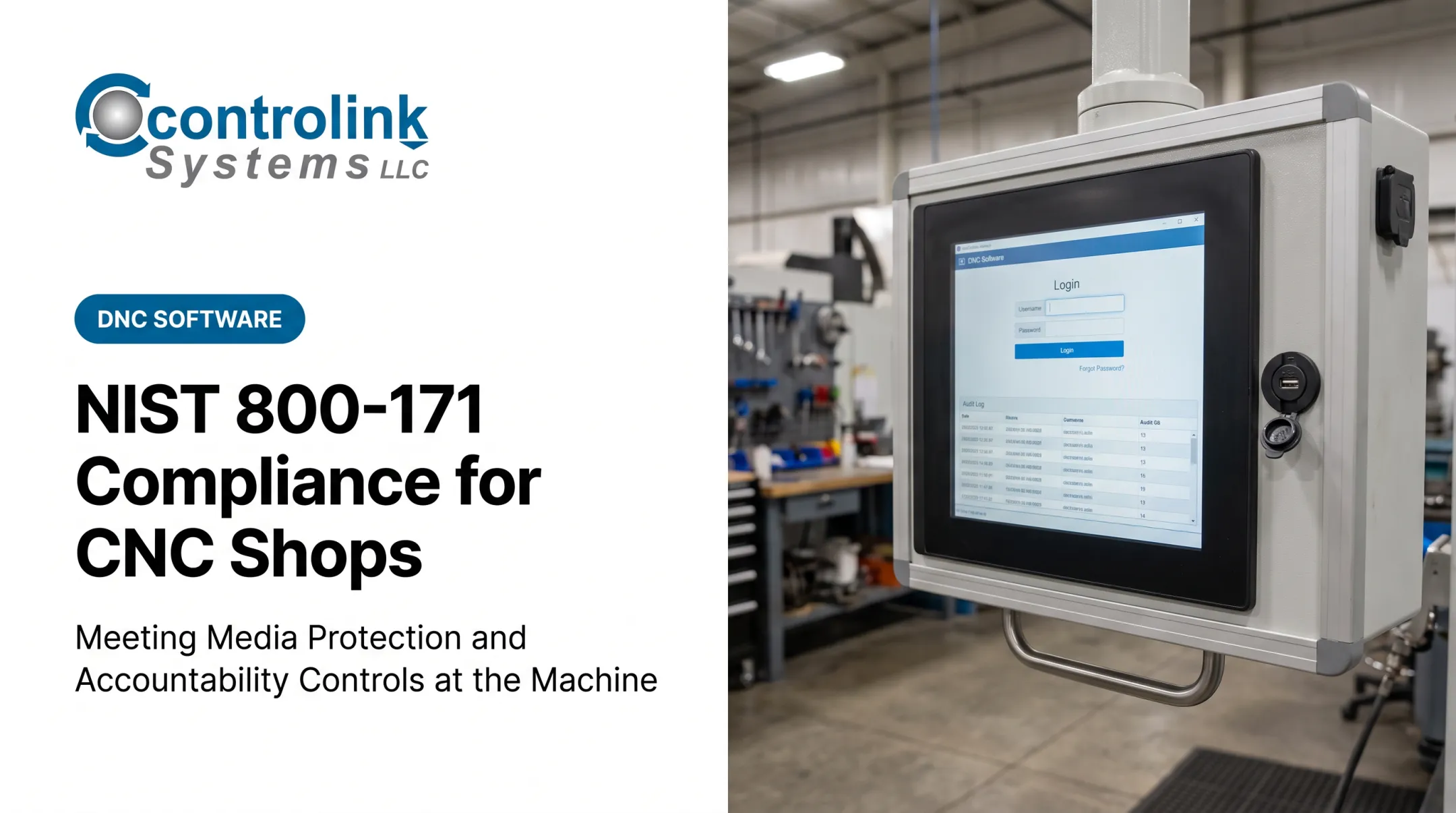
NIST SP 800-171's Media Protection family, section 3.8, spells out exactly what that protection looks like. This article translates all nine requirements into controls that work on an actual shop floor, not just in a compliance binder. One note before you dive in: requirement numbering and wording differ slightly between Revision 2 and Revision 3, so verify which revision your contract requires before finalizing your program.
Key Takeaways
- Media Protection covers paper, hard drives, SD cards, SSDs, controller storage, maintenance devices, and backups—not just USB drives.
- A defensible program combines authorization, locked storage, labeling, transport logs, sanitization, and encryption.
- Blanket USB bans aren't enough; align technical restrictions with production needs and legacy equipment.
- Retain evidence for every device: who used it, where it went, and how it was sanitized or destroyed.
What NIST 800-171 Media Protection Covers
Media Protection (family 3.8) governs how organizations protect, access, mark, move, reuse, and dispose of media containing CUI, including backup copies of that data. The current official publication is NIST SP 800-171 Revision 3, published in May 2024, which supersedes Revision 2. If your contract still references Rev. 2, that version's requirement numbers and wording apply until your contract or assessment says otherwise.
System media and removable media are not the same thing. System media is the broad category: anything storing CUI, digital or paper. Removable media is a subset, limited to devices whose primary job is data storage and that can be added to or removed from a system.
On a shop floor, that usually means:
- CNC program drives and SD cards used at machine controllers
- Portable hard drives and SSDs carrying engineering files
- Maintenance laptops that connect to drives, PLCs, or controllers
- Paper travelers and inspection records
- Backup media, whether on-site, off-site, or cloud-based
Revision 3 made real structural changes. Two entries from the old numbering (3.8.6 and 3.8.8) were withdrawn and folded into other requirements. Cryptographic protection during transport now lives under 03.13.08, and the "no unidentified owner" rule for removable media merged into 03.08.07. Functionally, the same nine ideas still exist. They're just organized differently.
That reorganization does not change how Media Protection works with the rest of the control set. It still overlaps with Access Control (who gets to touch the media), Physical Protection (where it's stored), and System and Communications Protection (how it's encrypted). If you treat 3.8 as a standalone checklist, media can leave the floor marked correctly and still fail on access, storage, or encryption.
What the 9 NIST 800-171 Media Protection Requirements Mean on the Shop Floor
1. Protect and Securely Store System Media
CUI-bearing media needs physical control, period. That means locked cabinets for USB drives and portable SSDs, controlled tool cribs for program storage, and restricted access to engineering offices where drawings and files live.
For media temporarily connected to CNC equipment, the control point shifts to the machine itself: who can walk up and plug in, and is that access logged in any way? A drive sitting in an unlocked drawer next to a machine isn't "stored." It's just parked.
2. Limit Access to CUI on System Media
Not every operator needs access to every file. Define roles, such as approved programmers, engineers, supervisors, and cleared maintenance staff, and grant media access based on that role rather than by default.
- Assign unique user IDs, not shared logins
- Require supervisor sign-off for new access
- Review access lists on a set schedule, not just when someone complains
3. Sanitize or Destroy System Media Before Disposal or Reuse
Deleting a CNC file or formatting a drive doesn't erase it in any meaningful security sense. NIST SP 800-88 Rev. 2 defines three levels:
- Clear: Logical overwrite
- Purge: Renders recovery infeasible even with lab techniques
- Destroy: Physical destruction, the only valid option for paper
Document every sanitization event: device serial number, method used, date, and who performed it. A drawer full of "wiped" drives with no paperwork won't hold up in an assessment.
4. Mark Media With CUI Markings and Distribution Limitations
Labels, envelopes, or digital metadata need to communicate CUI status and who's allowed to see the contents. The tricky part on a shop floor: small drives and machine-controller storage often don't have room for a full CUI banner.
Practical fixes include:
- Tagged storage containers
- Accompanying paperwork that travels with the device
- A logging system tied to a device ID
That way the marking exists even if it can't fit on the drive itself. Whatever method you choose, it shouldn't interfere with safe machine operation.
5. Control Access and Maintain Accountability During Transport
Once media leaves a controlled area, whether to a supplier, a repair center, or another facility, you need a chain of custody. That means check-out/check-in logs, a named custodian for each device, and a record of who touched it and when.
Cover the informal cases too: a maintenance tech who takes a drive home to work on a fault log, or a contractor who carries files between sites. Build in incident reporting for anything lost or unreturned.
6. Protect Digital Media During Transport (Cryptographic or Physical Safeguards)
In Revision 3, this moved to requirement 03.13.08, but the practical question remains the same: does the media get encrypted, or does it travel with an approved physical safeguard like a locked case and an authorized carrier?
Whichever path you choose, verify the cryptographic method against current guidance, such as FIPS 140-3 validated modules. A product claim of "encrypted" does not automatically satisfy the requirement.

7. Control the Use of Removable Media on System Components
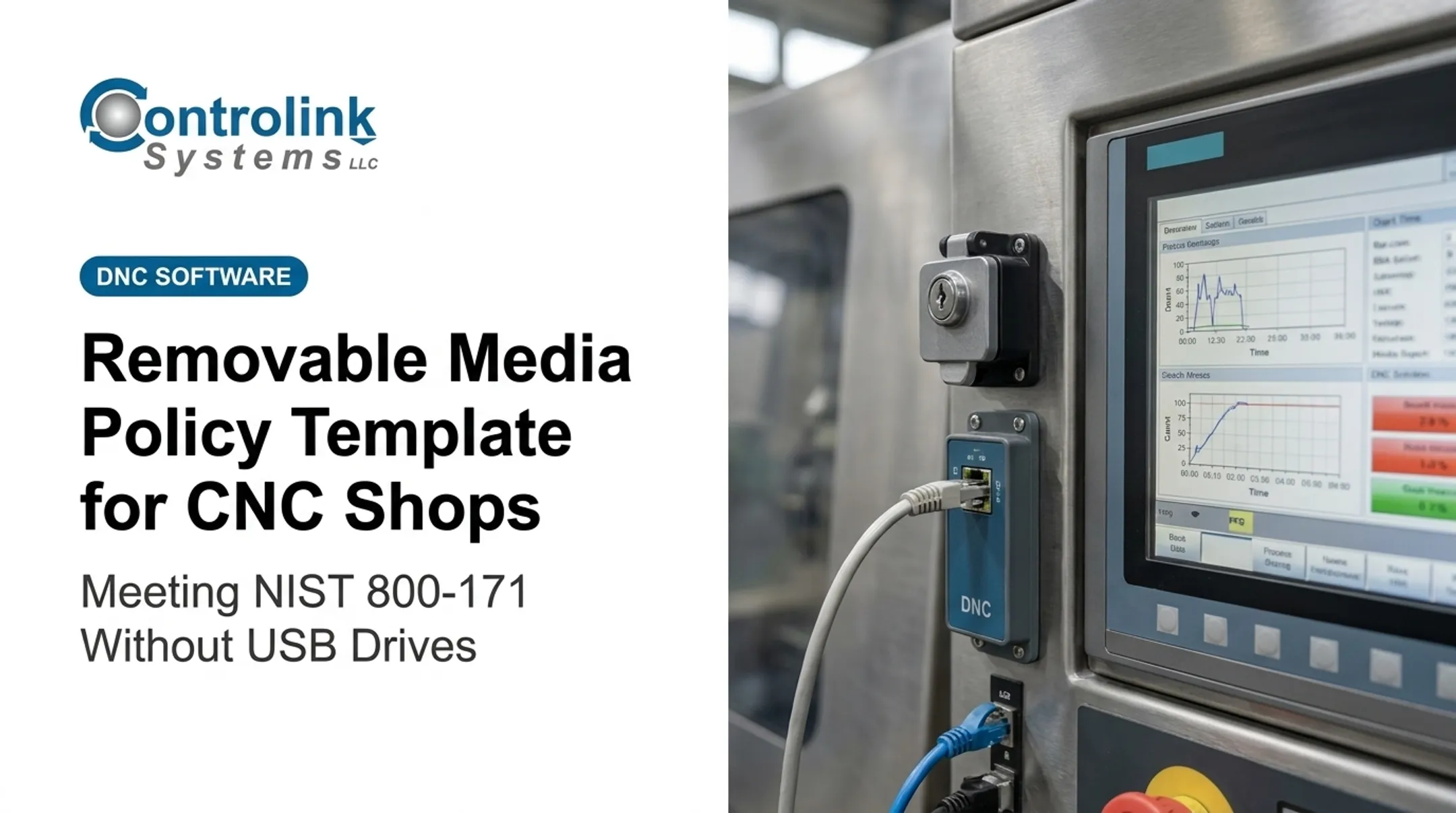
This is where most shop floors focus their energy, and for good reason. An approved removable-media policy should cover USB drives, SD cards, portable hard drives, and any maintenance laptop that connects to a controller.
Enforcement options include:
- Device allowlisting tied to approved serial numbers
- Endpoint policies that block unrecognized USB ports
- Malware scanning before any file transfer
- Read-only modes where write access isn't needed
- Transfer logging for audit trails
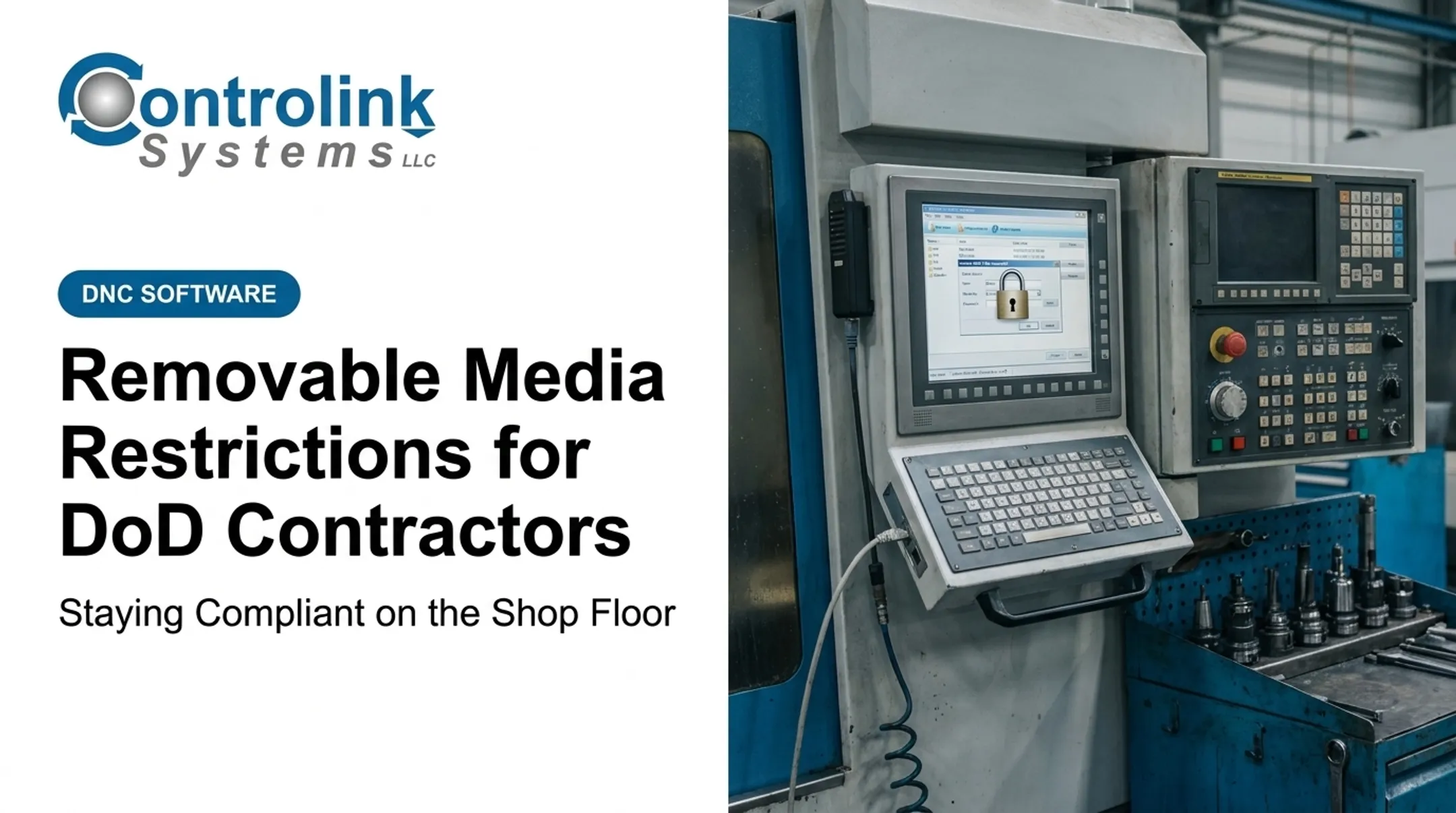
Legacy CNC equipment complicates this. A 20-year-old controller with a floppy drive or serial port can't run modern endpoint software. Document those gaps as exceptions rather than pretending the control applies.
8. Prohibit Portable Storage Devices With No Identifiable Owner
A USB drive with no label, no known custodian, and no record of where it came from should never touch a CUI system, even if someone insists it has "the program we need." That drive could be malware waiting for a host.
Set a procedure: quarantine the device, report it, run malware analysis if you have the capability, and only restore it to service once ownership is confirmed. Otherwise, dispose of it.
9. Protect the Confidentiality of Backup CUI
Backups of CNC programs, technical drawings, and test data need the same level of protection as the live files, whether they sit on-site, off-site, or in the cloud.
That includes access restrictions, encryption, physical security for backup media, and a maintained inventory of what's backed up where. Separate backup administrators from everyday production users, and test restoration periodically so you know the backups actually work when needed.
How to Implement Media Protection on a Manufacturing Shop Floor
Define the CUI and Media Boundary
Not every file on the shop floor is CUI. Map where CUI enters, is created, moves, and is deleted across engineering workstations, DNC servers, CNC controllers, and supplier exchanges. Document what's in scope instead of assuming everything is.

Establish an Approved Media Lifecycle
Track each device from procurement through destruction:
- Register the device with a unique identifier
- Authorize it for specific systems and purposes
- Assign an owner or custodian
- Log issue and return dates
- Sanitize and record disposition when it's retired
Build Secure File-Transfer Alternatives
The biggest cut in unnecessary USB traffic comes from removing the need for hand-carried drives. A controlled DNC workflow lets machinists pull the latest engineering-approved file directly to the machine—no drive changes hands.
Controlink Systems has built this kind of workflow since 1998. Its Machine Link™ QUICK Serve software continuously monitors CNC machines for file requests and serves the latest approved program directly to the control, without the operator leaving the machine.
At Ametek, for example, operators retrieved programs this way while corrections routed through an Engineering folder for review before re-entering the program library, keeping the exchange auditable instead of ad hoc. This workflow supports a Media Protection program; it does not replace the documentation and access controls the requirements demand.
Handle Exceptions, Legacy Equipment, and Production Continuity
Some machines will always need removable media. Document those exceptions properly:
- Business justification and risk assessment
- Compensating safeguards (like a dedicated transfer station)
- Approval, expiration date, and periodic review
Emergency maintenance and vendor access deserve the same treatment. A one-time exception without paperwork becomes a permanent, undocumented gap.
Evidence to Retain for Assessment Readiness
Assessors want to see proof, not just policy. Keep these on hand:
- Media policy and system security plan references
- CUI/data-flow inventory and approved-device register
- Access approvals and training records
- Transport logs and chain-of-custody records
- Sanitization or destruction records with dates and responsible personnel
- Backup inventories and exception approvals
Technical evidence matters too:
- Endpoint-control configurations
- Blocked- and allowed-device logs
- Malware-scan results
- Encryption settings
Map each item to the specific 3.8 requirement it satisfies, assign an owner, and set a review cadence.
Run a tabletop exercise as a final check: pick one removable device and trace it from authorization through use, transport, return, and final disposition. If you can't answer every step, that becomes your gap list.

Common Shop-Floor Media Protection Mistakes
These gaps show up on shop floors that treat media protection as a one-time policy:
- Treating a USB ban as the whole program while paper records, backups, maintenance laptops, and machine-controller storage still need coverage
- Allowing shortcuts under production pressure so shared logins, unlabeled drives, and personal USB sticks creep in mid-shift
- Skipping sanitization and transport validation—deleting a file is not sanitizing it, and moving a drive without a log is not accountability
- Ignoring legacy equipment realities; a blanket policy a 15-year-old controller cannot support only pushes workarounds underground
Controlled transfer stations and documented risk-based exceptions keep security and uptime intact.
Frequently Asked Questions
What are the NIST 800-171 requirements?
NIST SP 800-171 contains security requirements organized into families for protecting CUI in nonfederal systems. Check the current official NIST publication for the exact structure and wording that applies to your contract.
What are the key differences between NIST 800-171 and NIST 800-172?
SP 800-172 adds enhanced security requirements for organizations facing advanced persistent threats or higher-impact CUI scenarios. Verify with your contracting officer whether 800-172 applies to your specific agreement.
What is the current version of NIST 800-171?
As of this writing, NIST SP 800-171 Revision 3 (May 2024) is the current official publication. Always confirm which revision your contract, assessment, or CMMC requirement references before applying it.
What is NIST 800-171 Media Protection?
Family 3.8 covers how organizations protect, access, mark, transport, sanitize, and dispose of media containing CUI, plus removable-media use and backup confidentiality. It applies to both digital and paper media.
How should a manufacturer control USB drives containing CUI?
Require approved ownership, authorization, and labeling for every drive. Add encryption or equivalent safeguards, malware scanning, controlled transfer procedures, and documented sanitization, with formal exceptions for legacy equipment that can't support all of these.