Introduction
A C3PAO assessment does not grade your machine quality, your tolerances, or your production output. It verifies whether your organization has actually implemented the CMMC security practices required for the environment where Controlled Unclassified Information (CUI) lives.
For most manufacturers, that environment includes the shop floor itself, not just the front-office network. CNC controllers, DNC servers, engineering workstations, removable media, and maintenance laptops can all touch CUI in ways that get overlooked until an assessor asks about them.
This checklist walks through what auditors examine, who they talk to, what they test, and how to prepare evidence without stopping production or creating a safety hazard.
Many shops assume their security posture ends at the IT department's door. It doesn't.
Key Takeaways
- Confirm your CMMC assessment boundary before reviewing individual machines and workstations
- Show controls working in daily shop-floor operations, not only in written policy
- Prepare for assessors to examine records, interview operators, and test controls
- Shared accounts, loose USB drives, and unmanaged maintenance laptops are top readiness risks
- Verify every requirement against current official CMMC and NIST sources before you rely on it
What You Need to Check on the Manufacturing Shop Floor
Before anyone looks at a single machine, define scope. Don't assume every CNC is automatically included, and don't assume it's excluded either. Scope depends on how CUI actually moves through your facility, not on where a machine happens to sit.
The CMMC Level 2 Scoping Guide breaks assets into four categories:
- CUI Assets
- Security Protection Assets
- Contractor Risk Managed Assets
- Specialized Assets (OT and IoT, including CNC controllers)
Every in-scope category must appear in your inventory, SSP, and network diagram—including specialized equipment on the floor.
Assets, Data, and Access Points
Walk the floor and identify:
- Engineering workstations and CAD/CAM systems
- CNC controllers and DNC servers
- File shares, backup systems, and inspection stations
- Maintenance laptops and any remote-access or cloud connections
Then trace the file path. Where does a drawing or program originate, how does it reach the machine, where is it stored, and how is it removed or archived?

Not every manufacturing file is CUI. Check contract terms, customer markings, and your documented scope before labeling something controlled.
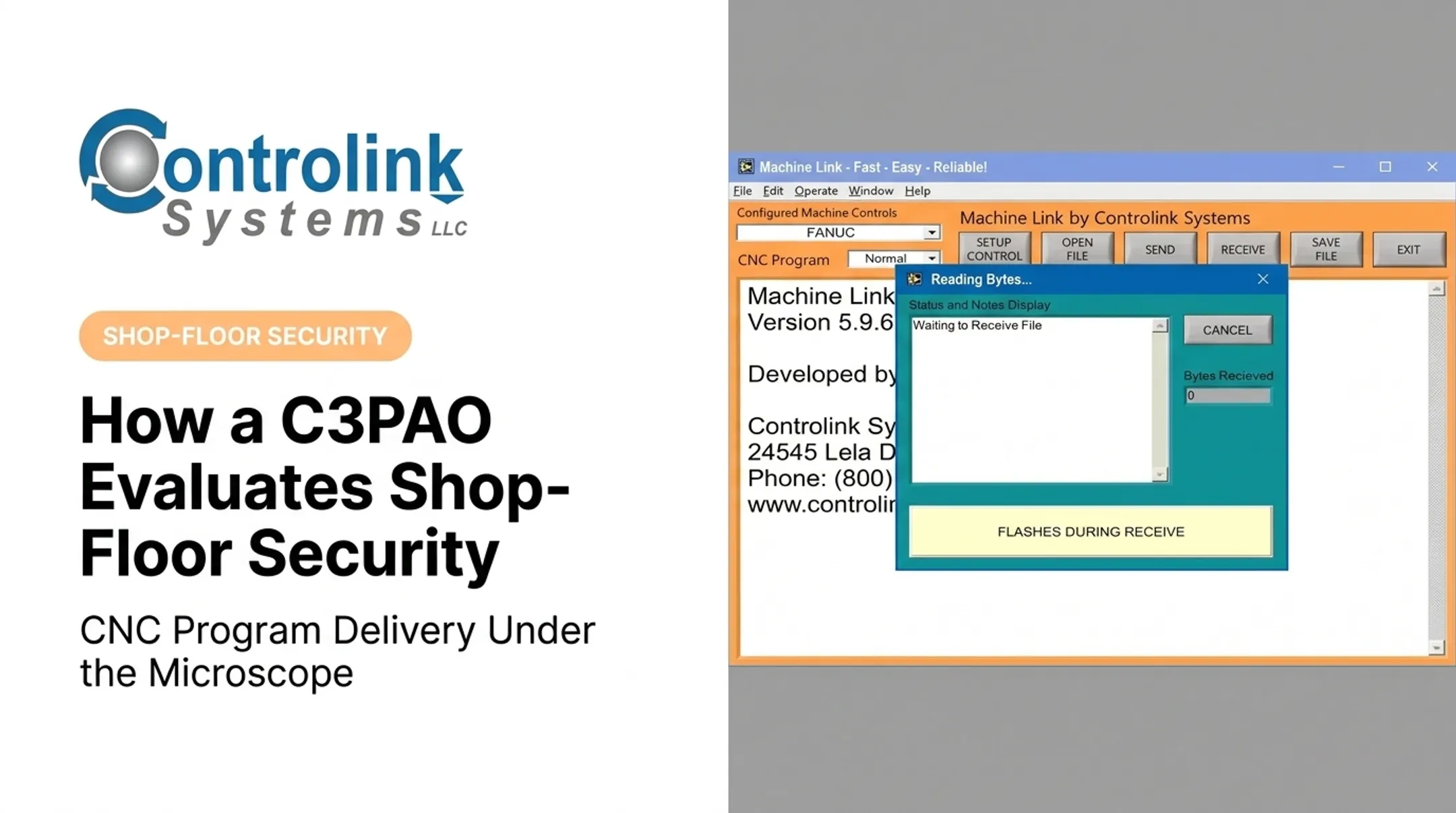
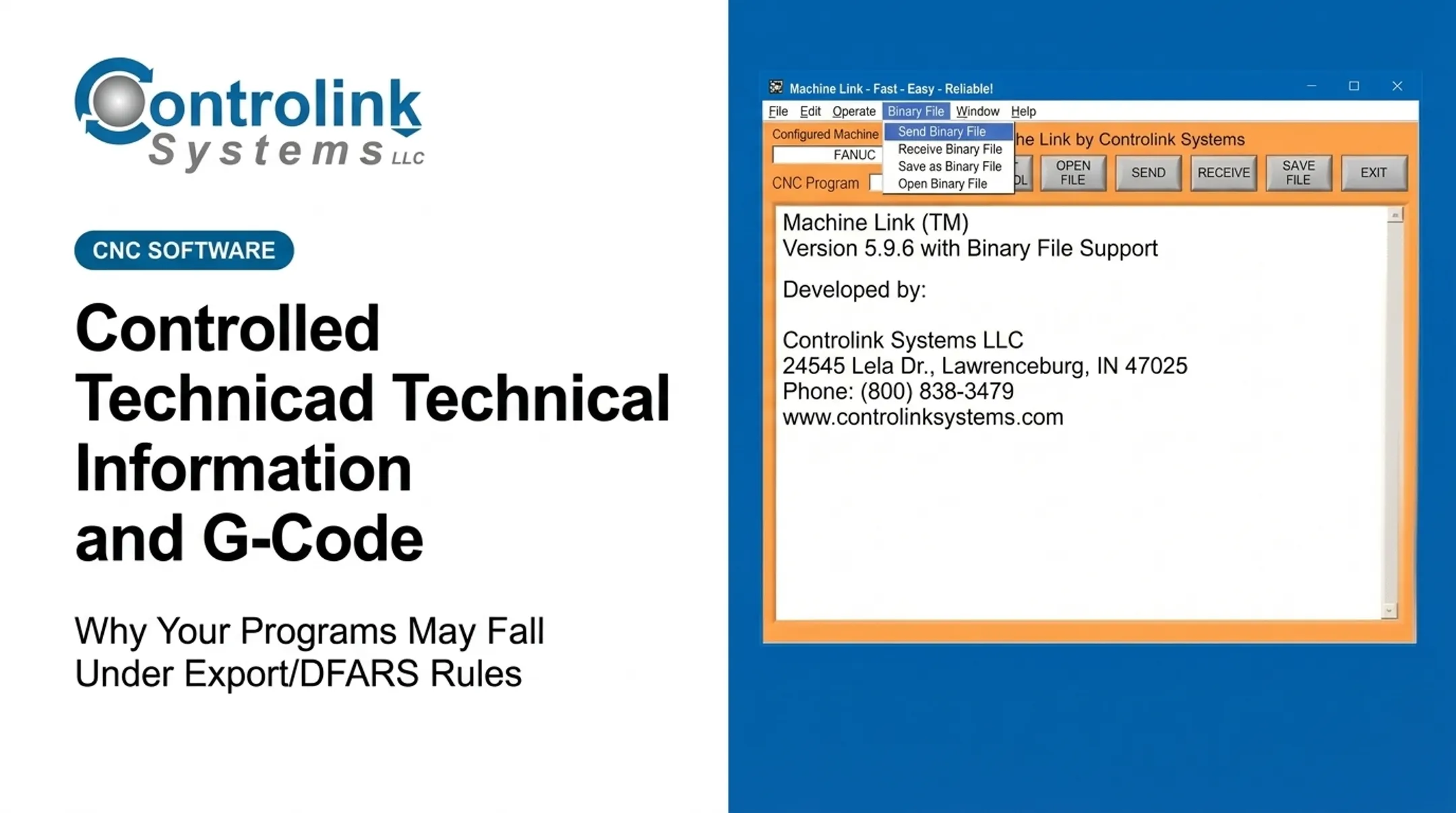
Shops that rely on Machine Link™-style program delivery systems have an advantage here: the software tracks which engineering-approved file went to which machine and when, giving you a retrievable record instead of a guess.
Physical and Environmental Controls
Assessors check whether controlled areas actually restrict access. That means:
- Access restrictions on machine cells, engineering offices, and server rooms
- Visitor logs, escort procedures, and access records
- Whether screens, printed drawings, or work orders are visible to unauthorized personnel walking past
An unattended terminal displaying an open engineering file counts against you, even if the machine cell door is locked.
Documentation and Personnel Evidence
Prepare the evidence pack assessors will ask for:
- SSP and asset inventory
- Network and data-flow diagrams
- Access lists and configuration baselines
- Training records and media-handling procedures
- Vendor documentation
Identify who might be interviewed:
- Operators and programmers
- Supervisors and maintenance techs
- IT/OT staff
Every claimed practice needs to connect to a real machine, a real person, and a record you can pull up on demand.
Methods to Check Shop-Floor CMMC Readiness
A written policy is a starting point, not proof. The CMMC Level 2 Assessment Guide defines three methods assessors use to confirm a control actually operates: examine, interview, and test.
Examine: Documents, Configurations, and Records
Assessors review the SSP, asset inventory, network diagrams, access-control records, training logs, configuration settings, and audit logs. On the shop floor, that often means:
- Comparing the approved network diagram against actual physical connections
- Checking authorized-user lists against real machine-terminal accounts
- Verifying that engineering-file procedures match how operators actually transfer files
Evidence must be current, attributable, and retrievable. Draft documents don't count. If your written procedure says files move via secured server transfer but operators are actually copying programs off a USB stick, that contradiction gets flagged immediately.
Interview: People and Daily Practices
Expect assessors to ask operators and supervisors practical questions:
- How do you receive an approved program for this machine?
- What do you do if a file looks wrong or out of date?
- Are accounts ever shared between shifts?
- How are USB devices controlled or checked before use?
- Who do you contact if you suspect a security incident?
Don't script answers. Employees should know their real responsibilities and where to get help. Assessors often pull in maintenance and vendor personnel as well—especially on remote support sessions, temporary accounts, service laptops, and after-hours access.
Test: Technical and Physical Operation
Testing validates whether a control functions as described. Common test areas include:
- Authentication and least-privilege enforcement
- Session locking and MFA where applicable
- Removable-media restrictions and audit logging
- Backup and recovery procedures
- Network boundaries and incident-escalation workflows
Coordinate every live test with production, maintenance, and safety leaders in advance. Use approved test windows, and have documented alternatives ready for systems that can't be safely interrupted mid-run.

How to Interpret the Results
A modern-looking machine or a polished policy document doesn't determine the outcome. The relevant question is whether the security objective is implemented, documented, and backed by reliable evidence inside the assessment scope.
Normal and Acceptable Results
Solid evidence looks consistent across sources:
- Current diagrams
- Controlled access
- Traceable file movement
- Trained staff
- Working technical safeguards that match what the assessor observes
Record the evidence source, responsible owner, date reviewed, and related CMMC practice so you can reproduce the result later.
Minor Issues or Evidence Weaknesses
Some gaps are fixable before the formal assessment:
- An outdated network diagram
- An incomplete training record
- A control that works but has no retrievable log
Assign an owner, document the gap, update the SSP or procedure, and collect objective evidence before assessment day. Don't treat a small gap as harmless.
Out-of-Spec or High-Risk Findings
Some findings need immediate attention:
- Unauthorized access to CUI systems
- Shared privileged credentials
- Uncontrolled removable media or unapproved engineering files
- Missing audit trails or unmanaged remote access
Contain the risk, preserve relevant records, notify the right internal roles, and determine whether incident-response procedures apply.
Under 32 CFR 170.21, certain deficiencies—including several physical access control practices—cannot go on a POA&M at all. Whether a specific gap qualifies depends on current CMMC rules, so don't assume one will be accepted.

Common Errors in Checking Shop-Floor Readiness
Manufacturing operations tend to evolve faster than the paperwork describing them. That gap creates a false sense of readiness. Watch for these patterns:
- Blanket scope assumptions — auto-including every CNC, or excluding equipment without a documented technical and contractual basis
- IT tunnel vision — reviewing corporate networks while ignoring DNC servers, engineering workstations, local file shares, and machine-side storage
- Policy-equals-practice thinking — assuming a control works because a document requires it, without watching the real workflow
- Convenience workarounds — shared operator logins, informal USB transfers, or unapproved file copies that persist because they're faster
- Uncoordinated testing — scheduling technical tests without looping in operations or safety personnel, creating avoidable downtime
A shop running Machine Link™ QUICK Serve, for example, continuously monitors each CNC for file requests and serves engineering-approved programs directly to the control. That closes the gap between "operators must use approved files" on paper and what actually loads at the machine.
Safety and Best Practices
CMMC preparation should never override lockout/tagout, machine guarding, or the manufacturer's operating instructions. Security work and shop-floor safety reinforce each other, but a rushed assessment can create real hazards if it isn't planned properly.
Keep both on track with these practices:
- Get sign-off from production, maintenance, IT/OT, and safety leaders before any live demonstration. Prefer non-production systems or test accounts when they exist.
- Keep printed CUI, removable media, screenshots, and test exports from sitting unattended. Use approved storage and destruction procedures once the assessment ends.
- Include CNC/DNC systems in your data-flow review. Shop-floor automation that moves engineering files deserves the same scrutiny as any server.
- Update your SSP, inventory, and diagrams after every new machine, network change, or supplier relationship. Waiting for the next audit cycle usually means finding gaps too late.
Controlink Systems LLC has built CNC/DNC communication software since 1998, including systems that log which approved file reached which machine and when. That change history and access tracking give assessors the retrievable record they expect, though no single product by itself establishes CMMC compliance.
Conclusion
C3PAOs look for alignment: does the documented CMMC program match what actually happens around your machines, terminals, files, and people? A checklist only works when every control ties back to:
- A specific asset
- A responsible employee
- A real procedure
- Evidence you can produce on demand
Resolve scope and evidence gaps before the formal assessment. Use current official CMMC and NIST guidance, and coordinate every test with your production and safety teams before it happens—not after a failed walkthrough.
Frequently Asked Questions
What does a C3PAO look for on a manufacturing shop floor?
Assessors check in-scope systems that handle CUI, how access is controlled, and whether file workflows are traceable. They also verify that employee practices and technical configurations match your documentation, with retrievable evidence.
Do CNC machines fall within CMMC assessment scope?
It depends on whether the machine, controller, or connected network stores, processes, transmits, or protects CUI. Confirm the boundary through contract analysis, data-flow mapping, and your SSP rather than assuming either way.
What evidence should manufacturers prepare for a C3PAO assessment?
Prepare your SSP, asset inventory, network diagrams, access records, configuration baselines, audit logs, training records, media-handling procedures, and vendor-access documentation. Each item should be current and retrievable.
Will auditors interview machine operators?
Yes. Assessors typically interview anyone who implements or is affected by a control, including operators, programmers, supervisors, maintenance staff, and IT/OT personnel.
How should manufacturers handle removable media and engineering files?
Use authorization and access controls, malware checks, and approved-file workflows with traceable transfer records. Storage, sanitization, and destruction should follow your documented procedures, not informal habits.
Can a C3PAO assessment disrupt production?
Disruption can usually be minimized through advance scoping, approved test windows, escorts, and non-production demonstrations. Coordinate with safety and operations teams before any live-system testing.