Introduction
USB drives still move plenty of CNC programs across American shop floors. They're cheap, familiar, and don't need an IT department to set up.
But that familiarity hides real costs: manual walking between machines, no way to prove which revision actually ran, and a stubborn malware problem. Honeywell's 2024 Industrial Cybersecurity USB Threat Report found that 51% of malware samples analyzed were designed to spread via USB media, up from just 9% in 2019.
As shops add machines, tighten customer security requirements, or need tighter traceability, USB-only workflows start to strain.
Three alternatives address different pieces of that problem: networked delivery, wireless delivery, and air-gapped or controlled removable media. None replaces the others outright. Each trades off infrastructure, security posture, and operator effort differently.
This guide compares all three and gives you a practical framework for picking the right one based on your machines, your floor, and your risk tolerance.
Key Takeaways
- Networked delivery scales best for connected multi-machine shops.
- Wireless modernizes legacy or hard-to-wire equipment without new cabling.
- Air-gapped transfer cuts network exposure, not stale files, infected media, or operator error.
- Match the method to control compatibility, file governance, uptime needs, and IT/OT support.
- Layer approval, verification, backup, and rollback on every transfer method.
What Is CNC File Delivery and Why Does It Matter?
CNC file delivery is the process of getting approved part programs and related machine data from your CAM system, engineering department, or production database onto a CNC control — and pulling verified files or machine data back off it when needed.
Depending on your control and workflow, that data can include:
- G-code or NC part programs
- Setup sheets and job instructions
- Tool and fixture offsets
- CNC parameters and PLC-related settings
- Macro variables
Local transfer means an operator carries removable media, such as a USB drive, from a computer to the machine. Remote transfer means a wired or wireless connection moves the file through a managed system instead.
The method you choose affects more than convenience:
- Productivity — every trip across the floor is time not spent machining
- Scrap risk — running last week's revision instead of today's approved one
- Downtime — waiting on a file, a drive, or a person who's on break
- IP exposure — unmanaged media can carry proprietary programs off-site as easily as it carries problems in
- Traceability — proving which file ran, when, and who approved it
Unmanaged removable media remains one of the most common ways outdated or unauthorized files reach industrial equipment — a risk worth designing around, not just hoping it doesn't happen.
One thing file delivery does not do: replace program proving, simulation, setup verification, or operator sign-off. It's one controlled step in a longer production process, not a substitute for the checks around it.

CNC File Transfer Alternatives Compared
Every alternative to USB gets judged against the same yardsticks:
- Machine compatibility and transfer speed
- Infrastructure required and maintenance burden
- Reliability, security, and traceability
- Scalability and how easily you recover when something breaks
Networked Delivery Over Ethernet
A wired network connection moves files between your CAM or DNC software and one or more CNC controls — through a shop-floor server, a managed DNC system, or a direct machine-to-computer connection.
Strengths:
- Centralized program storage with permission controls
- Built-in revision control and machine visibility
- Less walking between programming stations and machines
- Audit trails showing what ran, where, and when
Controlink Systems' Machine Link™ software, for example, communicates with any CNC control that supports standard RS-232 serial communications and can be configured for an unlimited number of machines, so a shop can centralize file handling without replacing existing controls. The Machine Link™ PLUS variant runs up to six simultaneous communication sessions and can receive from a seventh.
Limitations:
- Legacy controls may lack native network ports
- Cabling, switches, and network configuration take planning
- Each control may speak its own transfer protocol
- Industrial devices need real isolation, not just a shared switch
Multi-machine shops, repeat production, centralized programming groups, and operations needing an audit trail tend to fit this model best.
Security matters more here than raw speed. NIST's SP 800-82r3 guidance for operational technology recommends network segmentation with DMZ architecture between corporate IT and shop-floor OT, role-based least-privilege access, malware scanning of files in transit, and logged changes to OT components. On a machining floor, that translates to: keep CNC controls on their own segment, limit who can push files, scan before transfer, and keep a change log.
Wireless Delivery Over Wi-Fi or a Wireless Bridge
Two models cover most wireless setups. Some CNC controls have native wireless or network capability built in. More often, a wireless bridge or adapter sits between the control and the network, presenting files to the machine as if they were on a local removable drive.
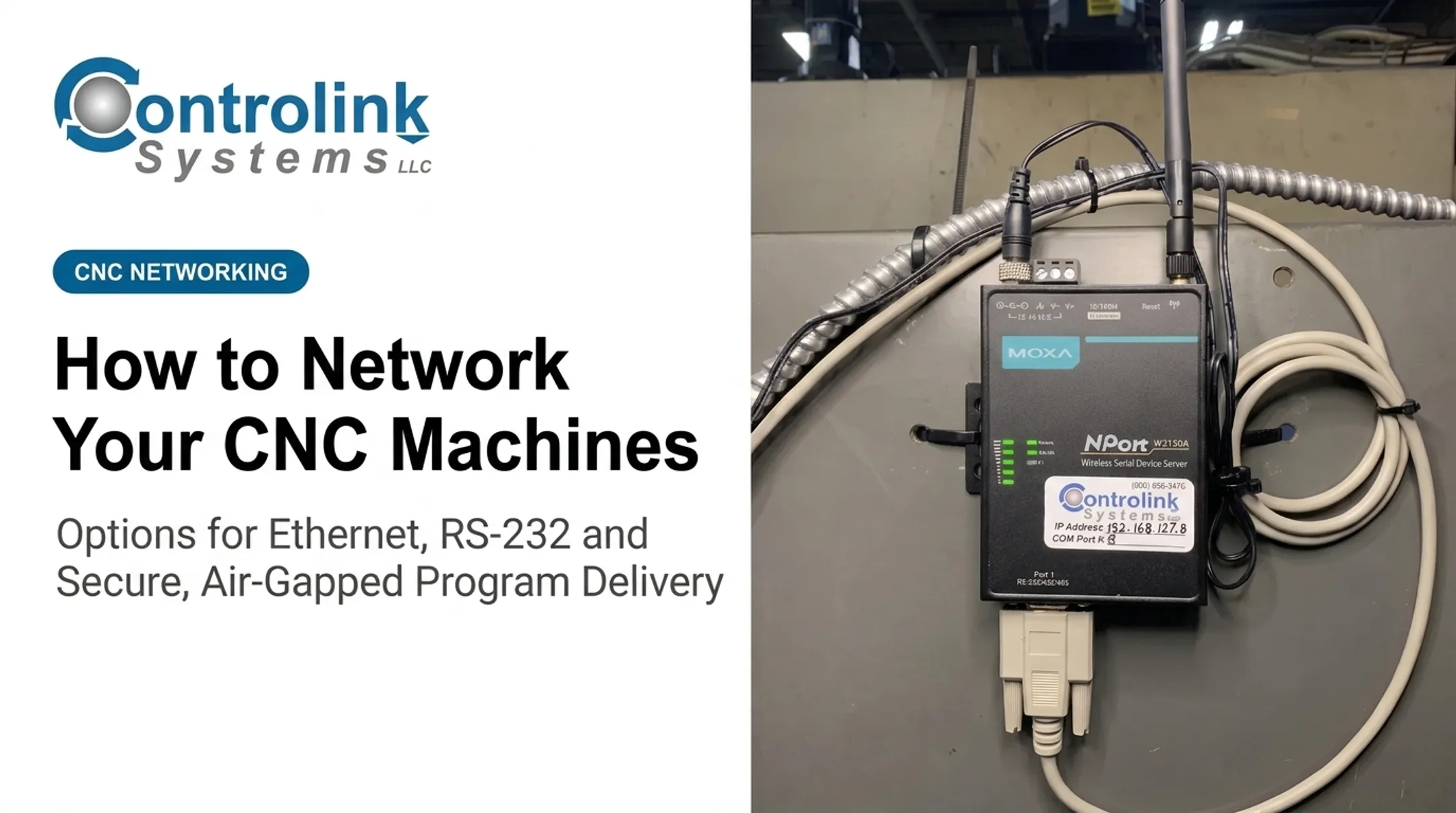
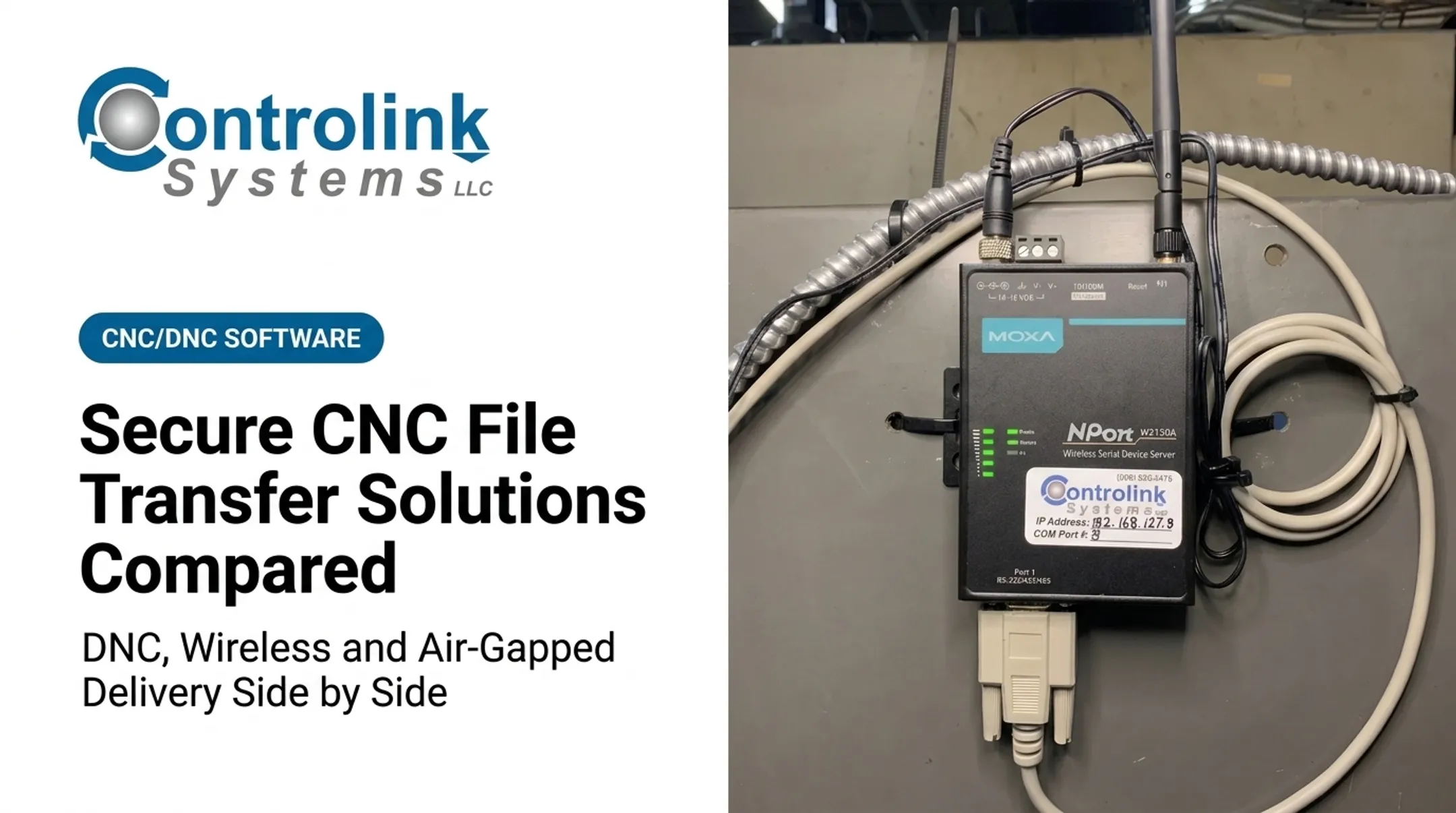
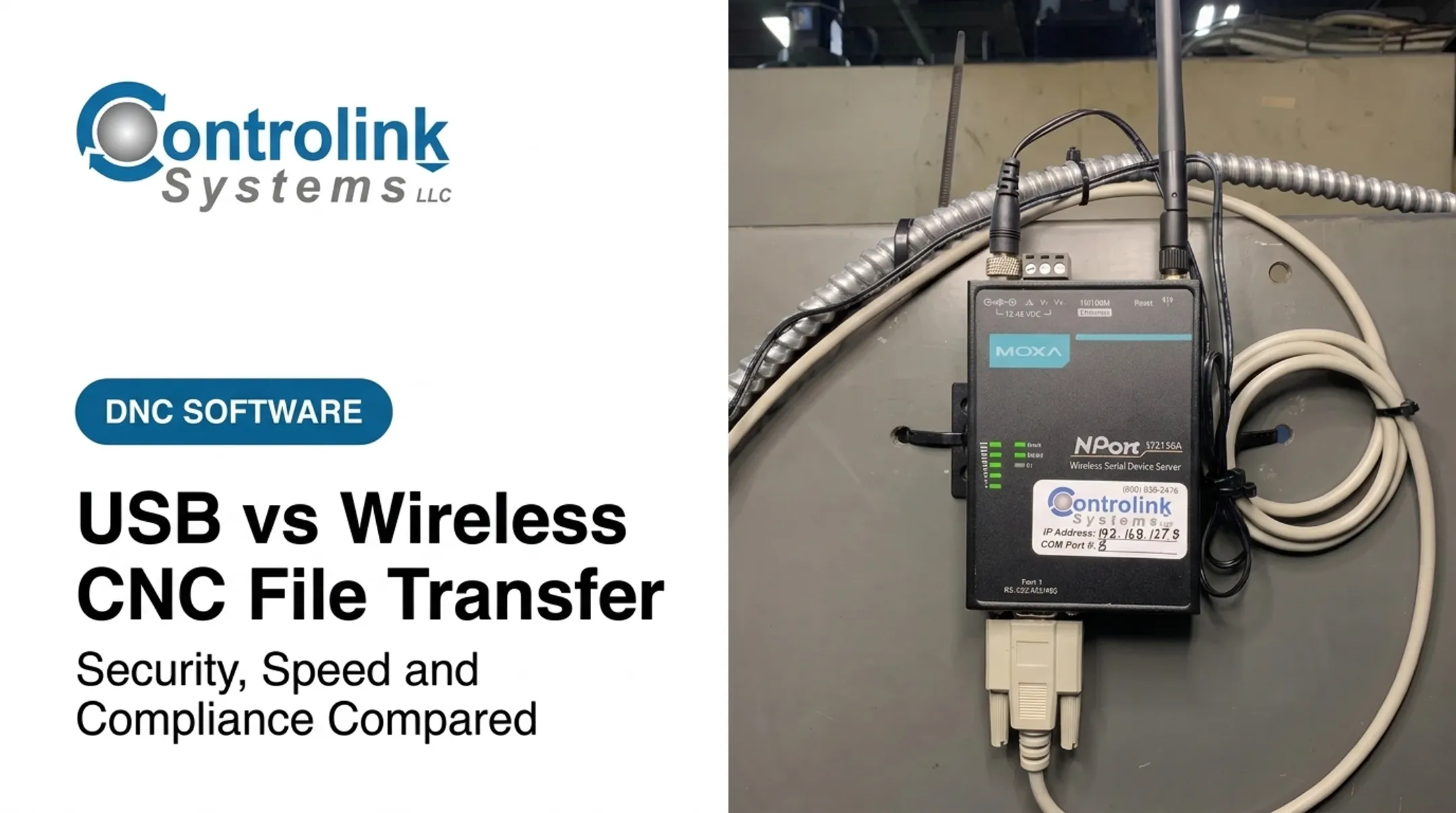
MOXA wireless hardware (which Controlink Systems integrates with its CNC/DNC software) links RS-232 serial ports and Ethernet, connecting machines wirelessly far faster than running physical wiring across a shop floor.
Strengths:
- Less cabling in facilities with concrete floors or long runs
- Easier to reposition machines without rewiring
- Faster access to centrally managed files, when the network is designed well
Limitations:
- Radio interference and dead zones near large metal equipment
- Roaming issues as signals move between access points
- Dependence on adapter hardware, and sometimes batteries
- Authentication and encryption that need real planning, not defaults
Legacy machines that already accept USB or serial media, shops where cabling is impractical, and floors that want wireless convenience without swapping out CNC controls are the best fit here.
A secure business Wi-Fi network isn't the same thing as an isolated industrial wireless network. Strong encryption, multi-factor authentication, and separate networks for guest versus operational traffic are good starting points — but encryption alone isn't a complete file-governance strategy. You still need segmentation and access controls behind it.
Compatibility checklist before deploying wireless:
- Does the CNC port accept the bridge's output format?
- What file systems and maximum file sizes does the control support?
- How does the bridge handle a dropped connection mid-transfer?
- Does the control need a restart after a failed or interrupted send?
- Is there a fallback if the access point goes down?
Air-Gapped and Controlled Removable-Media Delivery
Air-gapped delivery intentionally separates the CNC from production networks. Files move through controlled media or a dedicated offline workstation instead of a live connection.
Strengths:
- Removes the CNC from direct network attack surface
- Fits restricted or sensitive environments
- Works where the control simply can't support networking
Limitations:
- Manual transport takes longer than a network push
- Updates lag behind the source of truth
- No central visibility into what's actually on each machine
- Heavier reliance on naming and revision discipline
- Infected or mismatched media can still walk in the door
Defense-adjacent shops, research labs, and legacy-machine cells with strict isolation requirements are the classic fit. If customer contracts specify particular compliance requirements, verify those directly rather than assuming air-gapping satisfies them.
Practical controls that make air-gapping work:
- A dedicated scanning station separate from production machines
- An approved, inventoried list of media — no personal drives
- Write protection where the workflow allows it
- File hashes or checksums to verify what actually transferred
- Dual-person checks before sensitive programs reach the floor
- Documented media sanitization before reuse or disposal
- A tested rollback procedure if the wrong file ships
Air-gapping reduces network exposure, but it does not eliminate media-borne risk on its own. CISA's advisory on Stuxnet remains the clearest cautionary example: the malware crossed physical air gaps by riding on USB drives, and CISA recommends policies restricting removable media even in isolated environments. Physical isolation cuts one attack path. It still does not replace program approval, backups, or someone checking the file before it runs.

How to Choose the Right Delivery Method
The right choice comes from your shop's risk profile and workflow, not from whichever method sounds newest.
Start with your machines:
- How many CNC controls do you have, and how old are they?
- What ports and protocols do they actually support today?
- How often do programs change — daily, weekly, per job?
- Are machines clustered together or spread across a large floor?
- Do you need one-to-one delivery or one-to-many?
Then evaluate security requirements:
- How sensitive is the IP in your programs?
- Do customer contracts specify removable-media or network controls?
- Can you separate IT and OT networks, and who needs access?
- Do you need malware scanning and an audit trail?
Then evaluate operational needs:
- How reliable does the transfer need to be, and what happens after an interruption?
- Can machines run offline if the network goes down?
- Who approves a file, and can you roll back to a prior revision?
- How much operator travel time are you trying to eliminate?
Finally, weigh implementation cost:
- Cabling versus a wireless site survey and adapters
- Server or DNC software licensing
- Control-specific integration work
- Ongoing training and support
A hybrid approach is often the answer, not a compromise. A shop might run wired delivery to production machines that change programs constantly, wireless bridges to legacy equipment that's hard to cable, and controlled air-gapped transfer for one restricted cell handling sensitive work.

A staged rollout beats a full swap:
- Inventory every machine and control type on the floor
- Document how USB transfer currently works, warts and all
- Pilot the new method on one representative machine
- Test normal transfers and failure cases (dropped connections, bad files, power loss)
- Train operators on the new workflow
- Measure errors and delays before expanding shop-wide
Rule of thumb: wired networking for scale and centralized control, wireless for flexibility or legacy modernization, and air-gapped delivery when isolation matters more than manual overhead.
What to Check Before Finalizing a CNC File Transfer Approach
Before committing to any method, run through a short technical and procedural audit.
Technical compatibility:
- Does each control support the connector and protocol you're planning (RS-232, Ethernet, wireless)?
- What file-system limits, naming rules, and memory constraints apply?
- Can offsets and machine parameters transfer safely, or do they need manual entry?
- Does your postprocessor output match what the control expects?
Test this on one machine before rolling out fleet-wide. Machine Link™ setup guidance, for instance, recommends receiving a file successfully before sending one. That confirms the machine COM port, the computer COM port, and the cable all work before you trust the link with production files.
File lifecycle: Define in writing who creates, reviews, releases, transmits, verifies, edits, archives, and retires each program.
Version conventions: Use names that show status at a glance — for example, PN10452_REV3_APPROVED.nc versus PN10452_REV4_DRAFT.nc. Draft, approved, superseded, and production should be obvious without opening the file.
Test failure modes, not just the happy path:
- Interrupted transfers mid-file
- Wrong machine selected from a list
- Duplicate filenames overwriting the wrong revision
- Corrupted media or dropped wireless connections
- Recovery after a CNC control gets replaced entirely
Skip the most advanced option when a simpler controlled workflow already covers your needs. Familiarity alone is not a reason to stay on USB.
Backups: Protect programs, machine parameters, tool and fixture offsets, and macro variables. Some of that data needs OEM or qualified-technician guidance to restore correctly. Identify those items before you need them, not after.
Before you put legacy CNC equipment on a production network, run a security review. Protocol integration, shop-floor automation, and legacy connectivity often need a specialist look at what is safe to connect.

A CNC/DNC integration provider such as Controlink Systems can help separate links that belong on the network from ones that need a different delivery path.
Conclusion
Networked, wireless, and air-gapped delivery can all cut a shop's dependence on USB drives. None of them does it the same way.
- Networked delivery scales across many machines with central control
- Wireless clears cabling headaches for legacy or hard-to-reach equipment
- Air-gapped transfer trades convenience for isolation where that isolation genuinely matters
The transport method is only half the job. The stronger workflow pairs whichever method you pick with controls that keep files trustworthy on the floor:
- Approved source files only
- Verification steps before load
- Access control on who can send jobs
- Backups you can restore
- A recovery plan you test before you need it
Start by auditing your machines and your current USB workflow honestly. Then pilot the delivery method that addresses your biggest operational or security risk first — not the one that looks the most impressive on paper.
Frequently Asked Questions
What is the best file format for CNC machining?
There's no universal best format. It depends on your CNC control, CAM postprocessor, machine builder, and required commands. Distinguish generic NC/G-code files from control-specific formats, and validate output on the actual target machine before production use.
Is Ethernet better than USB for transferring CNC files?
Ethernet offers centralized control, scalability, and traceability that USB can't match on its own. USB can still be appropriate for isolated or legacy equipment, provided it's governed with approval and verification steps.
Is wireless CNC file transfer reliable?
Reliability depends on coverage, interference near metal equipment, network design, authentication, and the bridge hardware you use. Test your actual shop floor rather than assuming standard Wi-Fi performance will translate directly.
What is the safest way to transfer CNC files?
Safety comes from the transport method and the controls wrapped around it: approved revisions, access permissions, malware scanning, file verification, backups, and rollback procedures. No single method is safe without those layers.
When should a CNC shop use an air-gapped file transfer system?
Air-gapping fits sensitive IP, restricted networks, and legacy controls that need real isolation. It comes with added manual overhead: controlled media, careful revision tracking, and disciplined version management.
Can legacy CNC machines be connected to a modern network?
It depends on the control's available ports, supported protocols, and electrical interfaces. Get an integration assessment before connecting legacy equipment directly to a production network. Retrofitting security afterward is harder.