Introduction
Ask most machinists what a G-code file actually is, and you'll hear some version of "it just tells the machine where to move." That's true, but incomplete.
A program can also encode part geometry, tolerances, tooling choices, feeds, speeds, and sequencing logic developed over years of process refinement. Customers and the government often have a real interest in protecting that information.
This matters more for shops working defense contracts. Consider the stakes: two Small Business Innovation Research (SBIR) grants totaling $800,000 funded machining-process research for specialized steel used in Navy aircraft-carrier landing gear.
That kind of process knowledge doesn't stay confined to a drawing. It shows up in the post-processed program running at the control.
This article walks through when G-code may fall under DFARS 252.204-7012, what the clause actually requires, and how to control the file lifecycle in practice. Classification depends on the contract, the source data, the markings, and what the program reveals, not on a blanket rule.
Nothing here substitutes for a contract-specific legal or export-control review.
Key Takeaways
- G-code that derives from or reveals covered defense technical data may require CUI/CTI controls under contract flow-downs.
- DFARS 252.204-7012, CMMC, and ITAR overlap but use separate triggers, duties, and enforcement paths.
- Control the full file lifecycle: receipt, programming, approval, transfer, controller storage, backup, revision, and disposal.
- Record classification, system boundary, authorized users, transfer methods, and evidence that controls work.
When Does G-Code Become Controlled Technical Information?
G-Code Isn't CAD, CAM, or M-Code
G-code is the controller-readable instruction set: coordinates, feed rates, spindle speeds, tool changes, and cutting sequences a CNC machine executes directly. It differs from the CAD model that defines part geometry, the CAM software that generates toolpaths, and M-code, which handles auxiliary functions like coolant or spindle on/off.
Each of those files can carry sensitive information on its own. G-code still needs separate scrutiny because it is often the file that leaves engineering and lands on the shop floor with the least oversight.
What Counts as CTI
The National Archives' CUI Registry defines Controlled Technical Information as technical information with military or space application subject to access, use, or dissemination controls. It is typically marked with DoD Distribution Statements B through F.
Under DFARS, "covered defense information" includes CTI or other CUI Registry categories that are either marked or identified in the contract, or generated, received, or stored by the contractor in support of contract performance.
G-code isn't automatically CTI just because it's G-code. It has to meet that test: military or space application, plus a marking or contract-performance link.
A Practical Classification Path
Work through these questions before assuming a program is (or isn't) controlled:
- Identify the source - What contract, prime flow-down, distribution statement, or program does this part belong to?
- Trace the lineage - Was the G-code generated from a drawing, model, or spec carrying CUI or export-controlled markings?
- Check what it reveals - Does the program reproduce controlled dimensions, tolerances, or a special process, or is it toolpath logic for a commercial part?
- Escalate what's unclear - Send unresolved questions to the prime, the contracting officer, or export-control counsel. Don't guess.

A program machining a bracket for a defense platform, carrying dimensions pulled from a distribution-statement-marked drawing, likely needs protection. A program for an unrelated commercial fixture, with no defense-data lineage, likely doesn't. The facts and the contract decide. Not the file extension.
ITAR and CUI status aren't interchangeable. ITAR governs export of defense articles and technical data under the State Department's jurisdiction, while CUI/CTI status turns on the DFARS and CUI Registry tests above. A single G-code file could be subject to both, one, or neither. Each requires its own analysis.
What DFARS 252.204-7012 Requires of a Machine Shop
The Clause's Core Obligations
DFARS 252.204-7012 requires contractors handling covered defense information to do five things:
- Provide adequate security on covered contractor information systems, meaning protections sized to the harm from loss or unauthorized access.
- Safeguard covered defense information consistent with the NIST SP 800-171 requirements in effect at the time of solicitation, or as authorized by the contracting officer.
- Report cyber incidents within 72 hours of discovery, through DoD's DIBNet incident-reporting process, with the required minimum elements.
- Preserve system images and relevant monitoring data for at least 90 days after reporting.
- Cooperate with DoD's damage-assessment activities, including providing media or system access on request.
The exact NIST 800-171 revision, reporting details, and flow-down language depend on your specific contract, not a generic checklist. Verify obligations against the solicitation and any prime-contractor flow-down terms before building a compliance program.
Where the System Boundary Extends
G-code touches more of the shop than most people realize. Depending on how a file moves, the system boundary can reasonably include:
- Engineering workstations and CAM software
- File servers and network shares
- DNC servers and machine controllers
- Removable media, such as USB drives and external hard drives
- Backup systems
- Remote-support connections
Any asset that stores, processes, or transmits covered information falls in scope and needs controls sized to that role.
Documentation That Holds Up Under Review
Keep records a reviewer can follow without a shop-floor tour:
- Information inventory and data-flow diagram
- Defined system boundary and user-access list
- Approved transfer procedures and media register
- Revision history for controlled files
- Incident-response procedure
- Training records and proof of periodic review
CMMC Is a Separate Requirement, Not a Substitute
DFARS 252.204-7012 applies because of contract terms tied to covered defense information. CMMC is a distinct DoD assessment and certification framework, inserted through DFARS 252.204-7021, that verifies a contractor's cybersecurity maturity level.
A shop can face one, both, or neither, depending on the solicitation. Meeting DFARS safeguarding duties does not satisfy a CMMC certification requirement, and CMMC certification does not replace 7012’s incident-reporting and cooperation rules.
No product, encryption method, or network design satisfies DFARS by default—controls must match the contract and the real system boundary.
Map Your G-Code Data Flow Before Choosing Controls
Before picking a single security control, trace one representative program from start to finish. A typical lifecycle looks like this:
- Customer drawing or model received
- CAM programming and post-processing
- Engineering approval
- Transfer to the machine
- Controller storage during setup and machining
- Inspection and revision, if needed
- Backup, retention, and eventual destruction

At each step, note who and what touches the file:
- CNC programmers and operators
- Quality staff
- Shared folders, USB drives, and laptops
- Vendor remote-access sessions
- The machine’s own control memory
Pay close attention to scope-expansion points, where risk tends to concentrate:
- Defense and commercial files mixed in the same folder
- Shared machine-controller logins with no individual accountability
- Legacy controllers connected to the network without segmentation
- Files copied outside the approved workflow "just this once"
The map shows where your system security plan needs boundaries, which access rules matter most, and what evidence you’ll need if a customer or DoD asks how a specific file moved through your shop.
How to Control G-Code Across the Shop-Floor Lifecycle
Build an Approved-File Workflow
Only authorized personnel should release programs or revisions. Operators need a reliable way to confirm they're running the current engineering-approved version—not a copy someone emailed them last month.
Obsolete files should be withdrawn from circulation, not just superseded on paper.
Replace Informal Transfers with Controlled Methods
Where feasible:
- Restrict removable media to approved, logged devices
- Prohibit personal email and unmanaged cloud storage for program files
- Secure network shares with defined permissions
- Scan or inspect media before it touches shop systems
- Document exceptions for legacy equipment or urgent production needs, rather than leaving them unaddressed

Apply Least-Privilege Access
- Eliminate shared machine-controller logins where technically possible
- Review access whenever someone changes roles
- Define in writing who can create, approve, edit, transmit, and execute each program
Protect Legacy Controllers
Plenty of shops run controllers that can't support modern encryption or authentication. That doesn't excuse them from the analysis—it means documenting compensating safeguards:
- Network isolation
- Restricted communications
- Allowlisting where supported
- Boundary monitoring
- Physical access controls
Record the technical limitations in writing alongside those safeguards.
Keep Evidence the Controls Actually Work
Keep records that show the controls operate day to day:
- Transfer logs
- User and machine identity records
- Timestamps and approval records
- Version information
- Access reviews
- Media check-out logs
- Incident tickets
If you can't produce evidence, an auditor or a customer's security team has no reason to believe the control exists.
Where Automation Fits
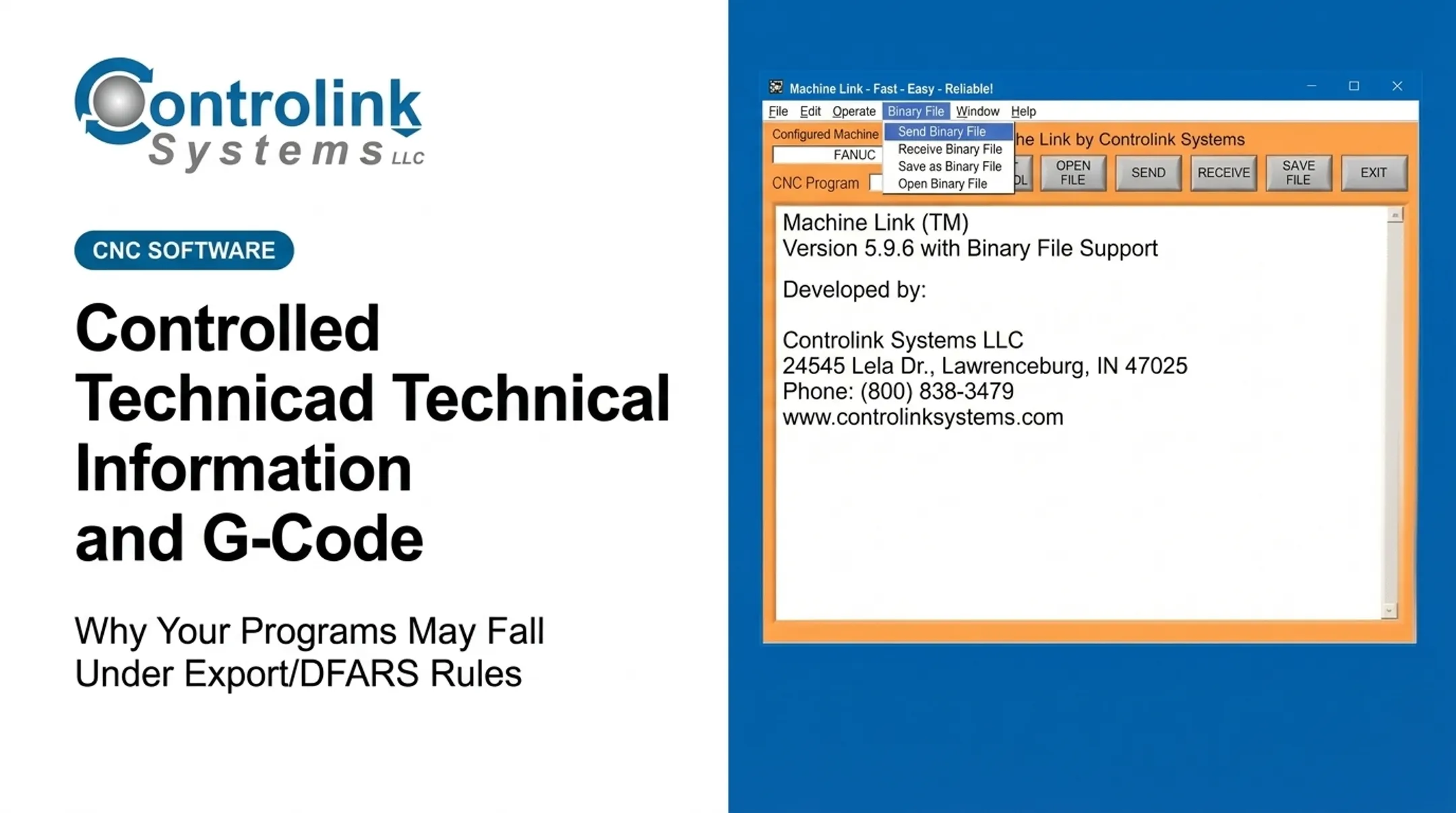
This is where a lot of shops start looking at CNC/DNC communication tools. A shop-floor automation workflow, like Controlink Systems' Machine Link™ QUICK Serve, can pull the current engineering-approved file directly to the machine control on request, cutting down on USB drives, email attachments, and other uncontrolled file movement.
It also logs which file went to which machine and when—the kind of traceability a DFARS review will ask about.
That said, software alone doesn't make a shop compliant. It supports the technical control layer; it doesn't replace classification decisions, written policies, training, access management, or DFARS/CMMC oversight.
Practical DFARS Readiness Checklist for Machine Shops
Use this as a starting point, not a finish line:
Review contracts and flow-downs for DFARS 252.204-7012 language, and identify which programs, drawings, models, process documents, and G-code files may be covered.
Inventory systems and media in the G-code lifecycle. Document:
- System boundary and data flows
- Responsible owners and authorized roles
- Retention rules and approved transfer methods
Test your own procedures. Pick a recent program and confirm you can show its source, approval, revision history, transfer path, destination machine, and access log.
Close high-risk gaps first, including:
- Uncontrolled USB use
- Open network shares
- Generic controller logins
- Unsupported remote access
- Untracked backups
- Mixed commercial/defense folders
- Undocumented exceptions
Get qualified review for classification, export-control, and incident-reporting questions. Update procedures whenever contracts, machines, software, suppliers, or data flows change.
Most shops find step 3 the most revealing. If you can't quickly reconstruct a file's history, your documentation needs work—not necessarily your security tools.

Frequently Asked Questions
Is G-code considered CUI?
Not automatically. G-code derived from or revealing covered defense technical information may qualify as CTI or another CUI category. Check source data, markings, contract terms, and flow-downs before assuming either way.
Is DFARS 252.204-7012 the same as ITAR?
No. DFARS 252.204-7012 covers contract cybersecurity and covered defense information safeguarding. ITAR governs export of defense articles and technical data. The same G-code file can be subject to both, one, or neither.
Are USB drives prohibited for transferring G-code?
The clause doesn't impose a blanket USB ban, but unmanaged removable media creates real access, loss, and traceability risks. You need an approved, logged, contract-appropriate media process, not an outright prohibition or a free-for-all.
Do CNC machine controllers fall within compliance scope?
It depends on whether the controller stores, processes, or transmits covered information, or connects to systems that do. Legacy controllers still need documented segmentation and compensating controls.
What records should a machine shop keep for controlled G-code?
Keep classification decisions, source and revision history, approvals, authorized access, transfer logs, machine destination, media handling records, backups, training records, and incident logs, consistent with your contract's retention requirements.
Can DNC software by itself make a shop DFARS compliant?
No. DNC software can support controlled transfer, accountability, and traceability. Compliance also requires written policies, access management, system security, incident response, training, and contract-specific oversight.