For U.S. manufacturers juggling legacy controllers, protected intellectual property, and growing cybersecurity expectations, the method used to move NC programs from engineering to the machine tool matters as much as the program itself. A misrouted revision doesn't just cost time. It can cost a part, a tool, or a customer relationship.
This article compares three approaches — DNC, wireless delivery, and air-gapped workflows — looking at how each works, where it fits, and what trade-offs a decision-maker should weigh before committing to one.
Key Takeaways
- Secure transfer protects the program and the workflow—access control, revisions, authentication, and audit trails.
- DNC centralizes storage and delivery; wireless is a transport layer, with or without a full DNC setup.
- Air-gapped delivery cuts network exposure but adds manual handling and version-control risk.
- Pick by controller compatibility, shop scale, security needs, and how much system management your team can own.
What Is Secure CNC File Transfer and Why Does It Matter?
Secure CNC file transfer is the controlled movement of NC programs (and, where supported, offsets, parameters, tool data, and related production files) between approved systems and CNC controllers. "Controlled" is the operative word. The requirement is that the right file reaches the right machine, verifiably, every time.
Three concepts get used interchangeably in shop-floor conversations, and they shouldn't be:
- DNC is a program-management and delivery system : think of it as the librarian and the courier combined.
- Wireless is a communication path, not a security architecture on its own.
- Air-gapped delivery is a physically or logically isolated operating model, often built around removable media or a dedicated transfer station.
The Basic Workflow, and Where It Breaks Down
A healthy process runs from engineering-approved file creation through review, authorization, transfer, machine loading, verification, and change logging. Skip any step, and you open the door to:
- Outdated revisions running on the floor
- Unauthorized edits made at the machine and never fed back
- Malware introduced through a USB drive or memory card
- Incomplete transfers that corrupt a program mid-cycle
- No record of who sent what, when, or to which machine
This isn't a theoretical concern. NIST's guidance on operational technology security notes that OT systems carry distinct performance, reliability, and safety requirements that ordinary IT file transfers don't account for (NIST SP 800-82r3).
A CNC program delivery process needs to preserve availability and data integrity, not just move bytes from point A to point B. Treat program delivery as a control-system function, not a clerical task, and a lot of downstream headaches disappear.

Secure CNC File Transfer Methods Compared
Before comparing methods, it helps to agree on what "better" means. Evaluate each option against:
- Security controls (authentication, encryption, permissions)
- Delivery speed and reliability
- Controller compatibility
- Scalability across machines and shifts
- Operator effort required
- Traceability and audit capability
- Infrastructure needs
- Recovery process when a transfer fails
With that lens, here's how DNC, wireless, and air-gapped delivery actually stack up.
DNC File Transfer
A DNC system stores approved programs centrally and delivers them to one or more CNC machines through serial, Ethernet, or another supported connection.
Siemens describes the core function plainly: DNC software manages and archives NC data, transfers it to machine tools, and handles version management from a single point of control (Siemens DNC Function Manual).
What to evaluate in a DNC platform:
- Role-based access and user authentication
- Approval workflows before a file reaches the floor
- Revision control tied to the engineering-approved version
- Encryption in transit or at rest, where supported
- Transfer logging and machine-level permissions
DNC tends to suit multi-machine shops, mixed-controller fleets, and high-mix production, especially where operators need the current approved program without walking a USB stick across the building.
Trade publication Modern Machine Shop notes that a DNC network lets operators download part programs directly for shop-floor use, standardizing how data moves instead of relying on ad hoc habits (Modern Machine Shop).
Limitations worth naming: server or network dependency, setup effort for legacy controllers, and the need to secure the DNC server itself as part of the OT network, not as a separate island.
Controlink Systems has built this model for shops running mixed fleets. Machine Link™ communicates over standard RS-232 serial connections with any control that supports it, old or new, and can be configured for an unlimited number of machines.
For higher-volume floors, Machine Link™ PLUS feeds up to six machines simultaneously while receiving from a seventh. One program runs multiple sessions instead of six separate manual handoffs.
One customer, M-Tech Machine Products, runs Mazak, Okuma, Fadal, and Partner (Milltronics) controls side by side. According to the shop's Mike Hamonds, Machine Link™ handled Mazatrol conversational files directly over the serial port and eliminated the need for the old Mazak "blue toaster." CNC files now sit centrally on the shop computer instead of scattered across machines.

Wireless CNC File Delivery
Wireless delivery uses industrial Wi-Fi or wireless serial/Ethernet hardware to connect a CNC controller to a DNC server or authorized workstation. It's a transport method, not a security posture by itself. Coverage doesn't equal protection.
NIST's OT security guidance is specific about what a real wireless security setup requires:
- Strong mutual authentication between clients and access points
- Strong encryption for sensitive data in transit
- An independent wireless network segment, paired with boundary protection
- Unique SSIDs and MAC filtering at minimum, plus device allowlisting
Advantages: less cabling, easier reconfiguration as layouts change, and a path to bring legacy controllers online through serial-to-wireless adapters without rewiring the whole floor.
Trade-offs: radio interference, coverage gaps, signal loss mid-transfer, unauthorized access if the network isn't segmented, and adapter/access-point maintenance that someone has to own. NIST also flags that wireless field networks are generally less reliable than wired ones because of jamming, distance, and line-of-sight limitations. Factor that in before committing the whole floor to wireless alone.

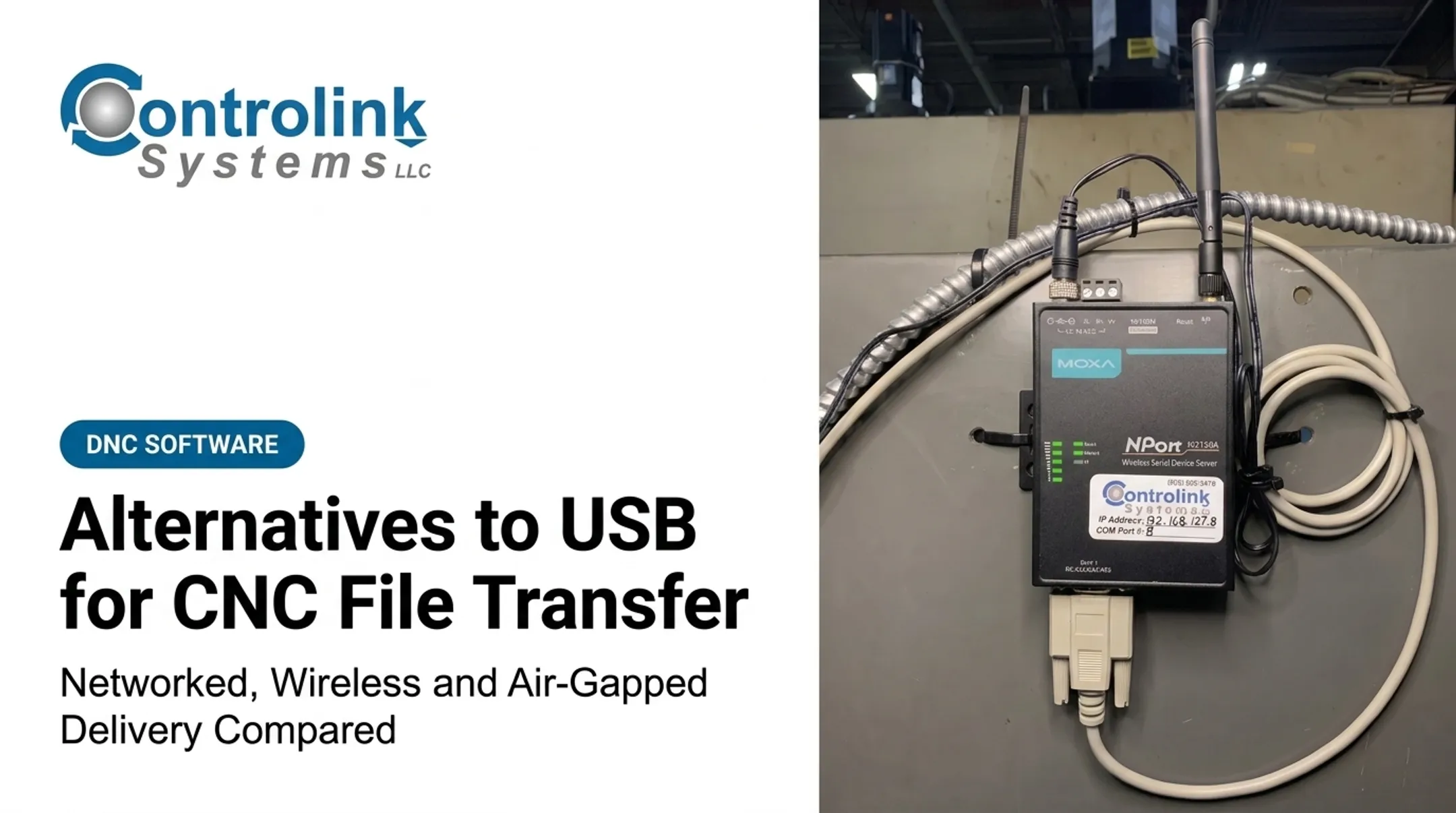
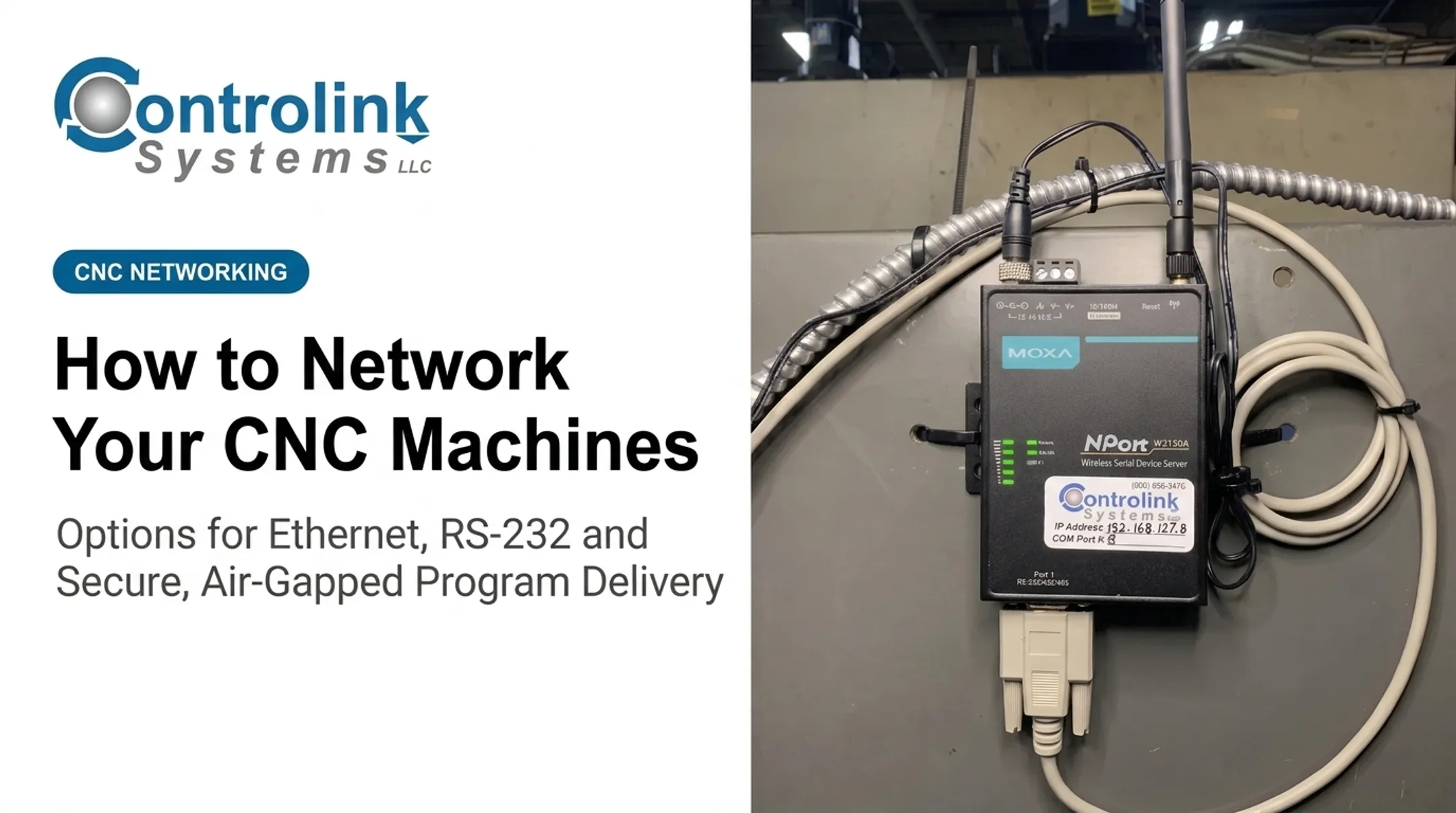
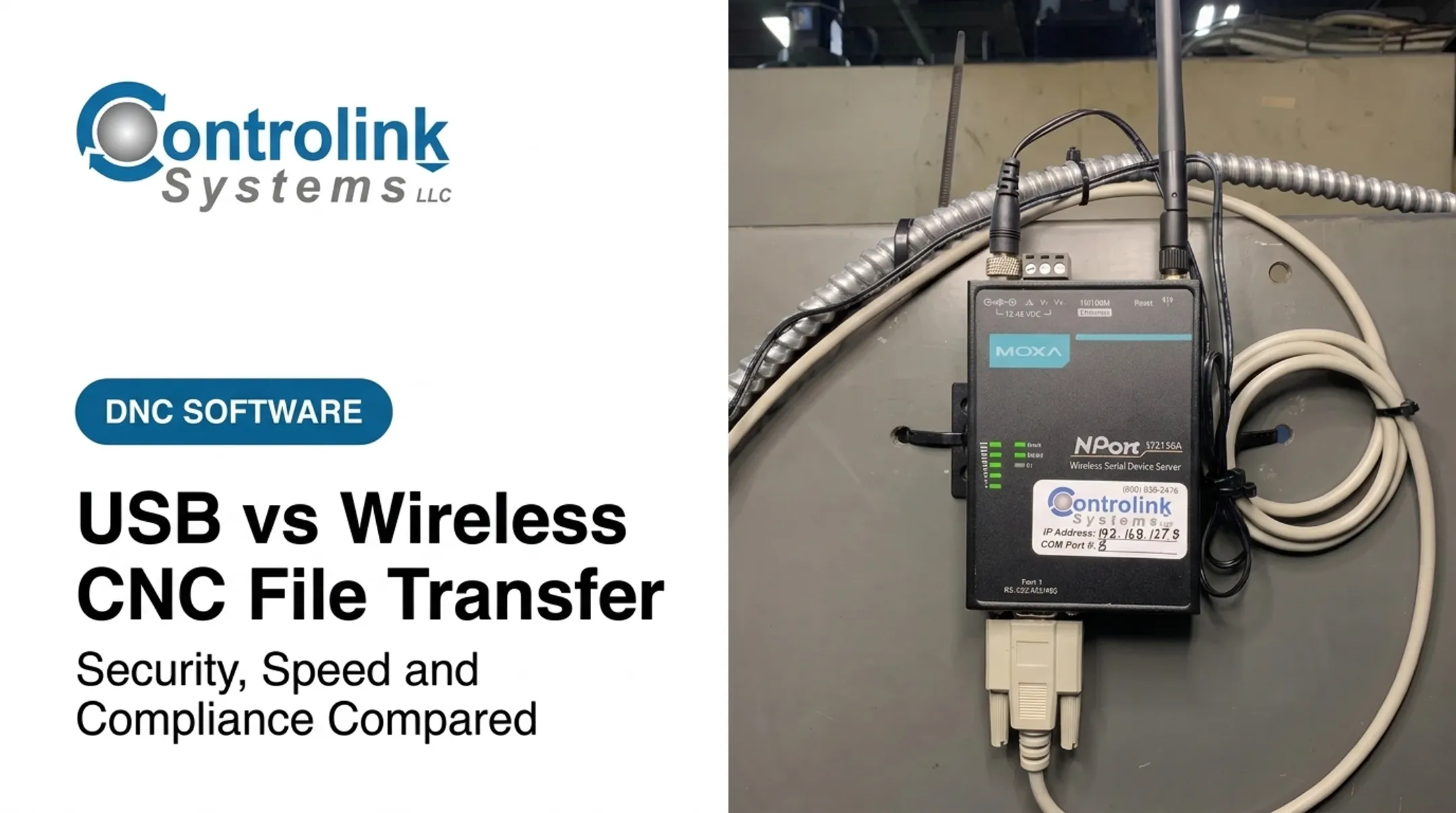
Controlink Systems' MOXA wireless hardware bridges RS-232 and Ethernet systems without running cable above, over, or through the shop. For a facility retrofitting older equipment, that's often the difference between a weekend install and a multi-week wiring project.
Practical safeguards to put in place regardless of hardware brand:
- Use industrial-grade access points, not consumer routers
- Isolate the OT wireless segment from the general business network
- Enforce strong, unique credentials and rotate them
- Keep adapter and access-point firmware current
- Confirm transfer completion before releasing the operator to run the part
- Maintain a fallback (wired or manual) process for when a transfer drops mid-cycle
Air-Gapped CNC File Delivery
An air-gapped approach keeps CNC machines or their transfer workstation physically or logically separated from the broader business network and the internet. NIST's glossary defines an air gap simply: two systems with no physical connection and no automated logical connection, where data crosses only manually, under human control (NIST CSRC Glossary). That definition does not mean the setup is secure by default.
Common delivery patterns:
- A controlled transfer station dedicated to staging files
- Approved removable media carried between engineering and the machine
- One-way file movement with no return path for edits
- An isolated engineering-to-machine workflow with no network bridge at all
Strengths: reduced direct network exposure, a fit for highly restricted environments, and no dependency on continuous network uptime.
Limitations: slower handoffs, heavy manual intervention, weaker central visibility, duplicated files sitting on multiple drives, and a real difficulty proving that the correct revision actually reached the machine — because nobody logged it centrally.
Air gaps relocate risk to the media and the people handling it. They do not remove it.
NIST's guidance on portable storage in OT environments is blunt: removable media help move data into isolated networks, but that same convenience creates cybersecurity exposure. Media use should be limited to authorized personnel and purposes (NIST SP 1334).

Compensating controls worth building into any air-gapped process:
- Malware scanning on a dedicated staging system, before and after use
- A media inventory with labeled, authorized devices only
- Write protection where the workflow allows it
- File hashing or checksum verification at staging and again before loading
- Dual approval before a file leaves the staging station
- Tamper-evident handling and a documented chain of custody
The Stuxnet incident remains the clearest cautionary example: USB drives were the primary infection path into an isolated industrial environment. That is why CISA recommended technical controls to restrict removable media use rather than relying on isolation alone.
How the Three Approaches Relate
DNC and wireless aren't always rivals. Wireless is frequently the connection layer inside a DNC architecture: the radio link that carries programs from a centrally managed server to the machine. DNC supplies the governance; wireless supplies the reach.
Air-gapped delivery sits apart, trading network connectivity for isolation. That trade shows up differently depending on what you're optimizing for:
| Factor | Connected (DNC/Wireless) | Air-Gapped |
|---|---|---|
| Security visibility | Centralized logging, easier to audit | Manual tracking, harder to verify |
| Operator convenience | Fast, request-and-receive | Slower, media-dependent |
| Scalability | Grows with machine count | Labor scales with volume |
| Failure recovery | Retry over network | Re-stage and re-verify manually |
A quick way to think about fit:
- Small isolated cell (a handful of machines, low change frequency): air-gapped or a lightweight standalone DNC setup can work fine.
- Growing multi-machine shop: centralized DNC, wired or wireless, pays off fast as machine count and shift coverage increase.
- Legacy mixed fleet: DNC software that speaks RS-232 alongside Ethernet gives you one management layer instead of five workarounds.
- Highly restricted environment (defense, aerospace-adjacent work): air-gapped delivery with strict media controls, or a segmented DNC network built to the same standard.
The real evaluation isn't "transfer path A versus transfer path B." It's the whole architecture: servers, adapters, networks, endpoints, media, users, and procedures, together.

How to Choose the Right Secure CNC File Transfer Method
The safest practical choice reduces exposure while keeping real control over your machines and workflow—not the option that only sounds secure on paper.
Start with controller and fleet compatibility:
- Do your machines use RS-232, Ethernet, or a mix?
- Do any controllers require drip-feeding for large programs?
- Are you supporting multiple controller manufacturers on one floor?
- Do file-size limits on older controls affect which method works?
Match the method to production scale. A three-machine job shop with one programmer has different needs than a 40-machine plant running three shifts. Consider:
- Number of machines and transfer frequency
- How many people can approve or send files
- How often revisions change
- Whether you need centralized audit records for customer or contract requirements
Assess your security model honestly. OT/IT separation, remote-access policy, identity management, removable-media restrictions, and incident response all factor in.
If you work under defense or aerospace contracts, NIST SP 800-171r3 rules for controlled unclassified information may apply to how programs are transmitted and stored, depending on the contract.
Compare total implementation effort, not just sticker price. A cheaper wireless adapter that needs a full network redesign isn't actually cheaper. Weigh:
- Adapters and hardware
- Network changes and segmentation
- Staging workstations and software licensing
- Training time
- Ongoing maintenance and support
- Backup and disaster-recovery procedures
This is where an outside evaluation earns its keep. Controlink Systems has spent more than 25 years working with legacy equipment, mixed protocols, and shop-floor realities that don't match a vendor datasheet.
Before you commit to a platform, have someone who's configured RS-232 handshakes on 20-year-old controls review your fleet and flag compatibility issues you won't catch until install day.
What to Check Before Finalizing a Method
Don't pick the most isolated or the most connected option just because it sounds more secure. Document the actual threats you're managing, the operational requirements of your floor, and the compensating controls your chosen architecture needs.
Before you sign off, verify the process can:
- Enforce that only the approved revision reaches the machine
- Limit who can send or alter files, with clear accountability
- Record transfer history for every file, every machine, every time
- Confirm successful delivery — not just "sent," but "received and loaded"
- Provide a safe recovery path if a transfer is interrupted mid-cycle
Machine Link™ addresses that last point directly with visible transfer status: a percentage-complete bar during sending and a byte count during receiving, so an operator isn't guessing whether a file actually landed.
Getting-started guidance even recommends a successful receive before the first send, which validates COM ports and cable configuration before it matters.
Then test it for real. Run actual controllers through real production scenarios, not just the easiest machine on the floor. Document:
- Network diagrams and machine settings
- User permissions by role
- Media handling procedures, if applicable
- Backup responsibilities
- Incident response steps
- A schedule for periodic review
Conclusion
Secure CNC file transfer protects more than a file. It protects program integrity, production continuity, intellectual property, and the accountability trail your shop needs when something goes wrong.
The three approaches emphasize different things: DNC centralizes management and traceability, wireless adds connection flexibility, and air-gapped delivery prioritizes isolation. None of them is a complete security program by itself — each needs its own controls layered on top, from authentication to media handling to failure recovery.
Build your architecture around what your controllers, your production volume, and your security obligations actually require. Not around which option sounds the most impressive in a meeting.
Frequently Asked Questions
What are some secure file transfer solutions available?
The main options are DNC software with authentication and encryption, secured wireless over a segmented OT network, and air-gapped workflows with media controls and malware scanning. Best fit depends on controller compatibility, production scale, and security requirements.
Is wireless CNC file transfer actually secure?
Only if it's configured that way. Wireless is a transport method, not a security guarantee — it needs authentication, encryption, network segmentation, and access-point hardening to be considered secure.
Does an air gap mean my CNC network is fully protected?
No. An air gap removes network connectivity, but risk shifts to the removable media and the people handling it. Malware scanning, hashing, and chain-of-custody logging are still necessary.
Can older CNC controllers use secure file transfer methods?
Yes. Serial-based DNC software and serial-to-wireless adapters both support legacy RS-232 controls, letting older machines join a managed transfer workflow without a full controller replacement.
How do I know if I need DNC, wireless, or air-gapped delivery?
It depends on your machine count, network policy, and how restricted your environment needs to be. A multi-machine shop typically benefits from DNC; highly restricted environments often lean toward air-gapped or tightly segmented wireless.