Introduction
At Snavely's Machine, keeping 30+ CNC machine tools running across 10 different control types meant one thing: getting the right program to the right machine was, in the words of Scott Cooper, "quite an ordeal." With 40 operators pulling from a shared pool of files, that's not surprising.
This is the everyday reality in shops still running on USB sticks and printed setup sheets. A programmer saves a file, walks it to the floor, and hopes nobody grabbed an older revision from a drawer somewhere.
Paperless CNC manufacturing fixes more than missing paperwork. It builds a controlled digital path from program creation through approval, delivery, operator verification, and recordkeeping.
This article covers the business case, how automated CNC/DNC delivery works, a practical rollout roadmap, and how to measure whether it's paying off.
Key Takeaways
- Digital delivery replaces uncontrolled USB and printed handoffs with an auditable, revision-controlled workflow
- Machine-specific routing helps confirm operators receive the correct, engineering-approved program every time
- A focused pilot on one machine group reveals integration and adoption issues before a full rollout
- Track program search time, revision incidents, scrap, downtime, and utilization to measure real impact
What Does Paperless CNC Manufacturing Mean?
Paperless CNC manufacturing means managing programs, setup information, approvals, and quality records digitally. Printed documents and removable media stop being the primary way information moves around the shop.
Scanning a paper traveler into a PDF and calling it done is just "paper on glass." Nothing improves: approvals still happen informally, revision control is still absent, and machine connectivity still doesn't exist.
A true digital workflow addresses the entire CNC program lifecycle:
- Creation: the programmer builds the file in CAD/CAM
- Review and approval: engineering signs off before release
- Release and routing: the approved revision goes to the correct machine and controller
- Operator access and execution: the machinist retrieves and runs the file
- Revision updates and archival: changes are tracked and old versions retired
Fitting Into Systems You Already Run
Paperless CNC delivery doesn't require ripping out your ERP, MES, or CAD/CAM platform. It works alongside SQL databases, PLC hardware, and existing machine controllers. Controlink Systems LLC's Engineering Services team, for example, routinely interfaces with SQL databases and PLC hardware using protocols such as CAN, Modbus, Serial, Profinet, and EtherCAT. New delivery tools connect to systems already on the floor rather than replacing them wholesale.
A few terms worth defining as you evaluate solutions:
- DNC (direct or distributed numerical control): sending files to machine controls over a network rather than physical media
- Electronic work instructions: digital job-setup directions delivered through a terminal or connected device instead of a printed sheet
Why Replace USB Sticks and Printed CNC Programs?
USB-based transfer creates version ambiguity almost by design. Copies live on programmers' laptops, on the stick itself, in shared folders, and on the machine control, and nobody can say for certain which one is current.
A 2012 Modern Machine Shop case on a drive-train facility's move away from punched tape found that confusion over multiple part revisions was a recurring problem before the shop adopted DNC-based revision control.
Mike Hamonds at M-Tech Machine Products described the old approach bluntly: CNC files stored on a "Mazak blue toaster" instead of a shop computer. That setup is a liability waiting to happen, not a reliable filing system.
The Operational Cost
Walking programs and printed instructions across the floor creates waste that's easy to underestimate:
- Operators waiting at the machine while someone locates the right file
- Repeated trips between the control and the programming computer
- Interruptions to engineering and supervision for questions that a current file would answer instantly
- Wrong offsets or setup data pulled from an outdated printed sheet
Timken's experience with early DNC software showed the flip side: the company reported saved time, reduced costs, and fewer manual data-entry errors once files moved digitally instead of by hand.
Security Concerns You Can't Ignore
Removable media is inconvenient, and it is a documented cybersecurity risk. NIST's 2025 guidance on portable storage media in operational technology environments identifies USB drives as a common vector for malware and unauthorized data movement on shop-floor networks. Recommended controls include:
- Malware scanning before and after each use
- Disabling unnecessary USB ports and Autorun
- Logging device identity, timestamp, and file checksums for every transfer
Compare that to what a controlled digital release looks like: approved revision, routed automatically to the correct controller, with an operator confirmation and a record of exactly who released what, when. That audit trail replaces guesswork with proof of the correct revision at the machine.

How Automated Digital CNC Delivery Works
The workflow starts the same way it always has: a programmer builds a file in CAD/CAM. From there, the delivery path changes. The program goes through review, gets approved, and is published as a controlled revision into a repository or DNC system rather than copied onto a stick.
At Ametek, Inc., this looked like a dedicated Engineering folder: corrected program copies were held there for CNC engineer review before moving into the official program library. Nobody used a file until it cleared that checkpoint.
Delivery to the Right Machine, Every Time
A properly configured DNC system identifies the intended machine, controller, and program revision before anything gets sent. Modern Machine Shop's 2017 coverage of DNC as a growth path for machine monitoring describes the core prerequisite plainly: get the program to the machine tool without interruption or data loss. Monitoring and data collection build on that foundation.
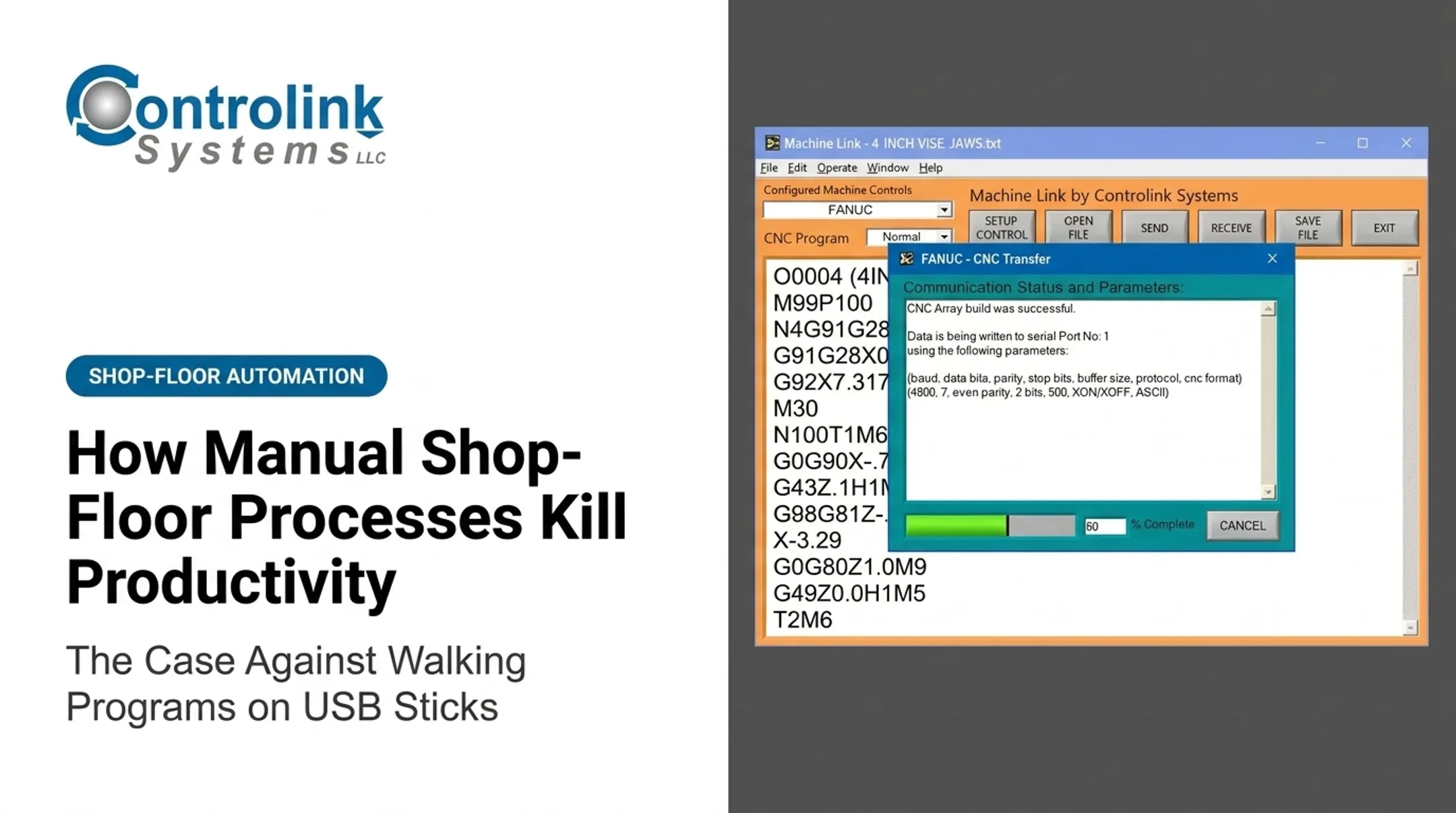
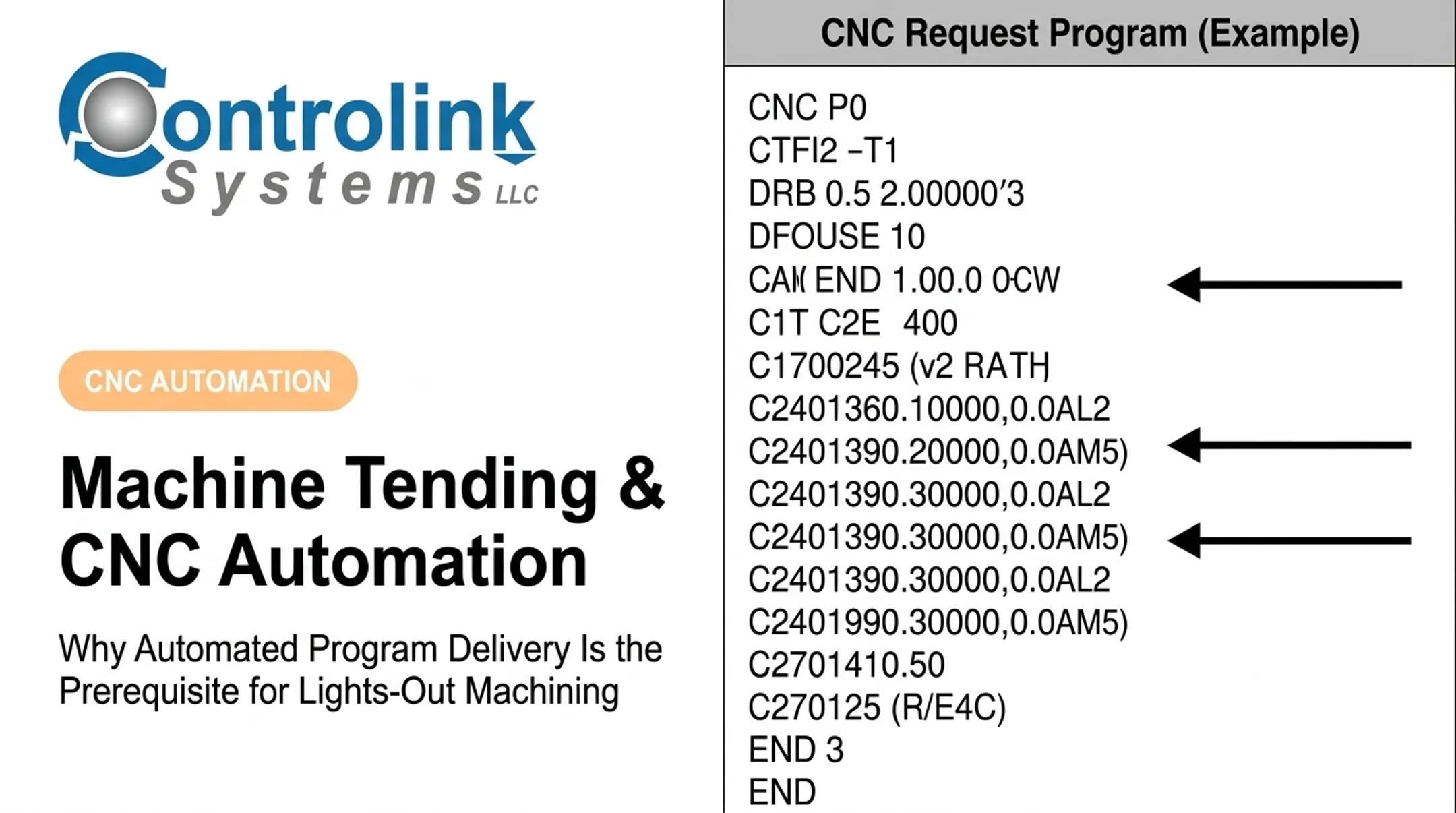
With Machine Link™ QUICK Serve, the request originates at the machine control itself. The operator doesn't leave the machine or touch the office PC. A CNC Request Program embeds the desired filename, and the system scans continuously across wired or wireless serial connections to serve the file directly to the control.
Controls Worth Verifying
Before selecting a system, confirm it supports:
- Engineering review before release: no file reaches the floor unapproved
- Machine-specific configuration: an unlimited number of controls, each mapped correctly
- Edit feedback loops: corrections made at the machine route back to engineering rather than getting lost
- Compatibility with old and new controls: FANUC, FAGOR, Mazak, Okuma, and others on one network
Not every provider supports every integration path. Verify CAD/CAM, ERP, or MES connections directly with the vendor rather than assuming compatibility.
A Practical Roadmap for Moving to Paperless CNC Delivery
Jumping straight to software selection is the most common mistake shops make. Start with an honest audit instead.
- Map the current state. Document where programs are created, stored, approved, copied, and archived. Flag the machines with the worst scrap, downtime, or revision confusion. That's where a pilot pays off fastest.
- Set governance rules before buying anything. Decide who can create, approve, release, and retire a program, and how emergency changes get handled.
- Pick a focused pilot. One machine group or high-changeover cell is enough. Establish baseline numbers for retrieval time, file errors, and scrap before you start.
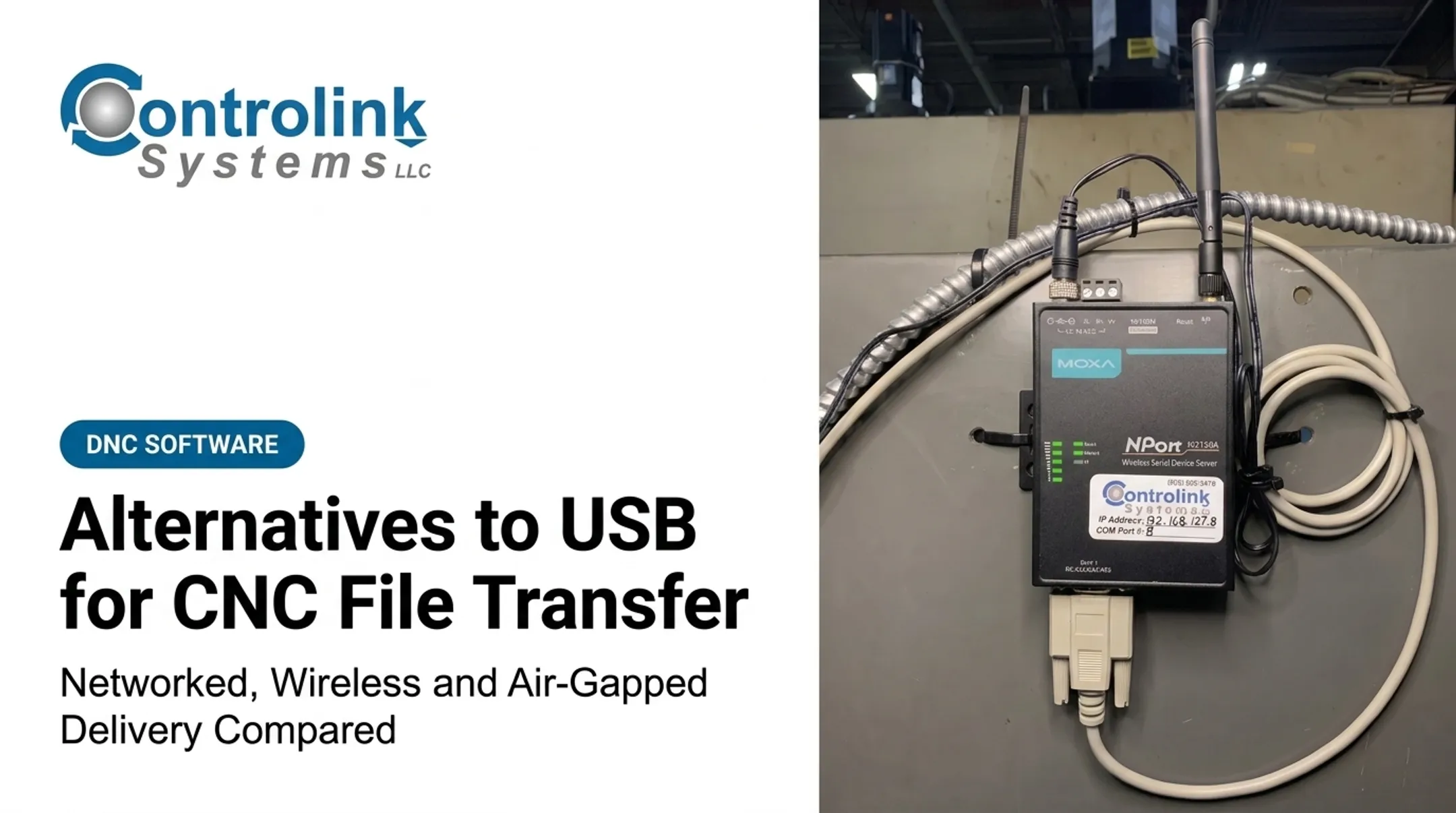
- Prepare the technical environment. Check network coverage, controller compatibility, authentication, and backup procedures. Older RS-232 equipment can often connect through the same monitoring setup as newer Ethernet-equipped machines.
- Clean the program library. Identify duplicates, confirm which revision is actually current, and get engineering sign-off before anything is treated as production-ready.
- Train by role. Programmers, supervisors, and operators each need scenario-specific training. Bring machinists in early. Their feedback on the interface catches problems a spec sheet never will.
- Stress-test the workflow. Try a normal release, a revision replacement, a network outage, and a rejected approval before scaling up.
- Scale in phases. Apply pilot lessons to each additional machine group.

Real-world adoption can be fast once the groundwork is done. Jay Tool Manufacturing and Design reported sending and saving programs within five minutes of installation. Ametek's earlier process, by contrast, required multiple trips between machine and computer — and corrected programs often never made it back into the system at all.
Measuring Success and Managing Implementation Risks
A before-and-after scorecard turns "this feels better" into something you can actually defend to leadership. Track:
- Time spent locating and transferring programs
- Obsolete-revision incidents
- Scrap and rework tied to program errors
- Unplanned downtime and changeover duration
- Machine utilization
Those metrics carry more weight when you can point to published results. Renishaw's machine uptime case study connected 69 machines across two sites and increased weekly availability by 27.5 hours on 23 machines, plus 79 hours across automation cells, while tracing 82% of stoppages to just two causes.

It is a broader digital manufacturing deployment, not a DNC-only result. Still, it shows what improved traceability can unlock shop-wide.
Common Risks to Plan For
- Unreliable connectivity: Test network coverage before rollout, not during it
- Legacy control incompatibility: Confirm serial and Ethernet support upfront
- Workflow resistance: Involve operators early rather than mandating change after the fact
- Permanent workarounds: Set a hard cutoff date for USB and printed backups once the digital path is validated
Busche Enterprises backed up program files from 46 different machine tools and connected a previously offline machine within minutes — a good sign that legacy equipment isn't the barrier people assume it is.
Build a documented recovery procedure for outages, including how changes made offline get reconciled once the network is back. Review adoption regularly through operator feedback and audit-log checks, and don't treat the pilot's lessons as optional for the rest of the rollout.
Next step: Pick one high-risk program handoff in your shop, map exactly how it moves today, and evaluate whether a controlled pilot could tighten it up.
Frequently Asked Questions
How much does it cost to go paperless?
Cost depends on the number of machines and controls, software scope, integrations, hardware, and training needs. Request a pilot-based estimate rather than relying on a generic industry figure.
What is paperless manufacturing?
It's the use of connected digital workflows and records instead of paper documents and uncontrolled manual handoffs. Some compliance records may still require controlled retention regardless of format.
What is a shop floor management system?
It coordinates work orders, production data, operator tasks, and quality activity across the floor. It's broader than a CNC program repository or DNC delivery system, though the two often work together.
What does digital work mean?
Digital work means completing, accessing, approving, and recording tasks through connected software and devices right at the point of activity — not on paper, USB sticks, or transcribed later.
What are standard work instructions?
They're controlled, approved directions for performing a task the same way every time. Digital versions add revision control, visuals, and direct links to the correct, current CNC program.