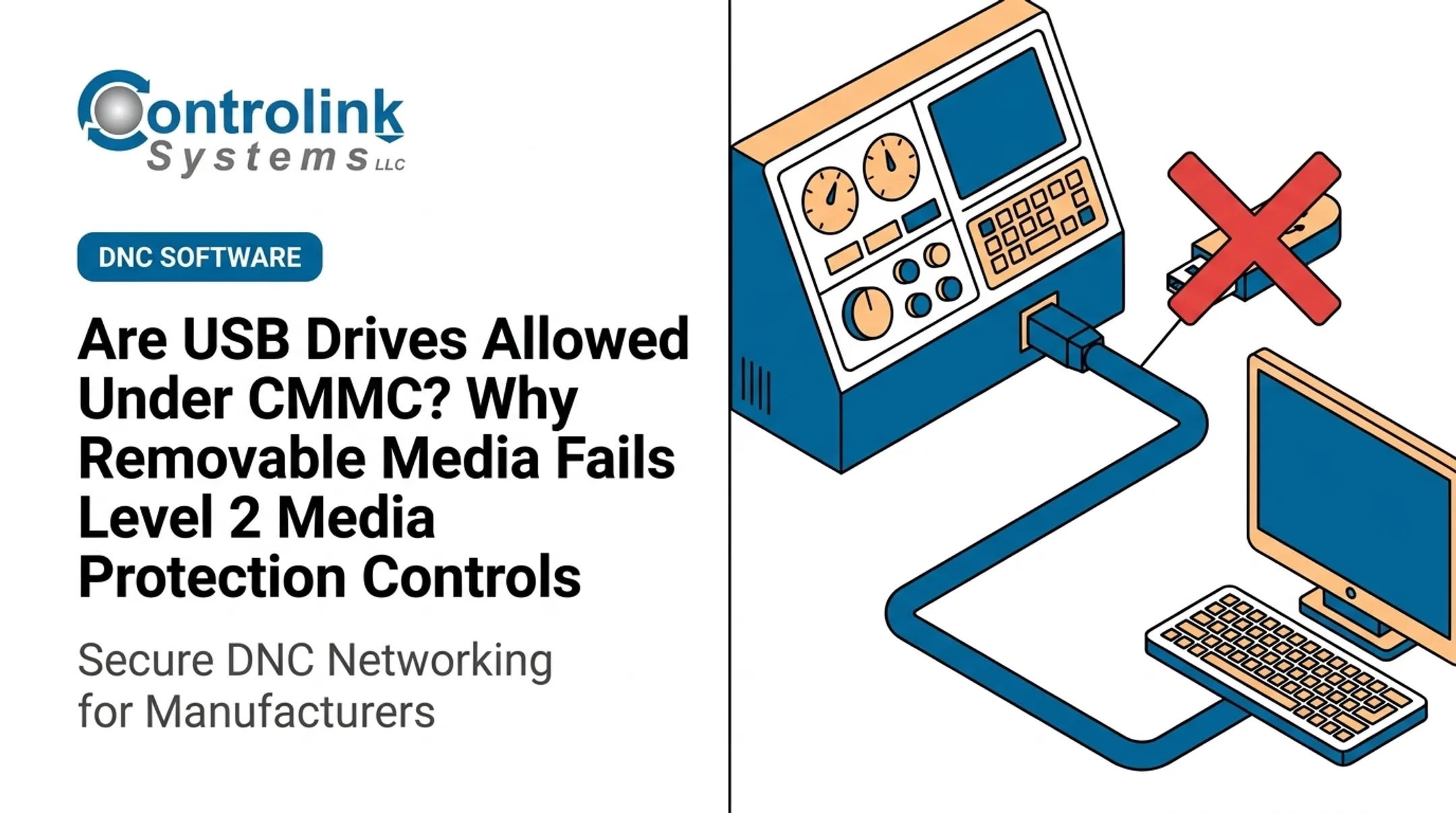
Not quite. That ten-second handoff is one of the least controlled moments in manufacturing IT. It can carry malware into an OT environment that was never designed to detect it. It can deliver a program that looks correct but is actually an outdated revision. And it can leave your shop without the documentation an assessor expects to see for controlled information.
USB risk on the shop floor isn't one problem. It's three: cybersecurity, quality, and compliance, all tangled into a single flash drive plugged into a machine control. This article breaks down each risk and lays out a practical, traceable alternative to the informal USB handoff, one that doesn't slow down production to fix a compliance gap.
Key Takeaways
- USB drives can deliver malware or device-level attacks to CNC and OT systems.
- A clean file can still be the wrong revision, causing scrap or rework.
- CMMC risk hinges on media control, tracking, and sanitization—not on banning USB drives.
- Cut risk with approved media, malware scans, revision control, and auditable transfers.
The Three Risks USB Drives Create on the Shop Floor
Manufacturing environments aren't office environments. USB drives on the shop floor connect to CNC controls, PLCs, inspection equipment, and legacy machines that often can't run standard endpoint security software. That gap makes removable media a bigger liability than it would be on a typical office laptop.
File-Based Malware Still Gets In
Infected executables, malicious macros, and ransomware payloads can ride in on a seemingly ordinary file. Honeywell's 2024 GARD USB Threat Report, built from aggregated data across hundreds of industrial facilities, found that 51% of malware analyzed was specifically designed to spread via USB, up sharply from 9% in 2019. Of that malware, 82% was capable of causing loss of view, loss of control, or a full OT outage.

The Device Itself Can Be the Threat
File scanning only checks the data on a drive. It doesn't check the drive's firmware. Security researchers demonstrated over a decade ago that USB controller chips can be reprogrammed to impersonate a keyboard, spoof a network card, or execute code before the operating system loads. That attack class is known as BadUSB. Reinstalling the OS doesn't fix it, because the infection lives in the device itself.
Data Moves Both Ways
USB risk runs both directions on the same device:
- Malware or unapproved files entering through a "harmless" drive
- Engineering drawings, CNC programs, or production data walking out the door
- No record of what was copied, by whom, or when
The Downstream Cost Isn't Just Cyber
A bad file or an infected device can trigger consequences that have nothing to do with IT tickets. Controlink Systems has tracked press-line downtime on progressive-die operations where every minute offline meant lost money. On the shop floor, disruption shows up as scrap, missed shipments, and idle machines, not just a security alert.
How USB Drives Cause Wrong Revisions and Production Errors
Here's the part that surprises a lot of shops: the file doesn't need to be malicious to cause a problem. It just needs to be wrong.
In a typical CNC/DNC environment, the same program might exist in five places at once: an operator's USB drive, a programmer's laptop, a shared network folder, an old email attachment, and the machine control itself. Nobody's tracking which copy is current.
Common ways this goes sideways:
- Ambiguous file names ("part123_final_v2_USE_THIS.nc")
- Manual renaming that breaks version tracking
- Local edits made at the machine that never get pushed back to engineering
- Copied folders from a previous job that look close enough
- Offline work that skips the approval step entirely
Clean Scan Doesn't Mean Correct File
Malware scanning and engineering approval answer two completely different questions. A scanner tells you a file is free of detected threats. It says nothing about whether that file has the right tooling offsets, matches the current print revision, or is even approved for that specific machine and material.
What a Controlled Transfer Actually Needs
A defensible file-transfer process tracks:
- Part number and revision tied to the file
- Target machine or cell
- Engineering approval status and release date
- File identity (checksum, size, last modified date/time)
- Operator identity and transfer timestamp
Controlink Systems built Machine Link™ around exactly this problem. When an operator opens a file while another is already loaded, Machine Link™ prompts for [REPLACE], [MERGE], or [APPEND], preventing an accidental overwrite.
It also logs file name, size, and last modification date. That leaves a record of what was sent and when, instead of a guess based on a USB drive's contents.
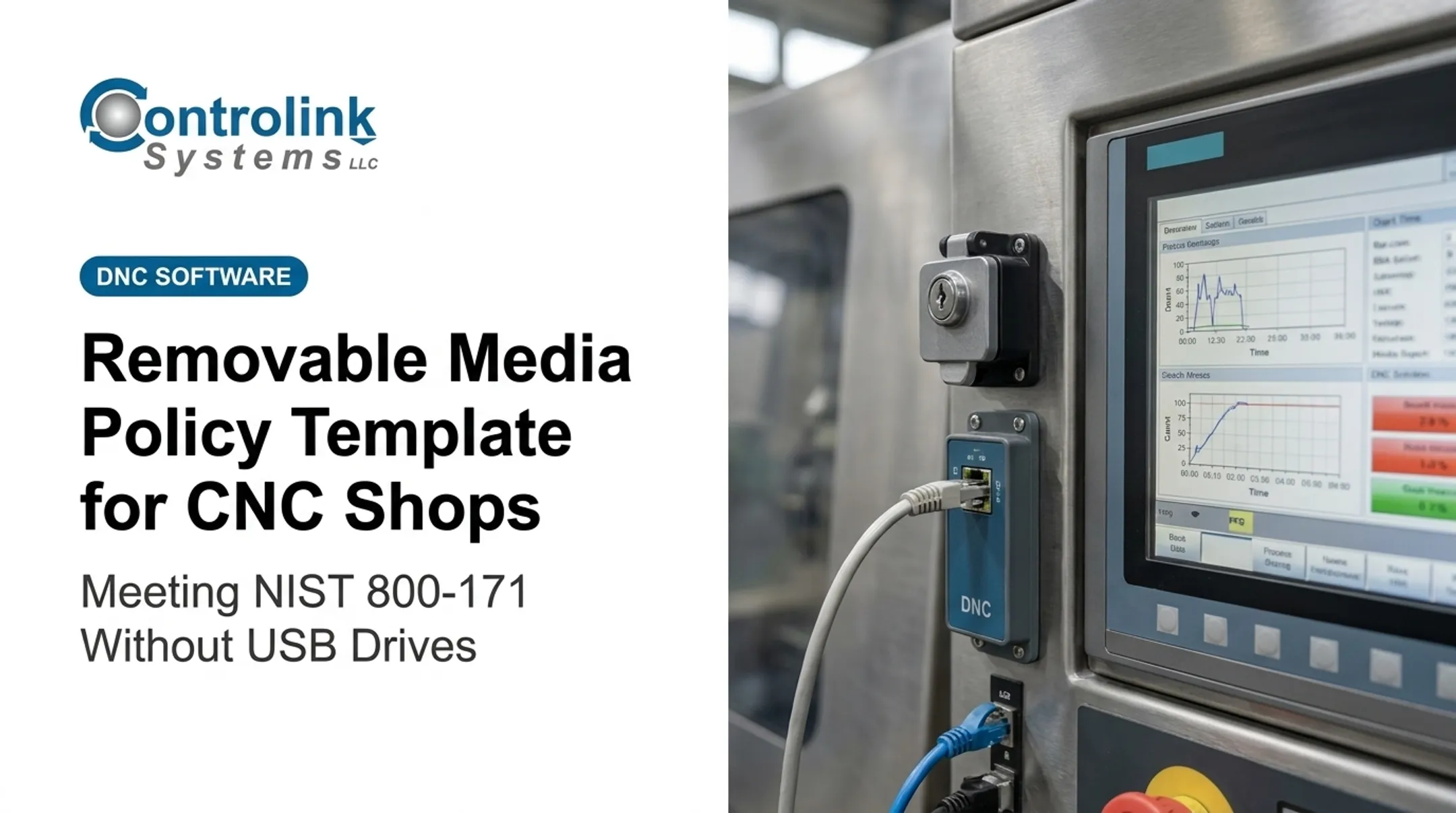
For shops that want the machine to pull the file rather than rely on someone carrying it over, Machine Link™ QUICK Serve continuously monitors machine controls for file requests. It delivers the latest engineering-approved version directly. No walking, no USB drive, no guessing which copy is current.

What USB Practices Matter for CMMC?
Using a USB drive is not automatically a CMMC finding. Shops often worry for the wrong reason. The real issue is whether you can demonstrate control over that media.
As of mid-2026, the Department of Defense suspended CMMC Phase II implementation requirements. Phase I self-assessment obligations remain in place, and NIST SP 800-171 and DFARS 252.204-7012 requirements are unchanged for most contractors.
CMMC Level 2 still maps to NIST SP 800-171 Rev. 2 per the current eCFR Part 170 text, even though NIST has since published Rev. 3.
The Media Protection Practices That Apply
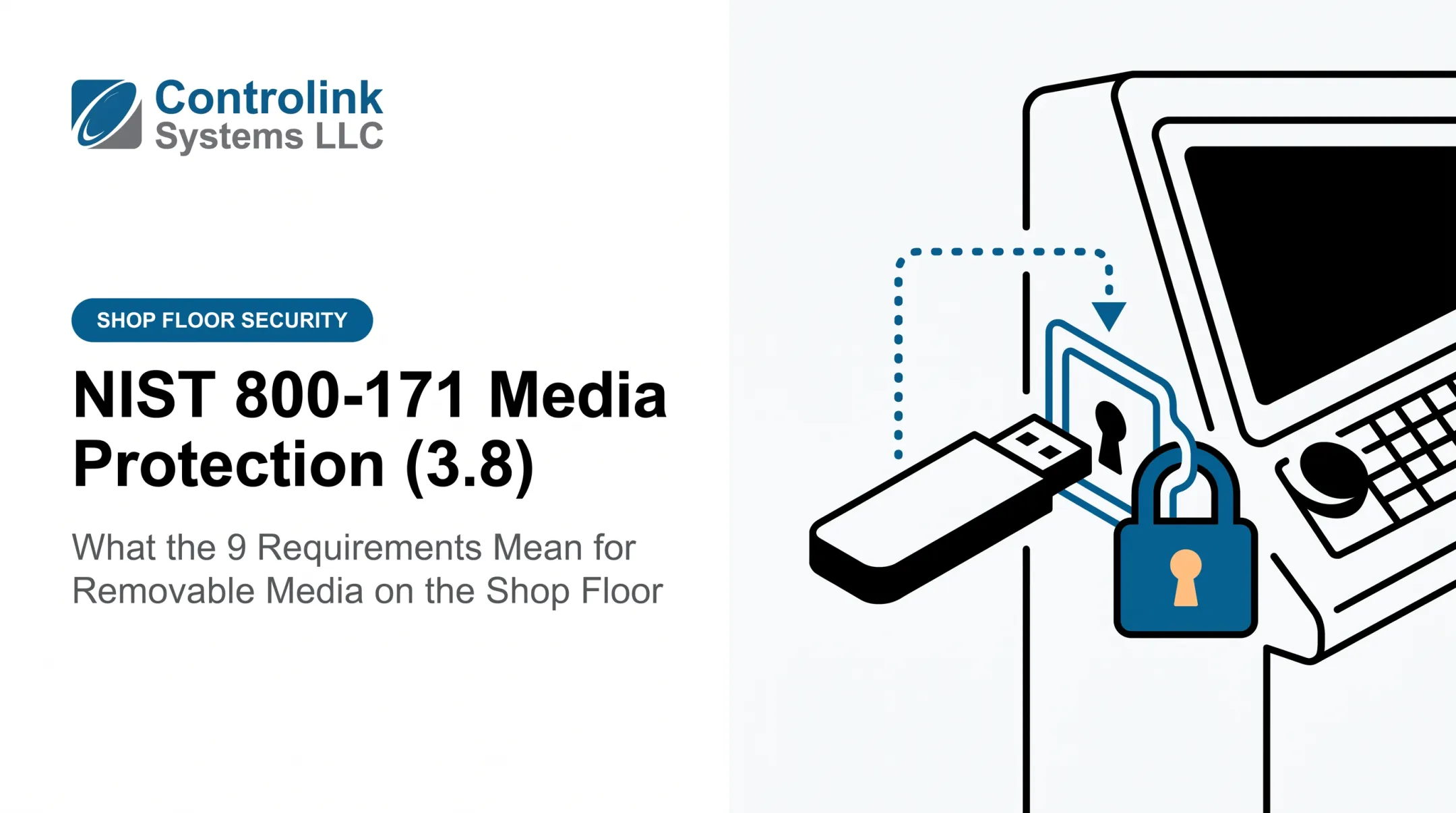
The CMMC Assessment Guide - Level 2 (Version 2.13) identifies nine Media Protection practices relevant to removable media:
| Practice | Focus |
|---|---|
| MP.L2-3.8.1 | General media protection |
| MP.L2-3.8.2 | Media access |
| MP.L2-3.8.3 | Media disposal (CUI data) |
| MP.L2-3.8.4 | Media markings |
| MP.L2-3.8.5 | Media accountability |
| MP.L2-3.8.6 | Portable storage encryption |
| MP.L2-3.8.7 | Control of removable media use |
| MP.L2-3.8.8 | Shared media, no unowned devices |
| MP.L2-3.8.9 | Protecting backup CUI |
Evidence an Assessor May Expect
- Written removable-media policy
- Inventory of approved devices
- Access approval records
- Pre-use scanning logs
- Transfer and sanitization records
- Documented exceptions with named approvers
Sanitization Matters More Than People Think
MP.L2-3.8.3 requires sanitizing or destroying CUI media before disposal or reuse.
NIST SP 800-88 Rev. 2 defines three accepted methods—Clear, Purge, and Destroy—and notes that degaussing does not work on flash media such as USB drives.
Legacy CNC controls often cannot run modern endpoint agents. That is a real constraint, not an excuse to skip controls. A risk-based approach still works:
- Isolate the machine's network segment
- Restrict who can mount media on it
- Log every transfer manually when agents are not an option
Those steps keep production moving without ignoring the requirement.
A Practical, Controlled USB Workflow for Manufacturing
If informal handoffs are the problem, the fix is a workflow that's still fast, but leaves a trail.
- Issue organization-controlled media. No personal drives on the floor.
- Register each device so it has a known owner, satisfying MP.L2-3.8.8.
- Scan before use, every time, no exceptions for "I just used it yesterday."
- Verify revision and destination machine against the engineering release, not the file name.
- Transfer through an approved workstation or DNC process, such as PDADNC™ or Machine Link™, rather than a direct USB copy to the control.
- Log the transaction: who, what, when, and which machine.
- Sanitize or remove media once the task is done.
Exceptions Need Rules Too
Emergency maintenance, vendor support visits, and offline machines will always need a fallback. Define it in advance:
- Named approvers who can authorize an exception
- Time limits on how long the exception stays open
- Compensating controls such as extra scanning or supervised use
- Post-use review to close the loop
Make the Right Way the Easy Way
Controls fail when they're slower than the workaround. Make compliance the path of least resistance:
- Keep scanning stations near where operators actually work
- Avoid duplicate data entry
- Label approved devices clearly
If PDADNC™ can drip-feed a program directly to the machine control over a serial connection, that's often faster than a USB copy. Speed removes the incentive to skip the process altogether.
Implementation Checklist: From USB Convenience to Controlled File Transfer
Rolling this out doesn't require a plant-wide overhaul on day one. Start narrow, then expand.
Step 1: Inventory every USB touchpoint
- Programming offices and engineering workstations
- Maintenance benches and quality stations
- CNC controls, including isolated or legacy machines
- Vendor laptops brought on-site
Step 2: Get the right people in the room
IT, OT, engineering, quality, and compliance need to jointly define:
- Which devices are allowed
- Who approves file releases
- How long records are retained
Step 3: Pilot before you scale
Pick one production cell. Test malware scanning, revision verification, and logging there first. Fix the friction points before rolling it out shop-wide.

Step 4: Bring in outside expertise where it helps
Controlink Systems has spent over 25 years building CNC/DNC communication tools for shops trying to move away from informal file handoffs. That lineup includes Machine Link™, Machine Link™ QUICK Serve, and PDADNC™. We don't promise CMMC certification or guaranteed compliance outcomes, but we can talk through how a controlled file-delivery process fits your specific machines and workflow.
Frequently Asked Questions
What common risks are associated with USB drives?
USB drives can introduce malware—including BadUSB attacks scanning won't catch—or let data leave the facility unauthorized. They also deliver outdated CNC programs, and drives get lost or damaged.
Is it okay to leave a USB flash drive plugged in all the time?
Not really. Continuous connection increases exposure to unauthorized writes, malware, heat damage, and accidental removal. Follow the manufacturer's guidance and never rely on a single USB drive as the only copy of important data.
What is the failure rate of USB drives?
There's no universal figure. Flash memory reliability depends on write cycles, ambient temperature, and controller quality; more program/erase cycles and higher heat both shorten data retention. Treat every USB drive as eventually disposable.
How can USB drives create CMMC compliance problems?
Uncontrolled removable media can undermine media access, protection, and sanitization practices required under CMMC Level 2's Media Protection family. Findings usually come from missing documentation, unowned devices, or unsanitized media containing CUI.
How can manufacturers prevent wrong CNC program revisions from reaching machines?
Use a controlled source of truth for file releases, require engineering approval before a program reaches the floor, and track revision metadata such as part number, release date, and file identity. Tools like Machine Link™ and Machine Link™ QUICK Serve build that verification into the transfer.