Introduction
A machinist loads the wrong revision. A file gets corrupted mid-transfer. Someone intercepts a program that was never meant to leave the building. Any one of these creates scrap, unplanned downtime, or worse.
Industrial wireless CNC program delivery is the controlled transmission of approved machining files between a DNC or manufacturing system and CNC equipment over a protected wireless network. That means managed access, encryption, and version control—not an open shop-floor SSID and a shared folder.
It matters most for CNC machine shops, aerospace and defense suppliers, automotive and medical device manufacturers, mold makers, and repair facilities across the US. In these environments, program integrity and machine uptime directly affect the bottom line.
This article covers how the workflow functions, what encryption and access controls look like in practice, key network design factors, deployment considerations, and when a wired or hybrid connection still makes more sense.
Key Takeaways
- Industrial wireless cuts media handling and shop-floor walking when built to OT standards, not office Wi-Fi
- Encryption protects data in transit; authentication, authorization, version control, and logging protect the workflow
- Secure transfers validate the program, confirm user and machine identity, and leave a traceable record
- Wireless isn't right for every machine; some applications still need wired or hybrid connectivity
What Is Industrial Wireless CNC Program Delivery—and Why Use It?
Industrial wireless networking, in a machine shop context, means wireless connectivity built to support OT systems and controls under conditions that would break consumer-grade equipment: metal enclosures, motors generating electrical noise, temperature swings, and machines that move.
CNC program delivery means transferring a machining file to a machine control. It is not real-time motion control, telemetry, or general file sharing. Modern Machine Shop identifies uninterrupted, data-integrity-preserving transfer as a core DNC requirement, and that principle doesn't change just because the connection is wireless. Getting the file to the machine tool without interruption or data loss remains the baseline goal.
The correct, engineering-approved program reaches the intended machine, with less manual media handling and fewer chances for a stale file to get loaded by mistake.
Office Wi-Fi vs. Industrial Wireless
They are not interchangeable. Consider the differences:
| Factor | Office/Consumer Wi-Fi | Industrial Wireless |
|---|---|---|
| Environment | Clean, climate-controlled | Metal, EMI, temperature extremes |
| Device identity | Often loosely managed | Managed, authenticated endpoints |
| Segmentation | Rarely segmented | Isolated from corporate/guest traffic |
| Coverage design | Ad hoc | Surveyed for RF interference and obstructions |
| Protocol support | Standard IT protocols | May require OT gateways or serial-to-wireless bridges |
Wireless earns its place on shop floors that change layout often. Common cases include:
- Machines that get repositioned between jobs
- Temporary cells stood up for rush work
- Legacy CNC equipment located far from a network drop
NIST's industrial wireless research treats reliability, latency, and interference resistance as design requirements that need dedicated engineering attention.
Wireless connectivity alone still does not verify the operator, enforce revision control, or define recovery when a transfer fails halfway through. Those controls belong in a documented DNC process around the network, not in the radio link itself.
How Encrypted Wireless CNC Program Delivery Works
Think of this as two separate layers: the business workflow (who approves what) and the network transport (how it gets there securely). Both have to work for the transfer to be trustworthy.
Step 1: Create, Review, and Approve the CNC Program
Every transfer starts with an authoritative file. The DNC repository or engineering system establishes the approved revision, including naming conventions, tooling references, and any required simulation. If this step is sloppy, no amount of network security fixes it downstream.
Step 2: Authenticate the User, System, and Target Machine
Before anything moves, the network needs to know who's asking and where it's going. User authentication confirms the operator's identity. Machine authentication confirms the endpoint is actually the CNC control it claims to be, not a rogue device that joined the network.
Step 3: Establish a Protected Wireless Session
This is where encryption in transit comes in. NIST SP 800-82r3 recommends protecting critical OT data over untrusted paths, wireless included, to preserve confidentiality and integrity. CISA points to WPA3 as the strongest current option for encrypting wireless transmissions, paired with enterprise authentication methods like certificate-based EAP-TLS where practical.
One caveat: securing the wireless hop alone isn't enough. The path through gateways, servers, and machine interfaces needs its own protections too.
Step 4: Authorize the Specific Transfer
Least-privilege access matters here. A user should only reach the programs and machines their role requires:
- Read-only: view programs without modifying them
- Release approval: limited to engineering or quality roles
- Upload/download: scoped to specific cells
- Overwrite protection: blocks accidental replacement of approved files
Step 5: Transfer and Validate the Program
Integrity checks confirm the file arrived intact. Hash or checksum comparison, file-size verification, and machine-side confirmation all play a role. NIST notes that hashes can validate critical files. A completed transfer alone does not guarantee the program is correct, only that it arrived unaltered.
Step 6: Record the Result and Recover Safely
Every transfer needs a log: user, revision, destination machine, timestamp, and outcome. If a transfer fails, there should be a defined retry and fallback process rather than improvisation on the floor.

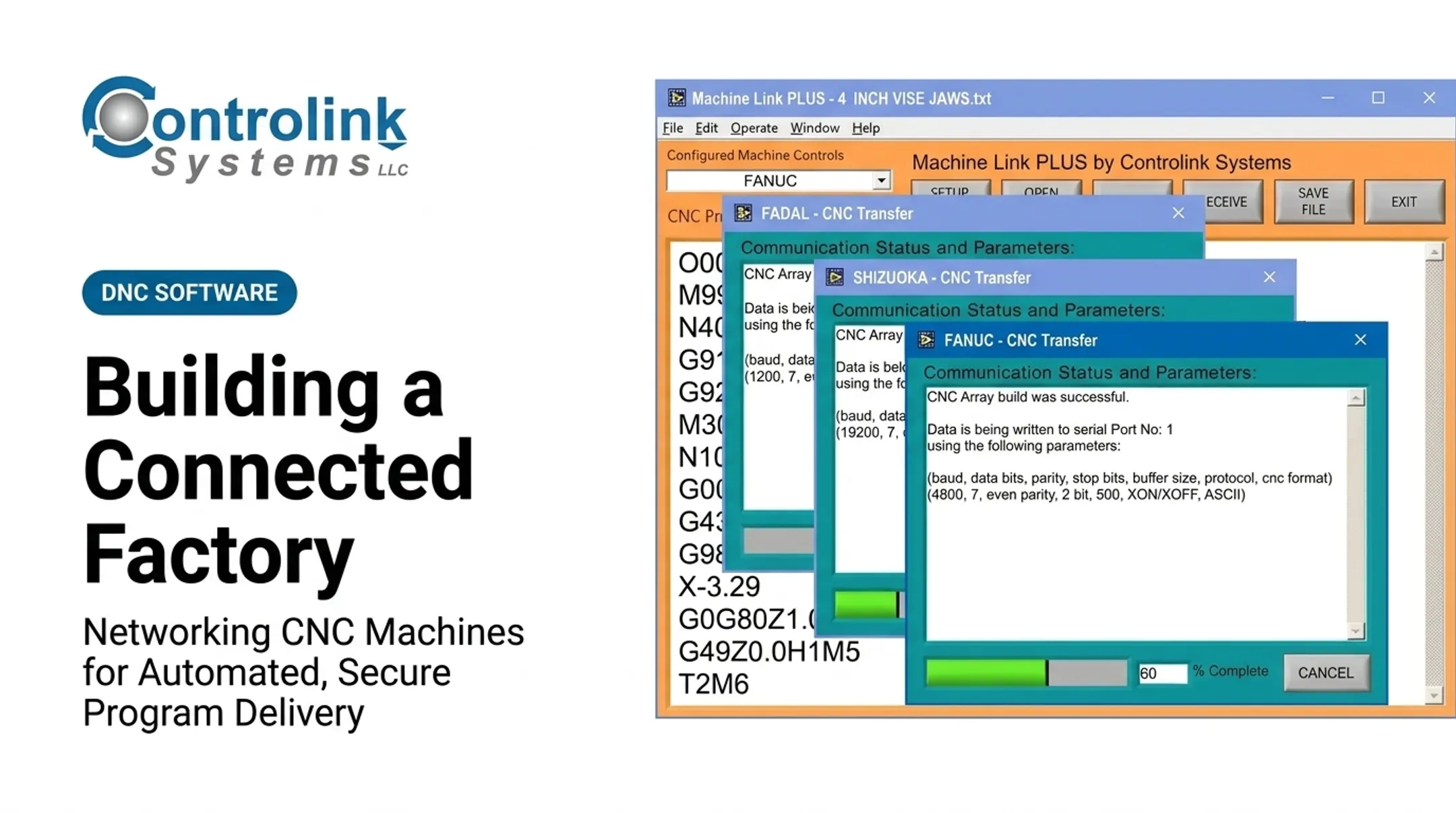
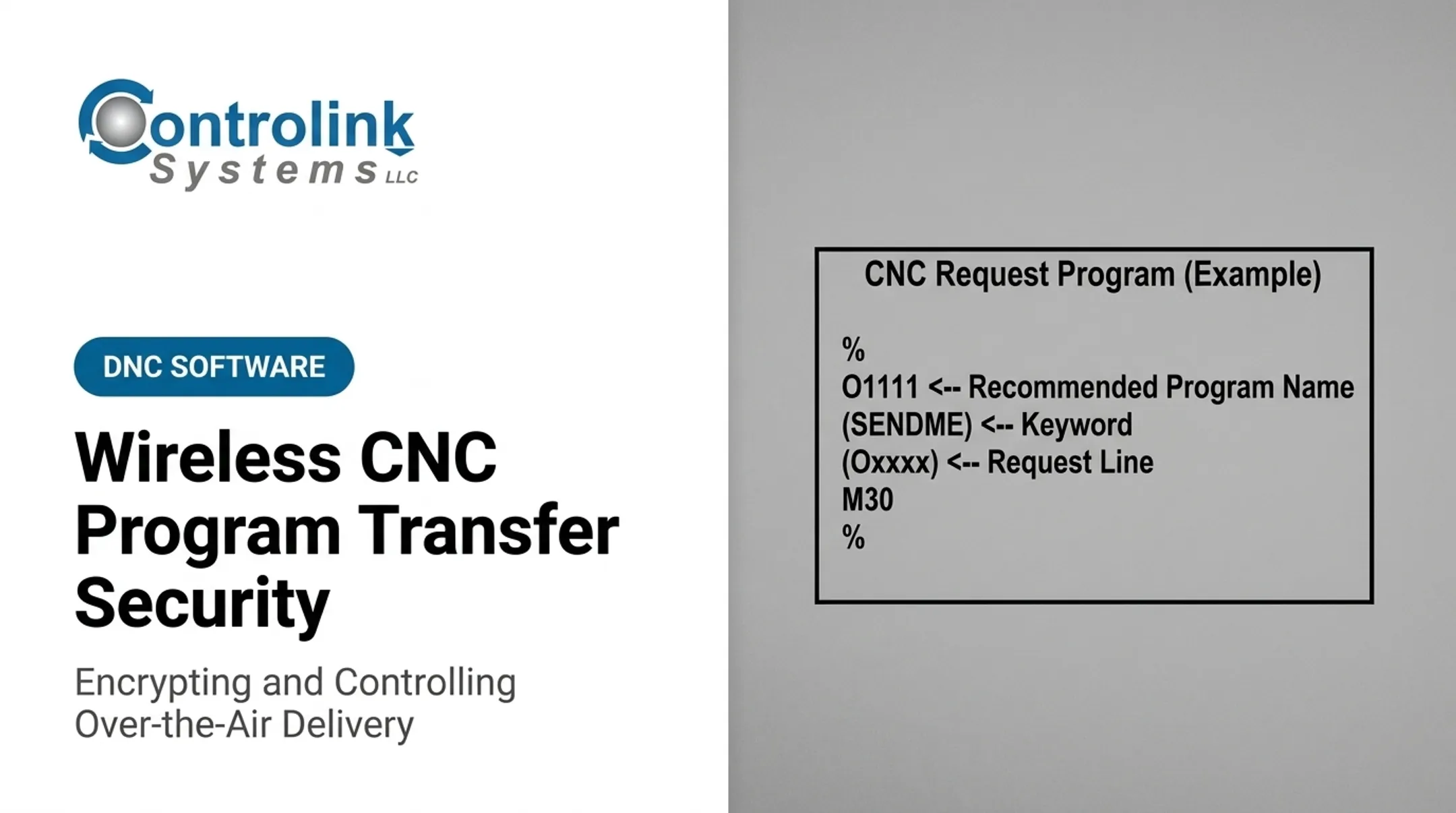
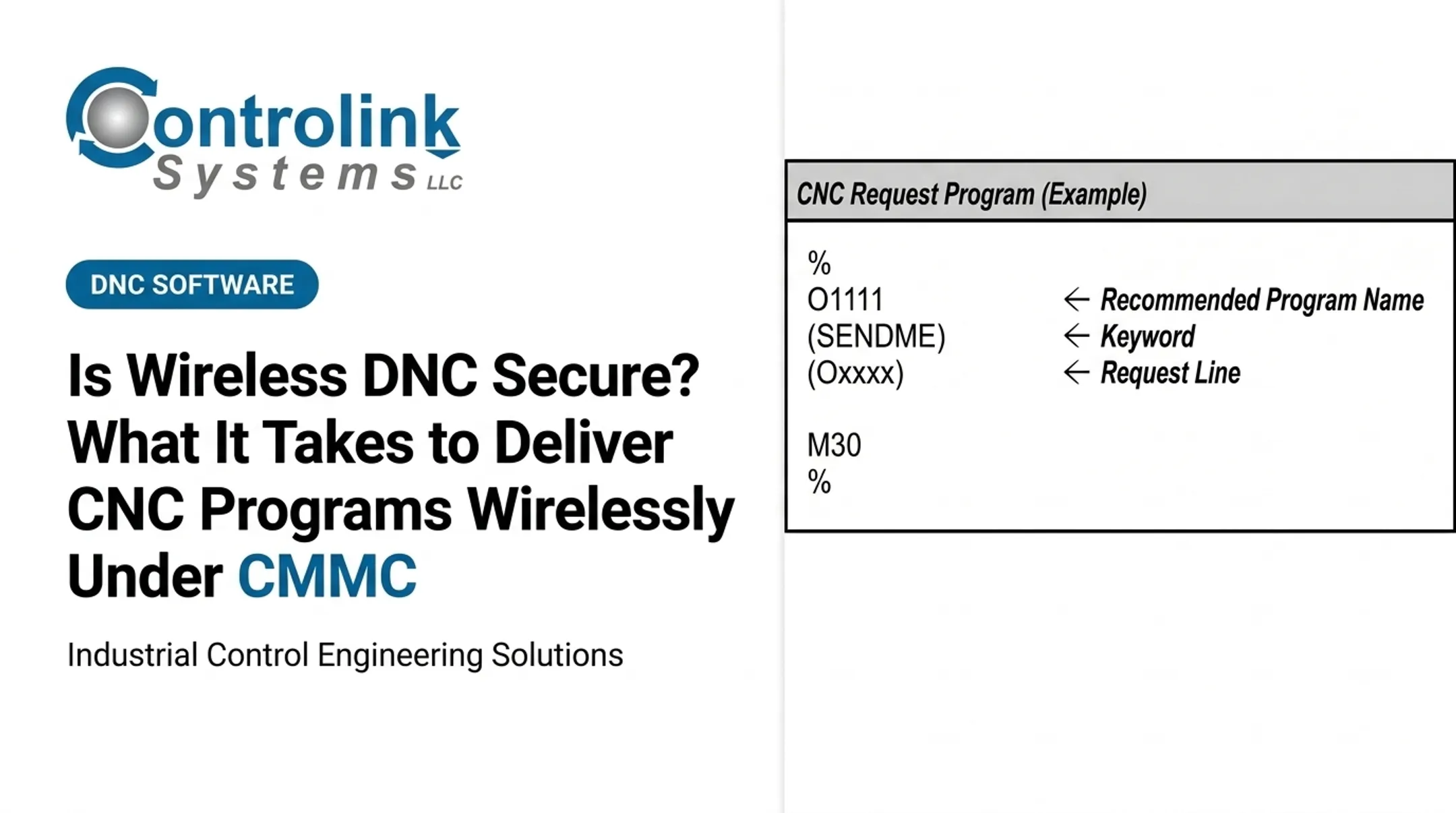
This is where a purpose-built CNC/DNC platform earns its keep. Controlink Systems LLC's Machine Link™ QUICK Serve, for example, continuously scans connected machines for file requests over wireless or wired serial connections and serves the file directly to the control.
Instead of relying on whatever sits on a USB drive, it returns the latest engineering-approved version and supports the transfer cycle with practical controls:
- Serves requested files straight to the CNC control
- Handles up to three machines at once from a single computer
- Logs request activity with each transfer
For the wireless link itself, hardware like Moxa's NPort W2150A wireless serial device server can sit between the PC and the CNC control, bridging RS-232 and Ethernet without new cable runs across the shop.
Security Architecture and Controls for the Shop Floor
A secure wireless CNC deployment is a layered stack. The main pieces are:
- Approved program repository
- Segmented wireless network and managed access points
- Secure gateway or machine interface
- CNC control, identity services, and monitoring over the top
Keep the Wireless Network Separate
Corporate traffic, guest Wi-Fi, and shop-floor CNC communication should never share the same broadcast domain. NIST SP 800-82r3 recommends segmentation using zones or tiers, often with a DMZ separating enterprise networks from OT. Direct exposure of CNC controls to broader networks multiplies the attack surface for no operational benefit.
Wireless Security Fundamentals
- Use current enterprise-grade authentication (not shared passphrases)
- Apply strong encryption (CISA's enterprise guidance points to WPA3 with 128-bit AES)
- Protect administrative interfaces and rotate credentials regularly
- Disable default accounts on every access point
- Patch firmware under a defined OT change-control process
Access Control for People and Devices
Unique accounts beat shared logins every time. Build on that with:
- Role-based permissions for operators, programmers, and admins
- Multi-factor authentication where it's operationally realistic
- Immediate access removal when someone changes roles or leaves
- Equal scrutiny for service accounts (often more, since nobody watches them log in)
Program Integrity and Monitoring
Central version control and engineering approval should gate every file before it reaches a machine. Where supported, digital signatures add another layer. Watch for:
- Repeated authentication failures
- Unusual transfer patterns or unexpected machines requesting files
- Configuration changes on access points
- Retry loops that suggest a failing connection
Send these events to a monitoring system without interrupting production. ISA/IEC 62443 and CISA's OT asset-inventory guidance both support applying stronger controls (segmentation, RBAC, active monitoring) to your highest-criticality machines first.
A ransomware incident isn't hypothetical: 65% of manufacturing organizations surveyed by Sophos reported a ransomware hit in the prior year, with an average recovery cost of $1.67 million. That is organization-level data, not a CNC-specific figure, but it still makes the case for shop-floor network hygiene.

Resilience When the Link Drops
Run a coverage survey, plan channels to avoid interference, and confirm the machine behaves safely if the wireless link drops mid-cycle. A network failure should never translate into an unsafe machine state.
Where Wireless CNC Delivery Fits and How to Deploy It
Wireless makes the most sense in specific situations:
- Delivering approved programs to multiple machines across a large floor
- Connecting workcells where running new cable is impractical
- Supporting layouts that change frequently
- Reducing dependence on USB drives and removable media
- Giving legacy CNC controls a path into a modern DNC system through a gateway
Wireless file delivery is not wireless motion control. Sending a program over the air is fundamentally different from relying on wireless for time-critical, deterministic operations like safety interlocks or emergency stops. Keep that distinction clear during planning.
Pre-Deployment Checklist
Before rolling wireless out shop-wide, confirm:
- Machine and controller compatibility — does the control support the interface you're planning to use?
- File sizes and transfer duration — will large programs complete reliably?
- Coverage and interference — will metal stock, machine bodies, and other radios degrade the signal?
- Roaming behavior — does the connection hold up if equipment moves between coverage zones?
- Ownership — who on IT and OT owns this network long-term?
- Acceptance testing — has production actually validated the setup, not just a lab bench?
Pilot with one non-critical machine first. Measure transfer success rate, retry frequency, coverage quality, and how easily operators actually use it before expanding to the rest of the floor.
Some machines still call for wired or hybrid connections:
- Highly critical operations
- Locations with poor RF conditions
- Fixed equipment that already has cabling available
- Processes where wireless uncertainty isn't tolerable
If you're evaluating your current CNC/DNC architecture, review the setup with an integration partner who understands both machining and networking before committing to a wireless-only design.
Common Issues, Misconceptions, and When Wireless May Not Be Appropriate
Encryption alone does not equal secure CNC delivery. It protects data in transit—nothing more. It says nothing about who is authenticated, what they can do, whether the file was approved, or whether anyone is watching for anomalies.
Treating encryption as the whole solution is the single most common mistake shops make.
Frequent Implementation Failures
- Shared operator credentials instead of individual logins
- Access points left on default passwords
- Flat networks with no segmentation between CNC traffic and everything else
- Stale programs served because version control wasn't enforced
- Transfers with no logging or post-incident audit trail
- Weak coverage or untested roaming that causes silent failures
A transfer can also be technically flawless and still operationally wrong. The file arrives intact, but it's the wrong machine, an outdated revision, or a mismatched work offset. Successful transmission doesn't equal correct execution.

Warning Signs You're Adopting Wireless for the Wrong Reasons
Watch for these red flags before committing:
- No site survey was conducted
- No risk assessment covered the CNC-specific workflow
- IT and OT haven't agreed on ownership
- A reliable wired connection is being replaced without a defined benefit
If testing reveals repeated failures, unpredictable recovery, or no trustworthy audit trail, that's a signal to pause and redesign, not push forward and hope it improves in production.
Conclusion
Secure wireless CNC program delivery depends on industrial-grade connectivity paired with program governance, protected transport, verified identity, and a clear record of what actually happened.
The real design goal is simple to state and harder to execute: get the right approved program to the right machine, with evidence to prove it. Some machines will tolerate wireless uncertainty just fine. Others won't, and that's exactly when a wired or hybrid connection remains the better call.
Approach it with site testing, layered security, and genuine coordination between IT and OT teams. Treat the rollout as an engineering project, not a checkbox exercise.
Frequently Asked Questions
What are the four main types of wireless networks?
The four categories are WPAN, WLAN, WMAN, and WWAN, distinguished mainly by range and use case. Industrial CNC applications most commonly rely on a managed WLAN or a specialized industrial wireless architecture built for shop-floor conditions.
Is WLAN the same as Wi-Fi?
Not exactly. WLAN describes the wireless local-area network itself, while Wi-Fi is a specific technology and certification family used to implement WLAN connectivity. Not every industrial wireless solution on a shop floor is standard Wi-Fi.
What is the difference between a WLAN and a WPAN?
A WLAN covers a building or facility, typically using access points to connect PCs, machines, and controls over a broader area. A WPAN covers a much shorter range (a few meters) for personal or device-to-device connections rather than facility-wide coverage.
Is it safe to send CNC programs over Wi-Fi?
It can be, when the deployment includes proper encryption, authentication, authorization, segmentation, integrity checks, and monitoring. Wi-Fi is only a transport method; the surrounding controls determine whether the transfer is actually safe.
How do you secure wireless CNC data transfer?
Use approved program control, authenticated users and machines, encrypted transport, least-privilege access, segmentation, and logging. Add endpoint protection and validate every received file before it runs on the machine.
What is the difference between DNC and CNC program transfer?
CNC program transfer is simply the act of sending one file to one machine. DNC refers to the broader system managing, distributing, and sometimes monitoring CNC programs across an entire shop floor.