This matters most to CNC machine shops, manufacturing IT/OT teams, controls engineers, and production managers who need reliable over-the-air delivery without exposing machines to unauthorized, altered, or outdated programs.
A single transfer failure can ripple through a shop fast. Wrong revision loaded on a mill? Scrap. Corrupted file mid-transfer? Downtime. Unauthorized program pushed to a machine? Potential safety incident. This guide breaks down encryption, authentication, file integrity, approvals, and audit trails, the pieces that together make wireless delivery dependable instead of risky.
Key Takeaways
- Secure wireless delivery needs more than file encryption: verify sender, recipient machine, program version, and approval status
- Treat confidentiality, integrity, authentication, authorization, and auditability as separate controls—not one checkbox
- Tie the full chain together: engineering approval, controlled storage, transmission, machine validation, operator confirmation, and execution records
- Federal OT security guidance treats wireless as a risk-based decision, not a default choice
What Is Secure Wireless CNC Program Transfer?
What the Process Means
Over-the-air CNC program delivery means transmitting machine instructions from an approved source to a CNC control through a wireless network, instead of walking a USB drive across the shop floor.
The goal is simple: the correct, approved program reaches the correct machine, and you can trace it from release through execution.
This isn't the same thing as general wireless networking or plain file sharing. Secure transfer governs four specific things:
- The content of the file (has it changed since approval?)
- The identity of sender and receiver (who's actually involved?)
- The destination (which machine, specifically?)
- The approval state (is this version cleared for production?)
Direct numerical control, or DNC, describes the broader function of managing and moving CNC programs between a source and the machine tool. It's not a synonym for wireless. Wireless is just one possible transport for that DNC function.
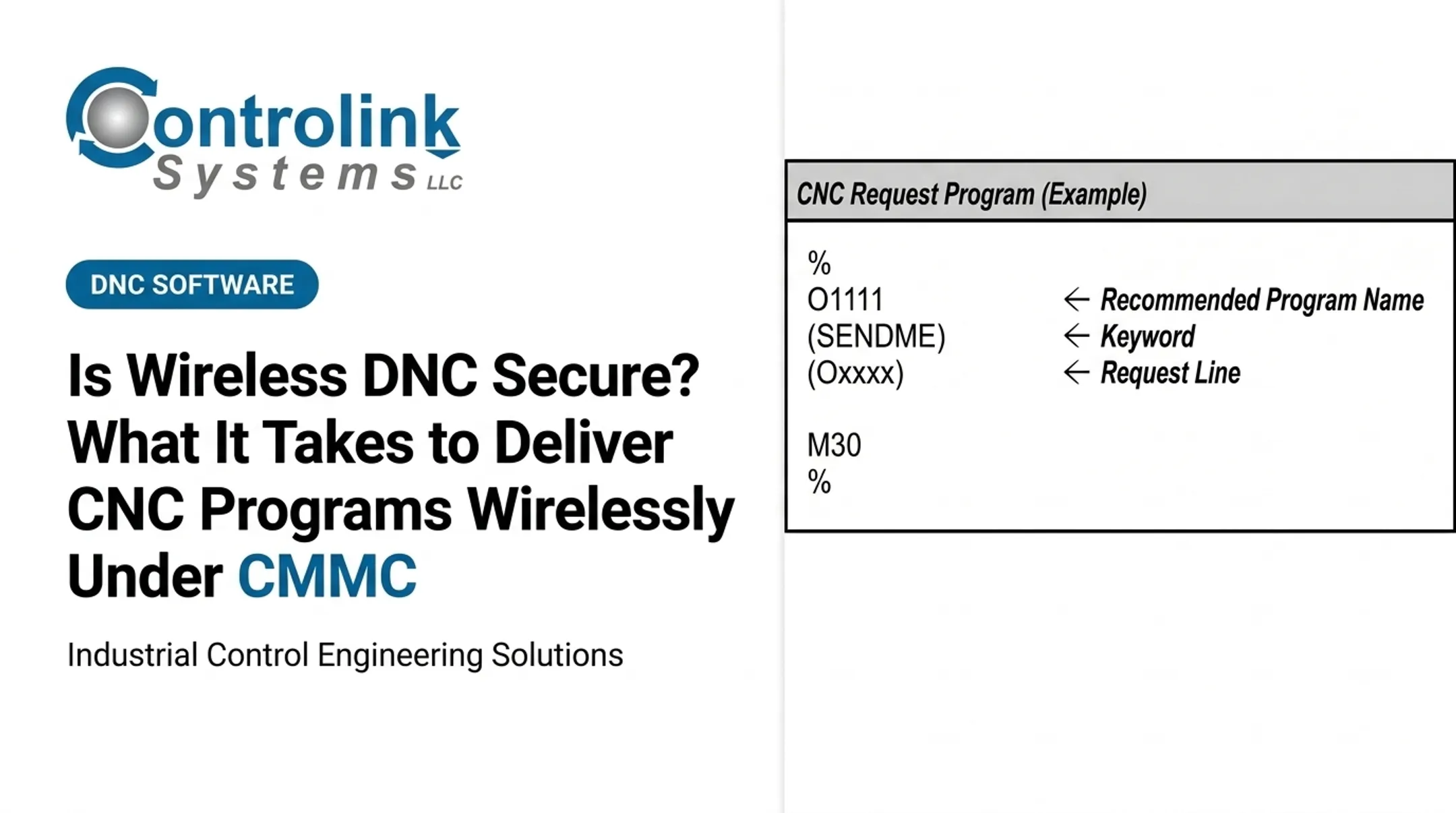
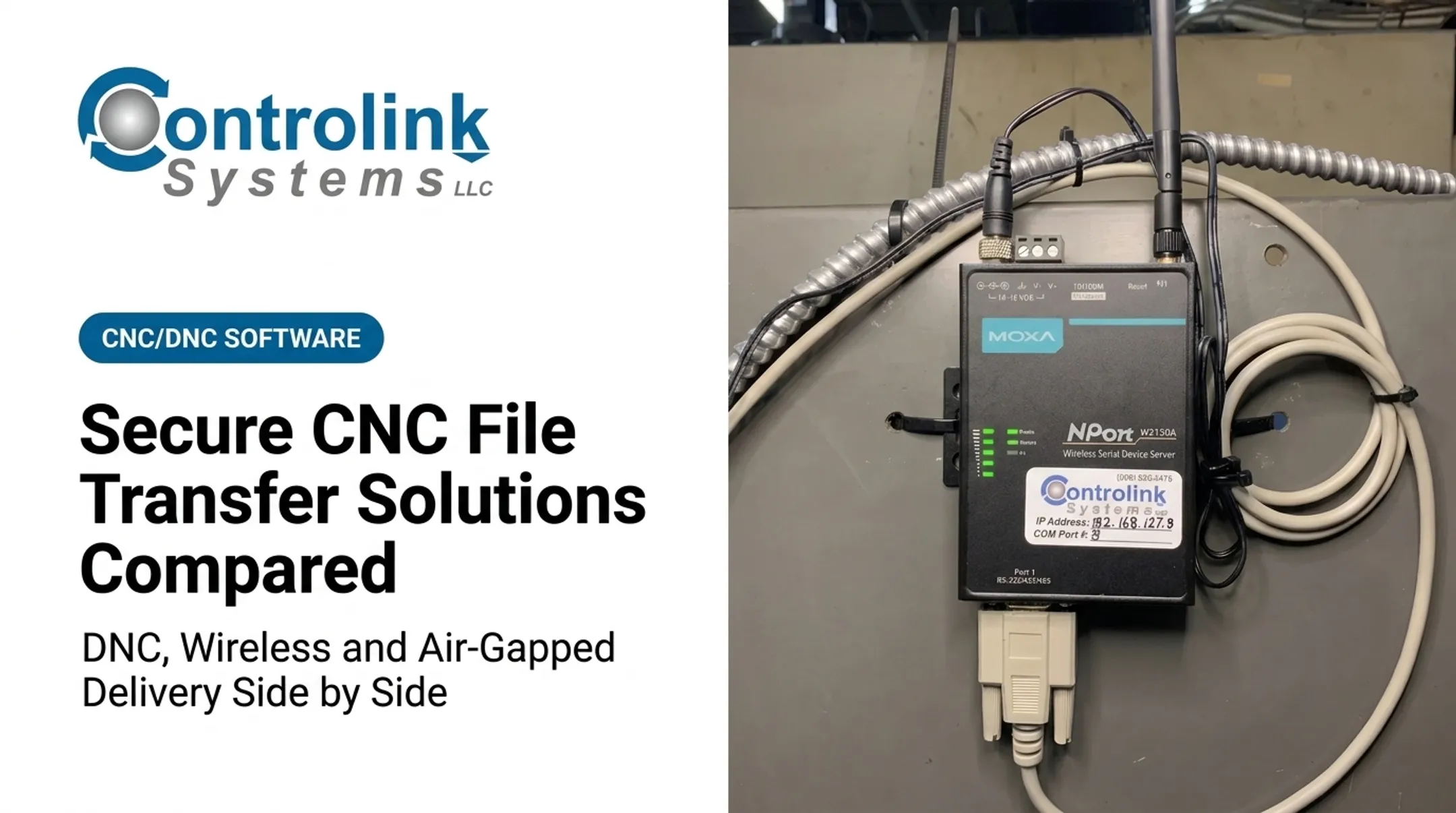
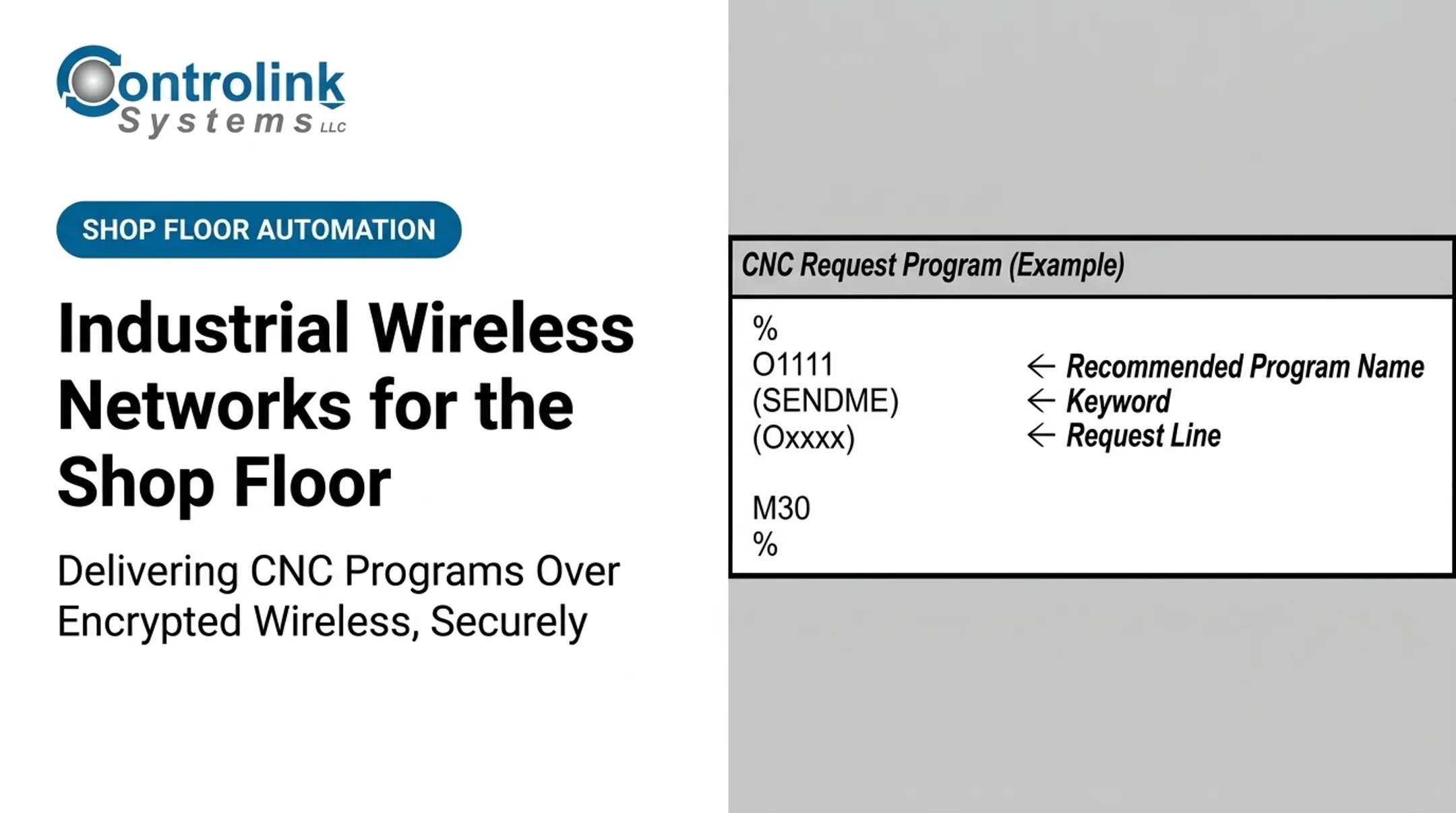
Machine Link™ QUICK Serve from Controlink Systems, for example, works over both wired and wireless RS-232 connections, letting machinists request the latest file without leaving the machine or interacting with a PC.
Why Security Is Needed in CNC Environments
Unauthorized access, tampering, wrong-machine delivery, stale revisions, or an interrupted transfer can each create quality, productivity, and even safety problems.
The risk isn't theoretical. CISA's advisory on a Mitsubishi Electric CNC control, ICSA-24-291-03, documents a vulnerability where a remote attacker could send crafted packets to a specific port and trigger a denial of service. That condition can force an emergency stop requiring a full system reset. That's a disclosed vulnerability, not a confirmed shop-floor breach, but it shows the exposure is real.
CNC environments are hard to secure for a few reasons:
- Legacy controls with no built-in security features
- Mixed machine generations speaking different protocols
- Proprietary communication formats
- Production uptime pressure that discourages downtime for patching
- Validated workflows that can't be disrupted without requalification
Secure delivery supports practical goals: fewer scrapped parts, less downtime, and machinists working from the current engineering-approved file rather than a superseded version.
Transfer security still doesn't replace machining validation. It doesn't check tool paths, work offsets, or fixture setup. It only makes sure the right file reaches the right machine intact.
How Secure Over-the-Air CNC Delivery Works
Conceptual Flow
A secure over-the-air workflow moves through these stages:
- Program creation, revision, and engineering approval
- Controlled storage with user and device authentication
- Destination selection and encrypted transmission
- Receipt validation and operator confirmation
- Execution with full audit logging Two concepts get confused often: encryption in transit and encryption at rest. Data at rest is information sitting on a storage component, not moving. Data in transit is information actively being transmitted. Cryptographic controls on data in transit block unauthorized disclosure and detect changes. Both matter. A file sitting encrypted in a repository isn't automatically protected the moment it starts moving across the wireless link. Integrity checks such as hashes or digital signatures detect whether a file changed after release. They don't confirm the file is technically correct for a specific machine. That's a separate check entirely.
Step 1: Approve and Control the CNC Program
Before a program is eligible for wireless delivery, it needs a few things established:
- A unique program identifier and revision history
- Documented approval timestamps and file ownership
- Confirmed machine-specific compatibility
- A way to stop operators from unknowingly grabbing a superseded file This step is less about the network and more about discipline before the network ever gets involved. If the approval process is loose, wireless delivery just moves a bad file faster.
Step 2: Authenticate Users, Devices, and Destinations
Role-based access matters here. Programmers, engineers, supervisors, operators, and administrators should each have only the permissions their job actually requires. Practical controls include:
- Strong, individual user authentication, not shared logins
- Managed transfer devices, not personal laptops or phones
- Machine identity verification so files can't land on the wrong control
- Destination confirmation before a file even leaves the source Shared credentials and unrestricted workstation access are two of the fastest ways a shop undermines an otherwise solid setup.
Step 3: Encrypt and Validate the Transfer
Encrypted transport protects the program's contents from interception while it crosses the wireless network. Federal OT security guidance recommends TLS 1.2 or higher for secure channels. NIST also notes that wireless communications should be encrypted without degrading operational performance. Test encryption against acceptable latency before it goes live on the floor. Beyond encryption itself, the receiving system needs to:
- Run integrity checks confirming the file arrived complete
- Handle failed transfers without leaving partial files behind
- Prevent duplicate files from stacking up in storage
- Distinguish a validated, complete file from a corrupted one Don't lock in a specific wireless protocol or VPN architecture without validating it against your actual mix of machine controls first. What works for one shop's equipment may not translate to another.
Step 4: Confirm, Log, and Govern Execution
Before machining starts, the operator should confirm exactly what's being loaded, ideally through a machine-specific prompt rather than a generic pop-up. Simulation or verification steps, controlled loading, and a defined rollback path add further protection if something goes wrong. Audit records should capture:
- User and device involved
- Source file and revision number
- Destination machine
- Approval state at the time of transfer
- Transfer result, including any rejection or override reason
- Timestamp A CNC/DNC systems integrator such as Controlink Systems LLC can help connect approved program repositories, shop-floor systems, and machine tools. Security functions vary by solution and setup though, so confirm exactly what a given system checks before assuming a capability is included.

Where It Is Used and What Affects Security
Where Wireless CNC Program Security Applies
Wireless program delivery shows up across a range of environments:
- CNC machine shops
- Aerospace and defense production
- Automotive manufacturing
- Medical-device manufacturing
- Mold manufacturing
- Industrial equipment production
- Repair centers
- Research or lab machining
Security matters at several points across the lifecycle, not just at initial rollout:
- Engineering release and production setup
- Program revision
- First-piece validation
- Maintenance and rework
- Remote support sessions
- Machine changeover
Shops typically move toward this workflow for practical reasons: multiple machines spread across a large floor, frequent program revisions, distributed shop-floor workstations, or limited physical access to certain machines. If operators are walking a quarter mile with a USB drive every shift change, that's usually the tell that it's time for a change.
Security Factors That Influence Outcomes
Several factors shape how well a wireless transfer setup actually performs on the floor:
- Network design: Segment shop-floor traffic, restrict pathways, manage access points, and keep CNC controls off general-purpose networks.
- Machine and controller dependencies: Legacy controls, file formats, transfer protocols, storage limits, and whether the control can log or validate receipts.
- Operational conditions: Interference, coverage gaps, downtime windows, transfer frequency, and what happens if the connection drops mid-transfer.
- Governance requirements: Permissions, approvals, retention, incident response, backups, and change management matched to the shop's risk profile.
- Human factors: Clear prompts and simple workflows—clunky steps push operators toward personal USBs, local copies, or shared logins.
The most technically sound architecture fails the moment it's easier to bypass than to follow.
Layered Controls for a Resilient Workflow
No single control covers every risk. Encryption protects confidentiality. Authentication confirms identity. Integrity checks catch tampering. Network segmentation limits how far a problem can spread. Endpoint management, backups, operator verification, and monitoring each close a different gap.

A manufacturing cybersecurity example from NIST, SP 1800-10, tested this layered approach in a lab built to resemble a real production setting. Its capability set included:
- Behavioral anomaly detection
- Application allowlisting
- File-integrity checking
- Change-control management
- User authentication and authorization
In one documented test, the file-integrity tool blocked unauthorized operations on protected files—a pass.
NIST is clear on the limits: the eleven tests were not a full assessment or red-team exercise, and they do not catch every weakness. Use the results as evidence that layered controls behave as designed in a controlled setting, not as proof of guaranteed shop-floor outcomes.
Common Issues, Misconceptions, and Limitations
Common Misconceptions
A few assumptions cause most of the trouble:
- Encryption ≠ full protection — it secures confidentiality in transit; authorization, integrity validation, version control, and machine-specific verification still required
- Secure transfer ≠ validated machining — tool paths, work offsets, feeds, speeds, tooling, and fixtures need separate checks
- Secure DNC ≠ wireless file send — it also governs who can release, send, edit, replace, or execute; wireless is only the transport
Operational Problems to Anticipate
Plan for these failure modes before they hit the floor:
- Wrong-machine selection
- Stale revisions loaded because nobody flagged the update
- Interrupted transfers from weak signal coverage
- Incompatible controls that can't validate what they received
- Missing audit logs
- Production pressure pushing operators to bypass the approved process
When a transfer fails, a signature or hash gets rejected, or connectivity drops mid-send, the response should never be "just copy the file locally and run it." Failed transfers need a defined retry or escalation path, not a workaround that erases the traceability the system was built to protect.

When Wireless Transfer May Not Be Appropriate
Wireless isn't always the right call. Shops that rarely move or reconfigure machines, or that push very large programs by drip-feed, often do better sticking with a hard-wired connection.
Consider a wired, segmented, or offline approach when you have:
- Unsupported legacy controls that can't handle encrypted wireless sessions
- Unstable wireless coverage on the floor
- High-consequence operations where any interruption is costly
- Strict isolation requirements from a customer or regulator
If your shop is still sorting out program governance, basic network segmentation, or identity management, fix those fundamentals before layering wireless delivery on top. Wireless doesn't fix a weak process. It just moves the same weak process faster.
Conclusion
Secure wireless CNC program transfer depends on layered controls working together:
- Encrypted communication
- Approved program control
- Identity checks and integrity validation
- Destination control and operator verification
- Traceable records you can audit later
The real aim is dependable delivery: the right approved file reaching the right machine through a workflow that fits your shop's risk tolerance and equipment mix. Sometimes that means wireless. Sometimes it means staying wired a while longer.
If you're evaluating CNC/DNC communications or shop-floor integration, review your current transfer process with an experienced systems provider. Controlink Systems LLC has worked in CNC/DNC communications and manufacturing automation since 1998, building tools like Machine Link™ QUICK Serve for shops that need reliable file delivery without adding risk.
Confirm which specific security functions any solution offers before committing.
Frequently Asked Questions
What is a DNC system for CNC machines?
DNC, or Direct Numerical Control, manages communication and program transfer between a source computer and CNC machines. Wireless delivery extends that function with encryption, authentication, and integrity checks.
How secure is wireless CNC program transfer?
Security depends on the full architecture, not the wireless link alone. Encryption, authentication, authorization, network segmentation, integrity checks, machine compatibility, monitoring, and operator procedures all matter.
Should CNC programs be encrypted?
Yes. Encryption protects program confidentiality in transit and at rest. It won't confirm the program is correct, approved, or ready for the destination machine, so pair it with other controls.
How do you prevent unauthorized CNC programs from being sent to a machine?
No single control is enough. Layer role-based permissions, strong authentication, approved repositories, destination controls, revision management, integrity validation, operator confirmation, and audit logs.
What is the difference between DNC and wireless CNC program transfer?
DNC describes the broader program-management function; wireless describes the network path files travel over. A DNC system can run over wired, wireless, or other controlled connections.
What should a secure CNC program transfer workflow include?
A secure workflow should include approved files, authenticated users and devices, encrypted transmission, integrity verification, machine compatibility checks, controlled execution, backup or rollback options, and traceable records.