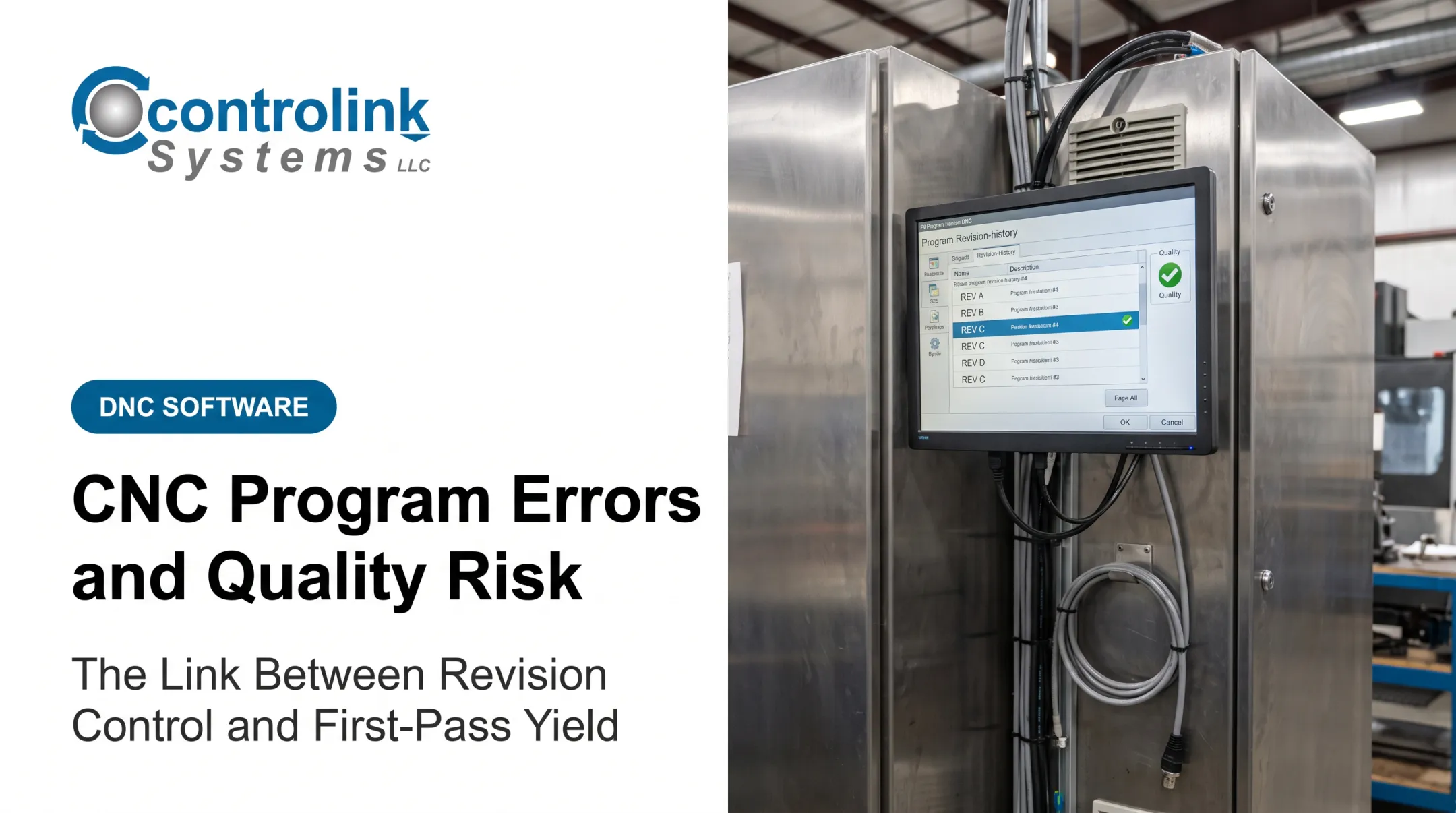
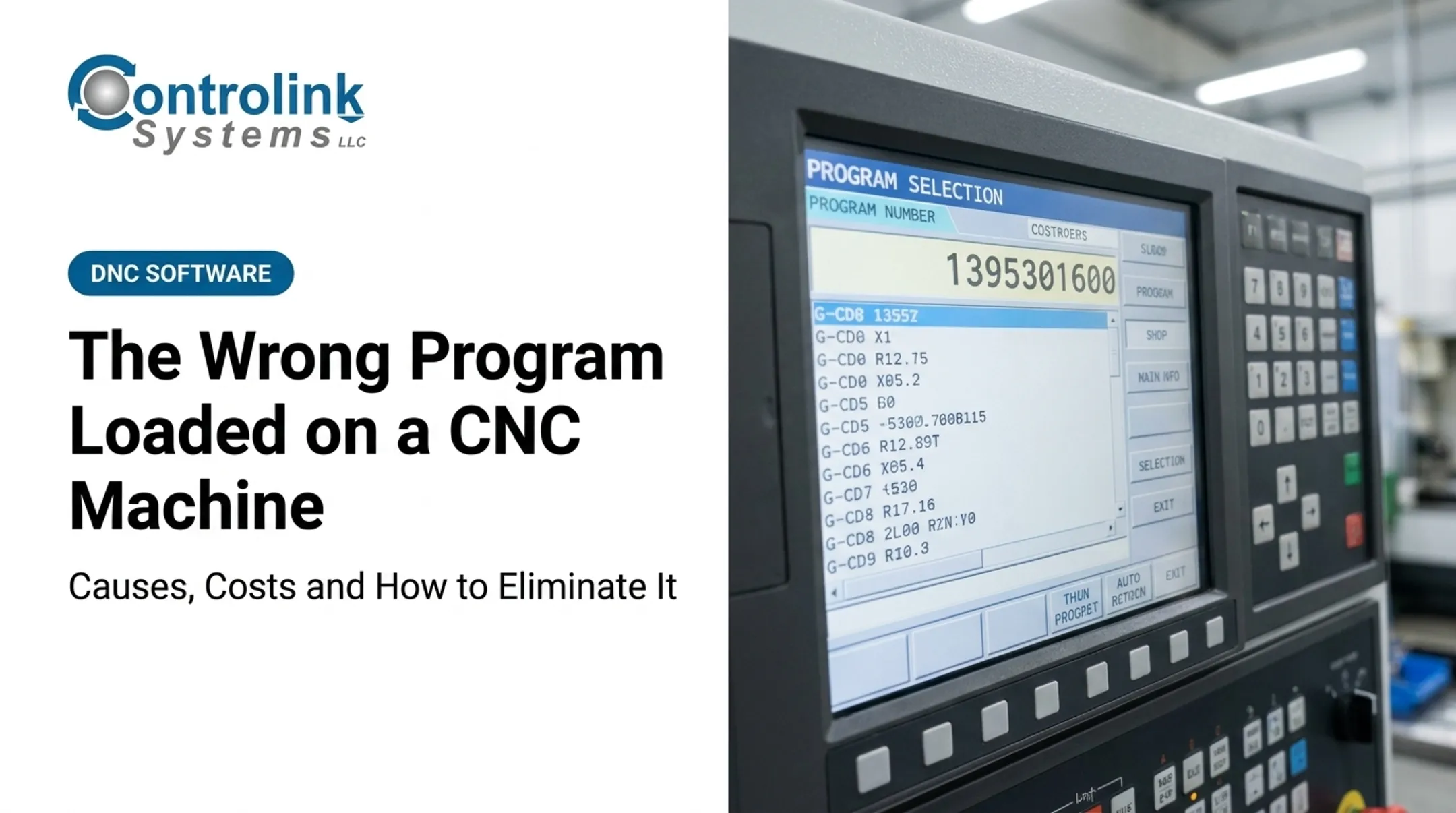
Many shops find this out the expensive way: a collision, a ruined fixture, or a batch of parts machined to yesterday's print instead of today's.
Controlled delivery closes that gap. It builds a traceable path from engineering approval to the machine control, so operators aren't guessing which file on the network, or the USB drive, is the real one. It doesn't replace simulation, dry runs, or setup verification. It works alongside them.
This article covers the common file-delivery failures we see on shop floors, what happens when the wrong program gets loaded, and how naming standards, approval workflows, and controlled DNC delivery close the distance between "approved" and "actually running."
Key Takeaways
- The "wrong file" might be an outdated revision, an unapproved edit, or a program built for a different machine.
- Naming, revision control, approval status, and machine compatibility work best as one connected process, not separate checks.
- Controlled DNC delivery sends operators the current engineering-approved file instead of a scattered folder search.
- Better documentation control cut internal scrap from 80% to 10% in three weeks at one manufacturer, according to NIST.
- Simulation, dry runs, and first-piece checks still matter—controlled delivery supports them, it doesn't replace them.
Common Causes of CNC Program Delivery Errors
A CNC program delivery error happens when the machine executes a file that's wrong for the job: wrong revision, wrong machine, wrong tooling, wrong material. Even clean code causes real damage if it's the wrong file.
These errors rarely trace back to a single bad keystroke. They happen at the handoffs: between engineering and programming, programming and network storage, storage and DNC software, and DNC software and the operator standing at the control.

Outdated or Duplicate Program Revisions
Multiple copies of the same program often exist across a shop: one on a local machine PC, one on a USB stick, one buried in a shared drive, one still sitting in controller memory from the last job. Nobody can say with certainty which copy is current.
Common triggers include:
- A last-minute engineering change that didn't reach every stored copy
- A revised toolpath saved under a new filename instead of replacing the old one
- An operator reopening a locally stored program left over from a previous run
Ambiguous File Names and Weak Identification Standards
Similar part numbers, inconsistent revision codes, missing zero padding, no machine identifier. Any of these can make one program look a lot like another. An operator scanning files named "1234.NC," "1234B.NC," and "1234_new.NC" is guessing, not confirming.
A workable naming structure typically includes:
- Part number
- Revision
- Operation number
- Machine family
- Approval status
Confirm this format against your own system before rolling it out; every shop's numbering has its own logic. Combi Packaging Systems LLC's partner mill saw the payoff firsthand. Switching a Milltronic-controlled machine from generic four-digit file names to the shop's actual engineering print numbers eliminated wrong-job retrievals altogether.
Wrong Machine or Controller Compatibility
A program correct for one machine can be unusable or dangerous on another. Travel limits, work offsets, tooling setups, post-processor output, axis configuration, and controller syntax all differ.
A program posted for a three-axis mill won't necessarily behave the same way on a machine with a different axis configuration or option set. Machine assignment needs to be part of the file, not an assumption made at the control.
Uncontrolled Manual Transfers and Local Edits
Copying files by USB stick, email, or an ad hoc shared folder skips whatever approval process exists on paper. There's no reliable record of who moved the file or what changed.
It gets riskier when operators edit feeds, speeds, offsets, or sequence details directly at the control to solve an immediate problem. Those changes often never go back through engineering review.
One manufacturer's original DNC setup hit this exact issue. Corrected programs sent back from machines often weren't saved anywhere central, so the same fix had to be remade the next time the file went out.
Missing program identification data—part name, revision, and operation number in the header—makes this worse. Modern Machine Shop points to insufficient program headers as a recurring, avoidable mistake that leaves operators interpreting instead of confirming.
What Happens If the Wrong CNC Program Is Used
The damage isn't limited to one bad part. Consequences fall into four categories:
- Quality: incorrect dimensions, scrapped parts, or parts that pass a quick visual check but fail tolerance
- Productivity: delayed orders, rework, and non-productive troubleshooting time added to the job
- Safety: tool breakage, fixture damage, and machine collisions when offsets or travel limits don't match
- Traceability: no clear record of which file ran, slowing down root-cause analysis and audits
This compounds fast. A wrong-file collision on a multi-axis mill can take a machine out of production for days while damaged components get replaced and offsets get reset.

Warning Signs You're About to Run the Wrong Program
Catch it before the cycle starts. At the file level, watch for:
- Multiple files with nearly identical names
- A revision that doesn't match the job traveler
- Unexpected program timestamps
- Missing or unclear approval status
- A filename that doesn't identify the target machine
At the control, operator-facing red flags include:
- Unfamiliar tool calls
- Work offsets that don't match the setup sheet
- Material assumptions that differ from the traveler
- Unusual cycle times
- A program that simply doesn't match what's expected
If the part number, revision, machine, setup, or approval status can't be confirmed, stop the release and escalate. A few minutes of verification costs less than a scrapped part or a damaged spindle.
How to Prevent CNC Program Delivery Errors
Prevention works as a workflow, not a single tool. It verifies the file before transfer, restricts how programs change, and confirms the correct file at the machine before the spindle turns.
Establish One Approved Source of Truth
Every shop needs one access-controlled repository for released CNC programs, not "the shared drive" in general, but a defined location that separates released, in-review, obsolete, and archived files. Production staff should be able to identify the authorized version without asking around.
Effective source-of-truth control includes:
- Revision history tied to each file
- A named approval owner for each release
- Change descriptions logged with each revision
- Release dates visible to anyone pulling the file
This isn't a new concept in manufacturing quality systems. ISO 9001's documented information requirements state that quality-relevant documents, in any medium including electronic files, must be controlled, and that records must be retained to show processes ran as planned (ISO).
Applying that same discipline to CNC files, instead of treating them as informal working documents, closes one of the most common gaps we see on shop floors.
Validate the Program Before Release
Before a file becomes available to operators, it should pass technical checks covering:
- Syntax, G-code, and M-code behavior
- Coordinate modes and tool compensation
- Feeds, speeds, and clearance moves
- Spindle commands and machine-specific post-processing
Simulation, backplotting, and collision checking add another layer, along with a direct comparison against the setup sheet where one exists. How much validation a program needs depends on the machine and process. A repeat job on a familiar mill doesn't need the scrutiny a new five-axis program does.
New, modified, or high-risk programs benefit from a second set of eyes. Peer review or a digital sign-off step before release catches mistakes the programmer, having stared at the same code for hours, might miss.

Deliver Only the Approved File to the Intended Machine
This is where controlled DNC communications earn their keep. Instead of an operator browsing local folders and picking whichever file looks right, the system retrieves the released program from the approved source and sends it to the machine that requested it.
| Uncontrolled Transfer | Controlled DNC Delivery |
|---|---|
| Operator browses local folders or drives | System matches the requesting machine to its approved file |
| No record of who sent what, or when | Transfer logged automatically with timestamp |
| Manual copy via USB, email, or ad hoc folder | Automated retrieval from a single source of truth |
| Risk of pulling a stale or duplicate revision | Only the current approved revision is delivered |
Controls worth specifying include:
- Machine assignment (which control can request which programs)
- Access permissions
- Automatic delivery of the current revision instead of a cached copy
- Transfer confirmation with checksum or file comparison
- Transfer logs for what was sent, when, and to which machine
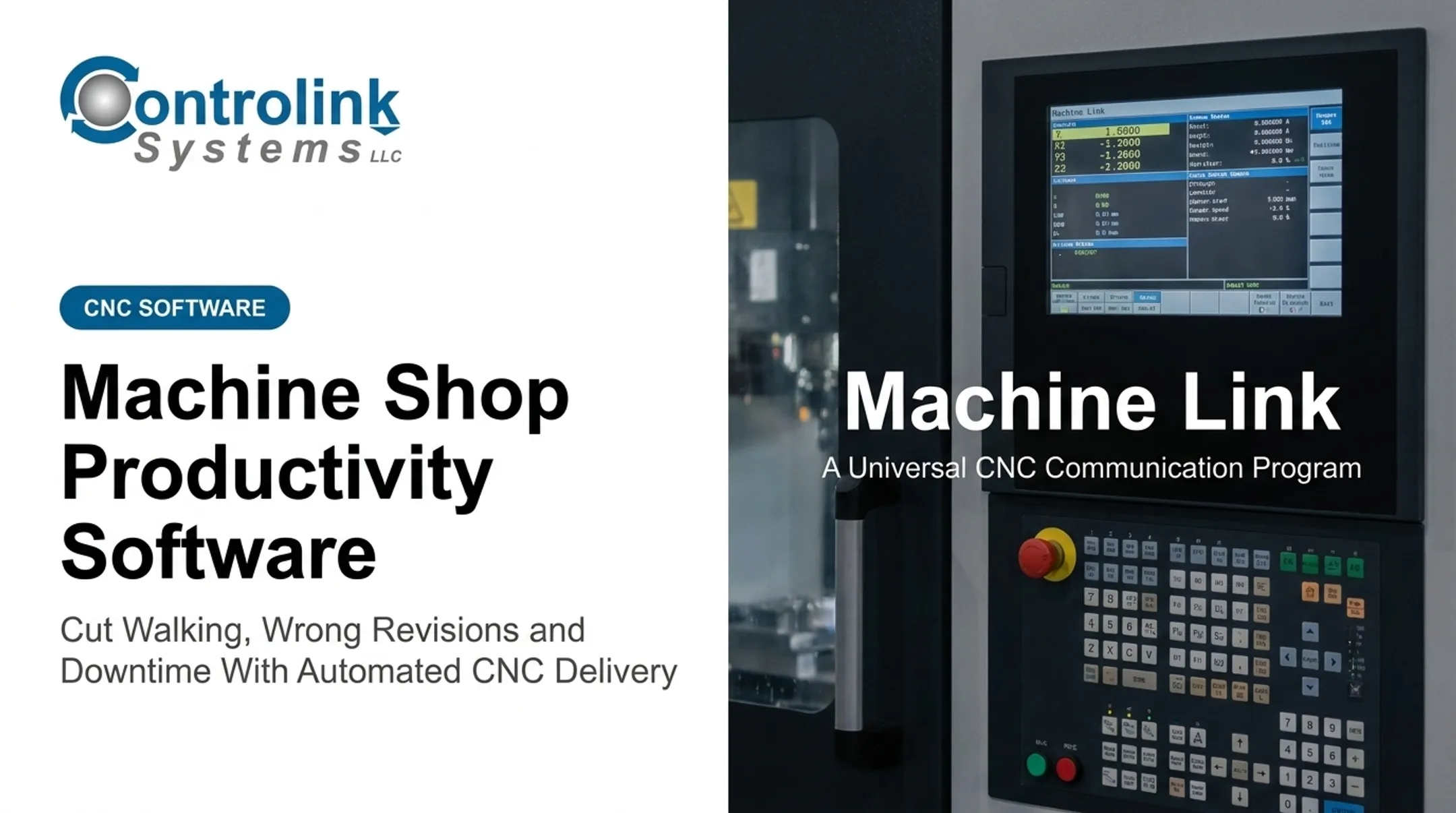
Controlink Systems LLC builds CNC/DNC communication software around this workflow. Its Machine Link™ QUICK Serve product continuously scans connected machines for file requests and returns the current engineering-approved file straight to the control, old or new controls alike, over wireless or wired serial connections, without an operator digging through a shared drive.
Program edits made at the machine can route back to engineering for review instead of disappearing into local memory. If your shop still relies on manual file transfers, evaluate whether controlled delivery fits your process.
Confirm the File at the Machine Before Cutting
Controlled delivery gets the right file to the right machine. The operator still confirms it before cutting.
A short pre-cut checklist:
- Verify part number and revision against the traveler
- Compare the program with the setup sheet
- Confirm machine and workholding match what the program expects
- Check tool and offset expectations
- Run a dry cycle and inspect the first movements
For critical sections, reduce rapid and feed overrides, step through single blocks, and verify spindle-off conditions where appropriate. Follow first-piece inspection per your shop's safety procedures.
If something doesn't line up, stop and escalate. Don't fix an uncertain file at the control without sending the change back through engineering. An undocumented "fix" today becomes tomorrow's mystery revision.
Tips for Long-Term Prevention and Control
Long-term control comes from routine monitoring, trained people, solid documentation, and systems that share data cleanly.
- Review transfer logs, rejected files, duplicate revisions, and near misses on a set schedule. Monthly works for most shops.
- Train programmers, engineers, supervisors, and operators on naming conventions, revision rules, approval steps, and escalation procedures.
- Keep program templates, setup checklists, and machine profiles current, with clear rules for who can approve, release, edit, archive, and restore programs.
- Track internal indicators: wrong-file incidents, first-run failures, scrap linked to program selection, rework, and unplanned downtime.
These habits matter more as the shop grows. One shop, Snavely's Machine, runs roughly 40 operators, some with limited computer experience, across more than 30 CNC machines and 10 different control types. In that environment, disconnected file handoffs multiply quickly, so a consistent delivery process becomes essential.

Integrating DNC with production databases, PLCs, or other shop-floor systems can close the remaining gaps between handoffs. Design that integration around your actual machines, protocols, and cybersecurity requirements, not a generic template.
Conclusion
CNC program errors aren't limited to bad code. An outdated file, an unapproved edit, or a program built for the wrong machine can cause the same scrap, downtime, and safety risk as a coding mistake. Sometimes the damage is worse, because the code itself looks fine.
A practical control chain includes:
- A single approved source
- Clear revision and naming standards
- Pre-release validation
- Controlled delivery
- Operator confirmation
Each link catches what the one before it might miss.
None of this replaces simulation, dry runs, or first-piece inspection. It gives those steps something reliable to check against. Get the file-delivery process right, and you protect machine utilization, material costs, and production schedules. You also keep a traceable record of exactly which program ran, when, and why.
Frequently Asked Questions
Is CNC programming difficult?
CNC programming takes real knowledge of code, machine behavior, tooling, and work offsets. Structured templates, CAM validation, simulation, and controlled release don't remove the learning curve, but they cut down on avoidable mistakes.
What do the different error codes mean on a CNC machine?
Error codes vary by controller and manufacturer, so there's no universal list. Check your machine's manual, record the active block and conditions when the alarm hits, and separate genuine controller alarms from file-selection or setup problems.
What is G71 in CNC?
G71 commonly refers to a rough-turning, O.D./I.D. stock removal cycle on many CNC lathes. Exact syntax and behavior depend on the controller, so confirm the details in your machine's programming manual before using it.
How can I prevent the wrong CNC program from reaching a machine?
Combine a central approved repository, clear revision and machine identifiers, pre-release validation, and controlled DNC transfer with access permissions and transfer logs. Add operator confirmation at the control as the final check before cutting.
What is DNC in CNC machining?
DNC generally means distributed numerical control, distributing approved program files to CNC machines from a managed source. It can also mean direct numerical control, or drip-feeding code to the control as it runs. Controlled DNC delivery supports revision visibility and shop-floor traceability either way.