Many shops struggle with this exact scenario during changeovers, shift handoffs, or when multiple machines pull from the same file library. The wrong revision, the wrong operation number, the wrong machine-specific post processor: any one of these can trigger scrap, rework, tooling damage, or a collision before anyone realizes the file didn't match the job.
This article breaks down why the wrong program gets loaded, what it actually costs when it happens, the warning signs operators should never ignore, and a layered approach to preventing it for good.
Key Takeaways
- Wrong-program loads usually stem from weak naming, poor revision control, or unverified transfers.
- One wrong file can hit quality, safety, schedule, material, and equipment costs at once.
- Simulation catches bad toolpaths, not the wrong file; job-to-program checks are still required.
- Centralized DNC distribution cuts selection errors and keeps machinists on approved revisions.
Common Causes of Loading the Wrong CNC Program
"Wrong program" covers more ground than most operators assume. It can mean an incorrect part program, an outdated revision, a build for a different machine or controller, the wrong operation in a sequence, or a file that doesn't match the current setup.
The failure point isn't always the control panel. Errors happen during file creation, storage, transfer, selection, loading—or after a restart when the wrong program is still in memory.
File Naming and Identification Problems
Vague filenames cause more wrong-program incidents than any other single factor. Two files that differ only by a revision suffix, an operation number, or a machine designation look nearly identical at a glance, especially under time pressure.
Roscoe Chaney at The Timken Company put it bluntly: a program named O5014342.PTP is one keystroke from an entirely different job. On a busy floor packed with similarly structured names, that typo is easy to miss.
Combi Packaging Systems LLC hit a related limit. Richard Hughes noted their Milltronic control allowed only four numeric digits in a filename. Opening a conversational file by that short number often pulled the wrong job, since unrelated programs shared similar codes. Tying names to the current engineering print number cleared up the ambiguity.
Common naming traps include:
- Revision suffixes that look identical at a glance (e.g.,
...Avs....B) - Operation or machine codes buried in long numeric strings
- Controller limits that force short, overlapping names
Outdated or Uncontrolled Revisions
A program that ran fine last month isn't automatically approved for this month's job. Locally saved copies, edited files left sitting in machine memory, and printed job paperwork that doesn't reflect the current engineering revision all create the same risk: an obsolete program gets executed as if it were current.
At Ametek, Inc., Steve Araujo noted a recurring issue: corrected program copies were often not sent back and saved after an edit. The result was the same fix getting made repeatedly, because nobody had a reliable way to confirm which version was actually live.
A program that "worked" before still may not match the current drawing, tooling, material, or process revision.
Incorrect Transfer or Destination
Manual USB sticks, shared network folders, and DNC links without confirmation checks can send a file to the wrong machine—or leave a look-alike program on the control. Skip verification on any of the following and a good file still runs in the wrong place:
- Destination machine and controller format
- Correct post processor
- Units (inch vs. metric)
- Workholding and fixture compatibility
- Intended operation stage
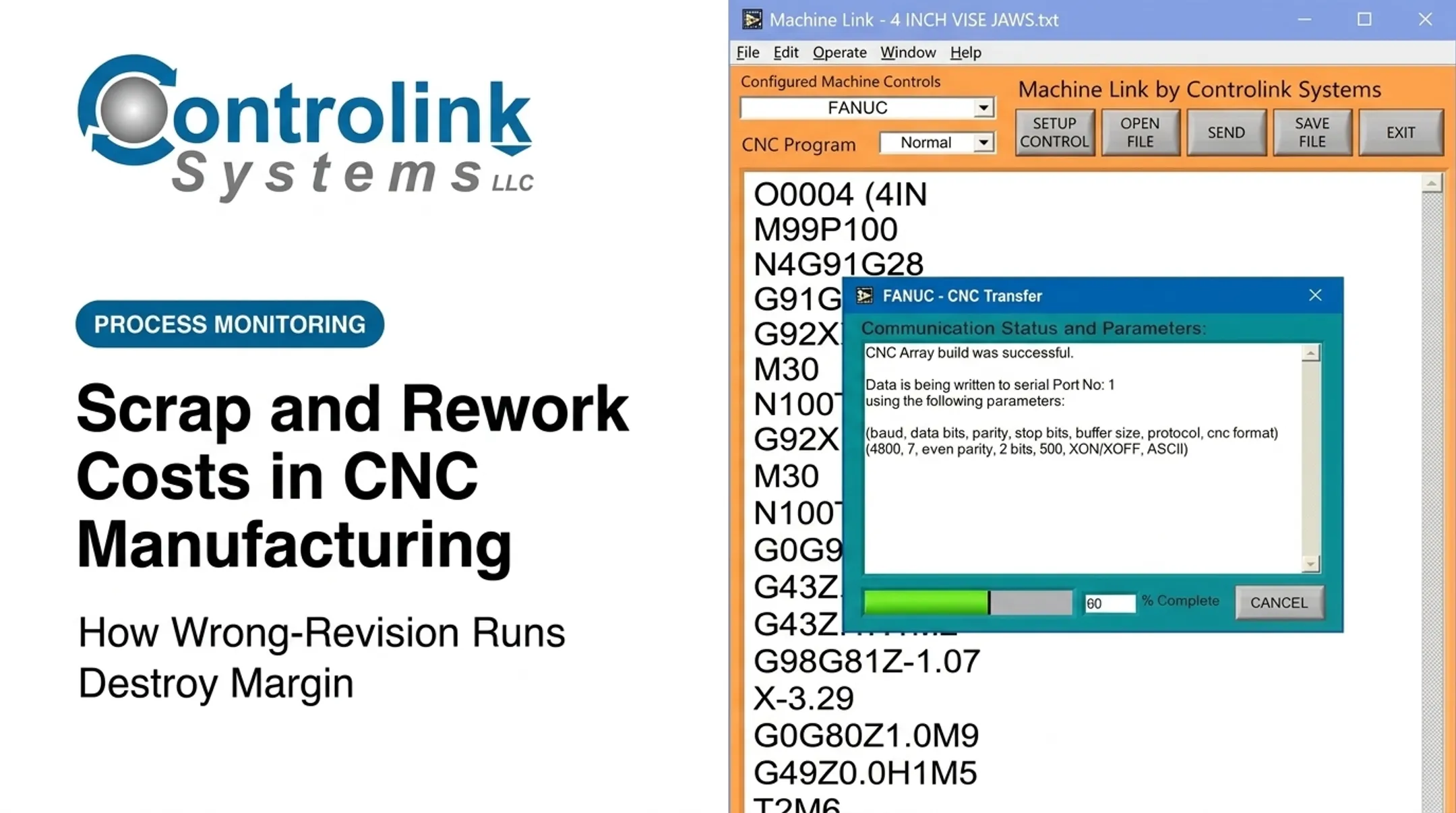
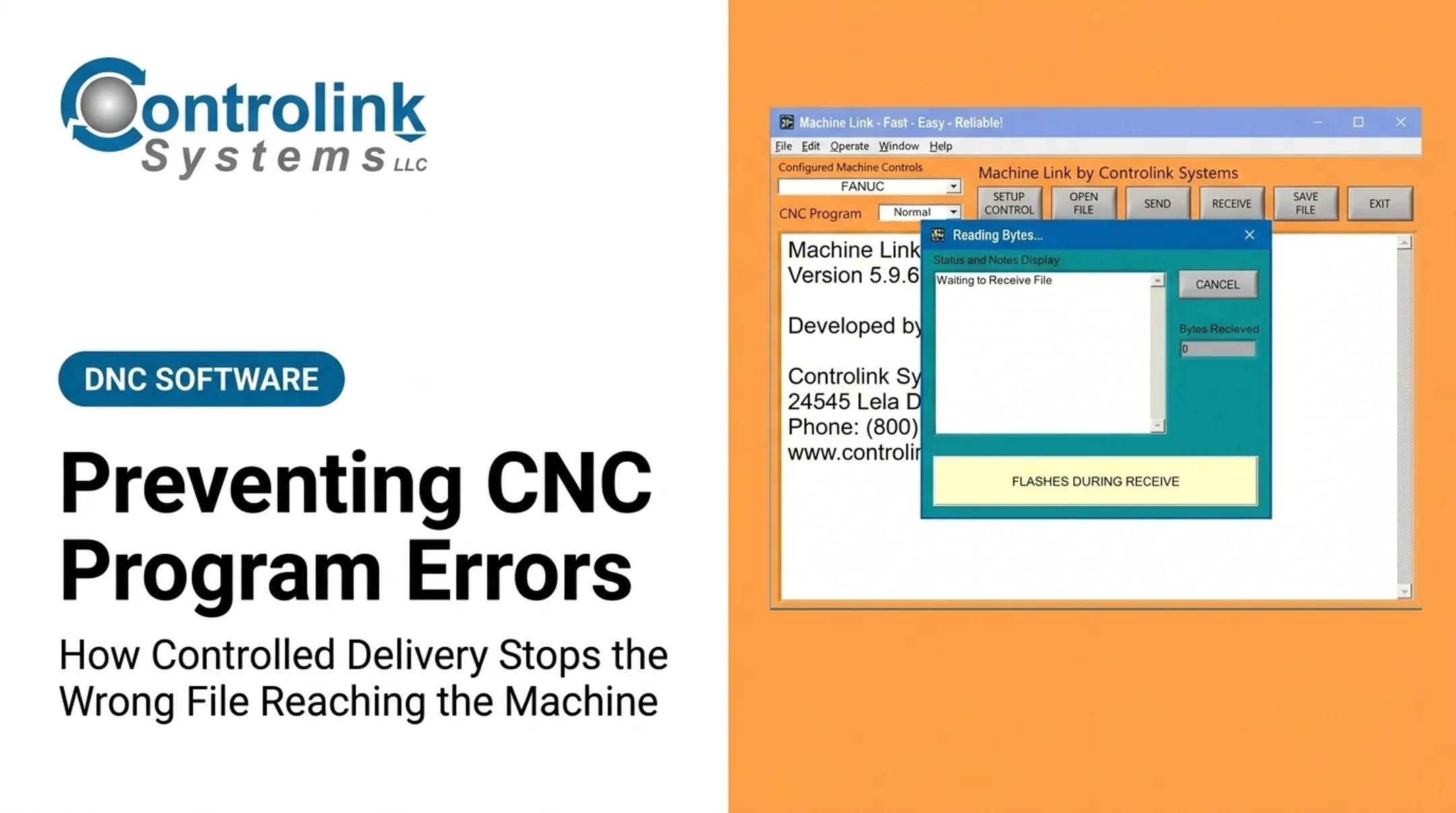
Structured DNC setup reduces that risk. With Machine Link™, each machine stores its name, COM port, baud rate, data bits, stop bits, and parity so transfers aren't left to memory or guesswork.

Operator, Setup, and Workflow Mistakes
Rushed changeovers, incomplete job travelers, and weak shift handoffs make wrong-file errors more likely. An operator coming off a rush job may assume the next setup uses a similar program, load on that assumption, and never double-check.
The same failure shows up as a setup mismatch: the correct program with the wrong fixture, tool list, work offset, or material. The file can be right and the job can still go sideways.
What Happens If the Wrong Program Is Ignored or Run
Severity depends entirely on how different the loaded program is from the intended job, and whether the mismatch gets caught during loading, dry run, first-piece inspection, or full cutting. A control alarm that stops execution is the best-case outcome. A valid program that runs to completion while producing the wrong part, or worse, driving into a fixture, is the outcome nobody wants.
Production and Quality Costs
Scrap, rework, failed inspections, and traceability headaches are the immediate hits. A wrong-program run can also contaminate work-in-process, mixing parts from different jobs or revisions in ways that are hard to untangle later.
The financial scale of downtime and defects across manufacturing is well documented. NIST's 2024 Annual Report on the U.S. Manufacturing Economy puts downtime at 8.3% of planned production time, totaling $245 billion in discrete manufacturing. That figure covers all downtime causes, not wrong-program incidents specifically, but it shows how quickly unplanned stoppages compound at scale.

At Sharn Enterprises, Greg Scheldberg described cutting a task that used to eat about thirty minutes down to seconds after switching to Machine Link™. That's the kind of time recovered when file handling stops being a manual, error-prone step.
Equipment, Tooling, and Safety Consequences
An incorrect toolpath doesn't know it's wrong. It will contact a fixture, workpiece, tool, probe, spindle, or machine structure exactly as commanded, whether that command is correct or not.
If a collision is suspected, the response matters as much as the prevention:
- Stop the machine immediately. Don't attempt to "just reload another file" and continue.
- Follow lockout/tagout procedures. OSHA's 29 CFR 1910.147 requires the machine to be isolated and locked out before inspection or service.
- Report the incident. Document what happened, even if nobody was hurt. OSHA treats near misses as valuable indicators of program or workflow gaps, not just a box to check.
- Inspect before restarting. Confirm the spindle, tool, workholding, and machine structure are undamaged.
Warning Signs You May Have the Wrong Program
Catching the mismatch early is almost always cheaper than catching it late. Watch for:
- An unexpected program number, part name, or revision on the control display
- Tool calls that don't match the setup sheet
- Unfamiliar first moves during prove-out
- Incorrect stock boundaries or unexpected units (inch versus metric)
- Movement toward a fixture that doesn't match the workholding on the table
Treat any mismatch between the job traveler, setup sheet, and loaded file as a stop condition. Don't proceed without supervisor or engineering confirmation.
How to Prevent the Wrong CNC Program from Loading
There's no single fix here. Preventing wrong-file incidents takes file governance, machine-side verification, operator discipline, and reliable communication working together.
Standardize Program Naming and Revision Control
A clear naming convention should identify the part number, operation, revision, and machine or controller requirement at a glance. Modern Machine Shop's review of common programming mistakes found that an insufficient or missing program header is one of the most frequent causes of confusion. A good header includes:
- Part name and number
- Revision level
- Operation number
- Storage/DNC location
Define one source of truth for released programs. Superseded revisions and temporary edits should get archived or removed, not left sitting in machine memory alongside the current version.
Verify the File Against the Job Before Execution
Before loading or cycling, compare the file to the job paperwork:
- Program name and revision
- Part number and operation
- Setup sheet, tool list, material, and workholding
For new, revised, or unfamiliar programs, add a second-person check. Modern Machine Shop's guidance on program correctness verification recommends verification any time there's doubt about which version is current, not just for brand-new programs.
Use Simulation, Dry Runs, and Controlled Prove-Out
CAM simulation, backplot review, air cutting, and single-block operation all catch bad toolpath behavior. What they don't catch is a correctly-behaving toolpath running from the wrong file. Simulation confirms motion; it doesn't confirm file identity. Both checks are needed, not one instead of the other.

Improve File Transfer and DNC Controls
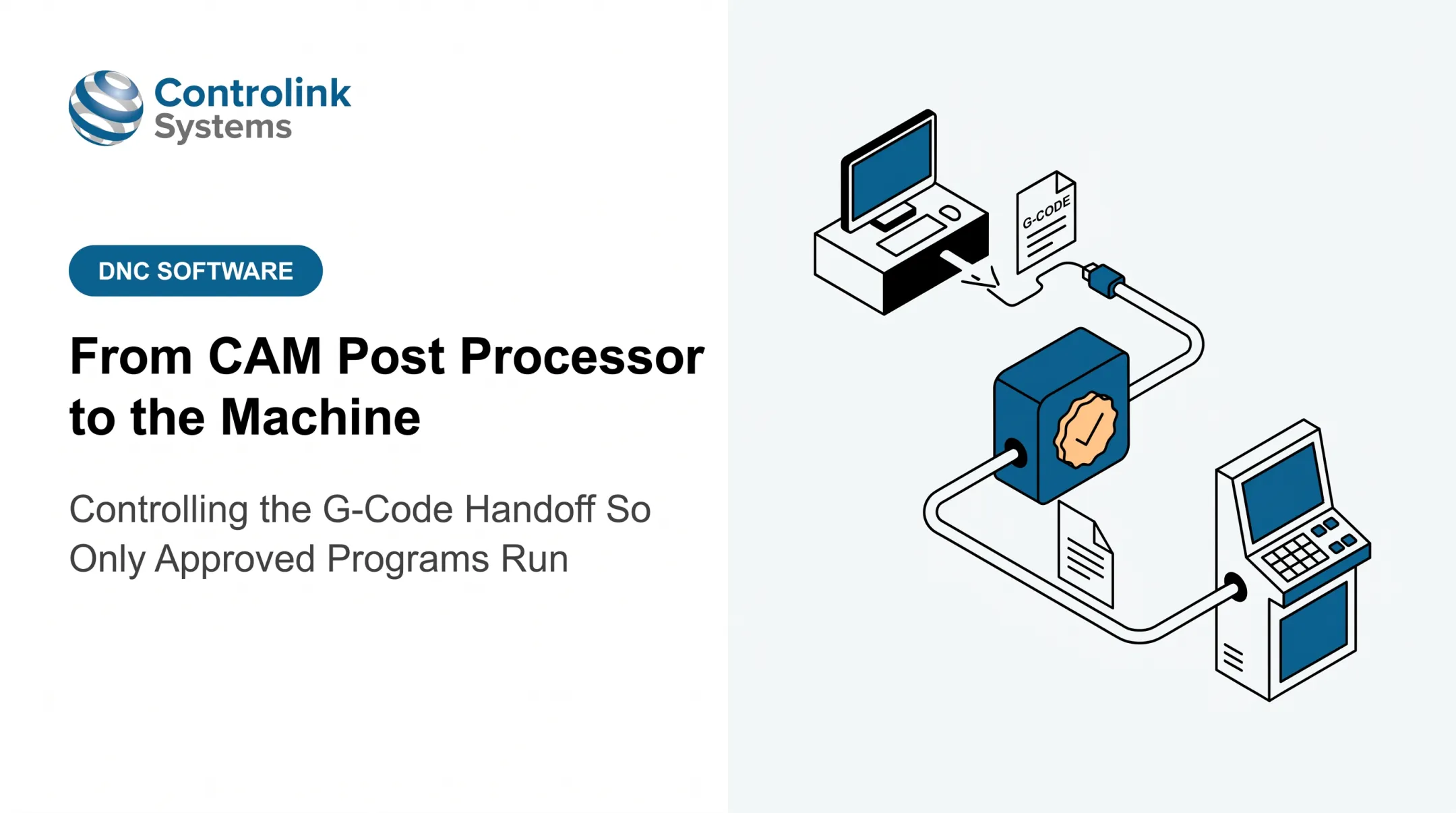
A controlled CNC/DNC communication workflow removes much of the manual selection risk baked into USB transfers and shared folders. Controlink Systems LLC has built CNC/DNC communication and shop-floor automation software since 1998. Its tools pull programs from a central library so machinists run the engineering-approved file rather than a local copy.
Machine Link™ QUICK Serve, for instance, lets operators request files at the machine control and serves the program from that central library, with no walk to a shop PC. At Snavely's Machine, more than 30 CNC machine tools span 10 control types with roughly 40 operators. Selecting the correct program for the correct machine was difficult to manage manually before file distribution was centralized.
Ametek, Inc. also uses an engineering review step: corrected programs are temporarily held in an engineering folder before being moved into the live program library, so edited files don't quietly become the "current" version without review.
One caveat: DNC distribution controls access, but it doesn't replace human verification. The system's value depends on how well versioning, approval, and machine-routing are actually configured and maintained.
Tips for Long-Term Prevention and Control
Preventing wrong-program incidents isn't a one-time fix. It's an ongoing check against drift in file libraries, machine memory, and shop habits.
- Audit program libraries regularly. Check shared folders, DNC destinations, and machine memory for obsolete revisions that should have been archived.
- Train on the vocabulary. Operators and programmers should distinguish program numbers, filenames, revisions, and machine-specific posts—use real look-alike files in training, not hypotheticals.
- Keep travelers and setup sheets aligned. Standardized job travelers, tool lists, and sign-offs keep the physical setup, the file, and the engineering instructions pointing at the same job.
- Track incidents, not just outcomes. Log near misses, wrong-file events, scrap, and downtime as distinct events—not only as general downtime.
Patterns in that log usually point straight to the weak spot, whether it's a naming convention, a shift-handoff gap, or a transfer method that needs tightening. APQC's scrap and rework benchmarking treats scrap cost as a core part of cost of poor quality, so track it as its own KPI.
Conclusion
Loading the wrong CNC program is rarely bad luck. It's almost always a preventable gap in file identity, revision status, transfer method, or setup verification. The lasting fix is a system: consistent naming, controlled revisions, job-to-file checks, disciplined prove-out, and dependable CNC/DNC communication.
Before the next file gets loaded on your floor, review where your current process actually breaks down.
Frequently Asked Questions
What are canned cycles in CNC programming?
Canned cycles are predefined G-code routines for repeated operations like drilling, tapping, or boring. They simplify programming, but the same wrong-program risks apply if the file containing them is the wrong revision or wrong job.
What do CNC machine error codes mean?
Error codes flag conditions the controller detects, such as invalid commands, limit violations, or hardware faults. A wrong but syntactically valid program can run to completion without triggering any alarm at all.
Why does a CNC machine load the wrong program?
The most common causes are ambiguous filenames, outdated or uncontrolled revisions, manual transfer mistakes, incorrect machine destinations, and operator or shift-handoff errors. It's almost always a workflow issue, not a machine fault.
How can you prevent operators from selecting the wrong CNC program?
Standardize filenames, maintain one controlled location for released programs, and require job-to-file verification before every cycle start. Add a second-person check for new or high-risk jobs.
What should you do if the wrong CNC program is loaded?
Stop before execution if possible, confirm the machine's state, and compare the loaded file against the job traveler and setup sheet. Notify the responsible supervisor or engineer and document any suspected impact.
Can DNC software help prevent the wrong CNC program from being used?
DNC software supports controlled distribution of approved files and reduces manual selection errors. Its effectiveness still depends on proper configuration, revision governance, and operator verification at the machine.