Introduction
An engineer approves a CNC program revision in the product-data system on Tuesday morning. By Tuesday afternoon, a machinist three buildings away is still running last month's version because nobody told the machine.
This gap is common in shops that treat PLM and PDM as the finish line for program control. PLM and PDM manage product definitions, documents, revisions, and engineering workflows — but they don't automatically deliver a file to a specific machine control, confirm it has loaded, or track who ran what.
That's the job of CNC/DNC delivery: the operational last mile between an approved file sitting in a database and the correct program running at a specific machine tool.
This article maps that boundary. We'll walk through the roles of CAD/CAM, PLM, PDM, ERP, MES, DNC, and the CNC control itself, and show exactly where engineering data control ends and machine-level delivery has to take over.
Key Takeaways
- PLM governs lifecycle processes and cross-functional data; PDM focuses on controlled files, CAD data, and revisions
- Neither system completes machine-level delivery, validation, or operator-facing execution on its own
- DNC and shop-floor connectivity bridge approved programs to specific machines with traceability and feedback
- Governed handoffs beat email attachments, shared folders, or USB drives every time
PLM, PDM, and the Manufacturing Systems Around Them
CIMdata defines Product Lifecycle Management (PLM) as a strategic business approach for collaborative creation, management, and use of product-definition information across the extended enterprise. It covers the full span from initial concept through end of life, and is built for governance, compliance, and cross-functional collaboration.
Product Data Management (PDM) is narrower by design. PDM handles the controlled files: CAD drawings, specifications, metadata, versions, and access permissions. CIMdata's glossary frames PDM around controlled checkout, restricted access, and preventing simultaneous conflicting changes, protecting data integrity at the file level.
PDM typically supplies the controlled product-data layer PLM builds on. PLM then extends governance into requirements management, manufacturing processes, quality, and service workflows.
Where CAD/CAM, ERP, and MES Fit
A few adjacent systems round out the picture:
- CAD creates or edits the design itself
- CAM translates manufacturing intent and machining parameters into an actual CNC program
- ERP sits at what ISA-95 calls Level 4: business planning, purchasing, costing, and scheduling
- MES operates at Level 3, coordinating and recording what actually happens during production
None of these systems, individually or together, necessarily controls how a finished CNC program gets distributed and used at a specific machine. That's a distinct responsibility.
| System | Typical System of Record |
|---|---|
| CAD/PDM | Design files, engineering revisions |
| ERP | Production transactions, costing |
| MES | Work instructions, execution context |
| DNC/Shop-floor | CNC program delivery, machine execution |
Where PLM and PDM End — and Machine-Level CNC Program Delivery Begins
Here's the handoff point that trips up a lot of shops: PLM and PDM can release and govern the approved file. They cannot guarantee it reaches the correct machine, controller, and operator.
Storing a revision correctly is not the same as:
- Selecting the machine-compatible version of that file
- Transmitting it over the right communication method
- Loading it into the specific control
- Confirming that's actually what got run
That gap exists because enterprise systems typically don't own machine-level context:
- Controller type and communications protocol
- Program format and workholding setup
- Tool offsets
- Operator permissions for which programs can be loaded
A Representative Handoff Sequence
A CNC program's real journey looks something like this:
- CAM generates the toolpath and post-processed program
- Engineering or manufacturing approves and releases it
- The file gets routed to the correct machine via DNC
- The file transfers to the control and the operator confirms
- Execution happens, and feedback returns upstream

Break any link in that chain, and revision control gets murky fast. Manual USB transfers, local hard drives, and untracked shared folders are common failure points.
NIST's guidance on portable storage media in OT environments flags exactly this: physically moving files in and out of production systems introduces risk that procedural and technical controls are meant to reduce.
The practical takeaway: PLM/PDM remains the authority for the product and program record. DNC and shop-floor connectivity provide the controlled operational delivery that gets the right file to the right machine — reliably, and with a record of what happened.
What Controlled CNC Program Delivery Must Handle at the Machine
Getting a file "to the shop floor" isn't the same as getting it correctly loaded and confirmed at a specific control. A few things have to be true every time.
Program Identity and Revision Assurance
The delivery workflow needs to make it obvious which file, revision, and approval state is being sent. It also needs to stop an obsolete file from getting selected by accident. Controlink Systems' Machine Link™ QUICK Serve returns the latest engineering-approved file directly to the machine tool control, so machinists don't have to track which version is current.
Machine and Controller Compatibility
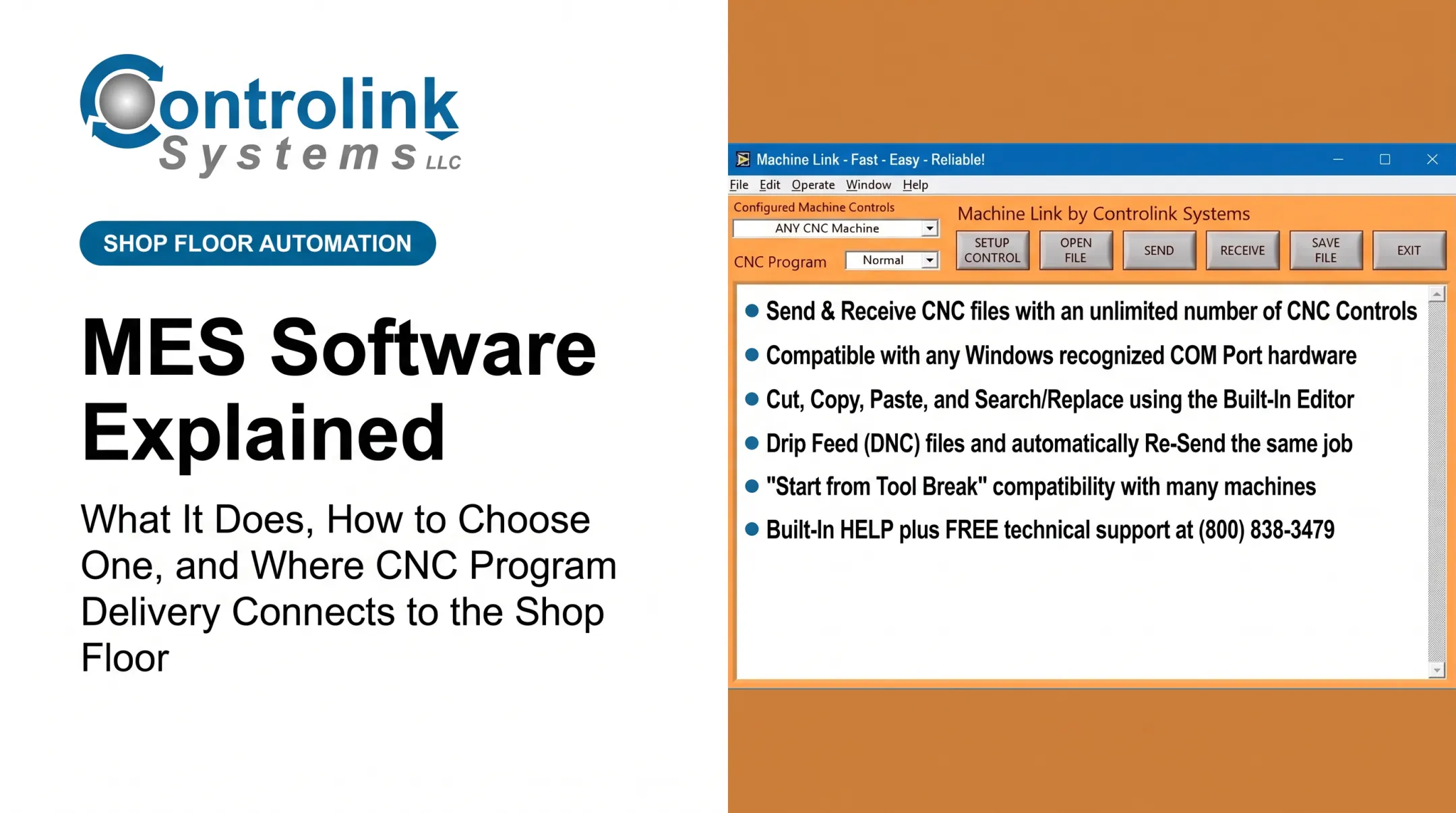
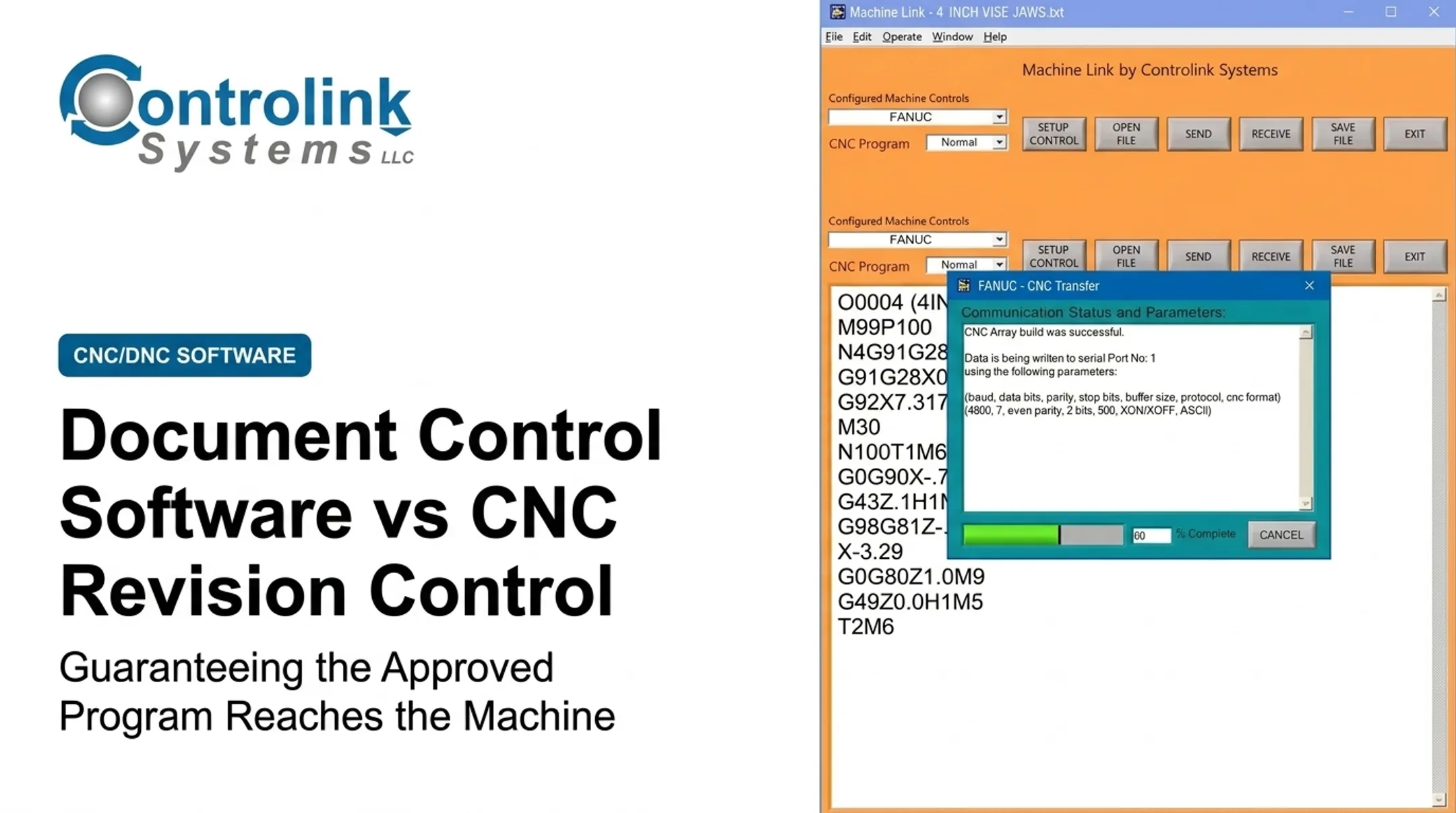
Shops rarely run one controller type. Communication protocols, program naming conventions, and control memory limits all vary by machine. Controlink's Machine Link™ platform, for example, supports ASCII, ISO, and EIA character sets over standard RS-232 serial communications. It can be configured for an unlimited number of distinct machine controls, each with its own communication parameters.
Access, Auditability, and Feedback
A controlled delivery process should also address:
- Role-based access: who can select and send which programs
- Machine-specific routing: the file goes to the intended control, not "a" control
- Traceability: who released, transferred, and ran the program, and when
- Exception handling: what happens on a transfer failure or interrupted communication
Machine Link™ QUICK Serve, for instance, lets machine-side edits get routed directly back to engineering for review, instead of quietly becoming the new "unofficial" version at the machine.
These requirements show up on real shop floors every day. Modern Machine Shop's coverage of DNC systems notes that the core DNC requirement is getting the program to the machine without interruption or loss of data integrity. That sounds like a low bar, but a surprising number of shops still miss it with manual transfer methods.
How the Digital Thread Connects Engineering Data to the CNC Control
A digital thread isn't a single database. NIST defines it as an extensible, multi-directional integration of authoritative technical data and information across a product's entire lifecycle, capturing not just files, but the decisions behind them. Applied to CNC programs, that means treating each program as a controlled derivative, not a standalone file. It should carry links back to:
- The source design and CAM process that generated it
- Its approval and revision history
- The specific machine it's assigned to
- The production record of when and where it ran
Feedback Has to Flow Both Ways
A one-directional thread (engineering pushes files down, nothing comes back) misses half the value. Machine status, execution records, and quality findings need a path back to manufacturing engineering or quality workflows. Snavely's Machine runs 30-plus CNC machines across 10 different control types with roughly 40 operators. The shop deployed Machine Link™ specifically to solve the "right program, right machine" problem at that scale. That kind of environment is exactly where an informal thread (a spreadsheet, some sticky notes, tribal knowledge) breaks down fastest.

A Practical Architecture for PLM, PDM, CAM, ERP, MES, DNC, and CNC
Put together, a coherent system architecture looks like this:
- CAD/PDM — owns design data and engineering revisions
- CAM — generates toolpaths and post-processed programs
- PLM — governs lifecycle status and release approval
- ERP — manages business and production transactions
- MES — provides execution context and work instructions
- DNC — delivers the controlled program to the correct machine
- CNC control — executes the program
Smaller shops often collapse several of these roles into fewer tools, or even one person's judgment. That's fine, but the responsibilities still need clear ownership. Duplicate records and conflicting revisions happen when nobody's defined who's authoritative for what.
What to Evaluate
Before connecting these pieces, check for:
- API or database connectivity between systems
- Metadata exchange (not just file copies)
- Authentication and machine-protocol support
- Event logging and error recovery
Integration should preserve authoritative status and revision data, not just copy files to another location with no return path. A file dropped into a folder with no link back to its source record isn't integration. It's just a second, disconnected copy.
Implementation and System-Selection Checklist
Before selecting or reconfiguring software, map your current state honestly.
- Document the real flow: where programs are created, approved, stored, edited, transferred, and archived, including the manual workarounds nobody talks about
- Assign ownership: who approves changes (engineering, quality) versus who delivers programs (programming, IT/OT, supervisors)
- Audit the machine floor first: controller diversity, legacy equipment, network limits, and operator workflow all shape what's realistic
- Set acceptance criteria: revision control, traceability, transfer reliability, and integration with existing PLM/PDM or ERP tools

Controlink Systems has spent over 25 years on this last-mile connectivity problem. The company links machine controls, databases, and operator-facing interfaces on shop floors that run everything from single machines to fleets with a dozen different control types.
That focus matters when you evaluate whether a broader PLM/PDM investment needs a dedicated delivery layer underneath it.
Roll Out in Phases
Rather than a full-floor switch:
- Start with a representative group of machines and programs so you can learn without disrupting production
- Validate technical integration and transfer reliability under real shop conditions
- Check user adoption and how exceptions get handled before you scale the process
- Confirm governance works in practice, then expand shop-wide
Frequently Asked Questions
What is PLM in software?
PLM is the management of product information, workflows, collaboration, and decisions across a product's full lifecycle, from initial concept through design, manufacturing, service, and eventual retirement.
What's the difference between ERP and PLM?
PLM governs product definitions and lifecycle changes; ERP manages business transactions like purchasing, inventory, costing, and finance. The two systems commonly exchange controlled data but serve different purposes.
What is a digital thread?
A digital thread is a connected, traceable flow of trusted product and process information across engineering, manufacturing, quality, and related systems. It is a linked information path across systems, not one file or database.
What is PDM in software?
PDM is the controlled management of product data such as CAD files, drawings, metadata, versions, and permissions. It often serves as the data foundation that broader PLM systems build on.
How do CAD and PDM work together?
CAD is the tool used to create engineering designs. PDM organizes, secures, and version-controls those CAD files and related data, but neither one typically handles final CNC program delivery to a machine.