Introduction
Yes, USB drives are allowed under CMMC Level 2. But that answer hides the real problem: most USB drives sitting in machine shop desk drawers today wouldn't survive a control review.
If you run a defense manufacturer or CNC shop, you've probably moved an engineering file from an office PC to a machine controller on a thumb drive at least once this month. What matters on assessment day is whether you can prove, in writing, that every transfer was authorized, encrypted, traceable, and handled inside your CMMC assessment boundary.
Ordinary consumer drives rarely clear that bar. Unencrypted storage, unknown ownership, and undocumented transfers create failures across Media Protection, Access Control, and Audit and Accountability requirements in one sweep.
This article breaks down what CMMC Level 2 actually requires for removable media and why common USB habits fail assessment. It also shows how to build a defensible workflow, whether that means banning thumb drives entirely or managing a small set of approved ones.
Key Takeaways
- CMMC compliance hinges on the full process around a USB drive, not a password or an encryption toggle
- Approved media needs a named owner, an approved-system list, transport protection, and a sanitization plan
- Banning removable storage works for some shops, but legacy CNC equipment often needs a controlled exception instead
- Verify current CMMC and NIST SP 800-171 control numbers yourself; don't trust a vendor's "CMMC compliant" label
What CMMC Level 2 Requires for Removable Media
CMMC, NIST SP 800-171, and Your Assessment Boundary
CMMC Level 2 is built directly on NIST SP 800-171. The current CMMC Assessment Guide – Level 2, Version 2.13 (September 2024) still uses practice identifiers drawn from NIST SP 800-171 Revision 2, such as MP.L2-3.8.7 and AC.L2-3.1.21.
Here's the wrinkle. NIST published Revision 3 of SP 800-171 in May 2024, and it renumbers controls into a 03.xx.xx format—Media Protection becomes Family 03.08.
As of this writing, the official CMMC guide hasn't caught up. Check whichever version applies to your active contract before you finalize policy language.
Every removable-media control applies only inside your defined CMMC assessment boundary: the systems, facilities, and people that touch CUI. A USB drive that never enters that boundary stays out of scope. One that does is exactly the scenario these controls cover.
What Counts as Removable Media
Removable or portable storage media includes:
- USB flash drives and thumb drives
- External hard drives and portable SSDs
- CDs, DVDs, and similar optical media
- SD cards and other memory cards used for file transfer
Ordinary USB peripherals—keyboards, mice, and webcams—don't fall under these requirements. The ability to store and move CUI triggers Media Protection obligations, not the connector itself.
The Core Questions These Controls Answer
Level 2's removable-media requirements boil down to five operational questions:
- Who owns the device? Unidentified ownership alone can fail a control.
- Who approved it for use? Approval has to be documented, not assumed.
- Which systems can it touch? Clearance for internal machines doesn't extend to a partner's laptop.
- Can you show what data moved and when? Without records, "we transferred the file" isn't audit evidence.
- What happens if it's lost? A missing device with no documented response is its own finding.
| Current CMMC identifier (Rev 2-based) | Rev 3 direction | Subject |
|---|---|---|
| MP.L2-3.8.7 | 03.08.07 (Media Use) | Control removable media; ban media with no identifiable owner |
| MP.L2-3.8.8 | Folded into 03.08.07 | Was a standalone "no identifiable owner" rule |
| MP.L2-3.8.9 | 03.08.09 | Protect confidentiality of backup CUI |
| AC.L2-3.1.21 | Renumbered in Access Control | Limit portable storage use on external systems |
Why Ordinary USB Drives Fail CMMC Level 2 Media Protection Controls
A ten-dollar consumer flash drive fails a control review the moment you look closely. It's unencrypted, has no identifiable owner, isn't inventoried, plugs into any host, and has no documented approval or handling procedure. That's five problems from one cheap device.
Six Failures Hiding in One File Transfer
One informal transfer—an engineer copying a drawing to a personal drive—can trigger all of these at once:
- Unauthorized media use under MP.L2-3.8.7
- CUI exposure during transport if the file isn't encrypted
- Undocumented use on an external system, which AC.L2-3.1.21 is meant to limit
- Missing CUI markings on the media or file
- No audit trail showing what left the network, when, or with whom
- Improper disposal, since nobody sanitized the drive afterward

Encryption Isn't the Same as Compliance
A password prompt on a retail thumb drive doesn't establish approved cryptography, secure key management, device authorization, or policy enforcement. Those are four separate things. A drive can be "password protected" and still fail every one of them.
If your contract requires FIPS-validated cryptography, that means a specific, tested module, not a manufacturer's marketing claim of "military-grade encryption." A sticker on the packaging isn't a validation certificate.
Blocking Unknown Devices Isn't Enough
Endpoint policies that block unrecognized USB devices genuinely reduce risk. But blocking alone doesn't cover the rest of the control set:
- Build an approved-device inventory or assign ownership
- Authorize specific users
- Generate transfer records
- Label media, train staff, and document sanitization
It's one control among many, not a substitute for the rest.
A Familiar Shop-Floor Scenario
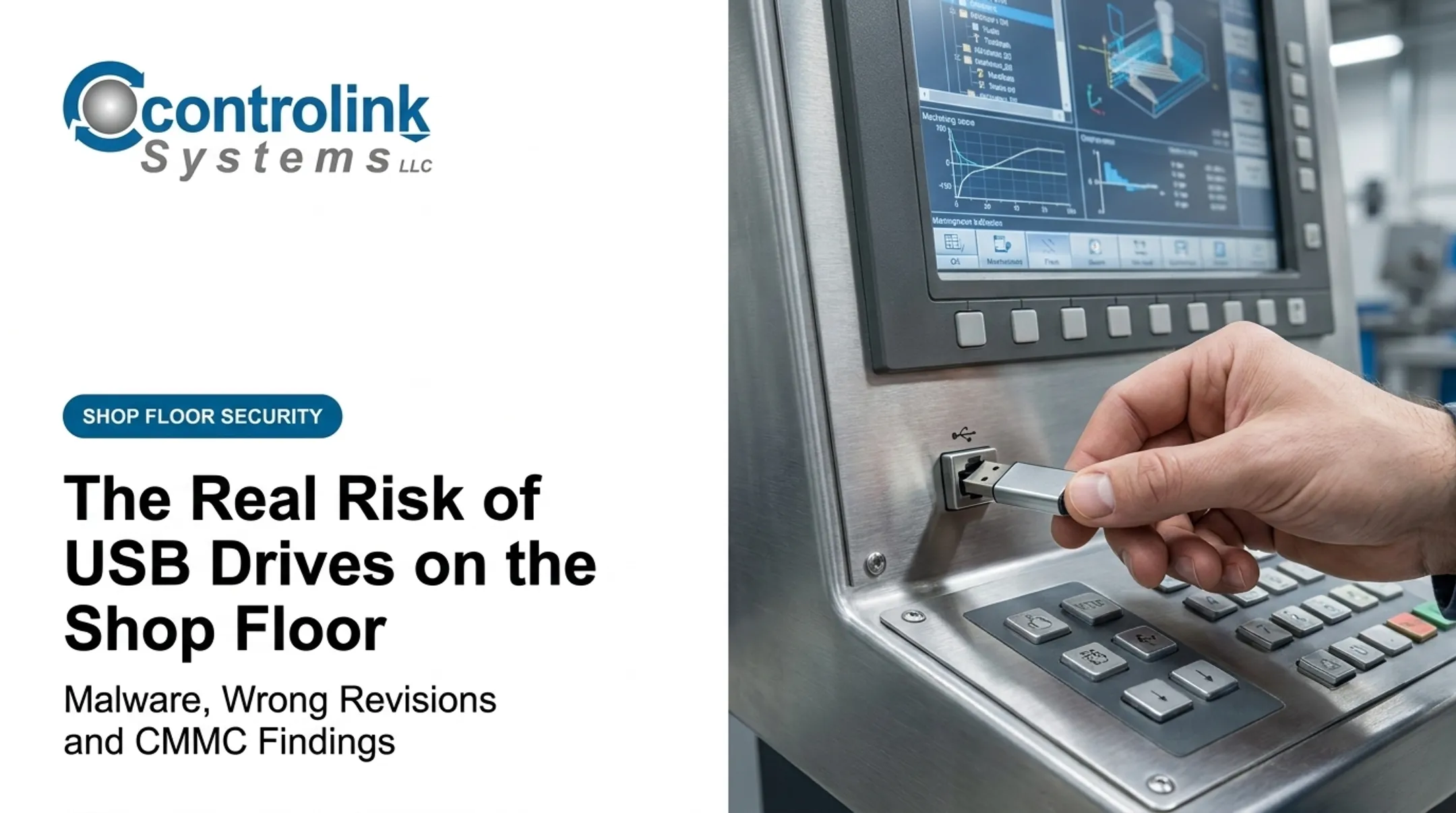
Picture a machinist copying an engineering-approved G-code file to a personal thumb drive because the CNC controller sits on a disconnected network segment. They walk it across the shop, load the file, and bring the drive back to their desk. No log entry. No custody record. No confirmation the file loaded correctly or that nothing else left with it.
Nothing here says every CNC file transfer is prohibited. It says an undocumented one can't be defended in an assessment, because there's no evidence connecting the device, the user, the data, and the system it touched.
What a Defensible CMMC-Compliant USB Workflow Looks Like
Two Strategic Options
Organizations generally choose one of two paths:
- Prohibit removable storage entirely where business operations allow it, relying on network transfers instead.
- Build a documented exception process for organization-owned devices needed for manufacturing, field service, or isolated systems. Neither option is inherently more correct. A shop with modern, networked CNC controllers may prohibit USB use outright. A shop running legacy or air-gapped equipment often can't.
The Approved-Device Lifecycle
If you allow exceptions, each device needs a documented lifecycle:

- Request and business justification
- Security review before approval
- Unique inventory record and asset tag
- Named custodian responsible for the device
- Approved system list defining where it may be used
- Configuration to organizational standards
- Issuance with signed acknowledgment
- Return and condition check
- Incident reporting if lost or compromised
- Sanitization before reuse or disposal
Technical Safeguards Worth Evaluating
Not every safeguard applies to every environment, but these are worth assessing:
- FIPS-validated cryptography where the contract requires it
- Encryption of CUI during transport, not just at rest
- Strong authentication before the device unlocks
- Lockout or wipe after repeated failed attempts
- Read-only or restricted modes for one-way transfers
- Endpoint allowlisting tied to serial numbers
- Centralized logging or management console
Hardware Encryption vs. Software Encryption
Hardware-encrypted drives keep keys on the device itself, which reduces host dependence but complicates recovery if the device fails. Software-managed encryption often integrates better with centralized policy and logging, but it depends on the host system being configured correctly every time. Neither approach is universally superior. What matters to an assessor is the evidence trail: how keys are protected, how recovery works, and how the configuration is enforced.
External Systems and Legacy Equipment
An approved USB drive doesn't automatically authorize use on an outside organization's computer or an unmanaged machine. That's a separate control question under AC.L2-3.1.21. For legacy or air-gapped CNC equipment that can't join the network, a documented transfer station—a single controlled, logged intermediary system—is often more defensible than letting any approved drive touch any machine.
Reducing Ad Hoc File Movement on the Shop Floor
This is where a lot of the informal USB habits actually start: engineering files that live on an office PC need to reach a CNC controller that isn't on the network. Controlink Systems' Machine Link™ QUICK Serve was built for that exact gap. It continuously scans machines for file requests over wired serial or wireless connections and serves the latest engineering-approved file directly to the control. Edits made at the machine route back to engineering for review. A single computer can service multiple machines this way, including older one-way controls that can't otherwise pull files from a network share. That kind of direct machine-to-machine communication reduces the number of times a file has to leave a managed system on a thumb drive in the first place. It doesn't replace your CMMC policy, though. Scope, configuration, and evidence collection still have to be defined and reviewed by you, or a qualified assessor, against your specific assessment boundary.
How to Prove Removable-Media Compliance During a CMMC Assessment
Evidence to Have Ready
Assessors work from documentation and observed behavior, not intentions. Have on hand:
- Removable-media and acceptable-use policies
- System Security Plan references to media handling
- Media inventory with ownership assignments
- Approval and exception records
- Configuration standards and settings
- User training records
- Incident reports involving lost or compromised media
- Sanitization or destruction documentation
Proving Controls Actually Work
Policy documents show intent. Assessors also want proof the controls function day to day:
- Endpoint policy settings
- Device allowlists
- Encryption validation records
- Access and transfer logs
- Periodic review records
No single log source covers every assessment objective. Plan for a few sources that corroborate each other.
"Encrypted" is not the same as "FIPS-validated." "Approved" is not the same as "authorized for every system." Documentation needs to connect the device, the user, the data, the system, and the policy, not just confirm that each piece exists in isolation.

Recurring Review Cycle
Set a schedule to catch drift before an assessor does:
- Stale devices unused or unchecked for months
- Unreturned media after employee departures
- Unauthorized connection attempts flagged by endpoint tools
- Expired exceptions that were never renewed or revoked
- System changes that alter what handles CUI
Test the workflow with real scenarios:
- Transferring a file to isolated equipment
- Recovering after a lost device
- A deliberately failed authentication attempt
- End-of-life sanitization
Most USB media doesn't support standardized sanitize commands. That is why NIST SP 800-88 Revision 2 recommends physical destruction over software erasure for most removable drives headed for disposal.
Practical CMMC Removable-Media Checklist
Before your next assessment, confirm:
Policy and authorization
- Have you decided to ban or formally authorize removable media?
- Is use on external systems explicitly restricted?
- Are exceptions logged and reviewed on a schedule?
Inventory and custody
- Is every approved device inventoried with a serial number?
- Does each device have a named custodian?
Technical controls
- Are unknown or unauthorized devices blocked at the endpoint?
- Is CUI encrypted during transport, not just at rest?
Handling and lifecycle
- Is media containing CUI labeled accordingly?
- Have users been trained on handling procedures?
- Is sanitization or destruction documented for retired devices?
Evaluating a Device Before Purchase
Before buying "secure" USB hardware, confirm:
- Applicable cryptographic validation, if your contract requires it
- Authentication model (PIN, biometric, or software key)
- Compatibility with your operating systems and shop-floor equipment
- Centralized management capabilities
- Vendor support lifecycle and firmware update policy
- Recovery process if the device locks or a password is lost
- Evidence the manufacturer actually provides, not just claims
Start by removing USB use wherever it isn't necessary. Then design and test controlled exceptions for the transfers you genuinely can't avoid, rather than tolerating informal "just this once" workarounds. Have a qualified CMMC professional review the final implementation before you rely on it.
Frequently Asked Questions
Are USB drives allowed under CMMC Level 2?
CMMC doesn't automatically prohibit every USB storage device. Approved use still has to meet controls for authorization, ownership, encryption, transport protection, external-system limits, labeling, monitoring, and sanitization.
Is Google Drive CMMC compliant?
Google Drive isn't automatically CMMC compliant. Compliance depends on the specific service configuration, your CUI environment, contract requirements, access controls, encryption, logging, and your defined assessment boundary.
How do I know if my USB is encrypted?
Check the device's documented encryption design, authentication behavior, and any cryptographic validation on record. A password prompt or a generic "secure" marketing claim is not enough proof.
What CMMC controls apply to removable media?
Relevant controls address removable-media use, identifiable ownership, external-system restrictions, confidentiality during transport, media marking, and sanitization. Use the current CMMC Assessment Guide and NIST SP 800-171 for exact control IDs.
Does BitLocker make a USB drive CMMC compliant?
BitLocker can address part of an encryption requirement when properly configured. It doesn't by itself establish device authorization, ownership, external-system restrictions, inventory, logging, labeling, training, or sanitization.