Introduction
A CNC program lands in the machine's input buffer. But is it the right revision? Did engineering actually approve it? Was it built for that specific controller?
Many shops find out the hard way, usually after a part gets scrapped. Getting a file from one system to another and getting the correct, approved program onto the right machine are two different problems.
Preventable downtime and workflow gaps cost US manufacturers billions every year, including $18.1 billion in downtime attributed to reactive practices in 2016. Program-delivery mistakes belong in that same bucket of avoidable loss.
This article compares Managed File Transfer (MFT) platforms with purpose-built CNC/DNC delivery software. We'll cover security, workflow, final-mile machine connectivity, and where a combined architecture makes sense for engineering and shop-floor teams.
Key Takeaways
- MFT governs enterprise file exchange; purpose-built CNC/DNC delivery governs machine-tool execution
- Encryption and audit logs confirm a transfer happened, not that the program is approved or fits the machine
- Evaluate the full chain: approval, machine loading, operator access, revision updates, audit trail
- Many manufacturers pair enterprise MFT with dedicated CNC/DNC software for the final controlled handoff
MFT vs Purpose-Built CNC Delivery: Quick Comparison
Security and Governance
MFT platforms typically offer:
- Encryption in transit and at rest
- Authentication and access controls
- Audit logging
- Policy-based transfer workflows
Verify which of these your platform actually includes—capabilities vary widely by vendor.
Purpose-built CNC delivery needs a shop-floor layer on top of that:
- Shop-floor permissions
- Approved-program enforcement
- User accountability
- Protection against loading the wrong or outdated file
Workflow and Automation
MFT handles scheduled, triggered, and system-to-system transfers, complete with retries, notifications, and integration into ERP or MES environments.

CNC delivery software manages the engineering-to-machine workflow:
- Program retrieval or distribution
- Revision handling
- Operator interaction at the control
- Routing programs to the correct machine
Final-Mile Machine Connectivity
Here's the gap that trips up a lot of IT-led rollouts. A general MFT platform can deliver a file to a server, folder, or endpoint just fine. It has no concept of CNC controllers, machine protocols, tool offsets, program formats, or shop-floor conditions.
| Dimension | MFT | Purpose-Built CNC/DNC |
|---|---|---|
| Security focus | Encrypts and authenticates the transfer | Enforces program approval and machine-level permission |
| Automation | Scheduled or triggered enterprise transfers | Engineering-to-machine program routing and revision control |
| Endpoint | Server, folder, or application | Machine controller with status feedback |
Neither approach wins outright here. It comes down to whether your control problem sits upstream, in enterprise systems, or downstream, at the machine tool.
What Are MFT and Purpose-Built CNC Delivery?
What Is Managed File Transfer?
IBM defines MFT as a platform for reliably exchanging electronic data securely to meet compliance requirements. For manufacturers, that usually means moving CAD/CAM outputs, work instructions, quality records, supplier files, and ERP/MES exports between people, plants, and partners.
Core capabilities include:
- Encryption in transit and at rest
- Enterprise authentication and access controls
- Scheduling, automated retries, and delivery confirmation
- Centralized audit logs and file retention policies
MFT is built for repeatable, governed exchange across an organization's IT footprint. It is not built to confirm whether a file is the approved CNC revision or map that file to a specific machine controller.
Use Cases of MFT
Manufacturers lean on MFT when the exchange spans systems rather than machines:
- Enterprise-to-plant distribution of released engineering packages
- Plant-to-plant transfers between sister facilities
- Supplier and customer file exchange
- Cloud storage and ERP/MES synchronization
These are file-flow problems at their core: move data from point A to point B, confirm it arrived, and keep a record for compliance. That's a different problem than confirming a machinist loaded the correct part program.
What Is Purpose-Built CNC/DNC Delivery?
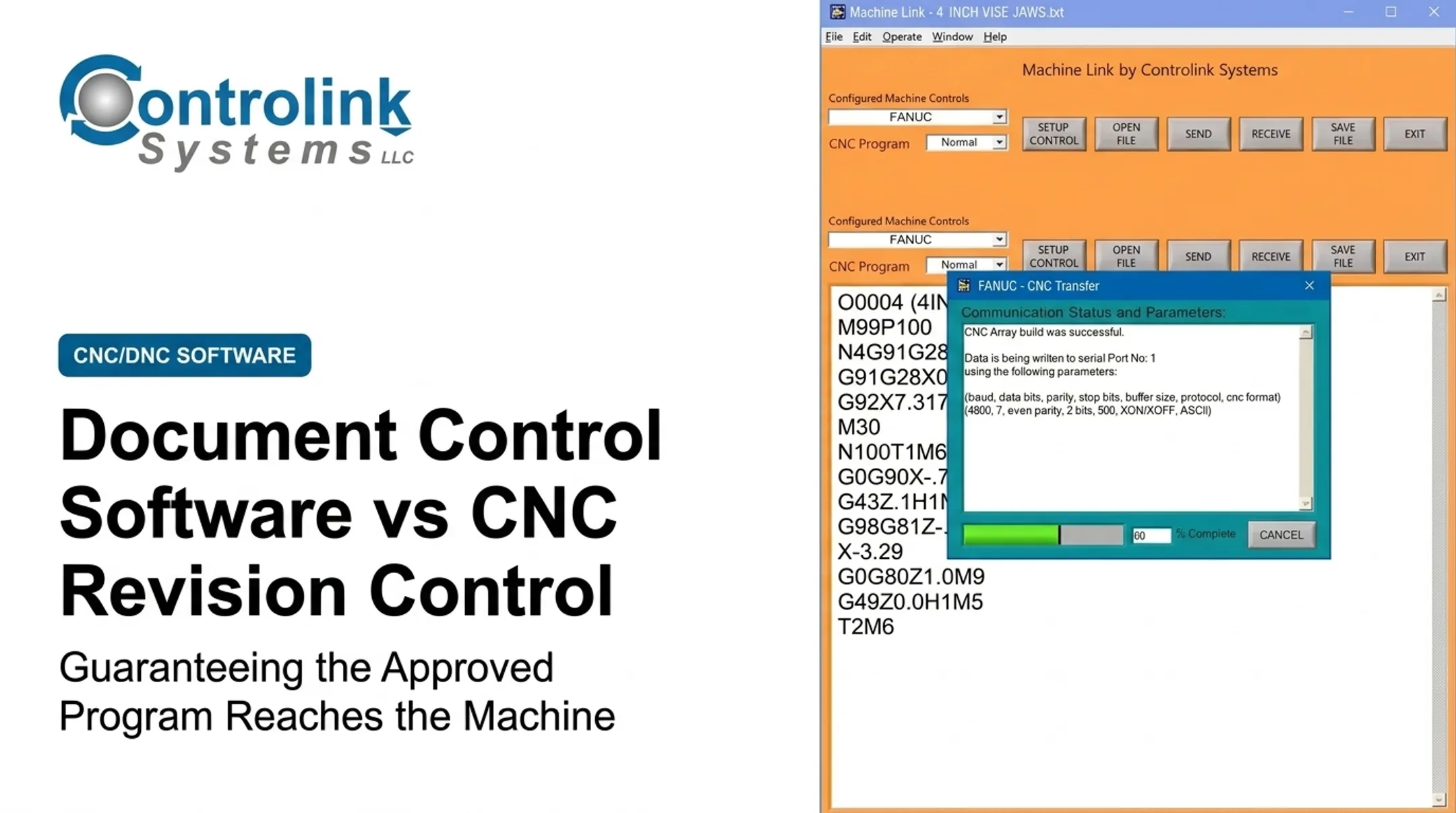
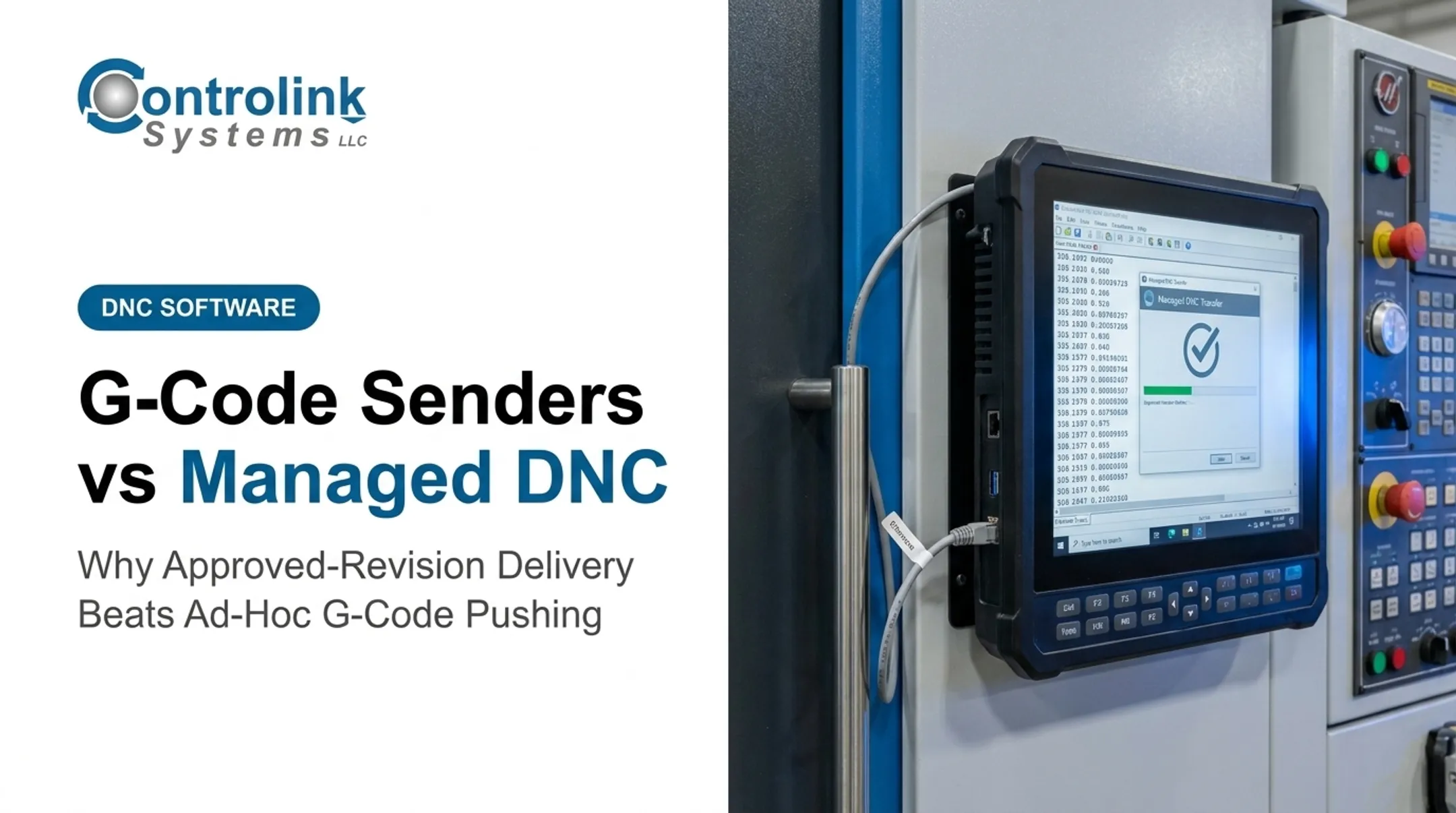
Purpose-built CNC/DNC delivery software moves, manages, and serves approved CNC programs between engineering, production systems, operators, and machine tools. Controlink Systems' Machine Link™ QUICK Serve continuously monitors CNC machines for remote file requests and serves the requested file directly to the machine tool control—so the operator never leaves the machine or touches a PC.
That's the real operational distinction: a file "delivered" to a folder isn't the same as a program "ready for use" at the control. The workflow still needs:
- Revision control and approval status
- Machine assignment and controller compatibility
- Operator permissions
- Confirmation the correct file actually reached the machine
Shops that close those gaps usually see:
- Fewer obsolete-program errors
- Less walking across the floor
- Lower scrap exposure
- More consistent machine utilization
Use Cases of Purpose-Built CNC/DNC Delivery
CNC/DNC delivery earns its place in shops running multiple machines, controllers, and revisions, where manual transfer becomes a real risk. Common environments include:
- High-precision mold manufacturing
- Automotive, aerospace, and defense
- Medical device production
- Industrial equipment manufacturing
Exact requirements still vary by machine type and quality system. At F.N. Sheppard and Co., a mold manufacturer in Erlanger, Kentucky, machinist Chris Wiesmann uses Machine Link™ to download very large program files and reports never having a problem with it.
At Ametek, Inc., programs corrected at the machine are temporarily saved to an Engineering folder for CNC engineer review before they enter the production library. That keeps ad-hoc floor edits from silently becoming the new standard.
MFT vs Purpose-Built CNC Delivery: What Is Better?
How to Decide: Factors That Matter
Start with the business problem, not the product category:
- Use MFT when the central need is secure, governed exchange across systems or organizations
- Consider CNC/DNC delivery when the central need is controlled program execution at the machine tool
Then assess your environment. Snavely's Machine runs more than 30 CNC machine tools across 10 different control types with 40 operators, a scale where manual file handling turns risky fast. Ask yourself:

- How many machines, controllers, and legacy systems are involved?
- How segmented is the network between engineering and the shop floor?
- How many people create, approve, release, and run programs?
Governance and shop-floor operations both shape the right fit:
- Governance: approval gates, revision history, role-based access, retention rules, and proof of which program reached which machine and when
- Operations: machine connectivity, program selection at the control, operator usability, and recovery when connectivity drops
Total cost needs the same scrutiny. Factor in:
- Licensing and implementation
- Network changes and training
- Ongoing administration
- Scrap or downtime from a weak workflow
Situational Recommendations
- MFT fits when the workflow is secure exchange between engineering, plants, suppliers, or cloud services—and the CNC machine isn't the endpoint
- CNC/DNC delivery fits when the main risk is getting the correct approved program to the correct machine and operator with minimal manual handling
- A combined architecture fits when MFT governs upstream or cross-site exchange while CNC/DNC software handles the final handoff and machine communication
Before committing, run through a quick checklist:
- Does it enforce approved-file status before a program loads?
- Does it track version and revision history?
- Is it compatible with your controllers?
- Does it connect directly to the machine, or just a folder?
- How deep is the audit trail?
- Can it recover from a failed or interrupted transfer?
- Is the operator workflow actually usable on the shop floor?
Don't choose based on protocol support or encryption checkboxes alone. Secure transport is necessary, but it doesn't solve production-control or machine-compatibility problems on its own.
Real-World Examples and Implementation Scenarios
Scenario 1 — Enterprise-to-shop transfer. MFT can securely move an engineering-approved package from a central system to a plant or controlled repository. From there, purpose-built CNC/DNC delivery takes over to complete the machine-side handoff: confirming the revision, matching it to the right controller, and serving it to the control.
Scenario 2 — Multi-machine shop. At Snavely's Machine, running 30-plus machines across 10 control types with 40 operators, Scott Cooper described the core challenge plainly: getting the right program to the right machine. Central program management, machine identification, and revision control directly address that exposure.
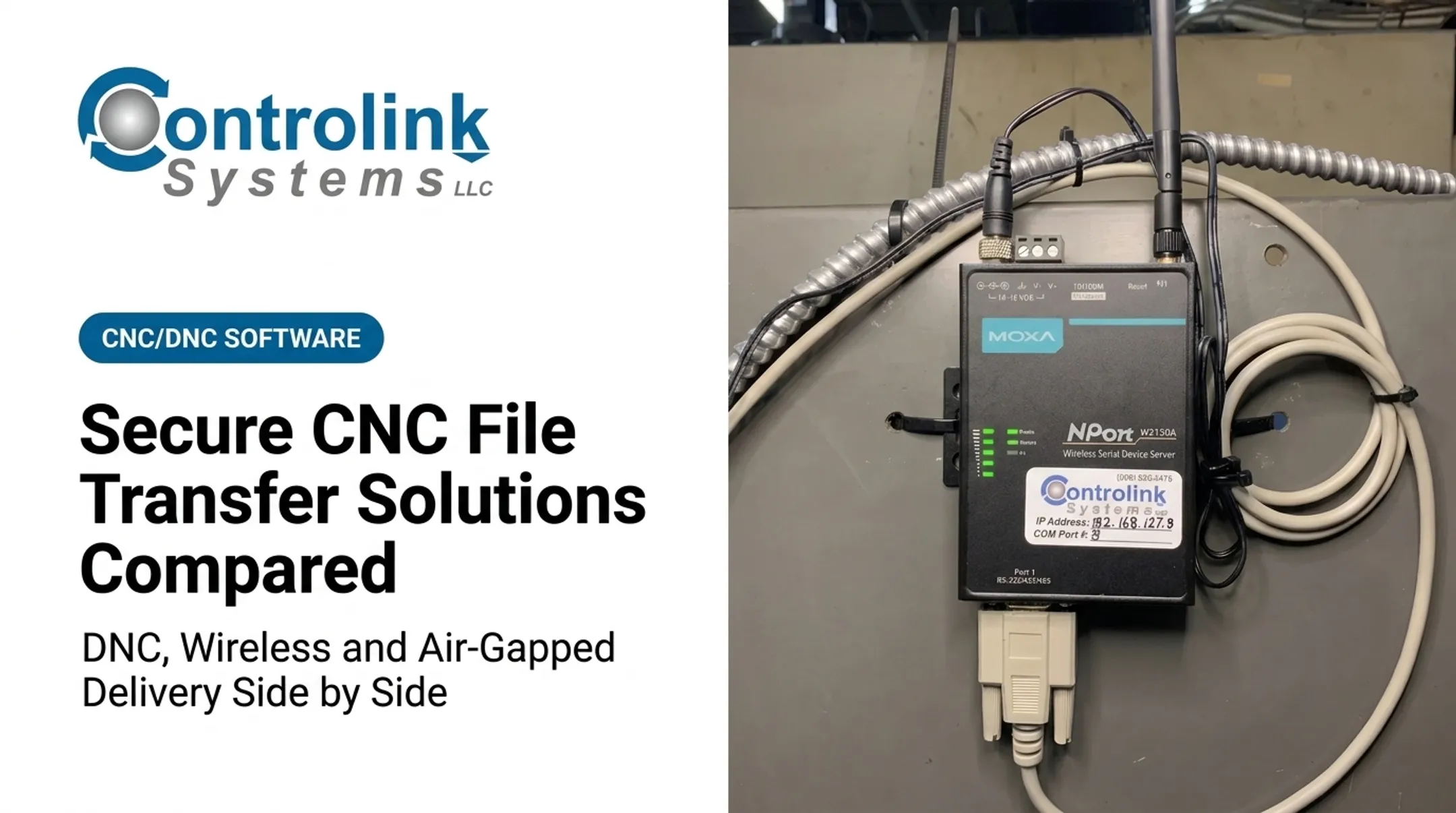
Scenario 3 — Legacy and mixed-controller environments. Older machines communicating over RS-232 serial don't speak the same language as Ethernet-based enterprise systems. Before selecting software, ask:
- What protocols and character sets does each controller support?
- Which machines need drip-feeding versus full file transfer?
- What's the actual physical connection at each machine, serial, Ethernet, or wireless?
Answer those questions well, and the shop-floor results can be substantial. A 2022 Shop Floor Automations case study on MOGAS is a clear example.
After implementing Predator DNC alongside DataXchange machine monitoring, MOGAS reported a 62.5% decrease in machine time, a 10% efficiency increase, and a 90% reduction in setup time. The combined investment was on track to pay for itself within a year.

Those gains reflect DNC plus monitoring together, not DNC alone. Still, they show the scale of improvement when program delivery and machine visibility work as one system.
If you're weighing CNC/DNC communications, shop-floor automation, or integration requirements for your own shop, Controlink Systems LLC has been building these systems since 1998 and can talk through what fits your machines and controllers.
Conclusion
MFT isn't automatically a replacement for purpose-built CNC delivery. CNC/DNC software also isn't a full substitute for enterprise-grade file governance. The right answer depends on where your control problem actually lives and what the final endpoint is.
Run this practical test on any architecture you're considering. Can it:
- Securely move the approved file
- Confirm approval status and revision
- Connect to the intended machine
- Support the operator at the control
- Leave a record of what happened at every step
If it can't do all five, you've found your gap.
Frequently Asked Questions
What is the difference between managed file transfer (MFT) and SFTP?
SFTP is an encrypted file-transfer protocol. MFT is a broader platform that can use SFTP among other protocols, adding automation, monitoring, retries, access controls, and audit trails. Neither one, on its own, confirms a CNC program is approved for a specific machine.
What are the best managed file transfer tools?
The best tool depends on your required protocols, deployment model, security controls, workflow automation, integration needs, and audit requirements. If you're evaluating one for CNC delivery, test whether it actually solves the final-mile machine workflow, not just the transfer.
What are the best secure file transfer services and apps?
Consumer file-sharing tools, secure transfer services, enterprise MFT, and purpose-built CNC/DNC systems all solve different problems. Assess each against approval controls, machine connectivity, access management, and recovery from failed transfers.
What is the most secure way to transfer files?
Combine encryption in transit and at rest, strong authentication, least-privilege access, integrity validation, and logging. Secure transport alone doesn't guarantee the machine receives the correct, approved CNC program version.
Is FTP still used today?
FTP still shows up in some legacy manufacturing environments, but it's unsuitable for sensitive program delivery without added protections. CISA’s 2024 guidance recommends disabling plaintext protocols like FTP in favor of SFTP, FTPS, HTTPS, MFT, or purpose-built CNC/DNC communications.
What is managed file transfer (MFT)?
MFT is software for moving files securely, reliably, and with full visibility between systems, users, sites, and partners. It differs from CNC/DNC delivery systems, which are purpose-built for controlled communication with machine tools rather than general enterprise exchange.