Smart factory adoption is accelerating fast enough that this gap is becoming harder to ignore. Rockwell Automation's 2024 State of Smart Manufacturing report, based on more than 1,500 manufacturers, found that 95% are now using or evaluating smart manufacturing technology, up from 84% just a year earlier.
But connecting machines and collecting data is only half the equation. A truly connected shop floor is one where a machine can identify its own job, pull the correct approved program, and report back what actually happened. This guide breaks down the architecture, the approval workflow, the controls involved, and where this approach makes the most sense.
Key Takeaways
- Link machines, people, engineering files, and production systems so decisions reach the floor with fewer manual handoffs.
- Treat program pull as controlled delivery: verify machine identity, part, revision, and approval status before release.
- Use industrial IoT and CNC/DNC software together; they solve different problems and are not substitutes.
- Pilot one machine group first; track program-search time, revision errors, and downtime, then expand.
What Is Smart Factory Software?
Smart factory software is the connected layer that ties together machines, CNC controls, sensors, databases, engineering systems, operators, and production workflows. Rather than a single product, it is the integration layer that lets those pieces exchange information and act on it.
Isolated machines and manually managed files make it nearly impossible to know which program is current, which one is approved, and which one is actually running in the spindle right now.
What smart factory software is not:
- A single MES platform: MES manages operations, but it is only one layer in the stack
- A standalone DNC file server: file transfer alone does not verify approval status
- An IIoT sensor network: sensors generate data; they do not control what loads onto a machine
- Fully autonomous manufacturing: qualified people still review and approve programs
Each of these components can feed into a broader connected architecture. None of them, alone, delivers the outcome manufacturers actually need.
Why Approved-Program Control Matters
In precision manufacturing, the wrong revision isn't a minor inconvenience. It's scrapped parts, failed inspections, and in regulated industries, a documentation problem that auditors will find. Revision accuracy, repeatability, and traceability separate a controlled process from a guessing game.

Core capabilities:
- Controlled program storage with revision history, approval status, and role-based access
- Machine and job identification that matches a program to the intended CNC, part, and work order
- Bidirectional communication for sending programs and receiving execution or alarm data back
- Integration with SQL databases, PLCs, motion controllers, and MES/ERP systems where relevant
- Auditability recording who approved, released, or executed a program, and when
When this works, operators stop walking across the shop floor hunting for files. They spend that time monitoring production and machining parts instead.
How Does Smart Factory Software Work?
The workflow follows a controlled sequence: a job gets identified, the correct approved program gets selected, the machine retrieves it, safeguards validate the transfer, and production data confirms what happened. Here's each stage in detail.
Initiation
The workflow starts one of a few ways: a machine gets assigned a job, an operator scans a work order or part identifier, or a production system sends a dispatch instruction automatically. Initiation can be manual, barcode-driven, or fully machine-triggered depending on how much scheduling integration exists. At initiation, the system needs specific information available before anything moves:
- Machine identity
- Part number and operation
- Program revision required
- Material and tooling
- Routing information Without these, the system can't reliably match the right file to the right machine.
Program Selection and Approval
Once initiation happens, the system searches a controlled repository — not a shared drive where anyone can browse miscellaneous files. It's looking for a program that matches both the job and the specific machine. The latest file isn't always the correct file. The system needs to deliver the latest approved version that applies to that specific operation and equipment, not just whatever was uploaded most recently. When an engineer revises a feed rate, toolpath, or safety parameter. They approve the new revision, and the system makes it available only within the relevant production context — not blasted out to every machine that happens to run a similar part.
Machine Communication and Transfer
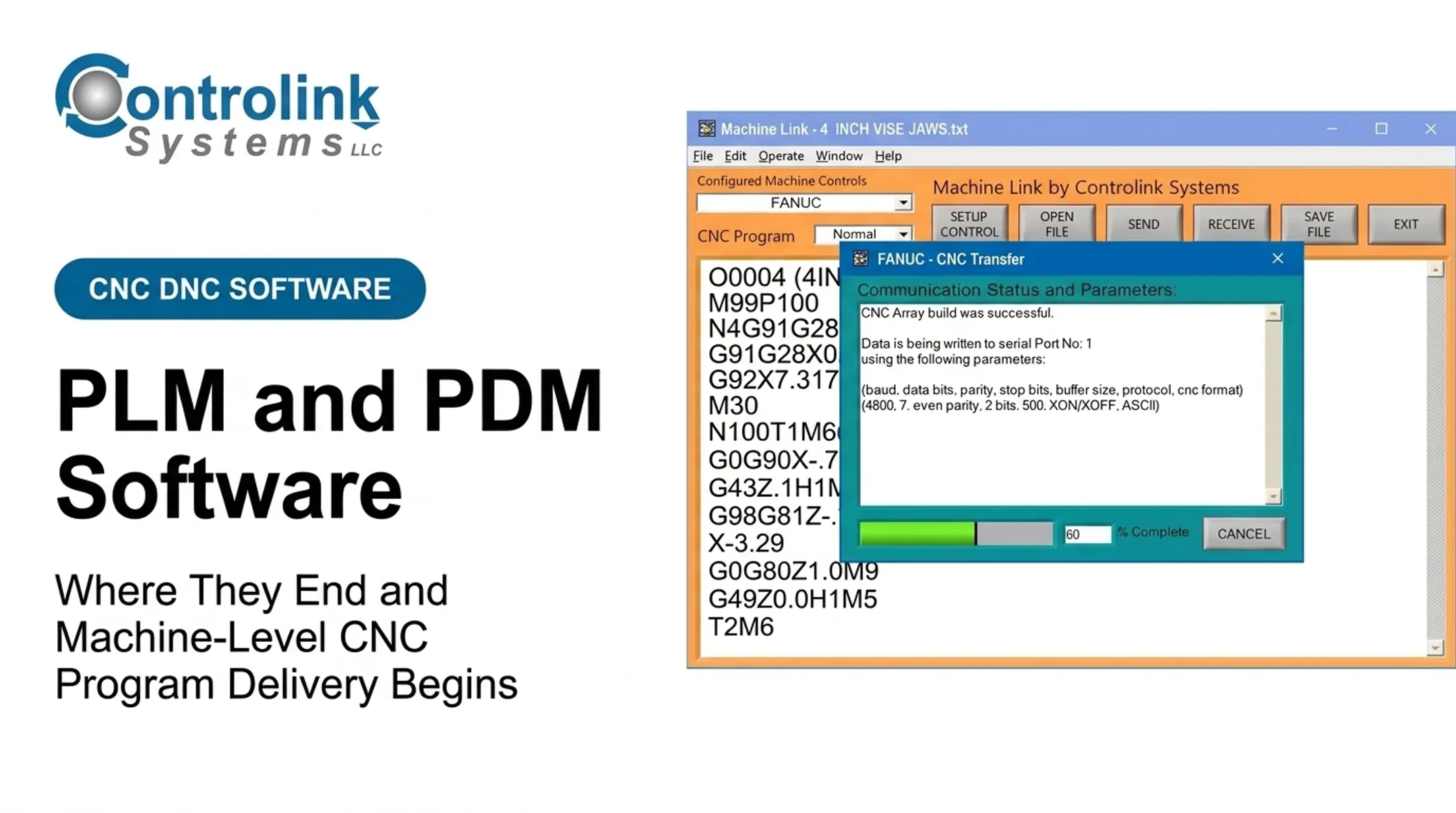
CNC/DNC communication software then transfers the selected program to the target control using whatever connection method that machine supports. Mixed shop-floor equipment complicates this: newer networked CNCs, older serial-connected controls, and machines needing gateways or retrofit hardware all behave differently. The system also needs to identify the target machine correctly. Sending a program to the wrong control isn't a hypothetical risk — it happens when operators manually select from a list without a verification step. Providers like Controlink Systems LLC focus on this layer: CNC/DNC communication and linking shop-floor systems together. Since 1998, the company has built software that interfaces with a wide range of controls, PLC hardware, and motion controllers. Supported protocols include Modbus, Serial, Profinet, and EtherCAT—the mixed-equipment reality most shops actually deal with.
Validation and Control
Before a program runs, safeguards should check several things:
- File identity and revision match
- Machine compatibility
- Transfer completeness
- Permissions and required operator acknowledgment The system also needs a plan for exceptions — a missing approval, an incompatible machine, an interrupted transfer, or a mismatch between the work order and program metadata. These aren't edge cases in a busy shop; they happen regularly. Governance controls still matter:
- Authenticated access
- Least-privilege permissions
- Backups
- Change control Software approval is not the same as machine-level safety verification. The workflow supports qualified human review; it does not replace it.
Execution Feedback and Traceability
After retrieval and machining, a connected system can capture the program identifier, revision, machine, operator, timestamp, completion state, alarms, and quality results. This closes the loop between engineering, production, maintenance, and quality — instead of the trail going cold once the file reaches the control. That feedback data has real weight. NIST estimates put annual U.S. manufacturing losses from downtime, defects, and delays at over $119 billion, based on 2016 figures. When a program repeatedly triggers alarms, quality deviations, or operator workarounds, that pattern should trigger a controlled engineering review before the next run.

Where Connected CNC Program Workflows Are Used
This workflow fits into a broader sequence: engineering release, production scheduling, job setup, CNC machining, in-process inspection, quality review, and program revision. It's not a standalone tool bolted onto the side.
It shows up across a range of manufacturing environments, including:
- CNC machine shops
- High-precision mold manufacturing
- Automotive and industrial equipment production
- Aerospace and defense
- Medical device manufacturing
- Repair centers
- Research and laboratory manufacturing operations
The value looks different depending on production type:
| Environment | Primary benefit |
|---|---|
| High-mix, low-volume shops | Fast retrieval, clear part identification, reduced setup confusion |
| Repetitive production | Consistency, automatic feedback, preventing obsolete files from returning to the line |
Those benefits hold across environments, but the practical path still starts small.
Starting With a Focused Pilot
Trying to connect the entire shop floor at once rarely works. A better approach: pick one machine group or production cell, choose a costly or error-prone workflow, and set baseline measures before expanding.
Existing equipment doesn't need full replacement, either. Older serial-connected machines can often connect through gateways or retrofit communication hardware. Modern Machine Shop notes that an Ethernet-to-RS-232 converter can bridge a legacy machine to a network.
Extracting deeper machine data typically requires additional software configuration beyond basic file transfer. Modernization can happen in phases, not all at once.

Conclusion
A smart factory becomes genuinely useful the moment trusted data leads to controlled action. An approved CNC program workflow turns that idea into something concrete on the shop floor: fewer manual handoffs, stronger revision control, better traceability, and machines that spend more time cutting metal instead of waiting on someone to find the right file.
If you're evaluating CNC/DNC communication, shop-floor automation, or system integration, Controlink Systems LLC has developed manufacturing software for U.S. manufacturers since 1998. The team works with CNC shops and aerospace, medical device, and automotive production environments.
Reach them at (800) 838-3479 or support@controlinksystems.com to talk through what your shop floor actually needs.
Frequently Asked Questions
What is smart factory software?
Smart factory software is the connected layer linking machines, people, production data, and engineering files. It cuts manual handoffs and can deliver the correct, approved CNC program to the right machine automatically.
What is Industrial IoT?
Industrial IoT connects machines, sensors, and controllers so they can exchange data for monitoring and analysis. It's the connectivity layer, distinct from the broader smart factory software stack that manages workflows and approvals.
Can you give me an example of a smart factory?
One clear example is a CNC shop floor. A scheduled machine identifies its job, pulls the approved program from a controlled repository, validates the transfer, and reports execution and quality data back automatically.
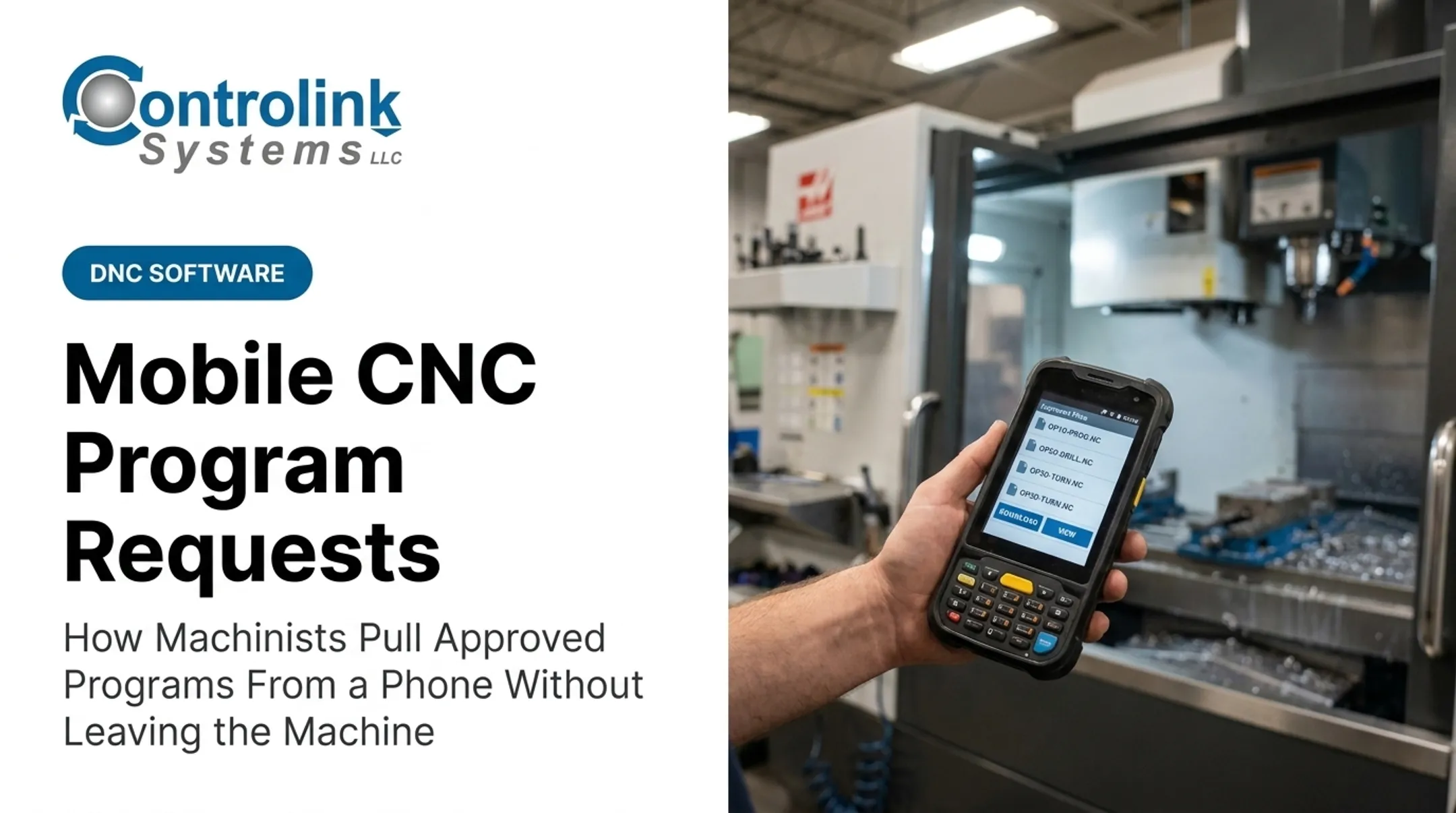
How do machines pull approved CNC programs?
The system identifies the job and part, then searches the controlled repository for the right file. It checks approval and revision status, matches the program to the machine, transfers it, and logs execution details.
Do smart factory systems work with legacy CNC machines?
Many older machines can connect through serial, gateway, or DNC communication solutions, depending on the control's capabilities. Security and validation requirements should still guide how that connection gets set up.