Three hours later, quality catches a dimension that's off by 0.015 inches, and someone discovers the program running on that machine was Rev B, not the Rev C that engineering released last Tuesday. The part is scrap. The machine sat idle while everyone figured out what happened.
This isn't a rare event. It's a predictable outcome of how most shops manage CNC files, through shared folders, USB drives, and whatever copy happens to be sitting on the machine's hard drive.
Revision control can't stop at engineering's server. The decisive moment is at the machine, when a program is selected and run. This article walks through building that control from engineering all the way to the spindle, connecting mixed equipment, verifying delivery, and retiring outdated programs without leaning on memory or filenames alone.
Key Takeaways
- Treat every CNC program as a controlled production document, not a file copied between computers.
- Keep one approved source with clear revision IDs, release permissions, and an auditable transfer trail.
- Show job, revision, and approval status on the machine screen before cycle start.
- Route files through DNC or CNC communication systems to eliminate USB transfers and version guesswork.
Why Outdated CNC Programs Reach the Machine
Bad revisions don't appear out of nowhere. They accumulate through everyday shop activity that nobody thinks to control.
Common sources include:
- Engineering edits and CAM reposts that generate a new file without formally retiring the old one
- Emergency shop-floor edits made mid-shift to fix a tool break or fit issue, then never sent back for review
- Duplicated files saved "just in case" and left in a folder no one remembers
- Local machine memory holding a program from three jobs ago
- Email attachments and shared drives that bypass any formal release step
Filenames Aren't a Control System
"PART123_FINAL" feels definitive until "PART123_FINAL2" shows up a week later. Add a date stamp that reflects when the file was saved rather than when it was approved, and you've got a naming scheme that actively misleads people.
Modern Machine Shop notes that a missing or inadequate program header—without part number, revision, and operation clearly stated—confuses operators and leads directly to scrap or machine damage.
Three distinct failure points show up again and again:
- Wrong revision stored - the master copy itself isn't current.
- Right revision, wrong destination - the correct file lands at the wrong machine or job.
- Right revision present, wrong confidence - the operator can't tell which file is correct and guesses.
Each failure produces the same outcomes: scrap, rework, unplanned downtime, missed ship dates, and idle spindles while someone hunts down what actually ran.
Older CNC controls make this worse. Machines that only accept USB drives or serial cables push more manual handling onto the operator—and manual handling means more chances for the wrong file to slip through.
It's also a documented security gap, not just a workflow one. NIST's National Cybersecurity Center of Excellence notes that USB drives are common in OT environments, but an infected drive can spread malware into a control system and disrupt production. Legacy machines that depend on removable media carry both a quality risk and a cybersecurity one.
Build a Revision-Control Workflow From Engineering to Machine
A CNC program isn't finished when it runs correctly in simulation. It moves through a lifecycle, and skipping steps is exactly how outdated files end up on the floor. The minimum lifecycle looks like this:
- Create or edit the program in a controlled workspace
- Review it against the print and process plan
- Approve the revision formally before release
- Release it to one controlled master location
- Distribute it only to the assigned machine
- Run first articles under supervision or verification
- Verify the first piece against the print
- Revise, re-approve, and re-release if needed
- Archive or quarantine the version it replaced
One Source of Truth, Not Several Good Copies
Every shop needs exactly one place where the current, approved revision lives. That master should not sit on an engineer's desktop, in a shared folder anyone can overwrite, or on the machine's local drive. Access permissions matter: operators and programmers can request a revision, but only an authorized release step can update what the master marks as current. Metadata that should travel with every program:
- Part number and operation
- Machine or control compatibility
- Revision letter or number
- Approval status and effective date
- Tooling or setup reference
- Name of the person who released it A naming convention helps humans scan a directory quickly, but it should never be the actual control mechanism. System-enforced revision status, not a filename someone typed correctly, is what determines whether a file is current. When engineering makes a change, trigger a controlled release—not a silent file swap. Before the new revision goes live:
- Review the post-processor output
- Compare the new program to the prior version
- Run simulation or verification
- Get sign-off matched to the part's risk level Example: Rev C gets approved and pushed to the assigned machine. At the same moment, Rev B is marked obsolete and blocked from normal selection—not merely deleted and assumed gone. If the prior revision can still be chosen at the control, the release was only an informal file swap.

Put Revision Control at the Point of Delivery
Here's the part most shops get wrong: they assume revision control is solved once the correct file sits on a server. It isn't. The point of delivery is the moment the program is presented to the machinist or loaded into the control, and that's where the real risk lives.
What the Delivery Screen Needs to Show
Before an operator loads anything, the interface—whether it's a transfer queue, a DNC screen, or the machine's own display—should clearly present:
- The job and part number
- The program identifier and revision
- Release status (approved, pending, obsolete)
- The destination machine If a program is heading to the wrong work center, wrong control type, or wrong fixture setup, the system should flag or block it rather than letting the operator find out mid-cycle.
Handling the Old Copy
Once a new revision goes live, give the previous version a clear status:
- Mark it superseded
- Restrict editing on the machine where the control allows it
- Quarantine or remove the obsolete file so it doesn't sit next to the current one
- Keep a record of what happened—don't delete history just to tidy a folder Before cycle start, operators should confirm:
- The displayed revision matches the traveler or work order
- Program comments align with the current setup
- Tooling and fixture information match what's on the machine
- Any discrepancy gets escalated, not guessed through Audit records should capture:
- Who released the file and who transferred it
- Delivery timestamp and receiving machine
- Revision selected
- Whether a later shop-floor edit occurred
What This Looks Like on the Floor
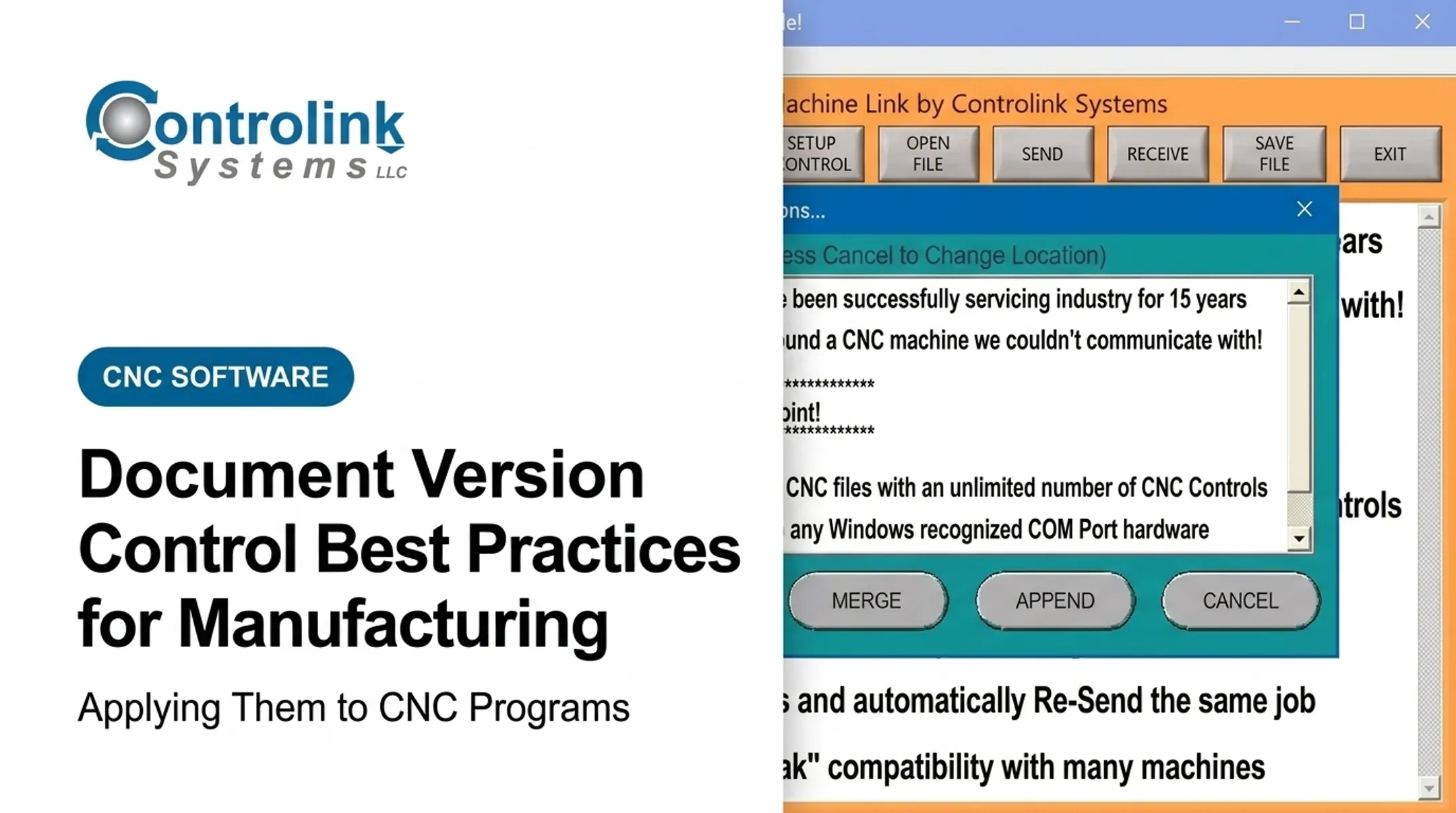
Those checks only matter if the right file actually reaches the spindle. Snavely's Machine in Wabash, Indiana, ran more than 30 CNC machine tools across 10 different control types. As Scott Cooper put it, the challenge wasn't just having the right program—it was getting the right program to the right machine. Connectivity without matching is still a gamble. Controlink Systems built Machine Link™ QUICK Serve around that problem. It monitors machines for file requests and serves the engineering-approved program directly to the control—wired or wireless—across old and new CNC controls alike. When a machinist edits a program at the machine to fix a real-world fit issue, that edit routes back to engineering for review instead of sitting as an undocumented variant. Useful changes land in the next approved release; the rest get caught before they become tomorrow's scrap.

Choose Transfer Controls for Mixed CNC Environments
Most shops aren't running one machine platform. They're running a mix: a five-year-old networked mill next to a control that's been in service since the Clinton administration. Revision control has to survive that mix, even when the transport method changes machine to machine.
Most shops aren't running one machine platform. They're running a mix: a five-year-old networked mill next to a control that's been in service since the Clinton administration. Revision control has to survive that mix, even when the transport method changes machine to machine.
Common transfer methods and their trade-offs:
| Method | Strengths | Watch For |
|---|---|---|
| USB | Works on almost anything | No transfer record; malware risk on legacy OT per NIST NCCoE |
| RS-232/Serial | Reliable on older controls without network ports | slower; requires correct cable and port configuration |
| Hard-wired Ethernet | Stable for stationary machines and large drip-fed programs | Limited to fixed locations |
| Wireless Ethernet | Good for cells that get rearranged | Needs careful access-point placement and data verification |
| FTP | Direct transfer to CNC memory on supported controls | Vendor-specific setup |
| DNC/network service | Centralized delivery with transfer records | Requires initial integration across mixed controls |
Modern Machine Shop's coverage of DNC systems describes DNC as the network layer that delivers programs and files without interrupting production or corrupting data. It acts as the connective layer no matter which machines sit on either end.
Legacy Controls and IT Coordination
Older CNCs often run unsupported operating systems and sit on isolated networks by design. That's often intentional, but it means any connectivity plan needs to loop in IT before equipment gets connected, not after. NIST's guidance for operational technology recommends restricting removable media, segmenting IT and OT networks, and permitting only authorized communication between them.
Delivery still has to work across that mixed-control floor, not only on the newest networked machines. Machine Link™ covers older equipment over standard RS-232 serial connections, supports an unlimited number of configured machine controls, and drip-feeds programs too large to load into a control's memory all at once. M-Tech Machine Products runs it across Mazak, Okuma, Fadal, and Milltronics controls from a single system.
Caution: faster connectivity doesn't equal better quality. A fast transfer of the wrong file is still the wrong file. Approval status, destination matching, and operator verification have to stay part of the process regardless of how quickly the bytes move.
Roll Out and Measure the Process
Rolling out revision control shop-wide on day one is a good way to overwhelm everyone and get nothing adopted. Start narrow, prove it works, then expand.
Start With an Audit
Before changing anything, map the current state:
- Every source where CNC programs originate
- Every transfer method in use today (USB, folder, DNC, email)
- Local storage on each machine
- Informal edit practices operators already use
- Where approval handoffs happen, or don't
Phase the Rollout
- Pick high-risk or high-scrap programs first - the parts where an outdated revision costs the most
- Set naming and approval rules before touching machine-side workflow
- Pilot point-of-delivery verification on two or three machines
- Expand shop-wide once the pilot machines show clean transfer records
Track What Actually Matters
- Obsolete-program incidents caught before or after cycle start
- Wrong-file near misses reported by operators
- Scrap or rework tied specifically to program errors
- Unplanned downtime from file issues
- Manual transfer events still happening outside the controlled path
- Percentage of transfers with a complete audit record
Collect these from machine logs, quality holds, and DNC transfer histories rather than relying on operator memory at shift end.

Those metrics only hold if the right people own the process. Training has to reach beyond machinists.
Train Across Roles
Programmers, engineering, quality, maintenance, and IT each need a clear answer to:
- Who owns release authority
- How a discrepancy gets escalated
- When a program must be pulled from circulation
If legacy equipment, manual USB transfers, or disconnected machines are making this harder than it should be, Controlink Systems has spent over 25 years connecting exactly this kind of mixed shop floor. A CNC/DNC and shop-floor automation assessment is a reasonable next step before assuming the fix requires replacing machines.
Implementation Checklist
- One approved source for every program
- Controlled edit permissions
- Standard revision metadata on every file
- Machine/job matching before transfer
- Point-of-delivery confirmation before cycle start
- Clear obsolete-file handling, not silent deletion
- Logged transfers with timestamps and names
- Periodic audits of the whole chain
Frequently Asked Questions
What does CNC programming mean?
CNC programming creates the coded instructions, typically G-code and M-code, that direct a machine's movements, speeds, and tooling actions. Because those instructions control physical cutting operations, each revision has to be tracked and approved before it reaches the floor.
Is AI taking over CNC programming?
AI is starting to assist with program optimization, code review, and workflow automation, but qualified people still need to validate machine compatibility, tooling, safety, and approval status before any program runs. Deterministic G-code execution still requires human sign-off, regardless of how it was generated.
How do you control CNC program revisions?
Maintain a single approved source, clear revision identifiers, and restricted edit permissions. Require formal release and approval, mark superseded versions obsolete, match programs to the correct machine, and keep an auditable delivery record for every transfer.
How can machinists verify they are using the latest CNC program?
Check the part number, operation, and displayed revision against the work order before loading anything. Confirm release status, tooling and setup details, and the intended machine, and escalate any mismatch instead of guessing.
What is the difference between DNC and CNC?
CNC refers to the machine control itself, executing coded instructions to run a part. DNC refers to the communication system that delivers programs and production data to machines, supporting controlled delivery without replacing the approval process that determines what gets sent.