That approach creates two problems at once. It wastes operator time that could go toward cutting parts, and it opens the door to wrong-revision mistakes that turn good stock into scrap. Manufacturing Leadership Council reports that 70% of manufacturers still collect production data manually, a sign of how much shop-floor information still moves by hand rather than by system.
Machine shop productivity software addresses more than scheduling gaps. Automated CNC delivery connects approved engineering files directly to the correct machine, cutting the walking, the guesswork, and the downtime tied to manual file handling. This article covers how it works, what it fixes, how to measure the gains, and how to choose a system that fits your shop.
Key Takeaways
- Automated CNC delivery removes manual trips between machines, offices, and engineering stations for program transfers
- Centralized revision control keeps machinists on the latest engineering-approved file, not an outdated local copy
- Choose systems with machine compatibility, access permissions, traceability, backups, and shop-floor integration
- Track walking time, retrieval time, revision errors, machine waiting, scrap, and downtime to prove impact
Why CNC Shops Lose Productivity Before the Cutting Starts
A CNC machine only makes money when it's cutting. In many shops, the time before the spindle starts turning eats into that potential more than anyone tracks.
The Walk-Search-Wait Cycle
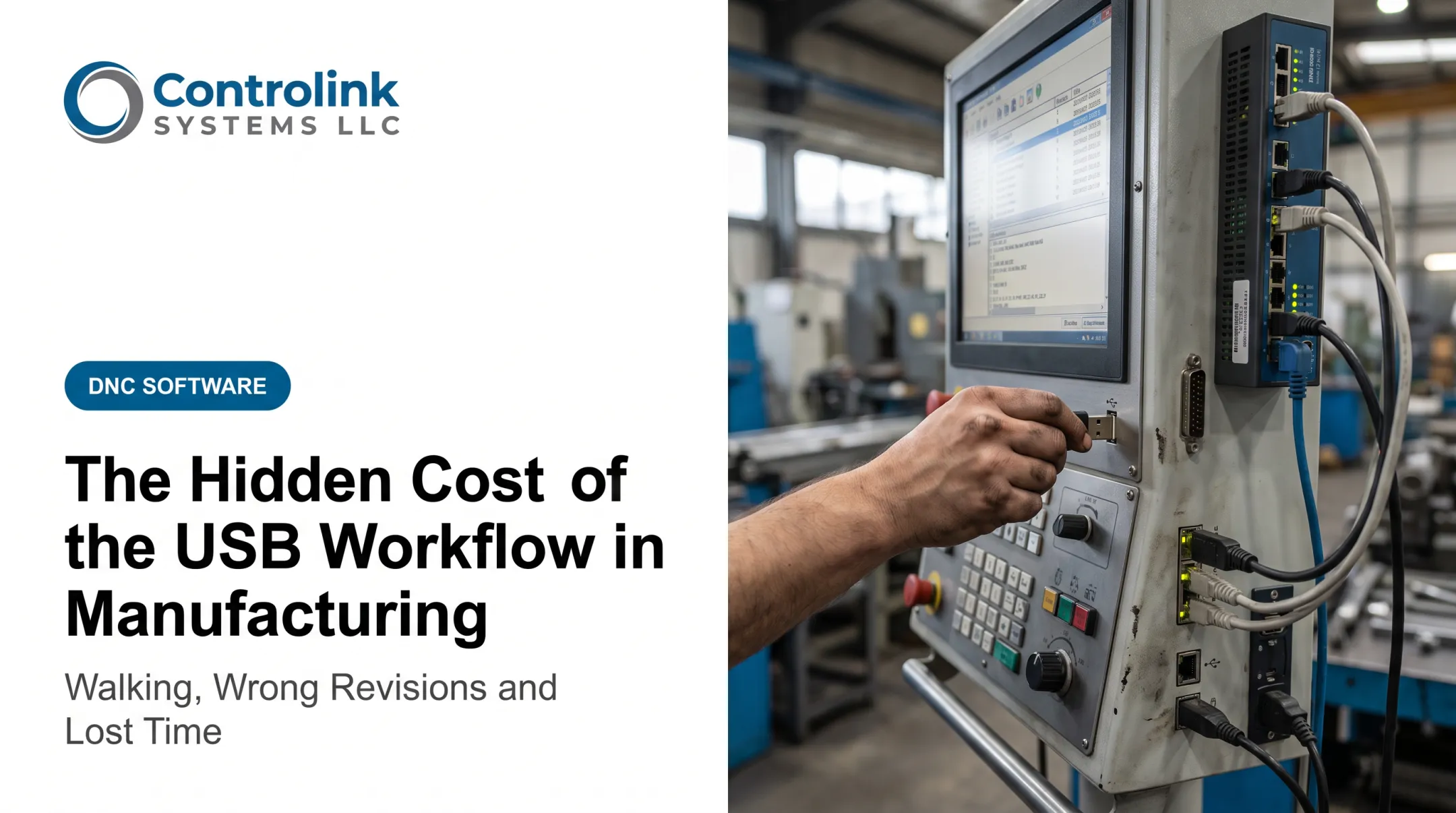
Picture a typical program change. The operator walks to a shared computer, searches folders for the right file, and hopes it's the current revision. If it's not there, someone grabs a USB drive or calls the programming office to confirm. If the programmer is busy, the machine waits. None of this shows up on a production report as "downtime." It just shows up as a job that started later than it should have.
Scattered Copies, Scattered Risk
The real danger comes from where CNC files actually live:
- Local PCs at individual workstations
- Shared network folders with no version control
- USB drives and removable media
- The machine control's internal memory When a file exists in four places, only one of them is current. An operator running last month's version doesn't know it until the part fails inspection. Wrong-revision use has consequences that compound fast:
- Scrapped material and wasted machine time
- Rework that pulls a job back into the queue
- Failed inspections and quality holds
- Repeated setups because the first run was invalid
- Eroded trust in the production data itself
Information Flow Is the Real Bottleneck
A shop can own the right equipment and still lose output through poor information flow. Unplanned downtime costs U.S. manufacturers as much as $207 million per week in lost capital impact, according to a 2025 Fluke survey of more than 600 manufacturing decision-makers. That figure covers unplanned downtime broadly, not CNC file delivery specifically, but it shows how much is at stake when any part of the chain stalls—including a machine that sits ready while waiting on a program.
How Automated CNC Delivery Works
Automated CNC delivery, often built on DNC (distributed numerical control) software, stores, approves, routes, transfers, and tracks CNC programs between engineering systems and machine tools. Instead of someone manually carrying a file from a PC to a machine, the system handles the transfer and keeps a record of it.

The End-to-End Workflow
A typical setup follows five steps:
- Engineering creates or updates the file — the programmer builds or revises the CNC program in CAM
- An authorized person approves it — the revision moves from draft to production-ready status
- The system releases the file to the right machine — no manual copying between folders or drives
- The operator pulls the program at the control — the request goes straight to the machine, not a shared PC
- The transfer is logged — delivery, access, and revision activity stay on record for traceability
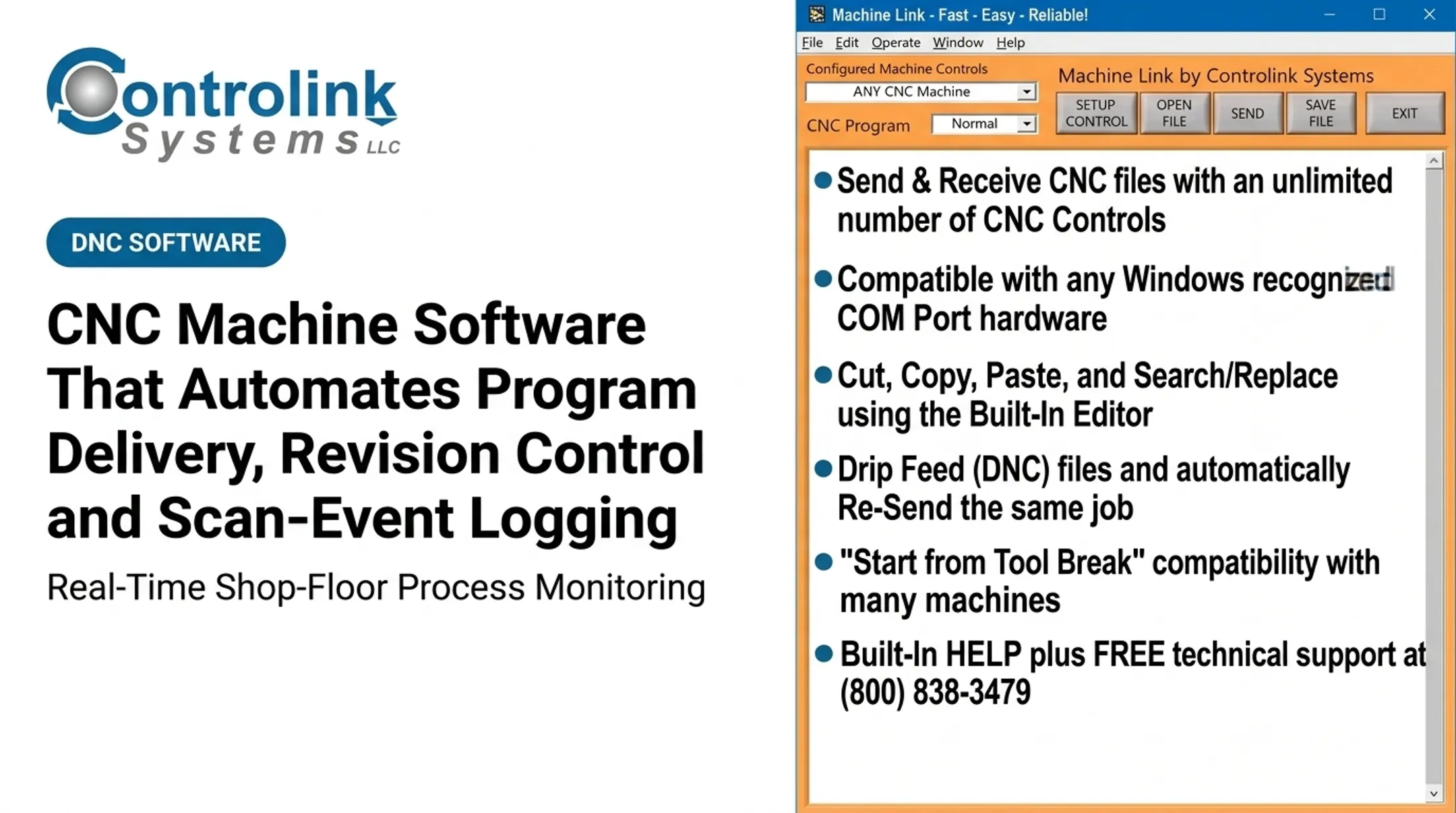
Controlink Systems LLC's Machine Link™ QUICK Serve follows this model. It continuously monitors CNC machines for remote file requests and serves the correct file straight to the machine control, without the operator leaving the machine or touching a PC.
Revision Control Features to Look For
Not every DNC tool handles revisions the same way. Look for:
- Version history showing who changed what and when
- Approval status separating "draft" from "production-ready"
- Read-only production files operators can't accidentally overwrite
- Clear, consistent naming conventions
- User permissions tied to role
- A defined method for retiring obsolete programs
Machine Compatibility and Integration
Compatibility is where many shops run into trouble, especially with a mixed fleet of old and new equipment. A workable system needs to cover:
- Controller requirements and communication settings
- Supported file formats
- Legacy serial machines and network-ready equipment
Machine Link™, for instance, communicates over standard RS-232 serial connections with any CNC that supports it—no full network overhaul required. Delivery software can also tie into SQL databases, PLCs, and existing shop-floor network infrastructure, so the CNC layer doesn't sit isolated from the rest of the plant.
How Automated Delivery Cuts Walking, Wrong Revisions, and Downtime
Automated CNC delivery pays off in three ways: less time away from the machine, fewer bad parts from outdated files, and less waiting before a job can start.
Less Walking, Fewer Interruptions
With a connected shop-floor workflow, operators pull approved programs at the machine instead of making trips to offices, shared terminals, or other machines. At Ametek, Inc., operators previously made several trips between the machine and a shared computer just to send a program. After moving to Controlink's QUICK Serve DNC system, operators retrieved CNC programs at the machine without leaving it.
Wrong Revisions: A Repeat-Part Example
Consider a repeat part that runs monthly. Engineering tweaks a tool offset after a customer complaint. Under a shared-folder setup, that change might sit in one location while three machines still reference an older local copy. The next run uses the outdated program, and nobody catches it until the part fails inspection.
A centralized source of truth removes that gap. At Ametek, corrected programs sent back from machines are now saved in an Engineering folder for review before moving into the CNC program library, closing the loop that used to lose corrections entirely.
Downtime, Quality, and Continuity
Once the right file is one request away, the shop-floor effects stack up quickly:
- Less downtime — no phone call and walk just to get a program started
- Lower scrap risk — machines pull only the engineering-approved version
- Cleaner handoffs across shifts with consistent naming, permissions, and delivery steps
None of this replaces the fundamentals. Simulation, first-article inspection, tooling verification, and operator judgment still matter. What changes is the confidence that the file in the control is the one engineering intended.
Continuity improves too. If a workstation fails or a network hiccup wipes a local folder, a controlled delivery system keeps backups and known-good programs recoverable. A corrupted USB or shared-folder setup can mean rebuilding a program from scratch.

How to Measure the Productivity Improvement
Before rolling out automated CNC delivery, establish a baseline. Track how often operators leave machines to retrieve programs, how long searches take, and how often production waits on engineering support.
Once you have a baseline, track these KPIs before and after:
| KPI | What to measure |
|---|---|
| Program retrieval time | Time from request to program loaded at the machine |
| Machine waiting time | Minutes a ready machine waits on a missing or unconfirmed file |
| Revision-related incidents | Obsolete-version selections, rejected transfers, rollbacks |
| Scrap and rework | Defects tagged specifically to a program or revision cause |
| Unplanned downtime | Downtime coded separately for information-related causes |
Overall Equipment Effectiveness (Availability × Performance × Quality) is a useful frame for rolling these up, but treat published benchmarks with caution. OEE.com notes there's no single ideal OEE or universal industry standard, and recommends steady, incremental improvement over chasing a generic target.
To isolate the software's impact, compare similar jobs, machines, shifts, or time periods. Document other process changes that happened alongside the rollout so you don't credit the wrong fix.
Build your ROI case from your shop's actual numbers:
- Recovered operator time
- Avoided scrap and rework
- Reduced downtime
- Less troubleshooting effort
- Better traceability
Review results with operators, programmers, quality staff, and supervisors together — they'll catch workflow improvements raw numbers miss.
How to Choose and Implement Machine Shop Productivity Software
Start with your shop's most expensive information bottleneck. That might be excessive walking, frequent revision mix-ups, legacy-machine communication gaps, long program searches, or machines sitting idle waiting on files.
What to Evaluate
- Centralized CNC program storage with searchable file details
- Revision history, approvals, permissions, and obsolete-file controls
- Reliable transfer to your specific CNC controllers, old and new
- Audit trails, backup, recovery, and secure access
- Integration options for databases, ERP/MES platforms, PLCs, and monitoring systems
- Operator-friendly screens that keep training short
A Phased Rollout
- Document your current program flow, start to finish
- Pick one representative machine or cell for a pilot
- Standardize file naming and approval rules before go-live
- Run the pilot and train affected operators
- Review KPI results, then expand shop-wide
Common Pitfalls to Avoid
- Weak network coverage on the shop floor
- Inconsistent file naming
- Unclear ownership of approvals
- Incompatible controller settings
- Overly broad permissions
- Old local copies that never get removed
A full ERP replacement usually isn't necessary. A focused CNC/DNC communication layer can solve program-delivery problems while working alongside your existing scheduling, accounting, CAM, or MES systems.
Questions to Ask Before You Buy
- Which controllers and protocols do you support?
- How does the system connect to our database?
- Is it on-premises or network-based?
- What backup, recovery, and cybersecurity provisions are included?
- What training and support come with it?
- Will it scale as we add machines?
Controlink Systems LLC has focused on CNC/DNC communications and shop-floor automation for U.S. machine shops since 1998, with products like Machine Link™ and QUICK Serve built around these program-delivery challenges. Match your controller mix, integrations, and deployment needs with the vendor before you commit.
Conclusion
CNC productivity isn't only about cutting speed or how many machines are on the floor. It also depends on how quickly and reliably the correct program reaches the correct machine. Get that wrong, and even well-equipped shops lose hours to walking, rework, and idle spindles.
Three outcomes matter most:
- Less walking and interruption
- Fewer wrong-revision incidents
- Less downtime from missing or uncertain CNC files
None of these require ripping out existing systems. You only need a controlled layer that connects engineering approval to machine-side delivery.
Start small: map one program-delivery workflow end to end, establish baseline KPIs, and evaluate whether automated CNC/DNC delivery can close the gaps you find.
Frequently Asked Questions
What is automated CNC program delivery?
It's a controlled, often DNC-enabled system that transfers approved CNC programs from a central source directly to the correct machine. It includes revision tracking and access control so operators always pull the current, approved file.
How does DNC software reduce machine downtime?
Faster program retrieval and fewer manual transfers mean machines wait less on files, corrections, or confirmations. Operators request the program at the machine instead of walking to a computer and back.
Can CNC delivery software prevent operators from using old revisions?
Centralized revision history and approval status help ensure only the current file is available for production. Obsolete versions can be restricted or removed from active use entirely.
Is automated CNC delivery compatible with older machines?
It depends on the machine's controller and communication requirements. Verify serial, network, protocol, and hardware support with the provider before assuming compatibility.
What is the difference between DNC software and machine shop ERP software?
DNC software manages CNC program communication and revision delivery at the machine level. ERP handles broader functions like quoting, scheduling, inventory, and job costing, and the two can integrate.
How should a machine shop measure the ROI of CNC productivity software?
Track program retrieval time, walking, downtime, and revision-related scrap and rework, then compare labor and machine costs before and after implementation. Use your shop's actual numbers rather than generic industry figures.