Introduction
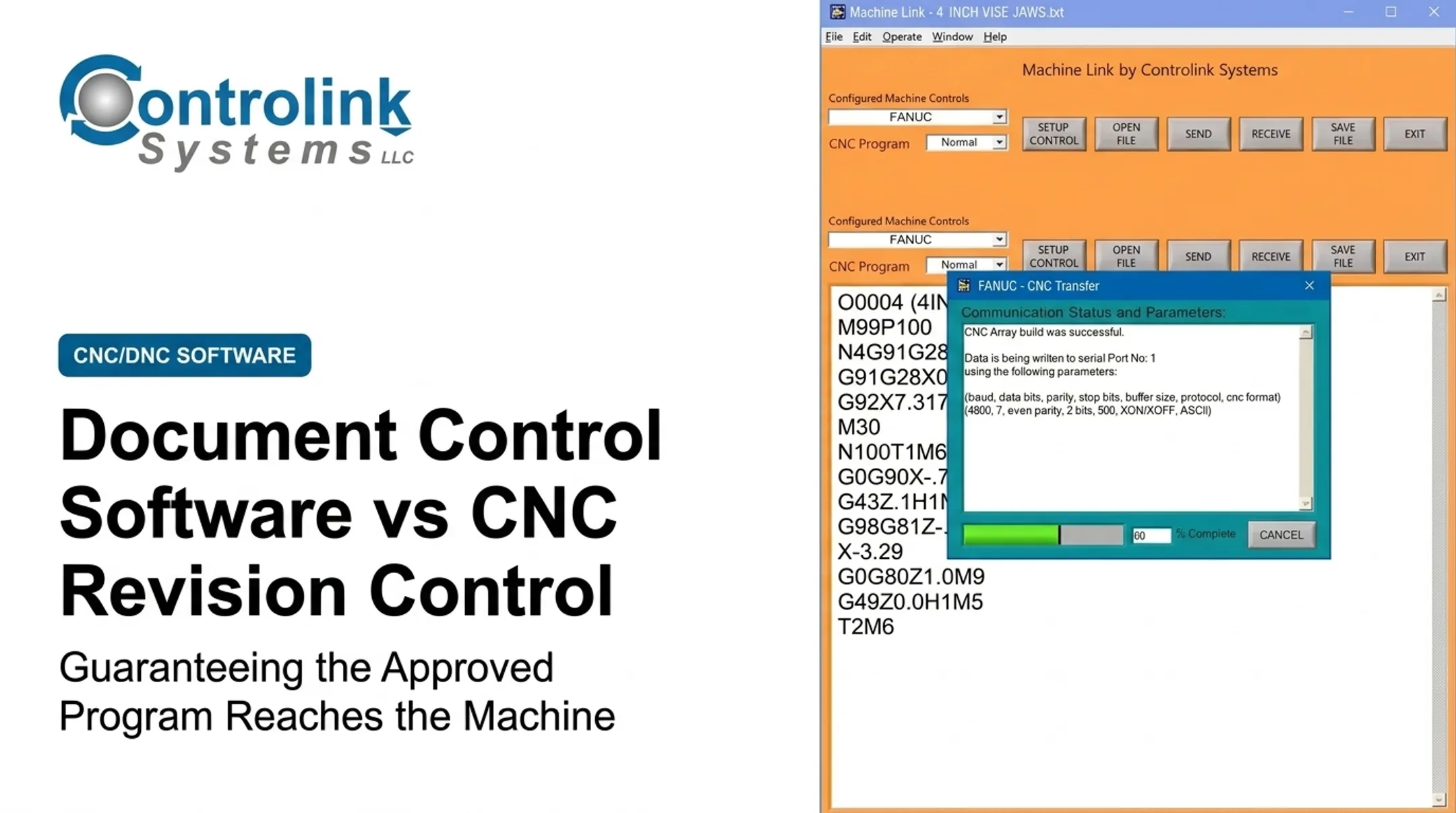
Document version control for CNC programs means identifying, reviewing, approving, releasing, and retaining every change made to NC/G-code files and the paperwork that goes with them. It sounds administrative. It isn't.
When version control breaks down, machinists run outdated programs, unauthorized edits slip onto the shop floor, and traceability disappears. Modern Machine Shop has documented how missing headers, incomplete documentation, and unclear program status lead directly to confusion, wasted time, scrap, and even machine damage.
This guide covers why CNC program control matters, the version types every shop should define, warning signs of a weak process, practical best practices, and how CNC/DNC communication tools can support controlled distribution to the machine tool.
Key Takeaways
- Version control covers the entire program lifecycle, not just file naming
- A single source of truth plus consistent revision rules prevents outdated files from reaching machines
- Draft, tested, approved, superseded, and archived states must be visually distinct
- DNC workflows can replace informal USB and email transfers with controlled distribution
- Scrap, rework, and repeated requests for old files signal a process that needs review
Why CNC Program Version Control Is Important
Version control is a quality and configuration-management practice. It protects the link between an engineering change and the physical part that comes off the machine.
Prevents Outdated or Incorrect Programs From Reaching Machines
Copies of the same program often live in four or five places: a local computer, a network folder, a USB stick, and the machine control itself. Without a clear revision identifier and release status, operators can't always tell a proven program from a draft or a backup.
Picture a program that changes a workholding offset after a fixture redesign. If the old version is still sitting on a machine's control, the next job could run against the wrong datum, damaging tooling or scrapping the part before anyone notices.
Reduces Scrap, Rework, and Unplanned Downtime
Wrong program selection or an undocumented edit typically shows up as:
- Incorrect tool paths or missed tool changes
- Excessive machining time or tool damage
- Dimensional variation that fails first-article inspection
- Emergency, unrecorded edits made under time pressure
Restoring a known-good version, rather than rebuilding a fix from memory, cuts troubleshooting time.
That uptime benefit shows up in real shops. Modern Machine Shop reported that Willis Custom Yachts used DNC with program revision control to support lights-out machining, with a fivefold productivity gain by the shop's own account.
That figure is one shop's result, not a universal benchmark. It still shows how disciplined program control supports machine uptime.
Supports Quality, Traceability, and Customer Requirements
A useful audit trail captures:
- File identity and revision number
- Author, reviewer, and approval date
- Reason for the change
- Release status and machine/control compatibility
- Where and when the program was used in production
ISO's guidance on documented information requires organizations to control quality records enough to show processes ran as planned. It does not set one fixed retention period.
Shops under AS9100, IATF 16949, or customer-specific quality clauses should confirm their exact retention rules. Keeping an old version also is not the same as leaving it open for production use. Superseded files need clear marking and lockout from casual reuse.
Improves Collaboration Across Engineering, Programming, and Operations
A shared workflow keeps programmers, quality, and machinists on the same instructions—not verbal handoffs and scattered emails. Change summaries and approval notes travel with the program file, not in someone's inbox.
On the shop floor, that means machine-side edits should route back to engineering with the file. Controlink Systems' Machine Link™ QUICK Serve can send program edits made at a machine directly to engineering for review, so the change history stays on the program instead of in a hallway conversation.
Types of CNC Program Versions and Control States
Every CNC program should have a defined lifecycle stage, even in a shop running nothing fancier than a shared file server.
Draft or Development Version
Draft files are works in progress. They may contain incomplete tool paths, provisional feeds and speeds, or offsets that haven't been verified yet. That draft status should be obvious from the filename, folder location, or system flag so nobody mistakes it for a release.
Tested or Proven Version
Before approval, a program typically needs:
- Simulation
- Collision checking
- A dry run
- First-piece inspection
A program "tested on Machine 4" is not automatically approved for Machine 7. Controller differences, tooling setups, and workholding variations can all affect portability.
Approved and Released Production Version
A released file should identify:
- The responsible approver and effective date
- The applicable part number and operation
- Compatible machine family
- Required setup documentation
Once released, the master file should be read-only. Any further change routes back through the revision process, not a quick edit at the console.
Superseded, Archived, or Rollback Version
Old versions get retained for traceability and possible recovery, but they're marked inactive. A rollback returns to a known-good file after a failed revision or unexpected machining result. It should always come with a documented reason and sign-off. That way, "let's just go back to the old one" doesn't turn into another untracked file floating around the shop.

How to Identify Weak CNC Program Version Control
These signs point to a process leaning too heavily on individual memory and informal file sharing.
Conflicting Files and Unclear Naming
Watch for duplicate filenames, vague labels like "final" or "latest," and copies stored in three different folders with no clear owner. A quick test: pick a part family and ask staff to point to the approved production file without calling the programmer.
Unexplained Edits or Machine-Side Changes
Differences in feeds, speeds, tool calls, or work coordinates that nobody can explain are a red flag. Operators may need limited adjustment authority for practical reasons. Any permitted machine-side edit should still get recorded and reviewed, then folded into the controlled master when appropriate.
Program-Related Quality and Production Problems
Track these internally before and after making process changes:
- Recurring first-piece failures
- Scrap tied to an incorrect revision
- Repeated setup corrections
- Downtime spent hunting for the right file
Modern Machine Shop's review of common CNC programming mistakes found that missing program headers and inadequate documentation directly contribute to setup errors and wasted machine time.
Weak Release, Backup, or Recovery Practices
Can your team answer these without hunting?
- Who approved the current program?
- When did it go live?
- Which machines received it?
If restoring the last known-good version means digging through personal folders, that gap needs closing. Verify backup scope, restore testing, and access permissions as well.
CNC Program Version Control Best Practices
Good version control combines people, process, and file structure. Software supports it; software alone doesn't create it.
Centralize the Source of Truth and Standardize Naming
Pick one controlled repository for master programs and their setup, tooling, and inspection documents. Production releases shouldn't come from personal folders, email attachments, or a USB stick alone.
Use a consistent naming structure that includes:
- Part number
- Operation
- Machine or control family
- Revision
- Status
Example: PN4521-OP20-HAAS-VC03-REL.
Define major revisions (new prove-out required) versus minor ones (documentation-only fixes). Skip ambiguous labels like "final2." Dates should supplement the revision number, not replace it.
A CNC/DNC solution can push the approved file straight to the intended machine. Controlink Systems' Machine Link™ QUICK Serve monitors machines for file requests and serves the correct CNC file to the control, so operators aren't hunting through folders on the floor.
Build in Change Logs, Review Gates, and Access Control
Each change record should capture:
- What changed and why
- Who made the edit and who approved it
- Related documents affected (setup sheets, inspection plans, offsets)
- Easy-to-miss items: tool substitutions, probing logic, and post-processor tweaks
A staged approval path works well:
- Programmer review and simulation
- Manufacturing and quality review where required
- Controlled release with setup documentation attached
- Shop-floor confirmation
Role-based permissions should separate who programs, who approves, and who operates. One Controlink customer, Ametek, structured its QUICK Serve workflow so corrected programs land in an Engineering folder for review before ever reaching the CNC program library, keeping unreviewed edits out of production.

Archive, Back Up, and Audit on a Schedule
Superseded programs need a defined retention period and protection from accidental reuse. M-Tech Machine Products reported that switching to Machine Link™ across its Mazak, Okuma, Fadal, and Milltronics controls kept CNC files on the shop computer instead of scattered machine-side copies. Busche Enterprises used the same software to back up files across 46 machine tools.
Test restores on a set schedule—a backup nobody has verified is a plan, not a safety net. Audit the full process quarterly: check naming, permissions, and whether operators still pull only from the controlled release path.
CNC Program Version Control Schedule and Workflow
The right frequency depends on program volume, machine count, and how much risk a change carries. Use the checkpoints below from creation through release, at every run, and after changes.
From Creation Through Production Release
Move each program through a controlled path before it reaches the floor:
- At creation — Assign a unique identifier and revision, place the file in the controlled development area, and link it to the correct part and machine.
- Before release — Confirm simulation, first-piece inspection, and required approvals are complete.
- On release — Lock the master, mark prior versions superseded, and notify production of the effective revision.
If a DNC system is part of the workflow, verify the transferred file matches the approved revision before it reaches the machine. Combi Packaging Systems ran into this exact problem before adopting Machine Link™: its old numbering system allowed only four digits, so pulling up a job by number sometimes returned a completely different part.
Every Machine Run and Job Setup
Before cycle start, operators should match the loaded program to the setup sheet:
- Program identifier
- Revision
- Part number
Define a clear stop-and-escalate step—not a judgment call under deadline pressure—for:
- Identifier, revision, or part mismatch
- Unexpected motion
- Missing file
After Changes and on a Recurring Review
After any approved fix, update the controlled record—do not overwrite the file quietly:
- Bump the master revision and change log
- Check whether setup sheets or inspection plans also need updating
On a recurring basis, review active programs, obsolete files, and access permissions. Tighten that interval for high-change or high-risk operations.

Conclusion
CNC program version control protects production quality when you treat it as a controlled shop-floor process. A reliable setup covers the full chain from storage through recovery:
- A single source of truth for every program
- Clearly defined revision states
- Technical verification and approval gates
- Access control plus a tested recovery plan
- Operators who use the system correctly every day
If your shop still moves CNC programs by USB stick or email attachment, review that workflow. Controlink Systems has spent over 25 years connecting CNC/DNC communications and shop-floor systems. Tools like Machine Link™ QUICK Serve get engineering-approved files onto the right machine control quickly and reliably.
Frequently Asked Questions
What are some best practices for document version control?
Centralize CNC programs in one controlled repository with consistent naming, revision numbers, a change log, and approvals before release. Role-based access, scheduled archiving, and operator training keep the process working day-to-day.
How should CNC program naming and numbering be handled?
Use a structure covering part number, operation, machine or control family, revision, and status, such as PN4521-OP20-HAAS-VC03-REL. Distinguish major revisions (requiring new prove-out) from minor ones, and avoid vague labels like "latest" or "final."
How do you prevent operators from using an outdated CNC program?
Keep one controlled source of truth with read-only released files and visible revision status. Use DNC transfer controls so machines pull the current file, and have operators verify the revision against the setup sheet before every job.
What should be included in a CNC program change log?
Record the exact revision, author, date, and reason for the change, along with the reviewer, approval, and affected machine or operation. Link the entry to any updated setup sheets or inspection documents so nothing depends on memory later.
Should old CNC program versions be deleted or archived?
Older versions should generally be retained according to your quality, customer, and legal requirements, not deleted outright. Mark them clearly as inactive and keep them protected from accidental production use.
Can DNC software support CNC program version control?
Yes. DNC software like Machine Link™ QUICK Serve can centralize approved programs, control distribution to machines, and record transfers. It still must follow your naming, approval, and audit procedures—not replace them.