Introduction
Unplanned downtime costs the world's 500 largest companies nearly $1.4 trillion a year, or 11% of revenue, according to Siemens' 2024 True Cost of Downtime report. That figure comes from large global manufacturers, not a small US machine shop. But the pattern behind it plays out on a smaller scale every day.
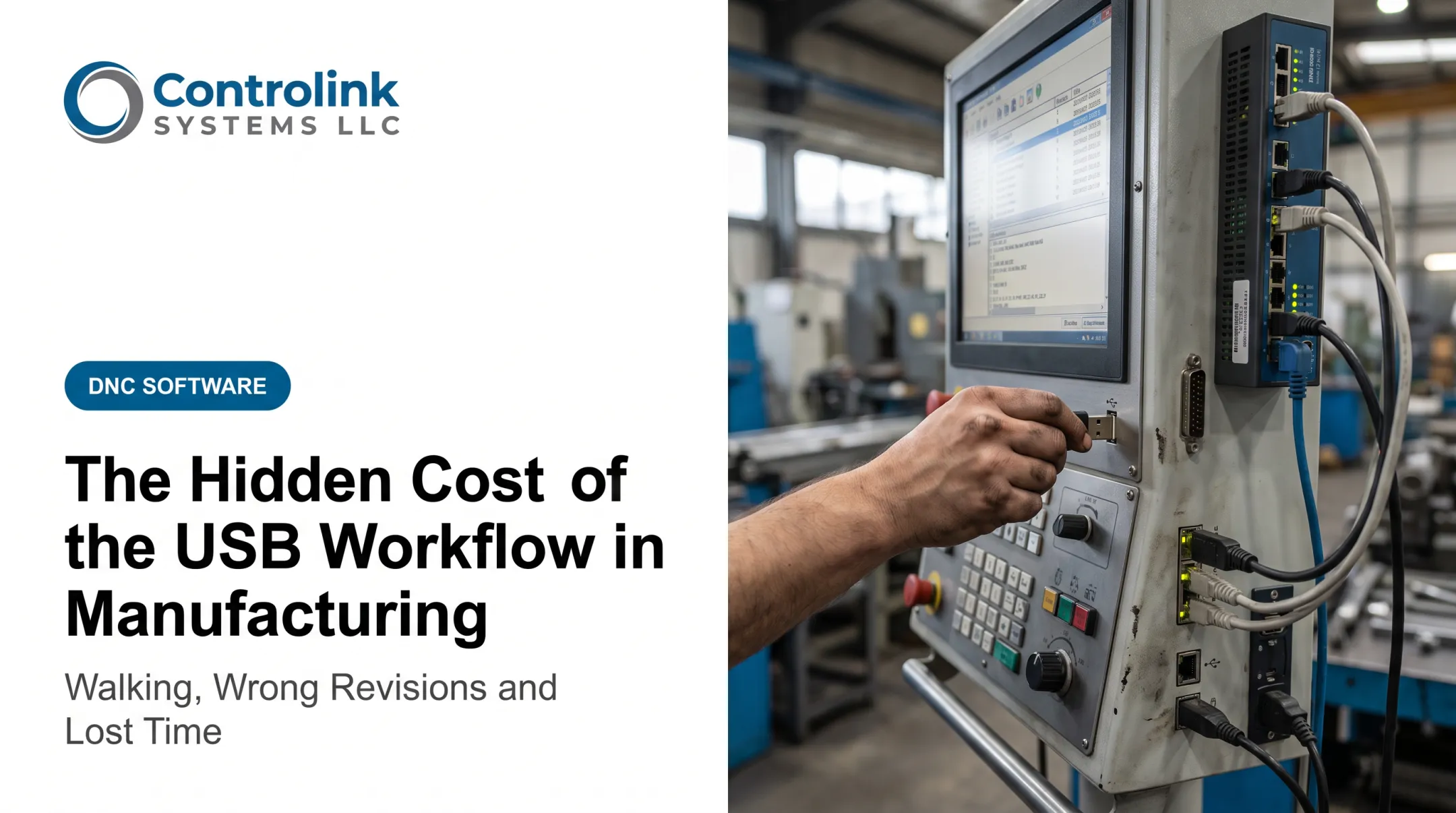
An operator walks to a shared terminal to confirm a program. Three revisions sit in the folder. The wrong one gets loaded, and the spindle sits idle while someone figures out what went wrong.
CNC program automation controls file distribution, revision status, approvals, and machine communication. Done right, it cuts labor waste, scrap, rework, and lost spindle time: fewer walks, fewer wrong revisions, and more time cutting metal.
Those savings don’t require a massive capital outlay. Software-only pricing varies widely—Predator Software lists its DNC/1 product starting at $805 for a perpetual license, or $400 a year with support—while total project cost still hinges on hardware, integration, and training.
What you spend depends on machine count, legacy controls, and network readiness. What you save depends on how much each wrong revision and idle spindle hour actually costs you.
Key Takeaways
- CNC program losses accumulate through small recurring events, not one obvious invoice.
- Controlled workflows help machinists reach the correct engineering-approved revision without leaving the machine.
- The strongest business case measures avoided costs and recovered capacity, not software price alone.
- Rollouts work best when phased in with permissions, validation, and operator training.
How Costs Around CNC Program Automation Typically Build Up
CNC program costs build across the full lifecycle: creation, approval, revision, transfer, machine-side verification, production, inspection, and eventual replacement. Every handoff in that chain is a place where time or accuracy can leak away.
Visible Costs vs. Hidden Costs
Some costs show up on an invoice. Software licensing and implementation fall here. Others hide inside the workday:
- Walking to a terminal to confirm or retrieve a file
- Waiting for supervisor or engineering approval before running a job
- Manually re-entering program data at the control
- Production interruptions while someone tracks down the "real" revision
- Scrap and rework from a file that shouldn't have been used
A short walk feels trivial. Repeated across dozens of programs a month, it adds up to real labor hours and real spindle downtime.
When a Wrong Revision Turns Into a Real Event
A wrong-revision incident isn't just wasted time. It's an episodic cost event: scrapped parts, inspection time, troubleshooting, a machine reset, an engineering review, and schedule recovery.
One customer, Ametek, Inc., described exactly this problem before switching systems. Operators made several trips between the machine and a computer just to send a program, and corrected copies often didn't get saved. The same program would need fixing again the next time it went out.
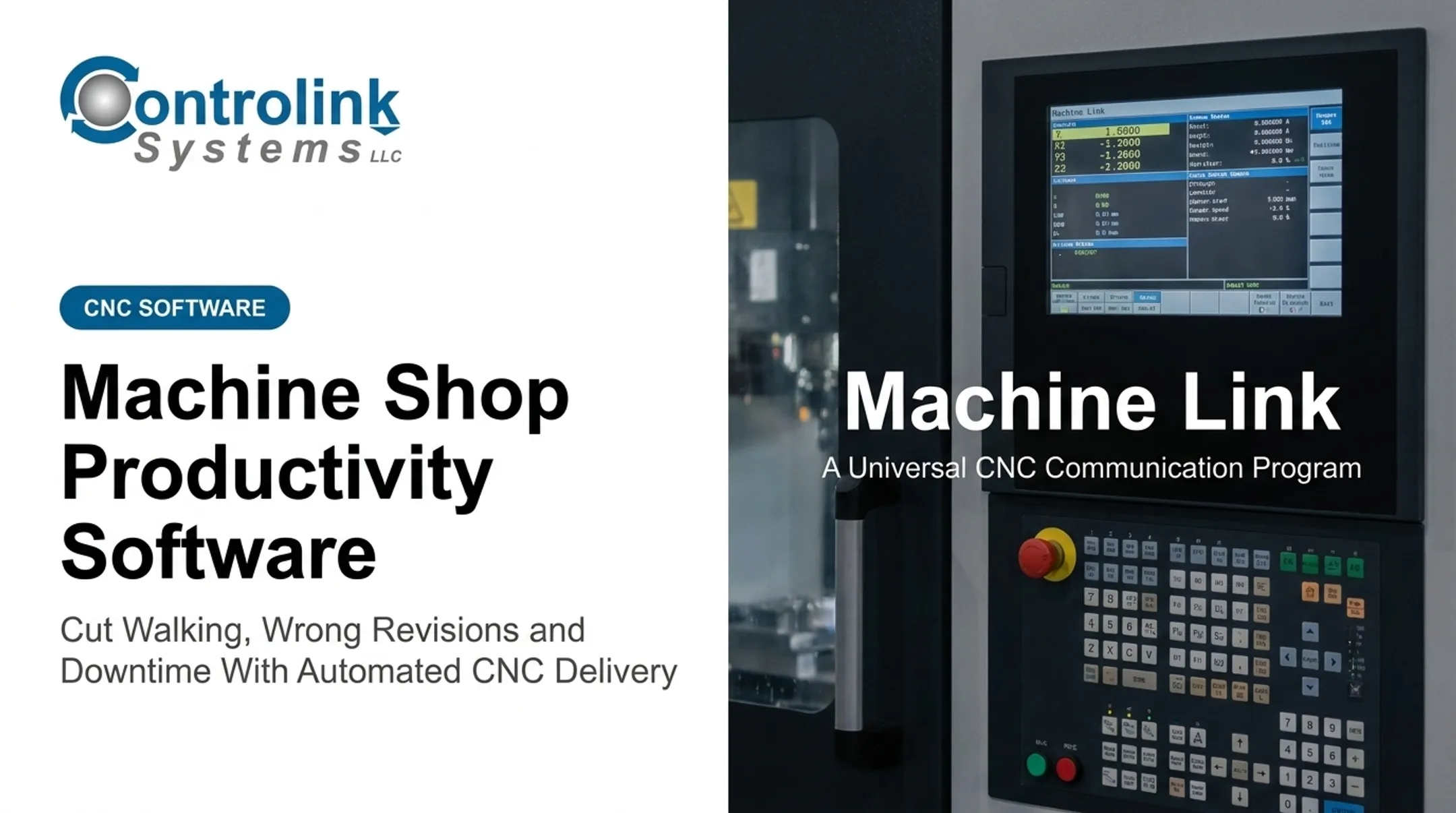
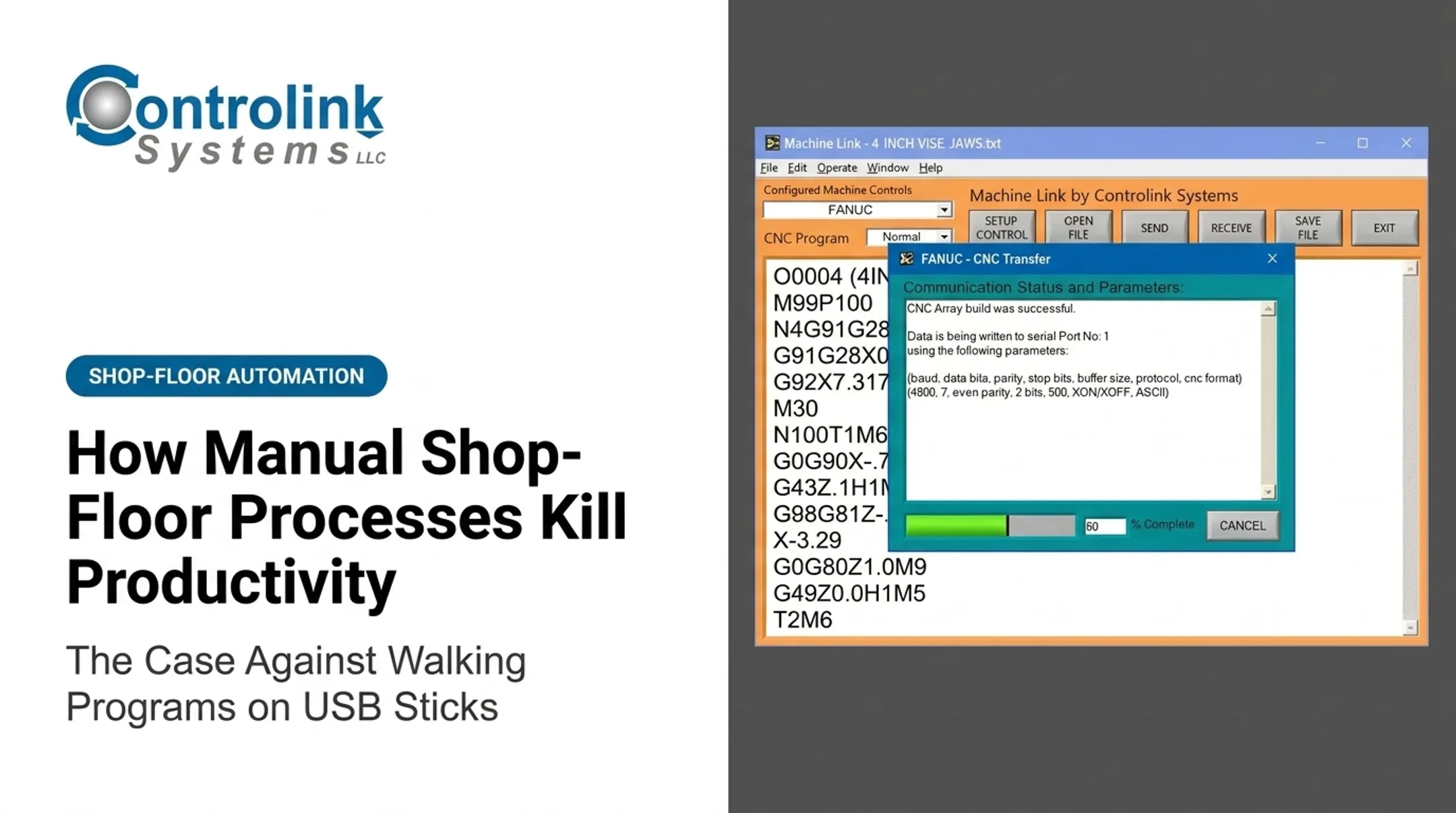
Controlink's Machine Link™ QUICK Serve fixed that failure point. Operators retrieve programs at the machine, and corrected files route to an Engineering folder for review before they enter the program library.

Build your own baseline before buying anything. Track:
- Number of program-related walks per shift
- Average minutes per walk
- Fully burdened hourly labor cost
- Wrong-revision incidents per month
- Rework hours and scrap value tied to those incidents
- Estimated spindle time lost
Don't estimate these figures from industry averages. Use your own shop's numbers.
Automation pays off fastest where these conditions stack up:
- Multiple machines and distributed operators
- Frequent revisions or high-mix work
- Strict traceability requirements
- High part value—one wrong file creates outsized damage
Key Cost Drivers for CNC Program Automation
The cost profile for CNC program automation depends on shop conditions that rarely look the same twice:
- Machine population and control age
- Communication protocols and network reliability
- Program volume, revision frequency, and approval complexity
A five-machine shop on one Fanuc control family looks nothing like a 40-machine floor running mixed Haas, Fanuc, and older serial-only controls.

Up-front choices shape long-term cost as much as day-to-day conditions. Centralized workflows, clear file naming, and defined approval rules cut rework later. So do reliable networks, consistent operator habits, and controls that do not need constant workarounds.
Production context shifts what you optimize first:
- High-mix job shops lean on revision control and fast file retrieval
- Repetitive production lines lean on automated distribution, uninterrupted running, and traceability
Direct and Indirect Costs to Evaluate
| Cost category | Type |
|---|---|
| Software licensing | Direct |
| Integration and setup | Direct |
| Training and support | Direct |
| Cybersecurity controls | Direct |
| Downtime during deployment | Direct (one-time) |
| Labor hours saved from walking/waiting | Indirect savings |
| Scrap avoided | Indirect savings |
| Rework hours avoided | Indirect savings |
| Recovered spindle time | Indirect savings |
Those indirect rows are where most shops recover the investment. Scrap and rework are not small line items industry-wide. APQC's benchmark, drawn from more than 4,230 companies across industries, puts scrap and rework costs at a median of 5.0% of cost of goods sold. That figure spans all industries and combines scrap with rework, so treat it as context—not a CNC-specific promise.
The cheapest software is not automatically the cheapest choice. If it cannot talk to your existing controls, enforce revision rules, log an audit trail, or connect engineering to the shop floor, you will pay for that gap somewhere else.
Controlink Systems routinely interfaces with SQL databases, PLC hardware, and single- and multi-axis motion controllers. That integration matters once program data needs to move beyond a single machine.
Cost-Reduction Strategies for CNC Program Automation
Cost reduction starts with knowing where your current workflow bleeds time or creates risk. Establish a baseline first. Compare projected savings against implementation and ownership costs before signing anything.
Strategies That Reduce Costs by Changing Decisions
Where you point automation first determines what you save first.
- Scope it to your biggest measurable loss. Starting with program transfer and revision control is usually lower-risk than jumping straight into machine monitoring, tool management, or material handling.
- Define one authoritative program source. Clear naming conventions, approval status, and defined ownership stop operators from guessing between ambiguous files.
- Prioritize by financial exposure. Machines running expensive spindle time, tight-tolerance parts, frequent engineering changes, or costly raw material deserve automation first.
- Build the case on total cost of ownership, not sticker price. Factor in software, interfaces, training, support, cybersecurity, maintenance, and rollout downtime.
- Phase the deployment. Pick a representative group of machines, document baseline performance, set success criteria, then scale once results hold up.
Strategies That Reduce Costs by Changing How CNC Programs Are Managed
This is where most of the daily savings live.
- Centralize retrieval so operators stop walking. Machine Link™ QUICK Serve scans machines for remote file requests and serves the correct file to the control, so operators never leave the machine or touch the PC manually.
- Use revision-aware workflows. Show approval status, block obsolete versions from loading, and keep prior revisions available for rollback and investigation.
- Add role-based permissions and an audit trail. Track who created, approved, changed, transferred, or retrieved a program so operators are not the last line of revision control.
- Connect program management to engineering data. Timken Company's Roscoe Chaney described how Machine Link™ removed manual re-keying on program O5014342.PTP and cut entry errors. For custom links between CNC programs, engineering systems, and databases, an integrator such as Controlink Systems LLC can build the connection.
- Create feedback loops from machine to engineering. Route on-machine program edits to engineering for review so useful corrections get adopted instead of lost.
- Measure the same baseline after deployment. Recheck walks, transfer time, wrong-revision events, rework, scrap, and spindle idle time with the same categories you tracked before rollout.

Strategies That Reduce Costs by Changing the Context Around CNC Program Automation
Automation doesn't run in a vacuum. The environment around it determines whether savings stick.
- Fix connectivity gaps first. Address protocol compatibility, buffering, and offline contingencies across legacy and modern controls. Machine Link™ supports standard RS-232 because many floors still run older controls.
- Integrate with the broader workflow where it's justified: scheduling, quality documentation, traceability, and ERP/MES data.
- Treat cybersecurity as cost protection, not overhead. NIST's SP 800-82 Rev. 3 guidance recommends network segmentation, authenticated access, restricted removable media, and tested backup and recovery procedures for operational technology environments. None of that requires a compliance claim to be worth doing.
- Train the whole team, not just operators. Programmers, engineers, and supervisors all need to know which tasks automation removes and which approvals stay human-controlled.
- Don't assume only big-batch shops benefit. Fast retrieval and clear revision status matter in high-mix, low-volume work too, where every job might use a different program.
- Review results periodically. Recheck utilization, revision incidents, scrap, rework, and transfer failures as machines, products, and processes evolve.
Conclusion
CNC program automation reduces cost by controlling the exact points where information delays turn into labor waste, wrong revisions, scrap, rework, or idle spindle time. Fewer walks and fewer file-selection mistakes are the visible outcomes. The larger goal is a reliable connection between engineering approval, program distribution, machine execution, and production feedback.
To capture those savings:
- Start with your own shop's baseline
- Pilot the workflow with the highest potential value
- Judge results by recovered time, reduced errors, avoided scrap, and improved spindle utilization—not sticker price
Frequently Asked Questions
How much does it cost to run a CNC machine per hour?
Hourly cost depends on depreciation, labor, utilities, maintenance, tooling, overhead, programming time, and utilization. A shop-specific burdened rate based on real productive hours is more accurate than any published average.
Why is CNC so expensive?
Equipment, tooling, skilled labor, programming, maintenance, materials, quality requirements, and downtime all drive CNC costs up. Automation reduces recurring waste such as walking and manual re-entry, but it doesn't eliminate capital or engineering costs.
What is the best software for automated CNC programming?
The best choice depends on whether you need CAD/CAM toolpath generation, CNC/DNC program distribution and revision control, machine monitoring, or a fully integrated workflow. Evaluate machine compatibility, approval features, traceability, usability, support, and total cost together.
Will AI replace CNC programming?
AI can assist with toolpath suggestions, optimization, documentation, and repetitive programming tasks. Human review still matters for design intent, machine capability, safety, and final engineering approval.
How does CNC program automation reduce scrap?
Controlled file access, visible revision status, approval workflows, and machine feedback reduce the odds of running an outdated or incorrect file. Scrap reduction varies by shop, so base any percentage claim on your own verified data.
What is the difference between CNC programming automation and DNC software?
CNC programming automation generates machine instructions, often through CAD/CAM tools. DNC software manages, transmits, retrieves, and controls those programs once they exist. Some platforms combine both; others integrate separate CAD/CAM, DNC, MES, or ERP systems.