But an air gap alone doesn't guarantee safety. Dragos found that 75% of ransomware incidents it responded to in 2024 caused at least a partial OT shutdown, with a quarter resulting in a full shutdown of operations, according to its 8th Annual OT Cybersecurity Year in Review. Removable media, maintenance laptops, rogue wireless adapters, and informal file-transfer habits can quietly undo the protection an air gap is supposed to provide.
This article covers how to choose the right isolation model, control data movement without slowing production, and layer air gaps with other safeguards so machines stay both protected and productive.
Key Takeaways
- An air gap reduces risk, but it isn't a complete cybersecurity program on its own
- Map every connection and transfer route before calling a system "isolated"
- Approved file workflows, version control, and backup testing keep isolated machines running
- Design controls around real production needs so operators don't work around them
What Air-Gap Security Means in Manufacturing
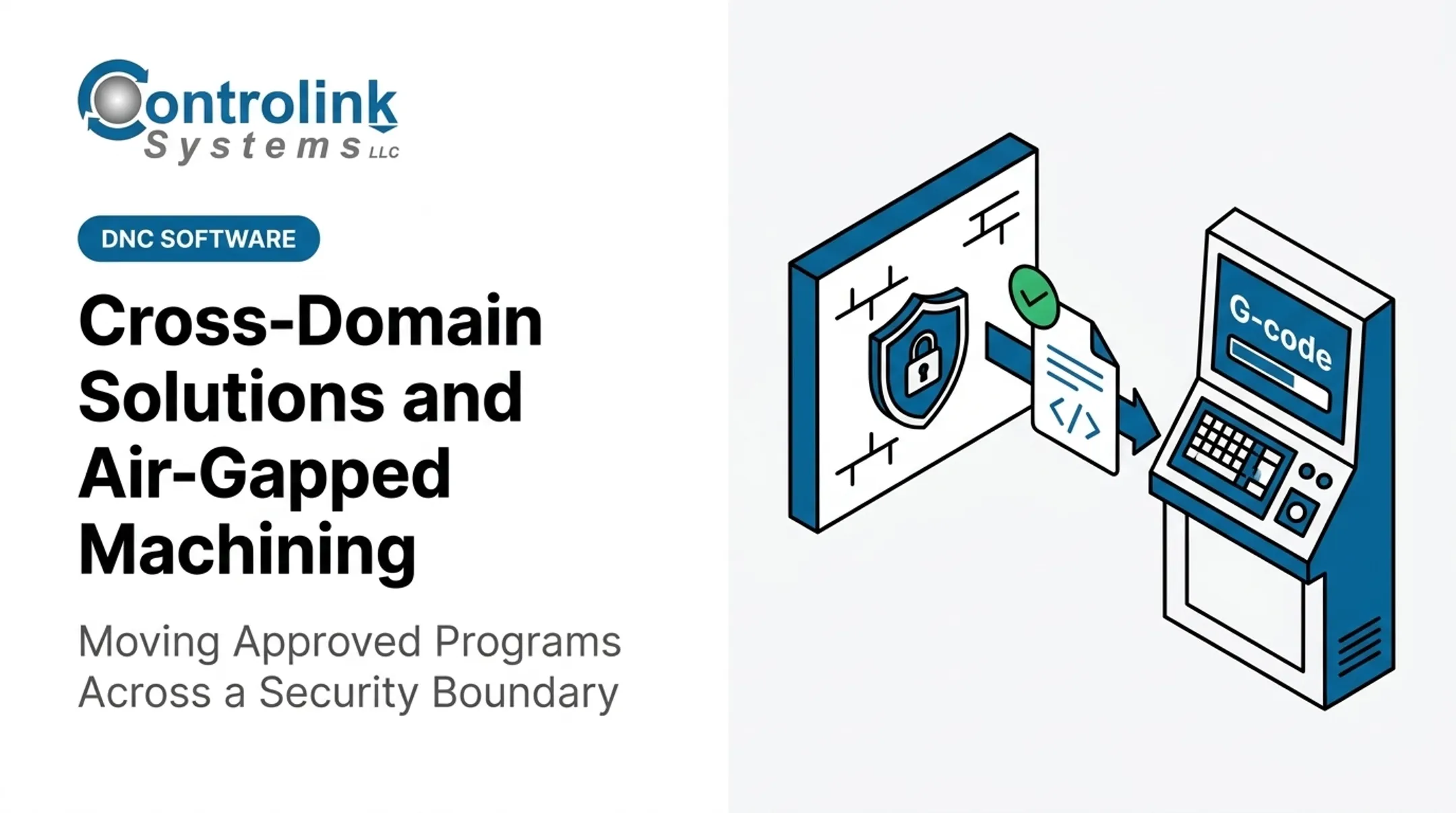
An air gap is a physical or logical separation between critical manufacturing systems and less-trusted networks, including corporate IT, the public internet, vendor connections, and wireless systems.
The National Institute of Standards and Technology (NIST) defines a true air gap as an interface where two systems have no physical connection, and any data crossing that boundary happens manually, under human control — not through an automated link.
That's meaningfully different from a segmented or firewall-controlled network, where systems remain connected but traffic is restricted and monitored.
Which Assets Need Stronger Isolation
Not every device on the shop floor carries the same risk. Assets that typically warrant tighter isolation include:
- CNC controllers and robotic work cells
- PLCs governing safety- or quality-critical processes
- Engineering workstations that generate approved programs
- Quality and test systems, including end-of-line testing equipment
- HMIs tied directly to production-critical machinery
What an Air Gap Actually Buys You
The security value is straightforward: it limits the routes through which ransomware, unauthorized commands, or malicious files can reach a machine remotely. NIST's OT security guidance notes that as operational technology becomes more connected to IT networks, traditional measures like air gaps stop being sufficient by themselves; they need to be paired with OT-specific controls.
Physical access, insider risk, and controlled data transfers remain live threats even after a machine is "gapped."
Design an Air-Gap Architecture That Fits the Production Environment
Before drawing any boundaries, build a complete asset and data-flow inventory. Capture every:
- Machine, controller, and HMI
- Engineering station and maintenance laptop
- USB device, vendor connection, and wireless interface
- Backup location and any data exchange with IT or cloud systems
Skipping this step is how "isolated" machines end up with an undocumented Wi-Fi dongle plugged into a maintenance port.
Once you have the inventory, classify systems by operational impact. High-risk control data (CNC programs, PLC logic) deserves stricter handling than lower-risk information like approved production reports. That classification drives which isolation model fits each zone.
Comparing Isolation Architectures
| Architecture | How It Works | Best For |
|---|---|---|
| Physical air gap | No active network or wireless link; data moves only through controlled physical media | Safety-critical or highest-consequence machines |
| Logical/segmented air gap | Separate OT zones behind firewalls and access rules | Environments needing some connectivity with strict boundaries |
| Hybrid/electronic isolation | Physical separation plus one-way gateways or transfer stations | Production visibility without inbound access |
A segmented network is not the same as physical isolation. It reduces exposure but keeps a connected path that firewalls must continually enforce.
Controlled transfer points are where the architecture meets daily operations. Define:
- Who approves files
- How media gets scanned
- How versions are recorded
- How a transfer gets reversed if something looks wrong
The ANSI/ISA-62443-3-2 standard formalizes this through zones and conduits: grouping assets, assessing risk per zone, and setting a target security level for each.
CISA's ICS defense-in-depth guidance recommends DMZs, VLANs, and jump hosts as enforcement points between corporate and plant networks. The right combination depends on your plant's risk assessment, not a generic template.

Air-Gap Security Best Practices for Manufacturing
Once the architecture is set, daily discipline determines whether it holds up.
Control every data-transfer path. Limit how files reach the machine:
- Use dedicated transfer stations or approved removable media only
- Disable unneeded USB ports and wireless radios
- Scan files before they ever touch a machine
- Prohibit personal devices and unscreened vendor laptops from connecting directly
Establish an engineering-approved file workflow. CNC programs, PLC logic, recipes, and HMI configurations should carry:
- Consistent file naming conventions
- Version numbers and approval status
- Checksums or another integrity check
- A documented rollback method
Shops running manual DNC processes often miss these controls. At Ametek, Inc., operators walked corrected programs back and forth from machine to computer so often that copies frequently went unsaved.
Controlink Systems' Machine Link™ QUICK Serve routes corrected programs into an Engineering folder for review before they enter the CNC program library, keeping version control intact without adding steps.
Patch through a secure offline process. Obtain updates from trusted vendor sources, verify authenticity, and stage-test packages before deployment. Document approvals and schedule changes around production windows, not IT convenience.

Apply physical and identity controls:
- Restrict machine-room access to named accounts
- Enforce least-privilege permissions
- Require multi-factor authentication where feasible
- Log all vendor and maintenance activity
Monitor what's inside the isolated zone. Collect local logs, controller events, file-transfer records, and failed access attempts. Define a review cadence for when continuous external monitoring isn't available.
Validate the design regularly. Test backup restoration. Audit removable-media practices. Check for unauthorized wireless connections nobody remembers installing. A gap you haven't tested in six months is a gap you're assuming still works.
Keeping Air-Gapped Machines Isolated Yet Productive
Security controls that fight the actual production workflow get bypassed. Before locking anything down, map how programs move today: how they're created, approved, transferred, selected at the machine, revised, backed up, and eventually retired. Look for unnecessary walking, manual re-entry, and duplicate data entry. These are the friction points that push operators toward shortcuts.
Automating the Transfer Layer Without Opening the Network
A controlled CNC/DNC layer can distribute engineering-approved files and capture machine status without granting unrestricted network access. Controlink Systems has built this kind of shop-floor automation since 1998. The platform works as a communication layer that makes controlled transfers practical at scale:
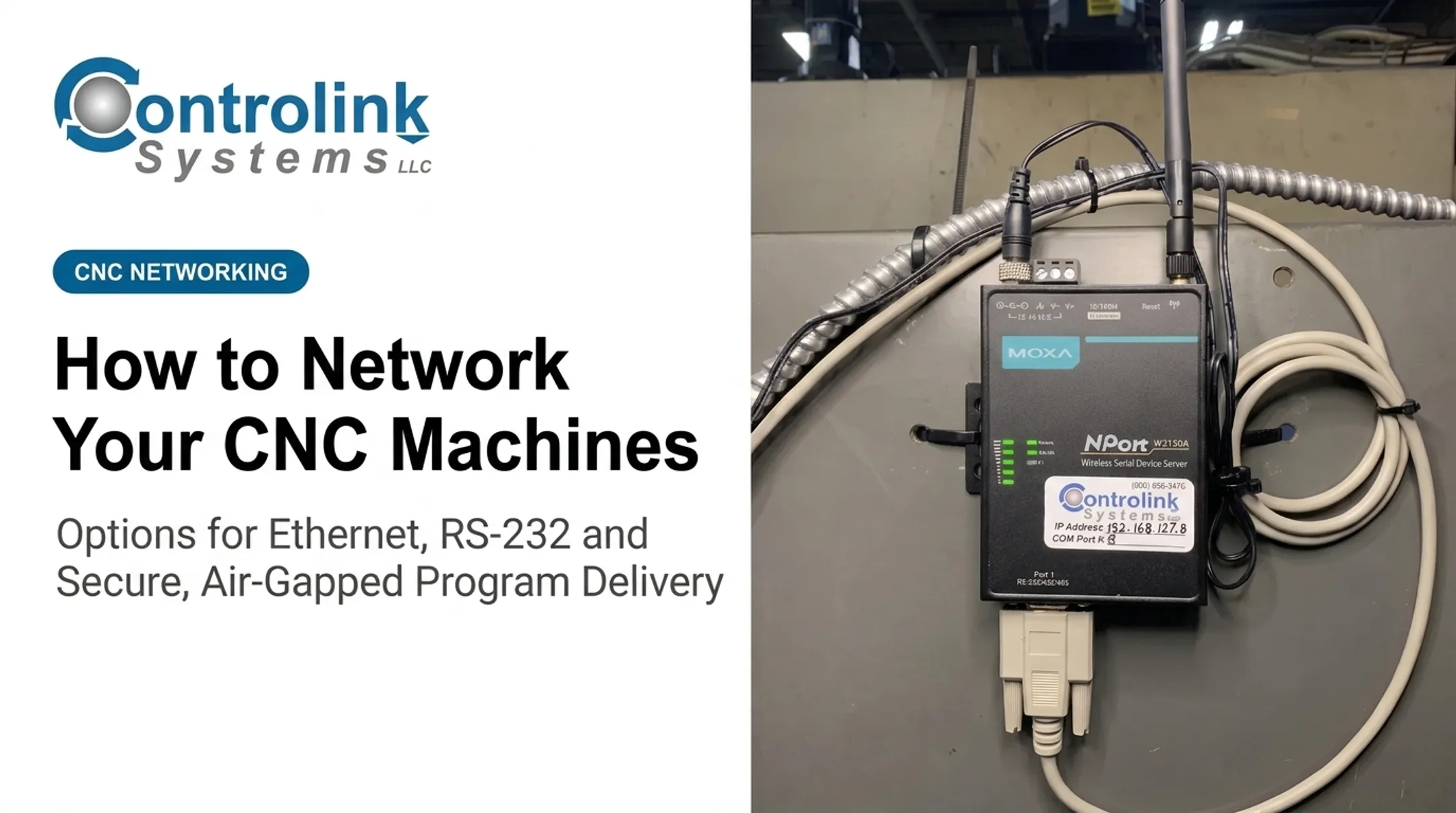
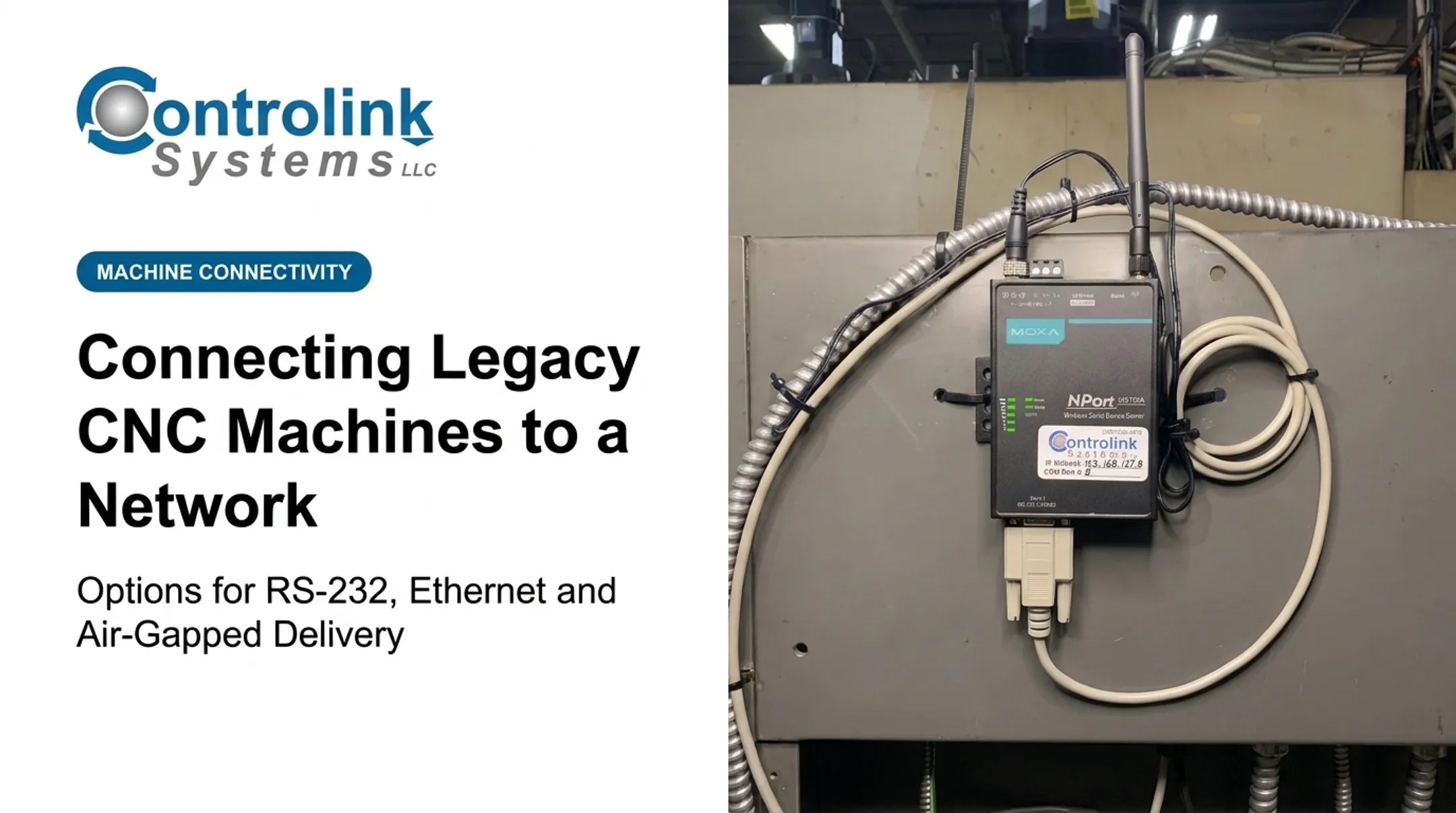
- Machine Link™ QUICK Serve scans machines for file requests over wired or wireless serial connections and returns the current engineering-approved file
- Supports up to three simultaneous CNC sessions, with an Active Scan Table showing machine names, port status, and transfer progress
- Program edits made at the machine route directly to engineering for review before they replace the approved version
- Busche Enterprises used the platform to back up CNC program files across 46 different machine tools
Building Safeguards Into the Operator Experience
Operators shouldn't have to guess which file version is correct. Effective designs:
- Display the approved file version at the point of selection
- Prevent selection of obsolete or unapproved programs where technically possible
- Show clear transfer status, including a visible progress bar with cancel option
- Provide simple rollback instructions when a transfer fails Combi Packaging Systems LLC connected its Machine Link computer to the office network specifically to back up files electronically, cutting the risk of losing programs to failed floppy disks. That small change removed a real point of fragility.
Keeping Convenience Separate From Security Exceptions
Define approved maintenance windows, transfer roles, and emergency procedures separately from routine operation. Any temporary connection (a vendor laptop, a diagnostic tool) should be time-limited, authorized, monitored, and disconnected immediately after use. Track transfer errors, unplanned downtime, time spent locating programs, and policy exceptions. Those metrics tell you whether the design is holding up on the floor.

Limitations, Failure Modes, and Defense in Depth
Air gaps fail in predictable ways. Stuxnet remains the reference case: CISA's advisory on the malware documented that USB drives were a primary infection route, exploiting a shortcut-file vulnerability that could launch simply by viewing the drive in Windows Explorer (no network connection required).
The malware went on to interact directly with Siemens WinCC and STEP 7 systems. "Isolated" does not mean "unreachable" when removable media, compromised engineering laptops, or unauthorized wireless adapters are in play.
The Operational Trade-Offs
Isolation carries real costs:
- Slower patching cycles
- Limited remote diagnostics
- Reduced visibility into machine health
- Manual transfer work and duplicated systems
- Harder integration with ERP, MES, or analytics platforms
Layer, Don't Rely on One Boundary
No single control should carry the full weight of protection. Pair the air gap with:
- Application allowlisting on engineering workstations
- Removable-media and endpoint controls
- Secure, tested backups
- Physical access governance
- Change management and incident response plans
A quick decision check:
- Strengthen the air gap when compromise consequences are severe
- Redesign it when operators routinely work around procedures; that signals the control does not fit the workflow
- Avoid calling any system "air-gapped" until every physical, logical, wireless, and procedural connection has been verified
Frequently Asked Questions
What is an air gap in security?
An air gap is physical or logical isolation of a system from unsecured networks, with no automated connection allowing data to pass. It reduces remote attack exposure but doesn't eliminate risks from physical access or removable media.
What are the 7 layers of security?
CISA's ICS defense-in-depth model covers seven layers: policy, application, data, platform, network/perimeter, physical, and user security. Plants typically map these to physical, network, endpoint, application, data, identity, and procedural controls.
How does air-gap security work in manufacturing?
Manufacturers isolate CNC machines or OT zones from other networks, move files and updates only through approved processes, restrict physical and account access, and regularly verify that no unauthorized connection paths exist.
What is the difference between an air gap and network segmentation?
Segmentation restricts traffic within a still-connected environment using firewalls or gateways. A true air gap removes network connectivity entirely, requiring manual data transfer. Many plants use hybrid designs combining both.
Can air-gapped machines still be hacked?
Yes. Infected removable media, compromised maintenance laptops, insider access, and unsafe temporary connections have all bypassed air gaps in documented incidents, including Stuxnet. Layered controls beyond isolation are necessary.
How do manufacturers transfer files to air-gapped machines safely?
Through approved transfer stations or scanned removable media, with file version control, integrity checks, authorized personnel, and logged transfers. Connections should be disconnected immediately after the transfer completes.