Introduction
Walk any CNC shop floor and you'll see the same scramble: a machinist waiting on a program that hasn't arrived, a supervisor calling around to find out if a machine is actually running, or a quality hold nobody notices until the next shift. Andon systems exist to close that gap.
Originally a visual signal on the production line, Andon has expanded beyond simple status lights. Today it combines an operator's help request with automatic signals from machines, PLCs, and databases.
This article focuses on a specific problem: connecting operator-facing Andon signals with program-delivery events and machine-status data in CNC and automated manufacturing environments. Without that connection, teams fall back on walkarounds, phone calls, and outdated whiteboards.
We'll walk through how Andon systems actually work, what signals they can surface, and where they fit into a connected shop floor.
Key Takeaways
- Andon must trigger a response on the floor—stack lights and dashboards alone do not close the loop.
- Digital Andon combines manual operator requests with automatic machine and controller signals.
- Program-delivery visibility must confirm revision, approval, destination, and machine acceptance before the job runs.
- Clear signal definitions, named response owners, and solid system integration keep Andon reliable under real shop load.
What Is an Andon System?
An Andon system is a visual, audible, or digital signaling method that flags an abnormal condition, a request for help, a quality concern, or a status change requiring attention. It exists because problems on a shop floor can hide between scheduled checks. An operator might not know which support contact to call, and a supervisor might not know which machine or program is actually the issue.
Toyota, where the term originated, describes Andon as a visual aid showing where action is required: an illuminated signal that notifies others of a quality or production problem the moment it occurs.
A modern Andon setup surfaces two kinds of signals:
- Human-generated: an operator pressing a button or selecting a reason code on an HMI
- Machine-generated: an alarm, an idle condition, a failed cycle, or a program that never reached the intended controller
Andon vs. Adjacent Tools
Andon differs from nearby tools in one respect: it demands a response.
- A dashboard displays information but doesn't demand action.
- A machine-monitoring system collects equipment data but doesn't route it to a person.
- An Andon workflow turns a specific condition into a visible request with a defined response.
Andon shows up in a few physical and digital forms: manual pull-cords or buttons, automatic equipment triggers, and connected systems using displays, notifications, and shop-floor software.
Color meanings and escalation thresholds are configurable. A common convention is green for normal, yellow or amber for assistance needed, and red for a critical stop—but these are local conventions, not universal standards. Every facility should document its own legend rather than assume it matches the plant down the road.

How Does an Andon System Work?
At its simplest, an Andon system runs a closed loop: detect a condition, activate a signal, identify its location and severity, notify the right person, respond, and log the outcome. Each stage matters, because skipping one turns Andon into noise instead of action.
Initiation and Detection
A signal can start two ways. An operator presses a button, selects a reason on an HMI, or flags a quality issue. Or a controller, PLC, sensor, or software rule detects something abnormal on its own.
In CNC and automated production, common triggers include:
- Machine alarm or fault code
- Cycle that never started
- Unexpected idle time
- Tool wear or quality flag
- Setup delay or communication failure
- A program that hasn't reached the intended machine
Not every trigger deserves an immediate alert. Some should request assistance; others should only be logged for later review. Treating every blip as urgent leads to alert fatigue, and operators start tuning signals out.
Program-Delivery Signals
This is where a lot of shops have a blind spot. A complete program-delivery sequence covers more than "file sent":
- Job selection
- Engineering approval
- Revision identification
- File transfer
- Destination-machine confirmation
- Controller acceptance
- Operator readiness to run
Andon visibility can expose each stage, not only the transfer step.
As MMS Online notes, CNC files get renamed, modified, overwritten, or pulled from the wrong folder, and those mistakes carry real shop-floor costs.
Showing revision and approval status helps stop a machinist from running an outdated file. No system can guarantee correctness on its own; it can only surface the information needed to catch the problem.
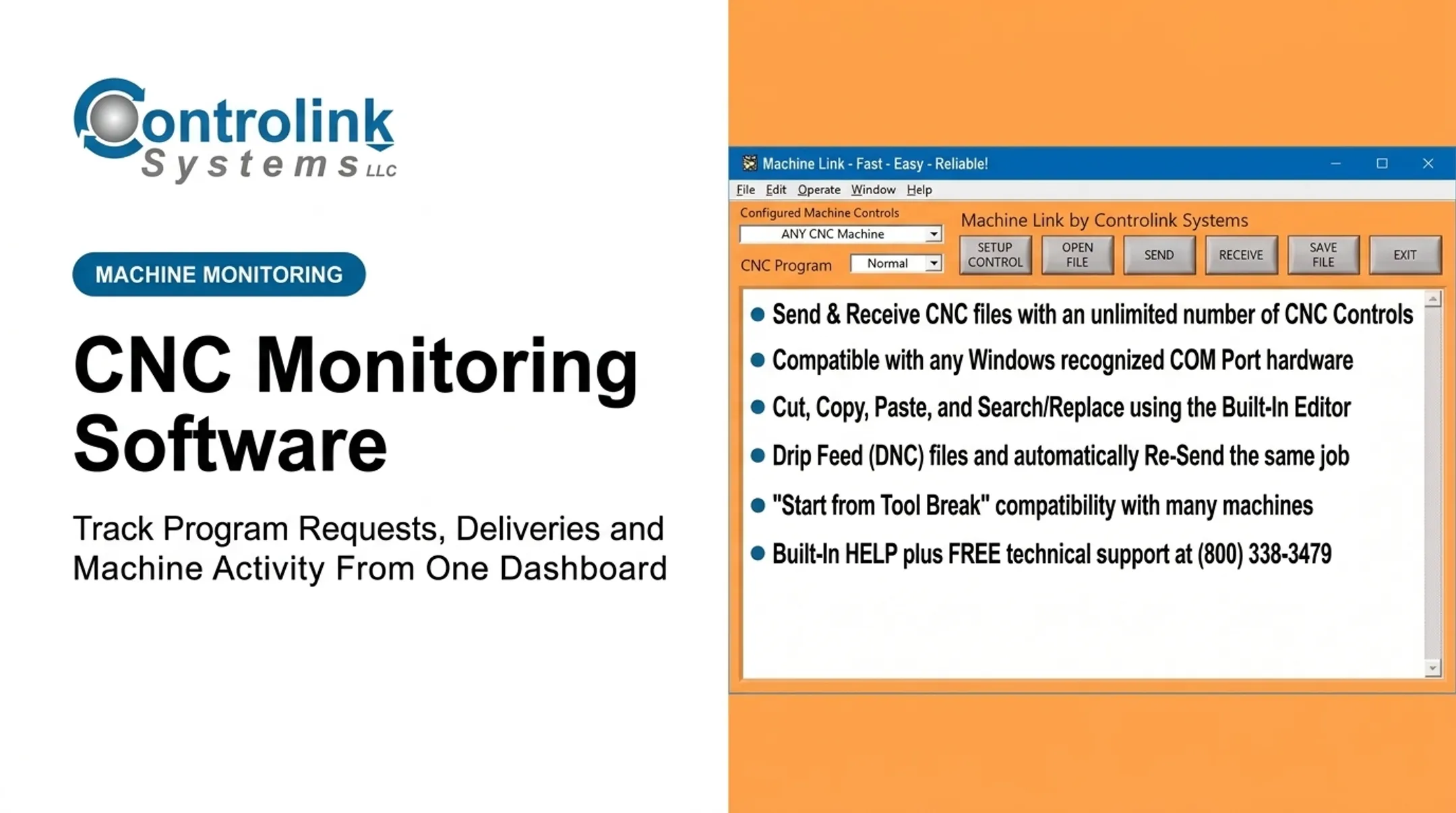
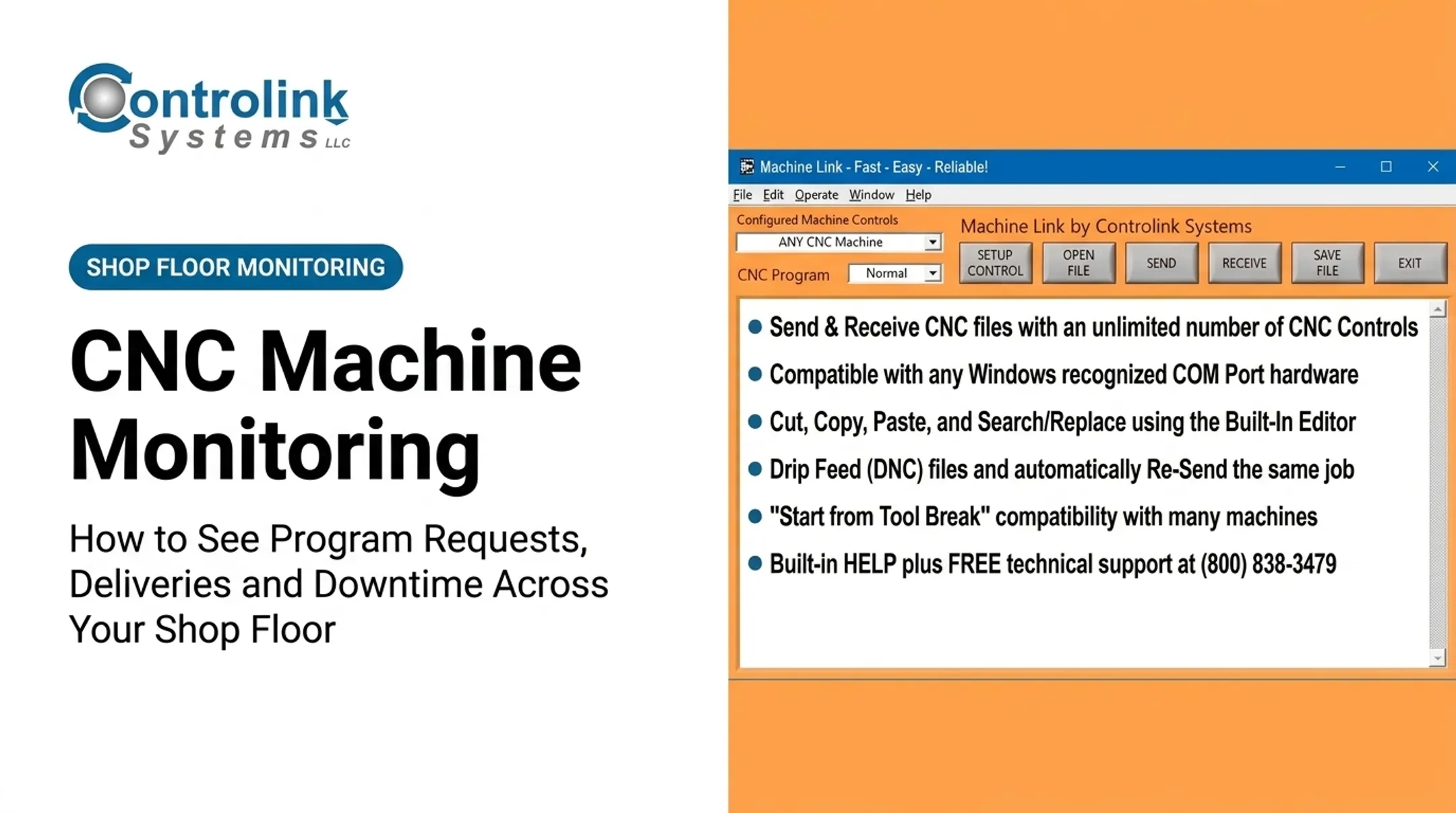
Controlink Systems builds this logic into Machine Link™ QUICK Serve, which continuously scans machines for file requests over wired or wireless serial connections and returns the latest engineering-approved file directly to the control.
The ML Send Utility works from the database side. It pulls the CNC filename and target control through a command-line integration with an existing corporate database, cutting out manual data entry.
When something breaks in that chain, the response should route accordingly:
- A failed transfer routes to engineering or IT.
- A rejected file routes to a controls or programming specialist.
- A job-to-machine mismatch routes to a supervisor.

Machine-Status Signals
Machine status covers states like running, stopped, idle, in setup, waiting for material, in alarm, in changeover, or awaiting operator input. Systems collect these signals from CNC controls, PLCs, motion controllers, sensors, and HMIs, then show them on an overhead board, workstation screen, or supervisor dashboard.
A useful status display identifies:
- The specific asset
- Its current state
- How long it's been in that state
- The reason, if known
- Who's expected to respond
A status light that just says "red" without context sends someone walking the floor to find out why — the exact problem Andon is supposed to eliminate.
Regulation, Response, and Escalation
Not every signal deserves the same response. A yellow or assistance signal might prompt a team leader or technician to check in. A critical quality, safety, or equipment condition might require a controlled stop. Each facility has to define these rules for itself — there's no universal seconds-based benchmark that applies everywhere.
Toyota's traditional model gives the team leader a defined window to address a pulled-cord issue before the line stops if it isn't resolved. That same logic (acknowledge, respond, escalate if needed) applies whether the trigger is a person or a machine. Operator-friendly HMIs and clear visual cues reduce the need for someone to leave their station to hunt down support.
Output, Logging, and Continuous Improvement
Log resolved events with the machine, program, work order, reason, response, and resolution details when connected systems capture that data. Over time, this history reveals patterns: recurring downtime on a specific asset, repeated program-delivery delays, or the same alarm firing every shift.
The value of this data shows up in real operations. Controlink's Stamping Process Monitor, for instance, has tracked cycle times and downtime reason codes across six production lines from a single PC, giving plant teams the actual averages behind their assumptions rather than a guess.
Broader industry results back up the value of this kind of tracking. NIST reported a 2022 case at Leggett & Platt Aerospace where a TPM and lean initiative on a CNC lathe line pushed OEE from 39% to 45% and cut lost capacity from 61% to 55%.
That is a maintenance-program result, not a guaranteed Andon outcome. It still shows what disciplined event tracking can support when teams follow through.
Where Are Andon Systems Used?
Andon touches nearly every stage of a manufacturing workflow:
- Job release and program distribution
- Machine setup and production cycles
- Inspection and maintenance response
- Material replenishment
- Escalation to engineering or supervision
CNC Shops and High-Precision Environments
In CNC machine shops, visibility often needs to connect DNC or file-transfer activity with machine state, operator confirmation, and quality events. A shop running dozens of machines can't rely on someone physically checking each control to see if the right revision loaded.
That is the gap tools like Controlink's stack are built to close:
- Machine Link™ moves files over standard RS-232 and surfaces communication parameters plus a percentage-complete status while the transfer runs
- PDADNC™ handles uploads, downloads, and drip-feeding across ASCII, ISO, and EIA controls
- iMonitor pulls time- and frequency-domain process and vibration data through NI hardware so quality and machine events can sit beside delivery status
Industry Applications
Andon-style visibility shows up across sectors; signal definitions and compliance rules change by industry:
- Automotive stamping and body-panel production
- Aerospace and defense manufacturing
- Medical device production
- Mold manufacturing and repair centers
- Research environments (for example, Oak Ridge National Laboratory's machining group has used Machine Link™ across five types of NC grinding machines)
What Connected Andon Needs to Work
Connected Andon performs best where a few conditions are met:
- Accessible controller or PLC data
- Defined machine identifiers
- Reliable network connectivity
- Standardized status codes
- Clear ownership for who responds to what
Practical Limitations
Real shop floors rarely hit that ideal setup. Common obstacles include legacy machines with closed or proprietary protocols, inconsistent data across controllers, noisy or incomplete signals, and cybersecurity concerns around network access. There's also the alert-fatigue risk — treating every minor condition as urgent trains operators to ignore the board entirely.
Putting a program-delivery event and a machine-status alarm on the same screen takes integration across systems already on the floor: CNC/DNC links, PLCs, SQL databases, motion controllers, and shop-floor automation.
Controlink Systems routinely ties those layers together over protocols such as CAN, Modbus, Profinet, and EtherCAT. Meaningful Andon visibility is less about one dashboard product and more about that cross-system engineering.

Conclusion
An Andon system earns its place on the shop floor when it turns a machine, program, quality, or operator condition into a signal that reaches the right person, fast. That means going past "the file transferred" and confirming who approved it, whether the correct machine accepted it, and whether it's actually ready to run.
Better Andon design comes down to a few disciplines:
- Define what each signal means
- Connect it to data you can trust
- Set clear response rules
- Use the event history to shrink recurring interruptions
Follow those practices and the system reduces repeat stoppages instead of just displaying more information.
Frequently Asked Questions
What is an Andon system in manufacturing?
An Andon system is a visual, audible, or digital method for surfacing production issues, help requests, and status conditions in real time. It exists to drive action, not only to display information.
How does a digital Andon system work?
It combines connected machine or operator inputs with centralized displays or notifications. When a condition is flagged, it routes to a defined responder and gets logged once resolved.
What is the difference between Andon and a machine monitoring system?
Monitoring mainly observes and reports equipment conditions over time. Andon focuses on actionable alerts: who owns the response, how it escalates, and when it's resolved.
Can Andon systems monitor CNC program delivery?
Yes, when the relevant CNC/DNC and control data are accessible. An integrated system can surface program selection, revision status, transfer progress, machine receipt, and readiness to run.
What do Andon light colors mean?
Green typically means normal operation, yellow or amber signals assistance or a warning, and red flags a critical or stopped condition. Each facility should still document its own specific meanings.
How do manufacturers implement Andon without creating alert fatigue?
Prioritize signals, set clear thresholds, and route alerts by role. Add acknowledgment and escalation rules, train operators on what each signal means, and periodically review which alerts add no real value.