Introduction
Walk into most CNC shops running machines from the 1990s or early 2000s, and you'll find the same scene: engineering files sitting on an office computer, and an operator walking a USB drive or floppy disk across the floor to load a program. Short RS-232 cables fail, connectors corrode, and a five-minute file transfer turns into a twenty-minute troubleshooting session.
This matters more than it might seem. NIST's 2020 survey of U.S. manufacturers found that preventable maintenance-related losses reach $119.1 billion annually, with $18.1 billion tied directly to downtime. Manual file handling is rarely the headline cause, but it contributes to exactly this kind of unplanned stoppage.
One practical fix is RS-232-to-Ethernet CNC file transfer: a network gateway or serial device server carries program data between your plant network and a controller that still speaks RS-232. This article covers the setup, the reliability factors, and what CNC shops and plant teams should decide before modernizing.
Key Takeaways
- RS-232-to-Ethernet extends legacy CNCs without a controller swap when cable, gateway, and DNC software match.
- The controller "sees" a serial link; only the shop PC talks over Ethernet.
- Virtual COM ports, TCP settings, and flow control decide whether files arrive intact.
- Preventable U.S. manufacturing losses hit $119.1 billion a year (NIST), much from avoidable downtime.
- File governance (approvals, revisions, naming) matters as much as the wiring itself.
What Is RS-232-to-Ethernet Connectivity and Why Is It Used for CNC?
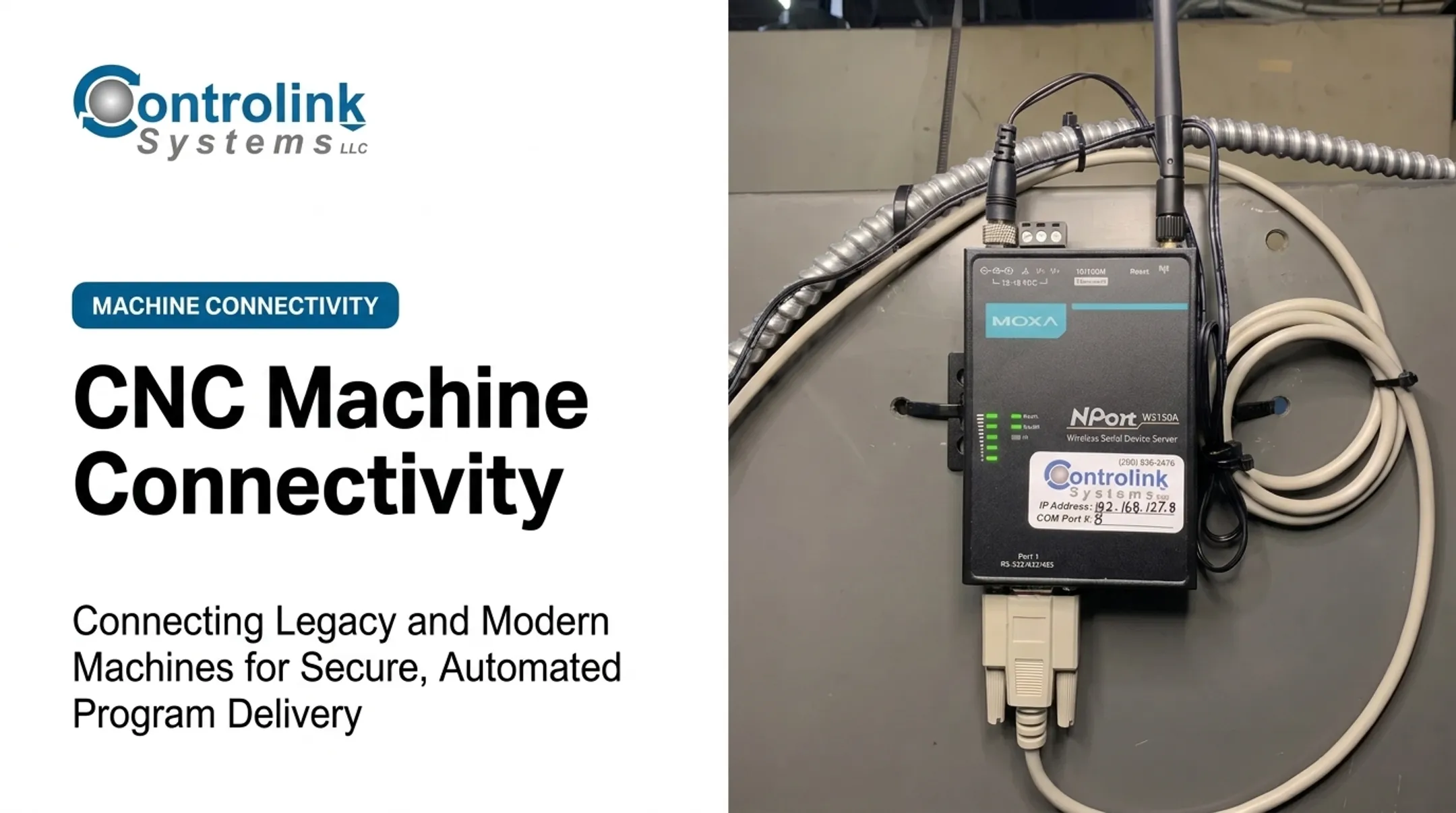
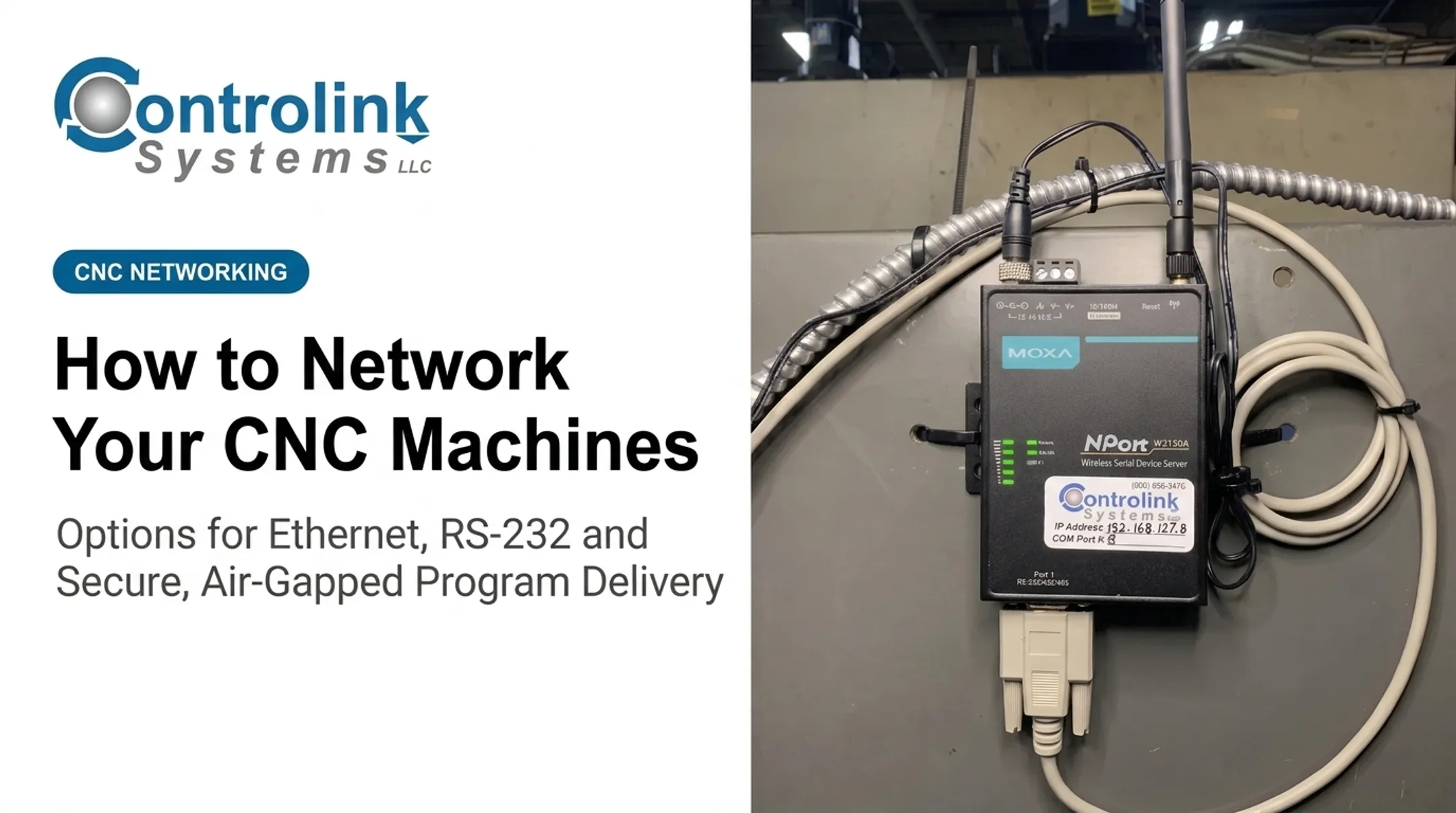
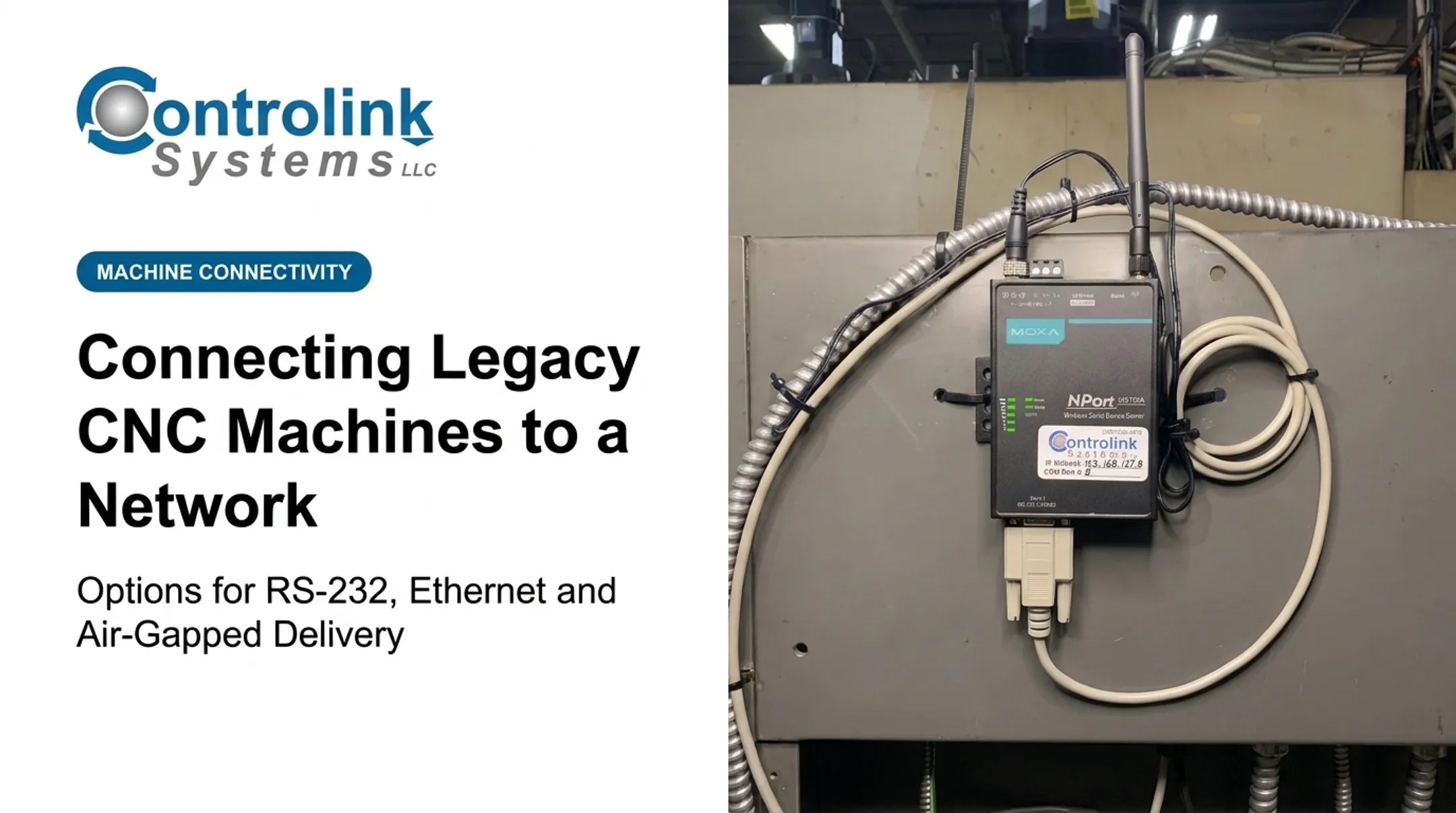
RS-232 is a decades-old serial communication standard. It sends data one bit at a time over a handful of wires, usually through a DB9 or DB25 connector. Ethernet is the network standard your office computers already use. A serial-to-Ethernet gateway (sometimes called a device server) sits between the two, translating serial signals into network packets and back again.
The practical goal is file mobility on the network you already have, without relocating a programmer or ripping out a working controller.
Four Different Things People Lump Together
Shops often use "DNC" as a catch-all term, but these are distinct functions:
- File transfer — sending a complete program to the machine and pulling edited versions back.
- Drip-feeding — streaming a large program to the controller in real time because it won't fit in machine memory.
- Remote serial access — managing a serial device from anywhere on the corporate network, not just the shop floor.
- Machine monitoring — capturing cycle times, part counts, and machine status, which typically requires more than a basic Ethernet bridge.
Why Shops Bother Modernizing At All
The usual drivers are practical, not glamorous:
- Fewer walks across the shop floor with a USB stick or laptop
- One approved-file repository instead of scattered local copies
- Faster transfer workflows for shops running multiple machines
- Getting more useful life out of CNC assets that still cut good parts
Cable Limits Aren't as Fixed as You Think
RS-232's original spec assumed roughly 15 meters (about 50 feet) of cable, but later revisions define the real limit as a maximum capacitive load. Texas Instruments' engineering note puts that at 2,500 pF, which works out to roughly 20 meters (65 feet) of shielded cable or more than 40 meters (130 feet) unshielded, depending on cable quality.

Don't treat any single distance or baud figure as universal. Cable capacitance, shielding, and routing all change the workable length.
Comparing the Alternatives
| Approach | Best When | Tradeoff |
|---|---|---|
| RS-232-to-Ethernet gateway | Controller is reliable but serial-only | Requires correct settings on both ends |
| Controller replacement | Machine needs modern features anyway | Highest cost, longest downtime |
| Long direct serial run | Very short distances, single machine | Signal degrades past a certain length |
| USB media | No network available | Slow, manual, no revision control |
| Native Ethernet option (if supported) | Controller vendor offers one | Cleanest long-term fix, not always available |
How RS-232-to-Ethernet CNC File Transfer Works
File data moves through a fixed path from the engineering system to the machine controller. A typical path looks like this:
- CAM or engineering system
- Approved-program repository
- DNC or file-transfer software
- Virtual COM port or TCP connection
- Plant Ethernet switch
- Serial gateway
- RS-232 cable into the controller
Wiring and Connector Basics
Every controller manual is different, so don't assume pinouts. That said, expect to verify:
- Connector type (DB9 or DB25) and whether it's DTE or DCE
- TX, RX, and ground wiring, plus any handshaking lines
- Whether you need a null-modem or straight-through cable
Controlink Systems' Machine Link™ documentation recommends receiving a file from the CNC before sending one. A successful receive confirms both COM ports and the cable are wired correctly, which saves a lot of guessing later.
Virtual COM Port vs Direct TCP/IP
There are two common software models. Moxa's Real COM driver creates a virtual COM port mapped to the gateway's network address. Legacy DNC software then addresses a networked machine as if it were plugged in locally. The driver packages serial data into TCP/IP packets, sends them over Ethernet, and the gateway unpacks them on the machine side.
The alternative is software that connects directly to the gateway over TCP/IP without a virtual port layer. Which one you use depends on your DNC application — check compatibility before assuming either will work.

Setting It Up, Step by Step
- Document current settings: baud rate, data bits, parity, stop bits, and flow control on the existing serial connection.
- Connect and configure the gateway: assign a network address and confirm it powers up correctly.
- Configure the DNC software: point it to the virtual COM port or the gateway's TCP address.
- Match every serial parameter: mismatched settings are the most common cause of garbled transfers.
- Test with a low-risk file: never validate a new setup with a production program.
File Transfer vs Drip-Feeding Large Programs
A straightforward file download is forgiving. Drip-feeding a large program that exceeds controller memory is not. Machine Link™ can send large files directly from disk without loading the whole file into memory, but pacing still matters.
Validate buffer capacity, XON/XOFF or hardware handshaking, and gateway buffering before you run drip-feed on the shop floor. One documented Machine Link™ session used 4800 baud, 2 data bits, even parity, and XON/XOFF — settings that worked for that controller, not a universal profile.
TCP server and client roles also vary by gateway and software pair. Confirm both sides against the gateway and DNC documentation for that install before you lock the configuration.
Where RS-232-to-Ethernet CNC Transfer Is Applied and What Affects Reliability
This approach fits mills, lathes, EDMs, and grinders that still run RS-232-only controls. One Controlink customer, Tech Tool Inc., ran two shop computers: one feeding four vertical mills, the other serving six CNC lathes. M-Tech Machine Products used the same approach across Mazak, Okuma, Fadal, and Milltronics controls from a single system.

The Day-to-Day Workflow
- A programmer publishes an approved revision to the shared repository.
- The operator selects the correct machine or virtual COM port.
- The DNC system transfers or drip-feeds the program.
- The operator confirms the controller loaded the right file before cutting metal.
A Compatibility Checklist Before You Commit
- Equipment: CNC make, model, control generation, connector type, and whether the port supports drip-feed or two-way communication
- Serial settings: baud rate, flow-control method, cable wiring, and gateway operating mode
- Network: static or reserved IP addressing, VLAN and firewall policy, switch availability, and backup procedures
What Actually Breaks Reliability
Transfer problems usually trace back to a handful of culprits:
- Electrical noise, cable length, and poor shielding
- Mismatched baud rates or aggressive software timeouts
- Network interruptions and gateway buffer limits
- Controller memory ceilings and oversized files
File Governance Prevents Scrap, Not Just the Wiring
A gateway that transfers files perfectly is still useless if the wrong file gets sent. Reduce that risk with:
- Engineering approval status attached to every file
- Revision control and clear naming conventions
- User permissions limiting who can push to which machine
- A final operator check of the loaded program before the cycle starts
A documented Controlink deployment shows the same pattern. In 2000, the Timken Company covered a Controlink solution for hard-turning lathes in a bearing-grinding department that eliminated floppy disks entirely. The write-up noted that removing physical media increased data security and reduced manual data-entry errors.
When shops outgrow a basic file-transfer bridge, the same reliability and governance needs extend into deeper integration. Controlink Systems connects DNC communications to SQL databases, PLC hardware, and broader shop-floor automation using protocols like Modbus, Profinet, and EtherCAT.
Common Issues and When RS-232-to-Ethernet May Not Be Appropriate
What a Gateway Won't Fix
A few misconceptions cause more downtime than the hardware itself:
- Adding Ethernet doesn't make the CNC "Ethernet-native" — it's still a serial device behind the gateway.
- A gateway can't correct incorrect pinouts or mismatched serial parameters.
- Faster network bandwidth doesn't help if the controller's handshaking can't accept data any faster.
Troubleshooting From the Machine Outward
- Verify cable wiring and whether a null-modem adapter is needed.
- Confirm local serial communication works before adding the network layer.
- Compare settings across the CNC, gateway, and DNC software.
- Check gateway status and IP connectivity.
- Test with a small, known-good file.
Common Symptoms and Likely Causes
| Symptom | Likely Cause |
|---|---|
| No connection at all | Wrong cable type, IP mismatch, or gateway offline |
| Garbled characters | Mismatched baud rate, data bits, or parity |
| Incomplete transfer | Buffer overrun or flow-control failure |
| Works, then fails after outage | Gateway or COM port needs reset after power/network drop |
When to Choose a Different Path
This approach may not fit when:
- The controller already has reliable native Ethernet support
- The application needs real-time deterministic control, not file transfer
- Your network can't meet security requirements
- The machine vendor prohibits the interface outright
In those cases, consider a controller upgrade, a vendor-supported DNC platform, or isolated serial infrastructure instead. Always confirm safety and warranty terms before changing production communications.
Keeping the Network Side Secure
- Keep gateways and virtual COM services on controlled, segmented networks
- Restrict remote access to what's actually needed
- Document credentials and firmware versions
- Coordinate any changes with plant IT and maintenance before going live
Conclusion
RS-232-to-Ethernet modernization lets you keep useful legacy CNC equipment running while replacing manual, walk-it-over file transfers with a managed network workflow. None of that works from the adapter alone, though. These pieces all have to line up:
- Wiring and serial settings
- Gateway configuration
- DNC software
- Network design and file governance
Test each controller before you put the link into production use.
If a standard file-transfer setup needs to connect to databases, PLCs, or a larger shop-floor automation project, Controlink Systems LLC has been building these connections for CNC/DNC communications since 1998. Reach the team at (800) 838-3479 or support@controlinksystems.com to talk through what your machines and network need.
Frequently Asked Questions
Can Ethernet be used for CNC file transfer?
Yes. A serial-to-Ethernet gateway carries program data over the plant network while the legacy controller keeps using RS-232 locally. Confirm compatibility between the controller, gateway, cable, and DNC software before relying on it in production.
What is the best software for transferring CNC data?
It depends on your controller's protocols, whether you need drip-feeding, revision control, and how much monitoring or integration you require. Compare supported features against your actual machines rather than picking based on general reputation.
What file formats do CNC machines use?
Most controllers accept machine-specific NC or G-code text files, but extensions, character sets, and formatting vary by controller and CAM postprocessor. Always check the machine builder's documentation and use a validated postprocessor.