CUI is unclassified information the government requires contractors to safeguard under law, regulation, or policy, according to the National Archives CUI Registry. The right controls depend on the CUI category, your contract terms, dissemination restrictions, and where that data lives, not simply whether a file is digital or printed.
This article walks through a practical workflow: identify CUI, map where it travels, control access and transfer, protect physical and electronic copies, and confirm the controls actually hold up during a normal production day.
Key Takeaways
- Confirm what's actually CUI before assuming a file needs protection or ignoring one that does.
- Control the full lifecycle: receipt, classification, revision control, machine transfer, storage, and destruction.
- Close the biggest shop-floor gaps: uncontrolled printouts, local workstation copies, and unmanaged USB drives.
- Place CNC/DNC systems and shop-floor automation inside a documented security boundary.
- Use this as implementation guidance, then validate against NIST SP 800-171, CMMC, and your contract terms.
How to Handle CUI on the Manufacturing Shop Floor
Step 1: Identify and Classify CUI Before It Reaches Production
Not every drawing or CNC program is CUI. Check your contract, customer instructions, and any markings or distribution statements first.
- Build a shop-specific inventory of CUI file types—CAD models, CAM files, inspection results, and bills of material
- Decide who owns the call when internally generated files, like a modified toolpath or setup sheet, might inherit those protections
- Give employees a clear escalation path for unmarked or ambiguous files
Nobody on the floor should decide independently that a file is no longer controlled just because the label fell off.
Step 2: Receive and Store CUI Through Approved Systems
Set defined intake channels: customer portals, secure file transfer, or direct system integrations. Personal email and consumer cloud storage shouldn't be options.
- Store master files in a controlled repository with role-based access, logging, and revision history
- Document how access gets granted, changed, and removed
- Keep the authoritative file separate from local workstation caches, downloads, and backups
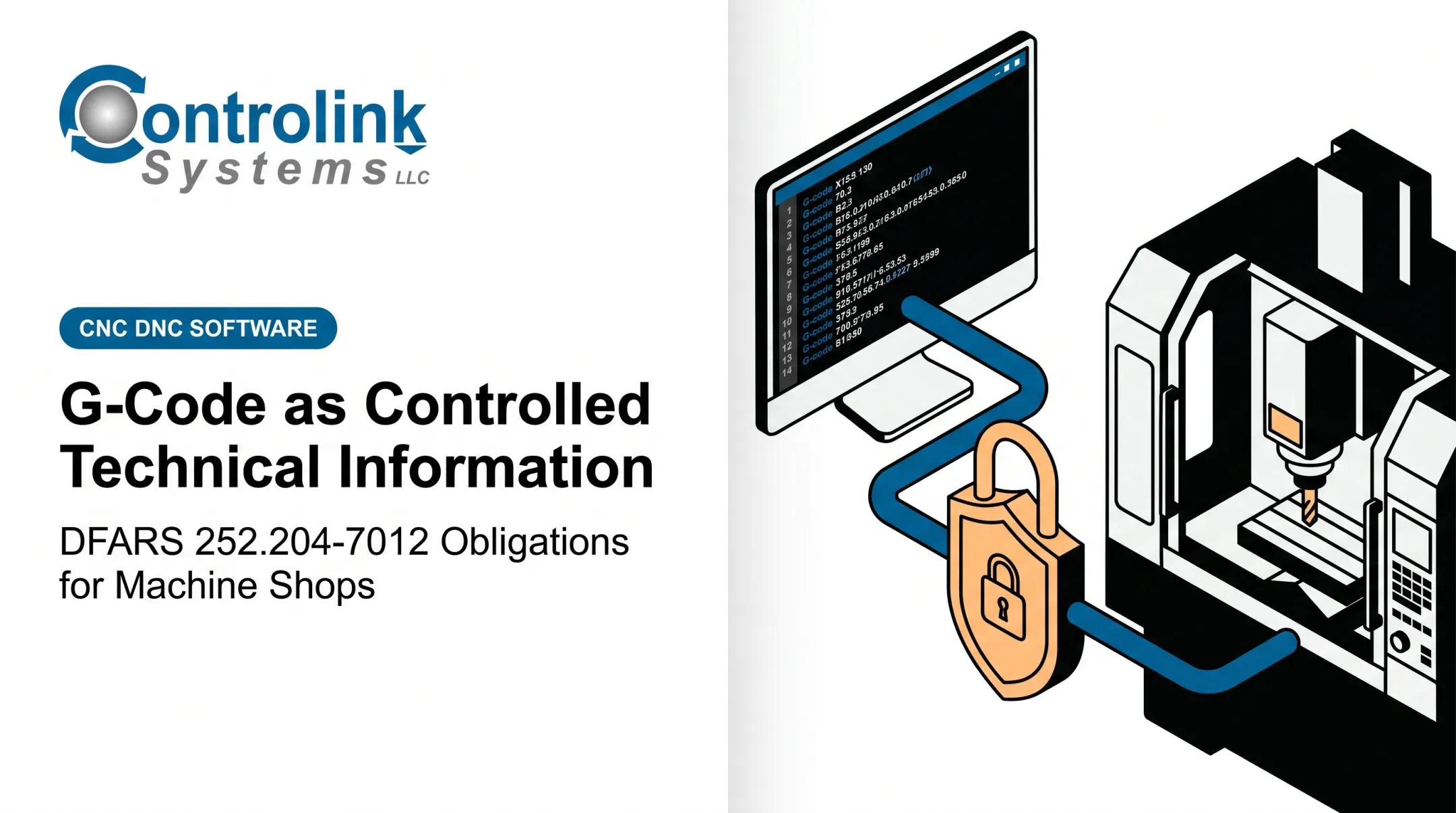
Step 3: Transfer Only Approved Information to Machines and Shop-Floor Systems
Before a file reaches a controller or DNC server, a designated owner must verify the revision, authorization, and dissemination restrictions.
- Use controlled transfer methods and designated staging devices for USB drives and offline equipment
- Document restrictions for network shares and direct machine connections
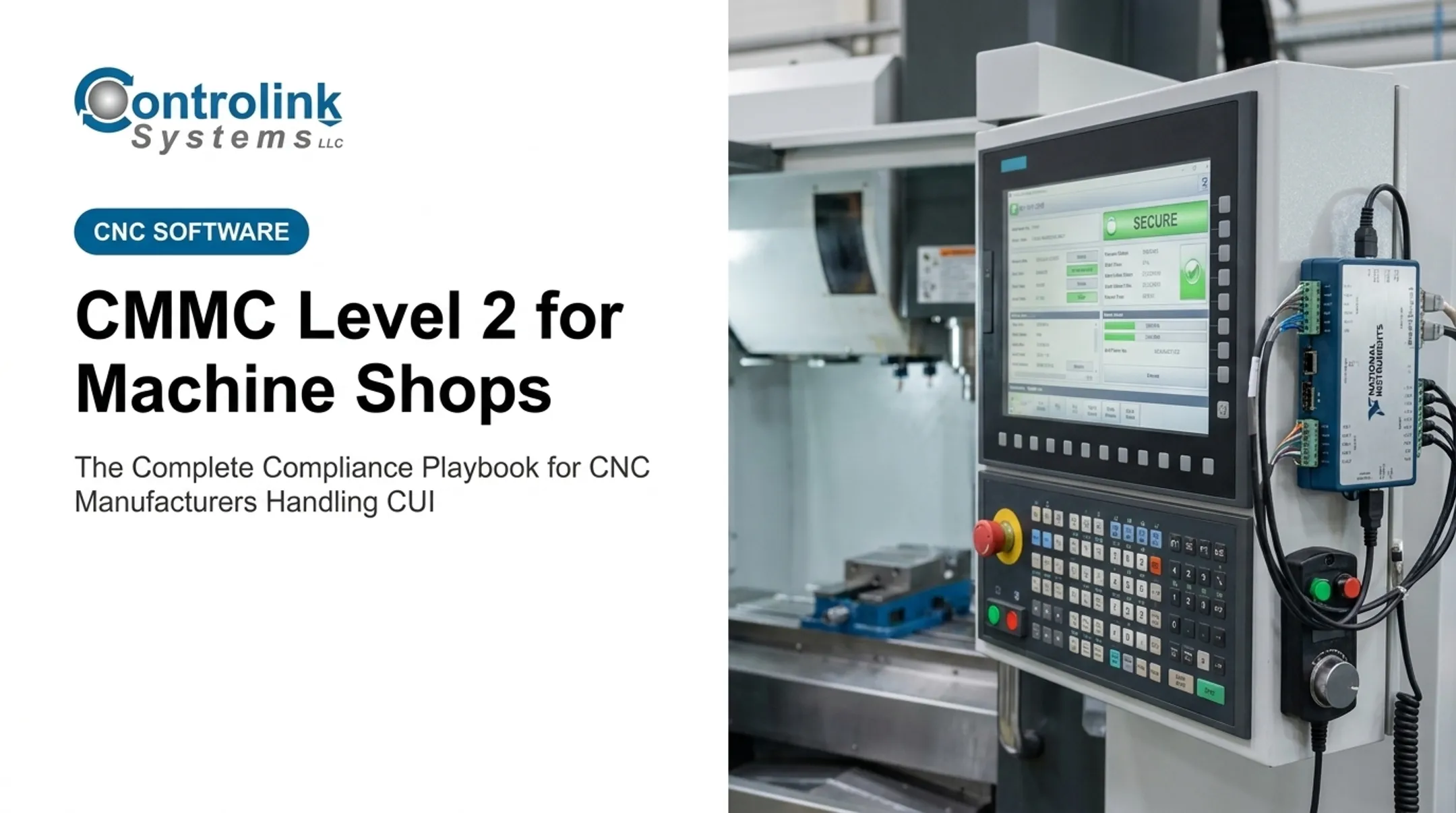
- Keep CNC/DNC communications and shop-floor automation platforms inside your documented system boundary
Controlink Systems LLC, for example, has spent over 25 years linking CNC/DNC communications, PLC hardware, and shop-floor databases into one controlled workflow. That integration supports repeatable transfers—but CMMC compliance still rests on your documented procedures and risk decisions.
Step 4: Control Use, Output, and Disposal at the Point of Work
Operators and inspectors should only see what their role requires. That includes screens, printed setup sheets, and inspection boards.
- Prevent visitors, delivery personnel, or unrelated employees from viewing CUI on machines or documents
- Define rules for printing, screenshots, and rejected-parts documentation
- Sanitize or destroy media, printer queues, and scrap according to approved procedures
Physical control of media matters as much as digital control. NIST SP 800-171 requires secure storage of system media containing CUI—paper or removable drives alike—per the published standard.

Build the CUI Workflow Before Work Begins
Map the Complete CUI Lifecycle
Before adding new controls, trace where information actually goes: who touches it, where it's stored, how it reaches the floor, and where outputs end up.
- Include people, engineering software, ERP/MES systems, CNC/DNC platforms, machine controllers, and vendors in the data-flow view
- Identify unnecessary handoffs and duplicate copies
- Cut avoidable printing, duplicate file shares, and manual transfers wherever you find them
Establish Ownership and Access Decisions
Assign a clear owner for every decision point: classification, access approvals, file release, incident reporting, and periodic reviews.
- Make responsibilities explicit across engineering, programming, production, quality, and IT
- Apply least-privilege access based on job duties and contract need
- Track evidence: access reviews, training records, system logs, media inventories
Connect Procedures to the Production Schedule
A release gate before production stops bad files before they reach a machine. Build that gate into the systems you already use to move programs to the floor—DNC, MES, or the production schedule—so controls run with the job, not after it.
Before anyone hits run, verify:
- Approved file and current revision
- Correct machine destination
- Documented contingency path for network outages or legacy equipment
Operators should never have to invent CUI controls mid-job.
Key Controls and Parameters That Affect Shop-Floor CUI Protection
Effective protection depends on several variables working together: CUI type, workflow, physical environment, and your ability to produce evidence that controls actually operate.
Data Classification and Marking
Category, distribution statements, and export restrictions all affect handling. Markings need to stay attached to:
- Printed documents
- Electronic files
- Removable media
- Any derivative your team creates from the original
Access Control and Authentication
- Use role-based permissions and unique accounts, with MFA where required
- Extend permissions beyond the main repository to CNC/DNC servers, operator terminals, and inspection stations
- Remove access promptly when roles change
Revision Control and File Integrity
Running an outdated CAD model or CNC program creates a quality problem and a CUI risk at the same time. Maintain a single authoritative source, a clear approval status, and a pre-run verification step for every job.
Physical and Media Controls
Locked storage, controlled printers, and visitor escorting matter as much on the shop floor as they do in an office. Legacy equipment and isolated machines need documented compensating controls, not an assumption that they're somehow out of scope.
The CMMC Scoping Guide treats operational technology that can process or store CUI but can't be fully secured as a Specialized Asset. It still requires documentation in your asset inventory and network diagram, per the DoD's published guidance.

Monitoring, Training, and Incident Response
Where technically feasible, log authentication events, file access, transfers, and removable-media use.
Provide role-based training for programmers, machinists, inspectors, and supervisors on how to:
- Recognize CUI
- Stop an unsafe transfer
- Report an incident fast
When Shop-Floor CUI Controls Are Needed and What to Prepare
Enhanced controls apply when a facility:
- Receives or generates CUI for defense work
- Transfers data to production equipment
- Uses shared or legacy systems
- Can't clearly identify where sensitive files live
Equipment and system requirements:
- Inventory CAD/CAM systems, ERP/MES platforms, CNC/DNC servers, machine controllers, inspection systems, and removable media
- Flag unsupported systems that may need isolation or replacement
Inputs and conditions to gather first:
- Contracts, customer security guidance, CUI markings, and distribution statements
- Facility maps, data-flow diagrams, and existing policies
Readiness checks:
- Confirm employees understand CUI handling separately from machine-operation safety
- Have qualified security or compliance professionals review the plan against NIST SP 800-171, CMMC, DoDI 5200.48, and contract requirements
Treat this as preparation, not a substitute for a formal assessment.
Common Mistakes, Troubleshooting, and Alternatives
Most CUI failures on the shop floor come from a few repeatable gaps. Catch these early, then pick an alternative path that fits your equipment and workflow.
Mistakes to catch and correct
- Skipping preparation: If employees can't identify the authoritative file or approved transfer path, pause production and escalate. Don't improvise.
- Wrong access setup: Watch for excessive permissions, shared accounts, missing MFA, and weak separation between engineering and production systems.
- Uncontrolled paper and media: Trace unexpected printouts and USB drives back to the process that created them, then formalize or eliminate the exception.
- Ignored warning signs: A wrong revision, a visible screen, or an unapproved cloud upload is a reportable event, not a shrug-and-move-on moment.
Alternative approaches
When standard controls don't fit every machine or process, these options still keep CUI in scope:
- Secure enclave or segmented environment: Isolate sensitive work instead of pulling every general-purpose system into scope. Trade-off: usability and machine connectivity often take a hit.
- Paperless or hybrid workflow: Reduce paper through controlled electronic work instructions, while keeping approved printing available with proper marking and destruction procedures.
- Staged transfer for legacy equipment: Use a designated staging workstation or encrypted media process for machines that can't connect directly to a protected network, with documented custody and malware checks.

Conclusion
Handling CUI on a manufacturing floor is primarily a workflow and systems problem. Protection has to follow the information itself, from customer receipt through engineering, programming, machining, inspection, and disposal.
Start with the basics:
- Identify your CUI footprint
- Cut unnecessary copies
- Control approved revisions and transfers
- Limit access to people who need it
- Train everyone who actually touches the data
Then validate the result against your contract obligations, NIST SP 800-171, and CMMC requirements, with qualified compliance support where the boundary isn't obvious. When those controls stay embedded in daily shop-floor work, CUI protection holds up under real production pressure.
Frequently Asked Questions
What are the rules for handling CUI in a manufacturing environment?
Rules generally cover identification, marking, authorized access, secure storage and transmission, physical protection, controlled machine transfers, training, and incident reporting. Always confirm the specifics against your current contract and applicable regulatory requirements.
What are examples of CUI?
In manufacturing, this often includes defense-related engineering drawings, CAD/CAM files, CNC programs, technical specifications, bills of material, production plans, and inspection records. Whether a specific file qualifies depends on the applicable authority and contract terms.
Who can decontrol CUI?
Decontrol follows the designating government authority, law, regulation, policy, or contract instructions. Shop-floor employees shouldn't remove markings or decide independently that information no longer needs protection.